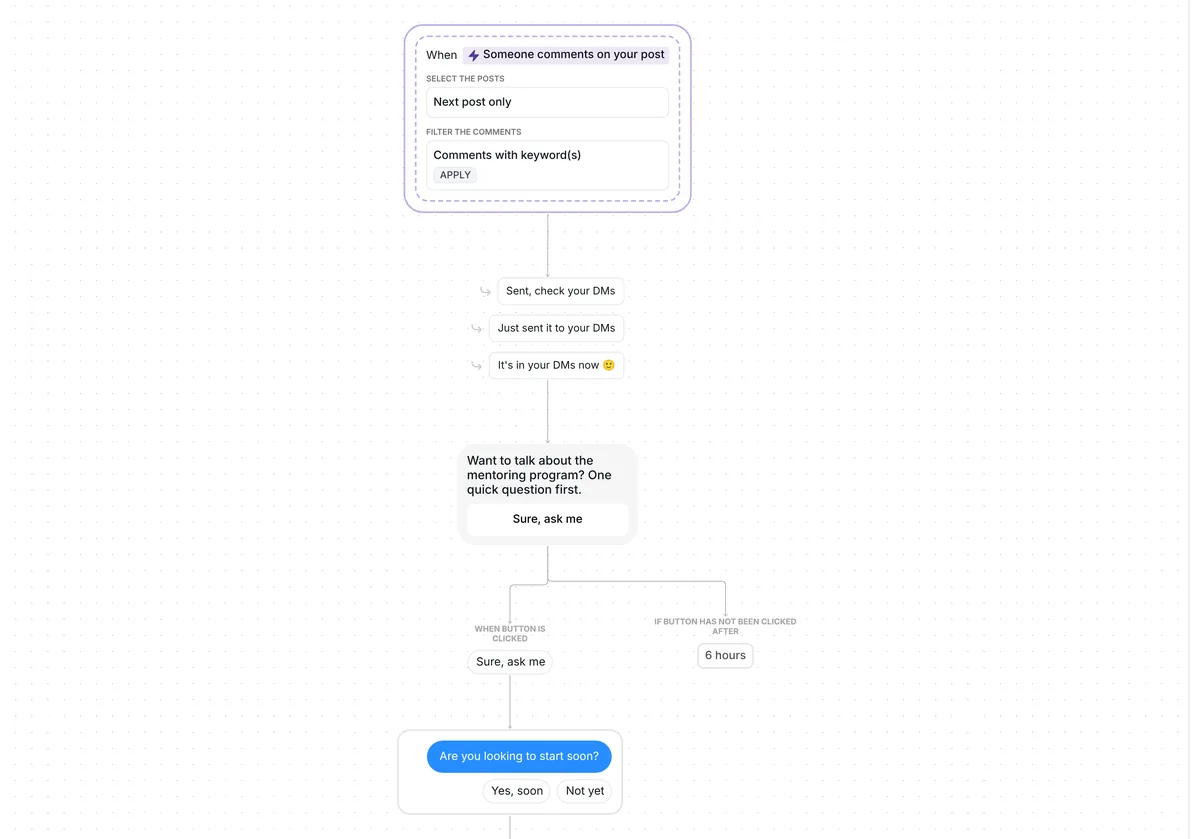
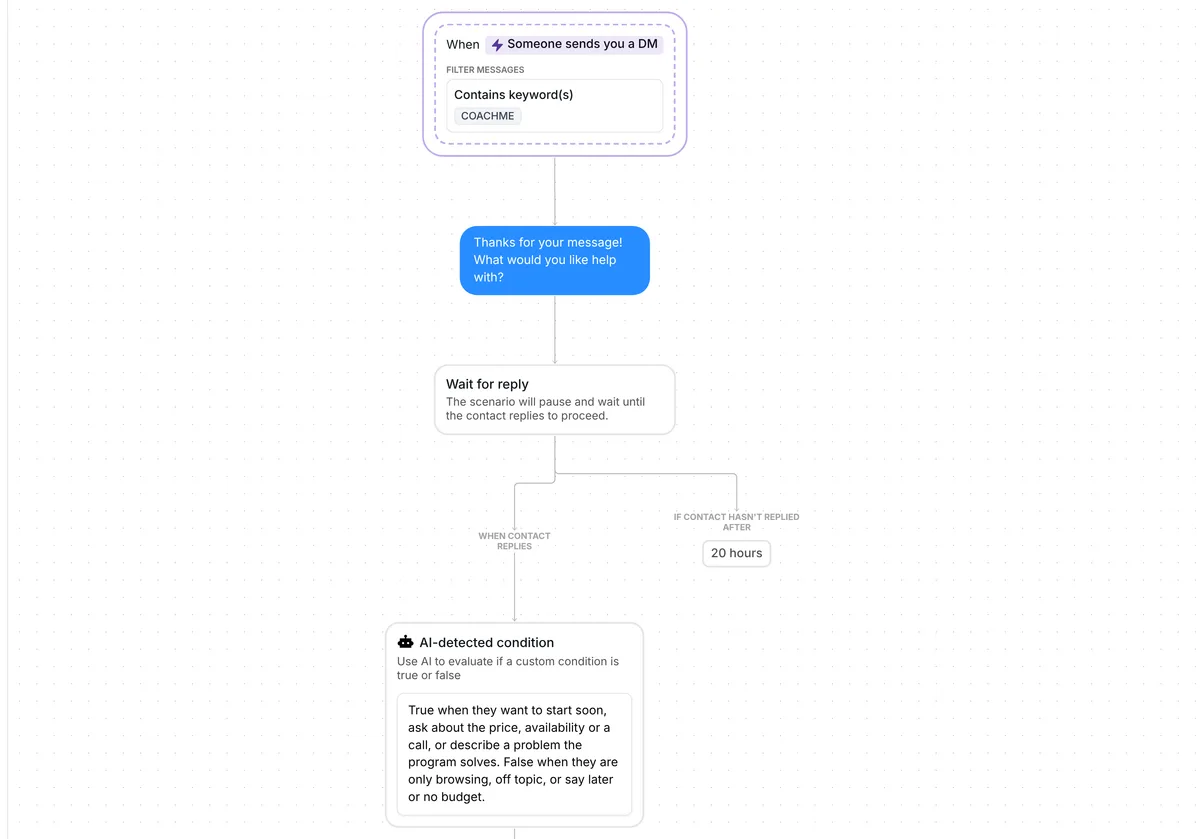
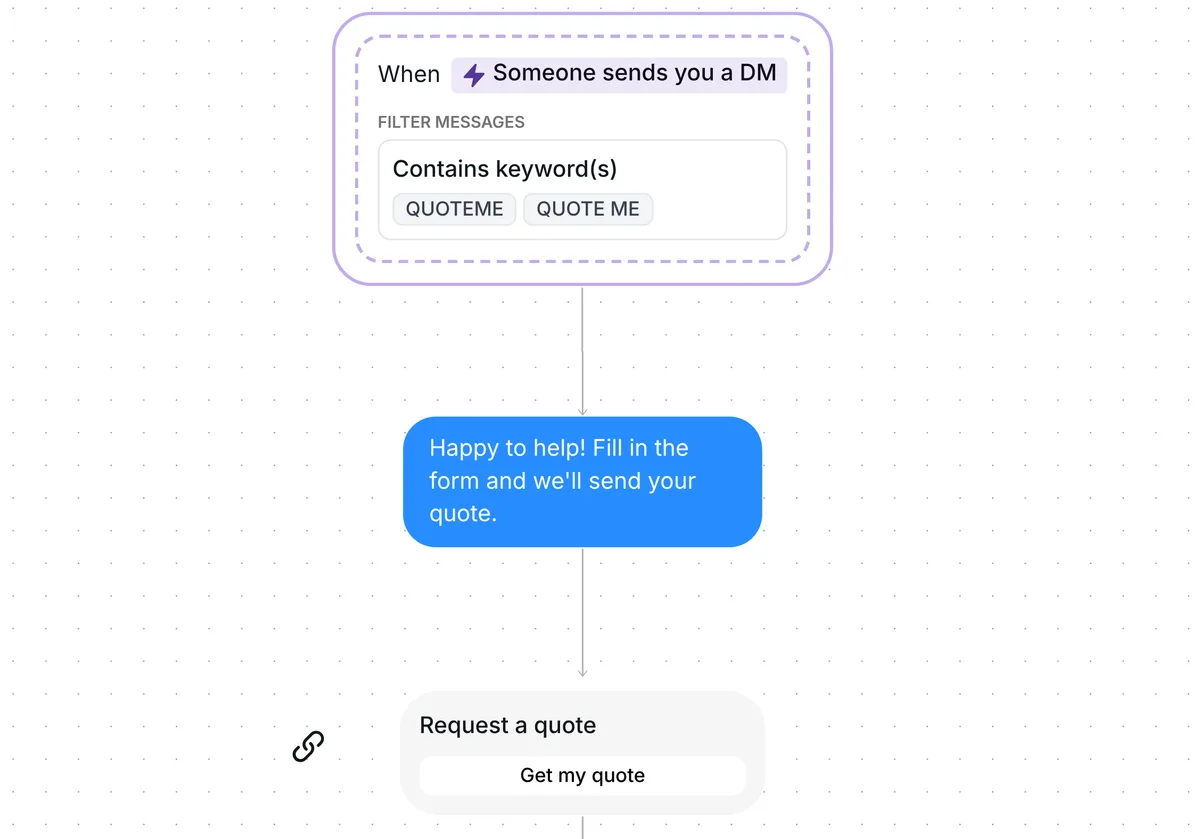
Want more appointments booked from the people who message you on Instagram? This template sends your booking link to everyone who asks in your DMs, even when you are busy, and reminds anyone who has not tapped it.

Kshitij Maheshwari


Someone DMs you RESERVE and gets your booking link in reply, plus one nudge 2 hours later if they have not tapped it. Four versions to copy.
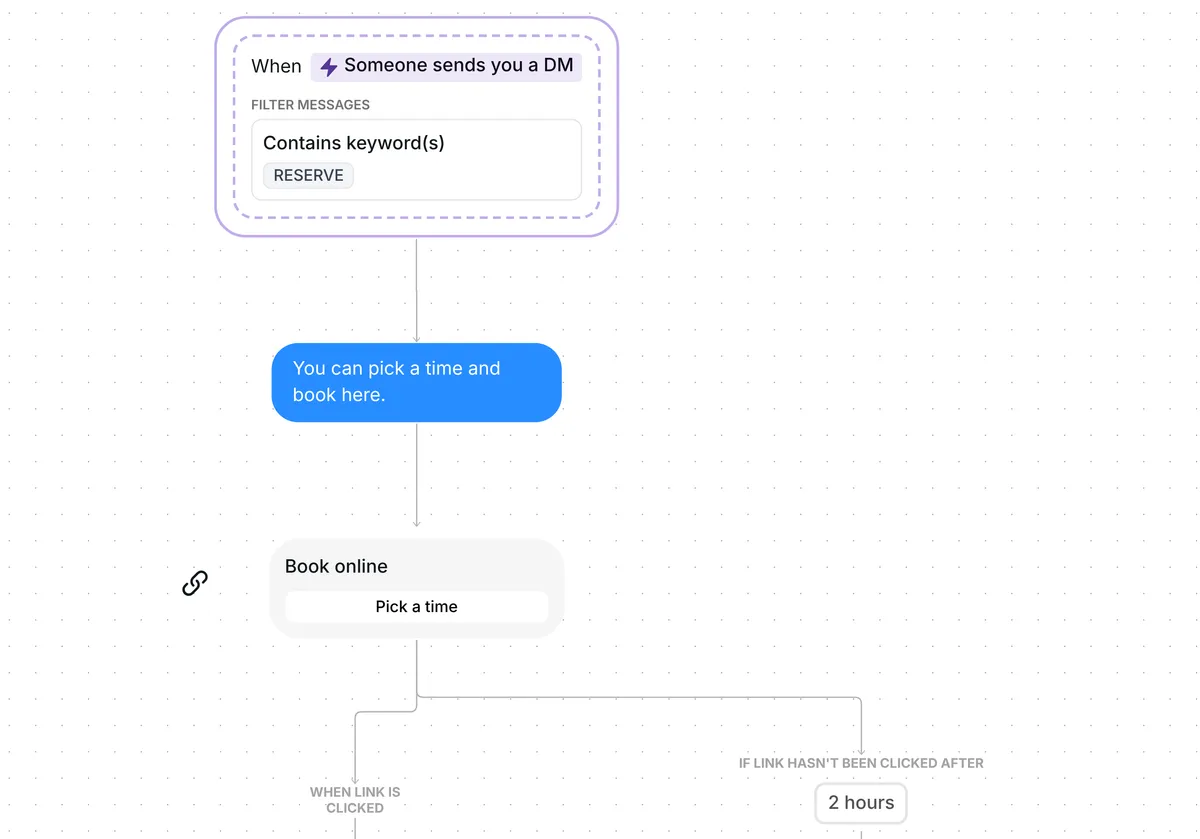
Ask people to DM you RESERVE. Each one gets the message "You can pick a time and book here." and a "Book online" card with the button "Pick a time". A tap puts them in the folder "Bookings: clicked". If they have not tapped it 2 hours later, Inrō sends one nudge: "Have you checked the link yet?"
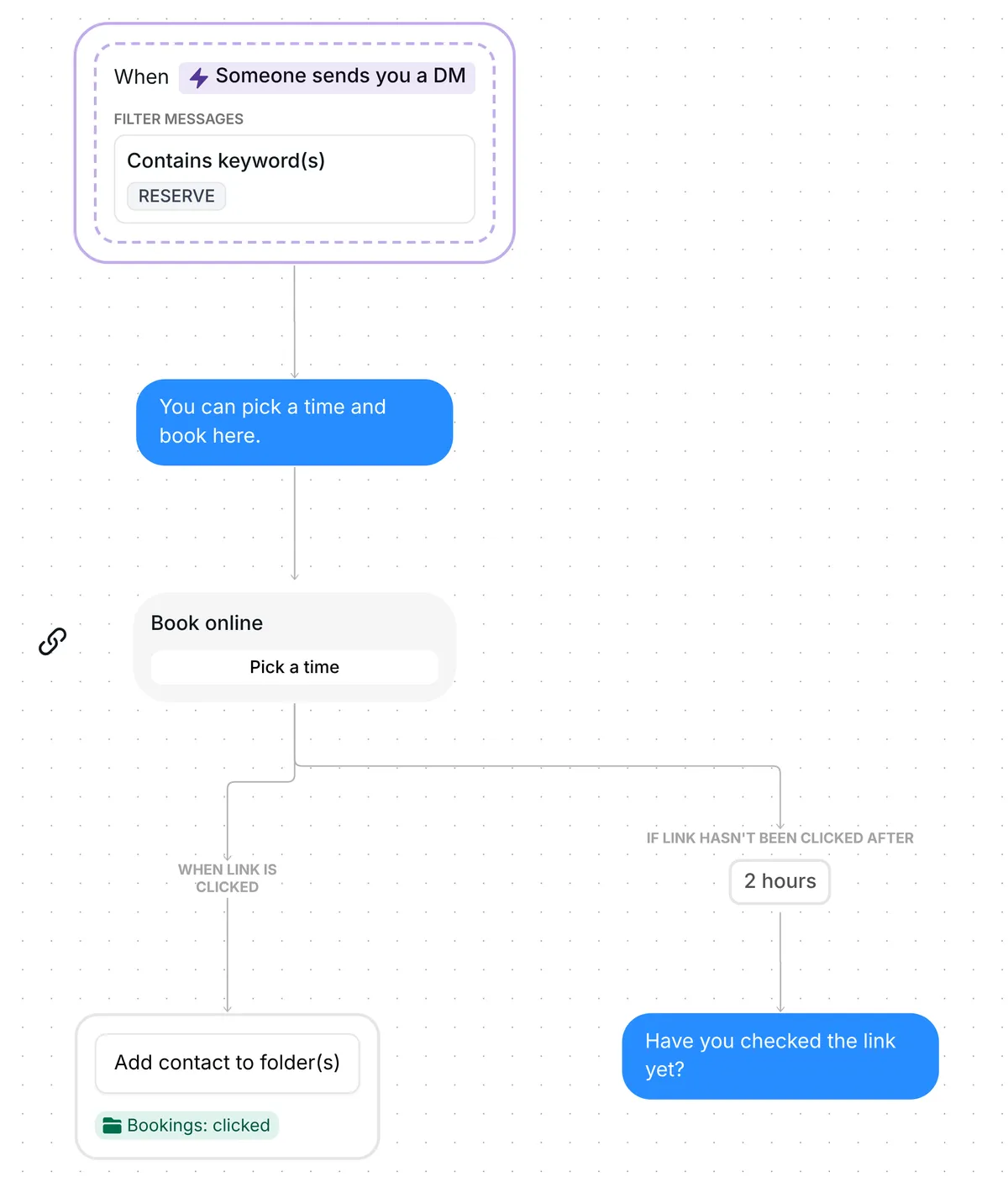
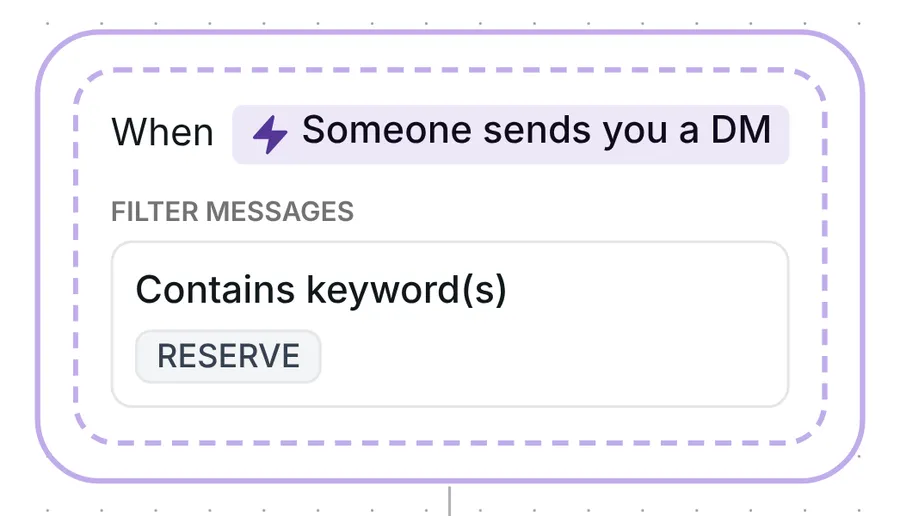
The flow starts when someone sends you a DM that contains the keyword RESERVE. It can be any message in the conversation, the first or a later one. The word can sit inside a longer message, in capitals or not, so "Can I reserve for Friday?" and "RESERVE" both start it. "Reserved" and "reserves" count too.
Inrō waits 5 seconds after a person's last DM before it reads what they sent (message grouping), so "Hi" followed by "RESERVE" counts as one message.
First comes a short message: "You can pick a time and book here." Then a link card titled "Book online", with the button "Pick a time". The link in the card is an example address until you paste your own booking page (see below).
DM keyword flows on Inrō get a 20.9% click rate (Inrō production data). That is a figure for DM keyword flows in general, not a result of this template.
When someone taps the link, Inrō adds them to the folder "Bookings: clicked", a label that groups those contacts so you can find everyone who opened your booking page.
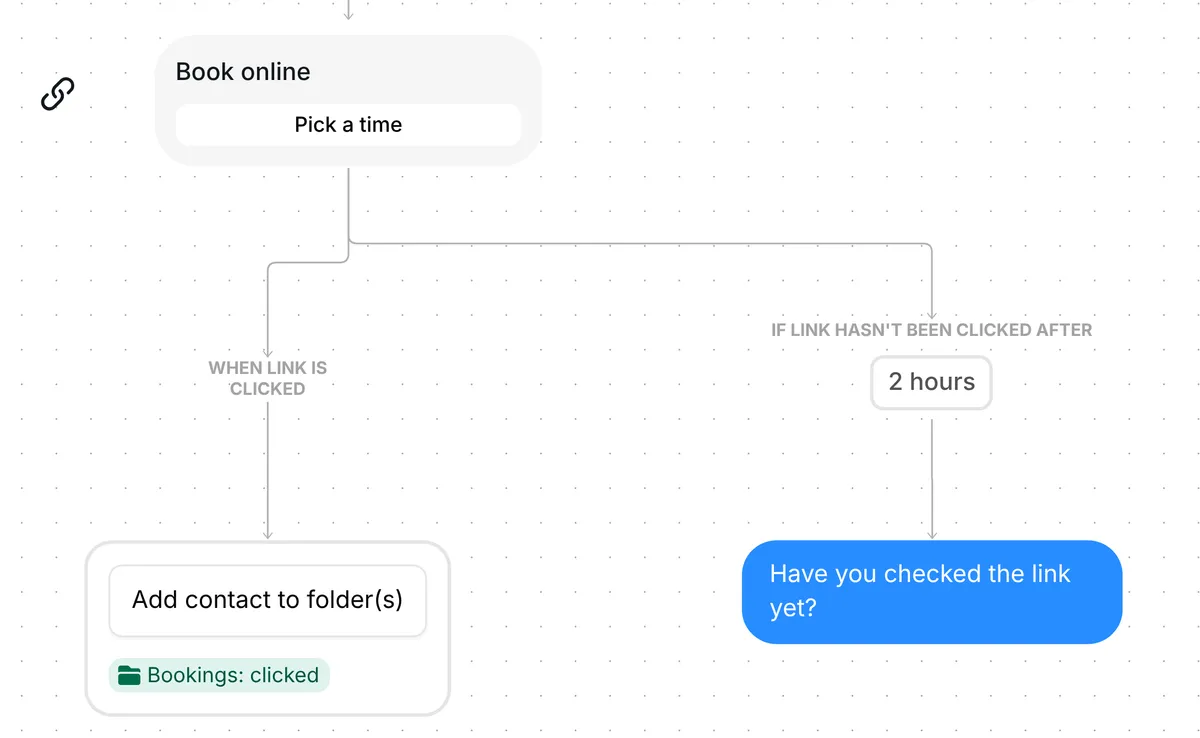
Inrō records who tapped the link, not who booked: the booking itself happens on your booking page.
If the person has not tapped the link 2 hours after it went out, Inrō sends one nudge: "Have you checked the link yet?" Nobody who tapped gets it.
The 2 hours is only the wait before the nudge. The link keeps working after it, so a tap the next day still opens your booking page and still adds the person to the folder.
The trigger comes set up: a DM that contains RESERVE, in any message of the conversation.
Check six things before you go live:
Same steps in each. Every version changes the wording and the folder, and most change the keyword. Each name below opens that version to copy.
Coaches: sessions. Keyword BOOKME. Message: "Pick a time that suits you here." Card "Book a session", folder "Sessions: clicked", and a softer nudge: "No rush, your link is just above." Coaches version
Creators: brand calls. Keyword BOOKME. Message: "You can pick a time for a call here." Card "Book a call", folder "Brand calls: clicked". Creators version
E-commerce: fittings. Keyword FITTING. Message: "You can pick a time for your fitting here." Card "Book a fitting", folder "Fittings: clicked". E-commerce version
Local businesses: appointments. Keyword RESERVE and the base message, with the card "Book an appointment", the folder "Appointments: clicked" and the nudge "No rush. The link is just above if you need it." Local business version
More flows for clinics that book consults: Instagram automation for clinics.
The one that names what you book: sessions for coaches, brand calls for creators, fittings for shops, appointments for local businesses. If none fits, copy the base template and change its message and card title to your own words.
No. The nudge only goes to people who have not tapped the link 2 hours after it went out.
No. The 2 hours is only the wait before the nudge. The link keeps working, and a later tap still adds the person to the "Bookings: clicked" folder.
The link card records taps, not bookings. To see the appointments in Inrō, use the Calendly booking link step instead of the card.
Not sure how it work?
Read posts about templates on our blog.
Become a creator
Submit your template to the Inrō template gallery and get featured – all in just a few clicks.

It clones straight into your account. Change the message to sound like you, then switch it on.