Write your Instagram caption
How long should an Instagram caption be?
An Instagram caption can run to 2,200 characters, and roughly the first 125 of them are what people read before tapping more. Meta documents the first number in its Instagram Platform reference and says nothing at all about the second, which every caption guide repeats anyway.
We ran the eight working caption generators in August 2026. Every one is AI. One counts the caption it wrote for you. None marks where the feed cuts it. The two that returned a caption without an account wrote 245 to 545 characters, two to four times the preview those same pages describe. This tool assembles the caption from written patterns instead, and draws the fold on it.
How this generator works
- Describe the post. One short phrase in your own words, which drops into the caption unchanged.
- Pick one goal. Saves, comments, DMs or link taps, which rewrites the closing ask and nothing else.
- Read the fold. The preview shows what survives the cut, then edit and copy the caption.
What this does that an AI caption tool does not
- A fold preview. The tool draws the cut at 125 characters and shows exactly what survives it. None of the eight generators we tried marks that line.
- It counts what Meta counts. Characters against 2,200, hashtags against 30 and tags against 20, all three from Meta's own reference.
- The goal rewrites the ask. Saves, comments, DMs and link taps each close differently, and nothing else in the caption moves.
- Nothing is generated. Every line is a written pattern plus your own words. The same inputs always return the same caption.
Where the caption rules come from
Two numbers govern every caption. One is documented, one is folklore. Here's each source and its date:
Six write-ups agree on 125 and none says where it came from, one gives 80 to 100, and one prints 55 to 60 for the Reels tab. Meta gives the ceiling and stays silent on the preview.
Handling DMs by hand vs automating with Inrō
Manual DM management
Just answering as fast as you can
Warmest leads go cold before you reply
Miss everything while you're offline
No lead capture or CRM tagging
Engagement rarely turns into sales
Inrō automation
Instant replies + lead capture
Auto-reply to every comment in seconds
Works 24/7, never miss a follower
Every lead tagged in Smart Inbox & CRM
Turns engagement into booked revenue
Start free with Inrō
Before you post it
- Say the point before the fold. Sendible's April 2026 guide puts it plainly: only the first 125 chars show before more. Lead with your hook.
- Push hashtags to the end. Meta's reference allows 30 of them, and not one of them belongs in the line that shows.
- Ask for one thing. A caption that wants a save and a comment and a share reliably gets none of the three.
- Rewrite the middle. The patterns here are written by hand; the context line is the one a reader will spot as borrowed.
Where a caption goes wrong
Burying the point
The fold arrives at roughly 125 characters, so a caption that warms up for two sentences shows nobody the point.
Asking for four things
Saves, comments, shares and a link tap in one caption split the single behaviour you actually wanted.
Posting it unedited
These are assembled from fixed patterns, so a caption you haven't rewritten reads like everyone else using the same tool.
A caption is a hook, a reason to keep reading, and one ask. The only number Meta commits to is the 2,200 character ceiling; the 125 character fold is a working guide, and the point belongs in front of it.
Turn caption comments into DMs
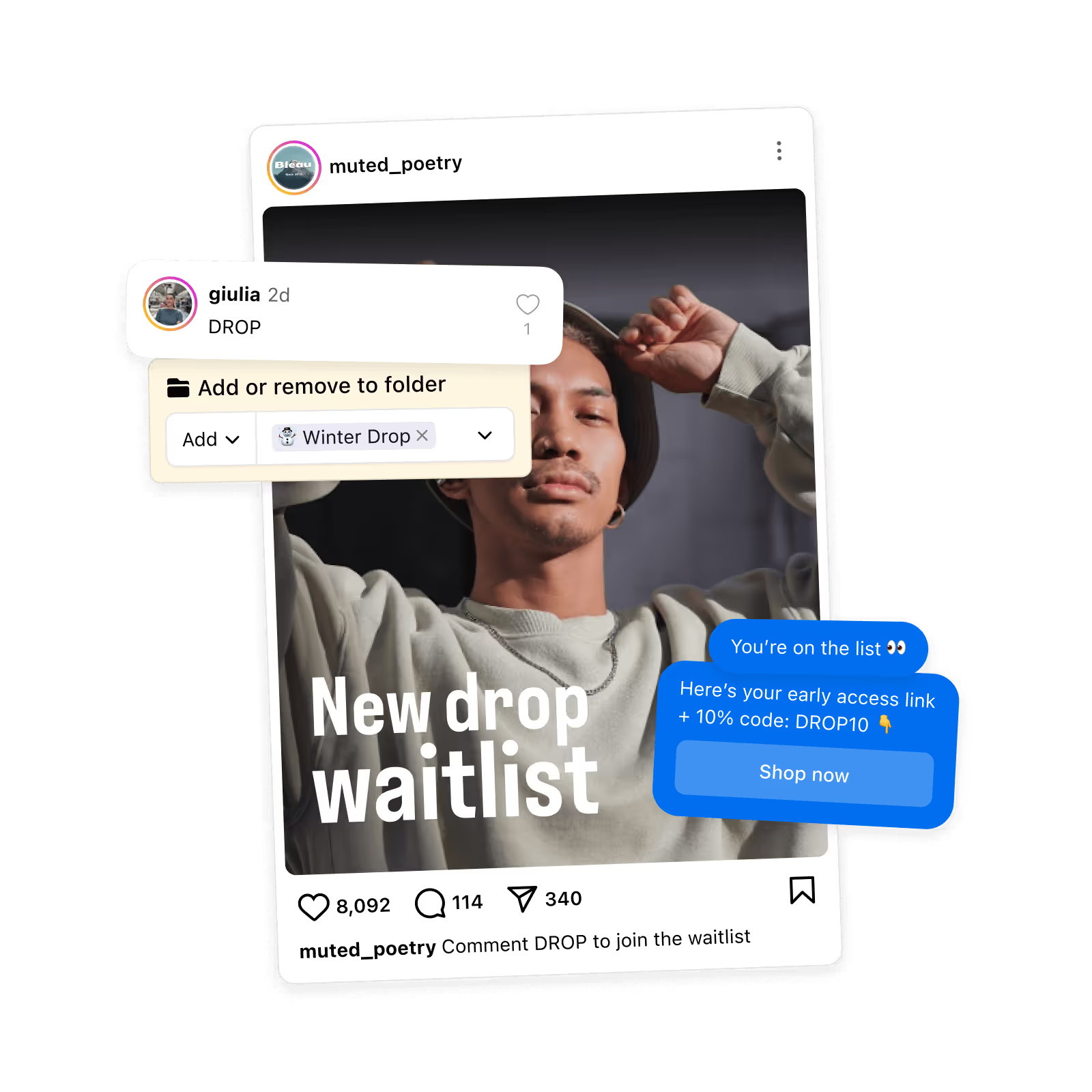
When a caption asks for a comment, Inrō sends the DM that answers it, on Meta's official API. The free plan covers 100 active contacts a month, 3 automations, 3 campaigns and 50 AI credits.
Start for free
Trusted by 10,000+ creators and brands
, including Walmart & Yoyomatch
Frequently asked questions
How long should an Instagram caption be?
Meta documents one hard ceiling and no ideal. Its Instagram Platform reference says a caption takes a "Maximum 2200 characters, 30 hashtags, and 20 @ tags" (August 2026). Everything past that is a choice, not a rule. The number worth writing to is the preview: caption guides put it at roughly the first 125 characters, after which the feed hides the rest behind more. So the useful answer has two halves. Your caption can be as long as it earns, because length costs nothing once someone has tapped. Your first 125 characters have to be worth the tap on their own. The tool draws that line for you so you can see which half your point landed in.
Where does the 125 character caption rule come from?
Nowhere primary, which is why this page labels it reported rather than documented. We traced it through eight sources on 2 August 2026. Bitly, Replug, Sendible, TextCaret and Boomp all gave 125 between December 2023 and July 2026, and none named a study, a sample or a screenshot test. QuillBot gives 80 to 100 instead. The same bundle.social guide that prints about 125 for the feed prints 55 to 60 for the Reels tab. Meta itself documents the 2,200 character ceiling and says nothing at all about a preview. A number that shifts with the surface behaves like a line clamp, not a character budget, so treat 125 as a working guide and put your point well in front of it.
How many hashtags and tags can one caption hold?
Thirty hashtags and twenty @-mentions, and unlike the fold this one is documented. Meta's Instagram Platform reference gives the caption parameter as "Maximum 2200 characters, 30 hashtags, and 20 @ tags" (August 2026). The counter under the caption tracks all three at once, so you find out here rather than when a post refuses to publish. Where they go is a separate question with no documented answer. Hashtags count toward the same 2,200 characters as your words, and a block of them at the top eats the part of the caption people actually read. Putting them at the end, or in the first comment, keeps the preview clean. Neither placement changes what Meta allows.
Does this Instagram caption generator use AI?
No, and that is deliberate. Every caption here is assembled in your browser from patterns written by hand, joined to the words you typed. The same inputs always return the same caption, and you can see exactly which control changed which line: the opening pattern writes the hook, the tone rewrites the wording of all three parts, and the goal rewrites the closing ask and nothing else. In August 2026 the eight working caption generators we tried were all AI, and the two that answered without an account wrote 245 to 545 characters, several times the preview their own pages describe. A caption you can predict is easier to edit than one you have to regenerate.
What are the three parts of an Instagram caption?
A hook, a piece of context, and one ask. The hook is the first line and the only part guaranteed to be read, so it carries the whole idea rather than warming up to it. The context is the reason the tap was worth it: what the thing is, who it is for, what it costs you to give away. The ask is one instruction, matched to what you actually want the post to do. Keeping them as three separate blocks with blank lines between them is what makes a caption scannable, and it is what lets you test one part at a time. Change the hook and keep the rest, and you learn something. Change everything and you learn nothing.
Which caption goal should I pick?
Pick the one thing you would be happy to get, then let the caption ask for only that. Saves suit evergreen posts, anything someone would want again in a fortnight. Comments suit posts where a reply starts a conversation you want to have, because a comment is the only engagement you can answer. DMs suit posts with something to hand over, where the ask is a keyword people type. Link taps suit a product or a page that has to be visited to make sense. The tool rewrites the closing line for each goal and leaves the hook and context alone, so you can hold your writing steady and change only the ask.
Can a caption make people comment a keyword?
Yes, and it is one of the four goals here. Pick DMs, put in one short word, and the caption closes by asking readers to comment it. What this page will not do is teach the automation behind it, because the mechanics have a page of their own: how keyword matching behaves, how many messages go out per person, and where the reply lands for people who do not follow you all live on the comment-to-DM caption generator, which is built entirely around that one caption type. Use this tool for general posts and that one when the keyword is the whole point of the post.
Why does this tool not add line breaks, bold text or symbols?
Because formatting is a different job with different failure modes, and each one has its own tool. This generator writes the caption as three plain blocks separated by blank lines, which is the structure, and leaves the presentation alone. Spacing and line-break tricks that survive the Instagram composer belong to the caption formatter. Bold and italic on Instagram are not real formatting at all but Unicode lookalike characters, which screen readers read badly or not at all, so they belong to the fonts generator along with that warning. Decorative symbols belong to the bio symbols page. Keeping them separate means the caption you copy from here is plain text that will paste anywhere without surprises.
Is it free, and is anything stored?
Free, with no account, no email and no limit on how many captions you build. Nothing is stored and nothing is sent: the patterns ship with the page and the caption is assembled in your browser, so what you type never leaves the tab. That also means there's nothing to sign up for before you see a result, which is not true of most caption tools. Two of the eight we tried in August 2026 needed an image upload before they would write anything, one capped free use at one caption a day, and two returned no caption at all. Copy your caption, close the tab, and there is no trace of it here.
Kshitij runs the growth experiments and looks after client success from first trial to enterprise rollout at Inrō. The advice in these tools comes from funnels he has tested on real accounts, and from the support tickets that follow when a setup goes wrong.


.avif)