
Connect your Inrō account to Claude or ChatGPT and run your Instagram posts, DMs, automations and analytics just by describing what you want.
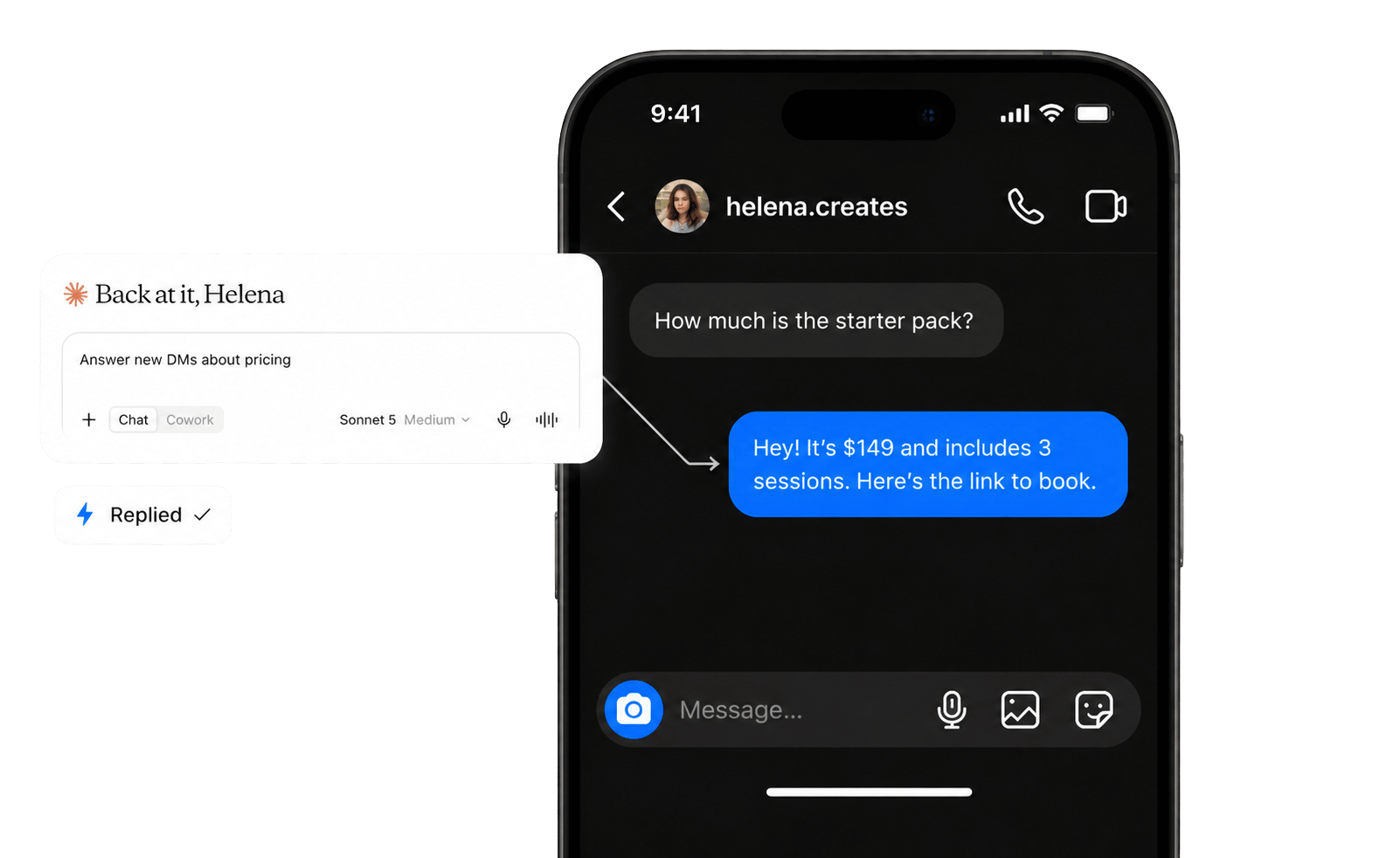

















Works with your assistant, and the rest of your stack


Until now you could ask an AI assistant to write a caption, but you still had to leave the chat, open Instagram, and do everything yourself. Inrō closes that gap.
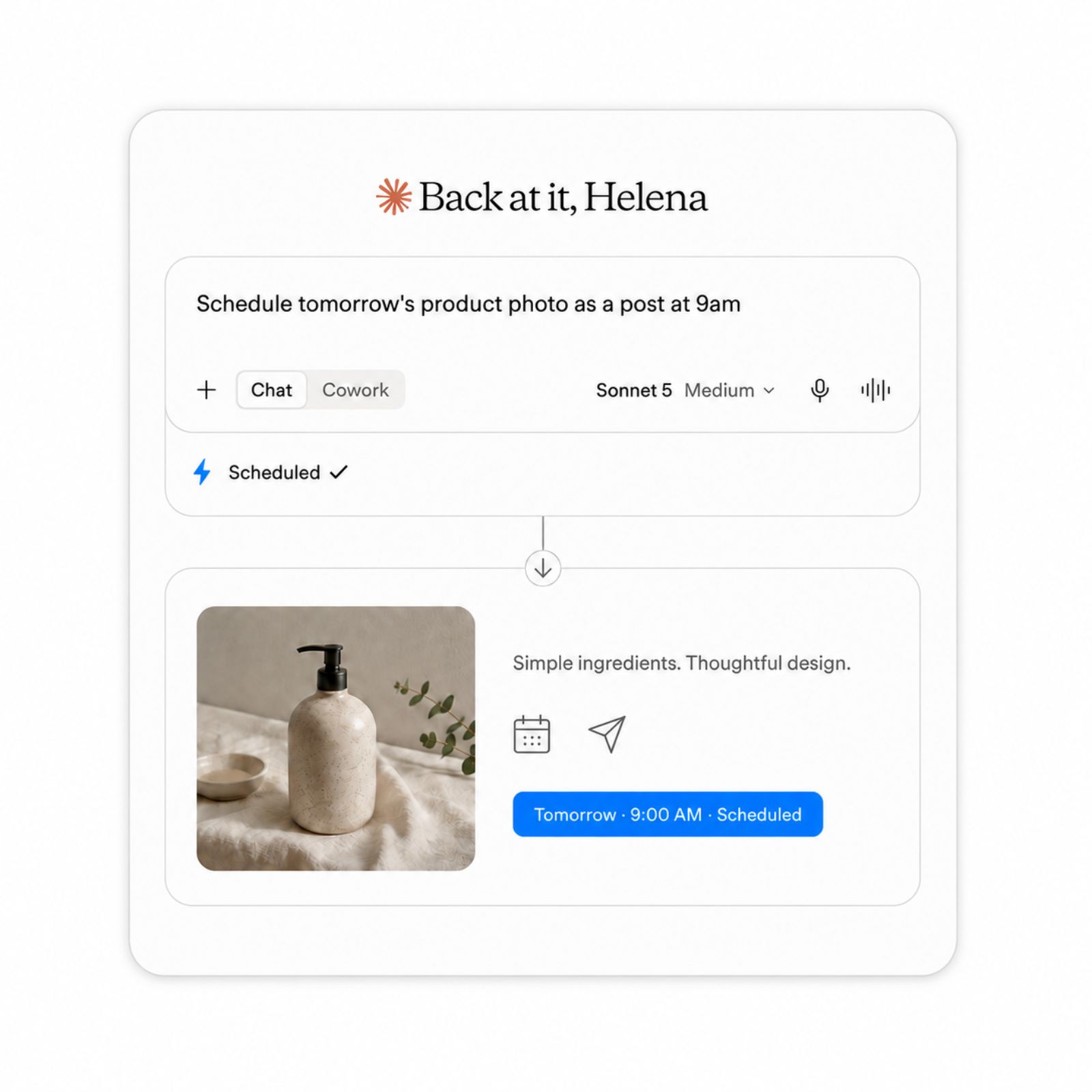
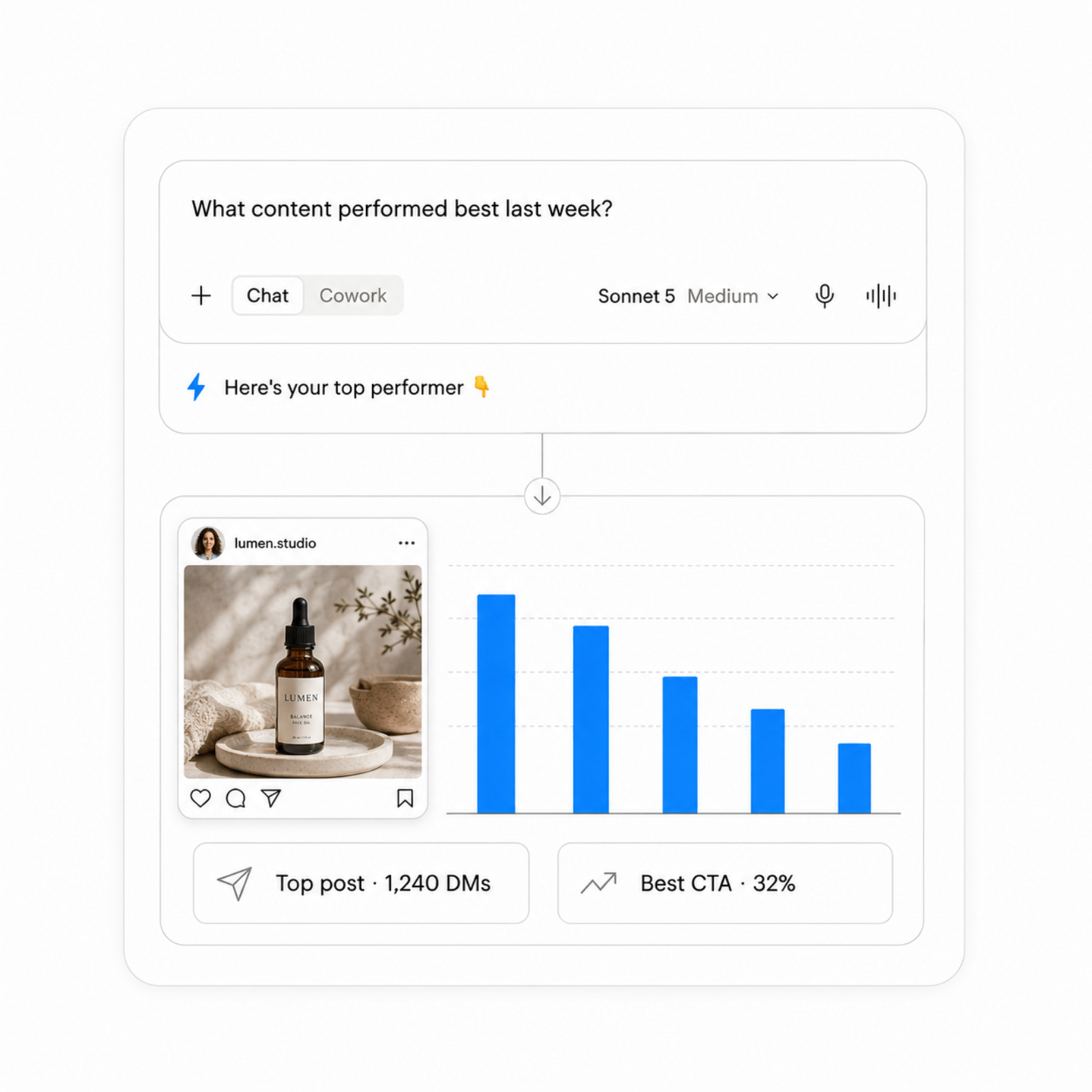
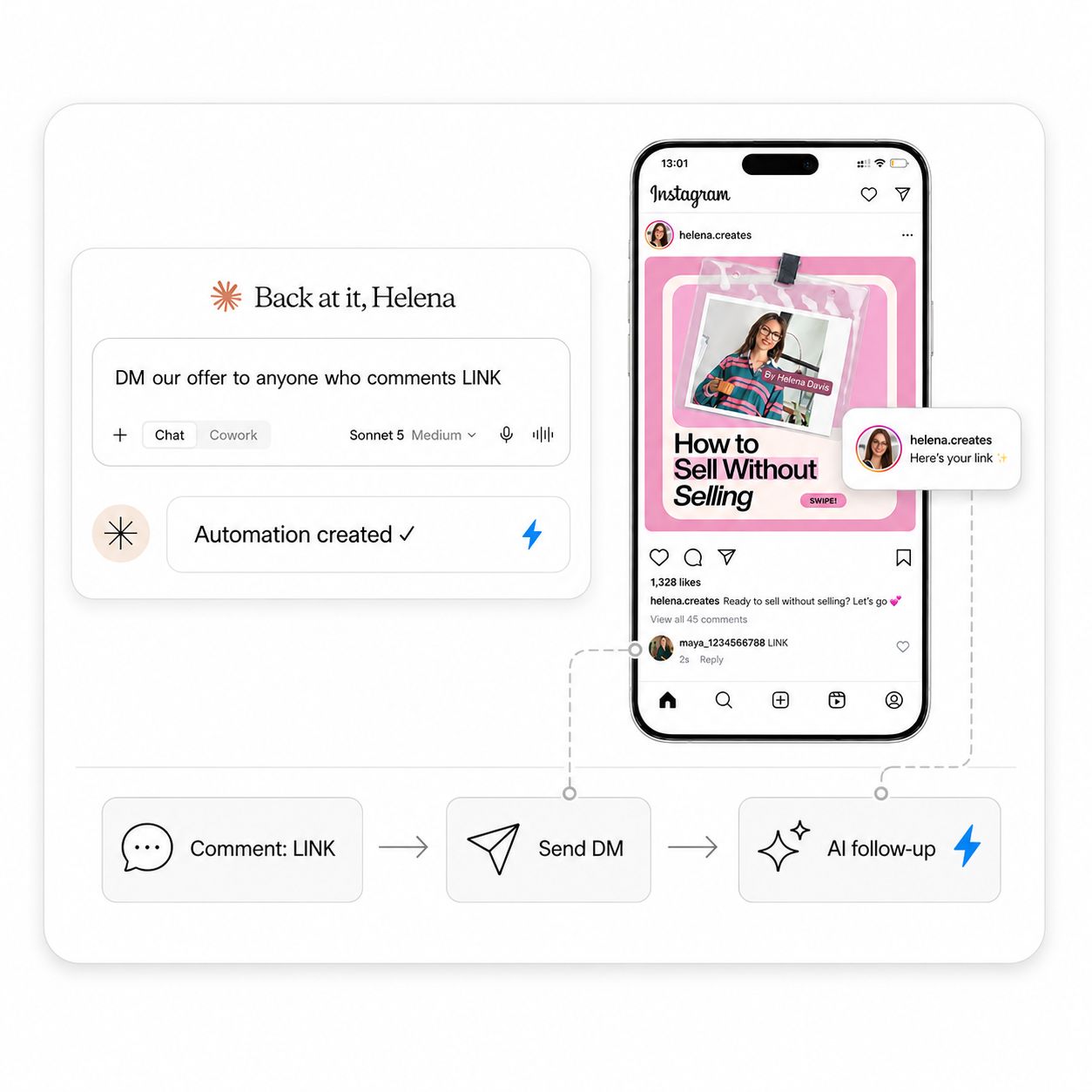
Your assistant is four steps from running your Instagram.
.png)
.png)
.png)
Handing an assistant access to your Instagram is a real decision. Inrō is an official Meta Tech Provider and everything runs on Meta's official Instagram API, so nothing your assistant does bypasses Instagram's rules. Here is exactly what that access is, and is not.











Accounts on a Pro or Trial plan. On a free plan, you'll see an upgrade prompt.
MCP stands for Model Context Protocol, an open standard from Anthropic that lets an AI assistant connect directly to an outside tool. An Instagram MCP server applies that to Instagram: once connected, you can ask Claude or ChatGPT about your account and act on it in plain language, without opening a dashboard. Most Instagram MCP servers are analytics-only, so they can read performance metrics but cannot touch your DMs or your automations. Inrō's covers both, which means your assistant can read how your content performed and also work with your contacts, campaigns and scenarios.
Any assistant that supports the Model Context Protocol. Claude and ChatGPT are the most common, and Cursor works too. In Claude you add Inrō under Settings, then Connectors, then Add custom connector. The connection is the same whichever client you use, so nothing changes if you switch assistants later.
Inrō gives your assistant more than 25 tools. It can publish or schedule posts, Reels and Stories, read and reply to DMs, search and segment your contacts, build and switch on automations, run DM campaigns, and answer questions about how your content and flows are performing. You describe what you want in plain English and the assistant does the work inside your Inrō account.
They solve different problems. The AI Agent talks to your followers. It replies to DMs and comments in your voice, qualifies leads and sends the right link, running continuously in the background. The MCP server talks to you. It lets your own assistant operate Inrō on your behalf, so you can publish content, pull numbers or build an automation just by asking. Most accounts end up using both, with the AI Agent handling conversations and MCP handling the admin around them.
No. Connecting is a one-click sign-in from your Inrō dashboard, similar to signing in with Google, or you can paste a private API key you generate in your settings. There is nothing to host, no developer app to register and no Graph API setup to maintain. After that you type requests in normal language.
Yes. Inrō is an official Meta Tech Provider and everything runs on Meta's official Instagram API, so nothing your assistant does bypasses Instagram's rules. No browser bots and no unofficial workarounds are involved. On top of that, every capability is marked read-only, write or delete, and your assistant confirms with you before anything destructive. In Claude you can set read tools to always allow and keep write tools on needs approval.
Only what is inside your own Inrō organization. The connection is scoped to a single account, so there is no cross-account access. Within that scope your assistant can read contacts, conversation history, folders, campaigns and scenarios, which is what lets it answer a question like who messaged about pricing last week. Every request is recorded under Profile, then API and MCP logs, so you can see exactly what was asked and when.
Remove the Inrō connector in your assistant, and if you connected using an API key, delete that key in your Inrō settings. Access stops from that point on. Because every action is logged, you can also review everything your assistant did before you disconnect it.
Yes. You can ask your assistant to publish straight away or schedule for later, and it handles the caption, the media and the timing inside Inrō. A typical request covers several steps at once: write a caption in your voice, schedule the post for tomorrow morning, and set up a comment-to-DM automation on it.
Each connection is tied to one Inrō organization. If several Instagram accounts sit inside the same organization, your assistant can work across all of them. If they sit in separate organizations, which is how most agencies set things up, you connect each one separately and switch between them in your assistant.
That is your call, and you set it in your assistant rather than in Inrō. Every tool is labelled by what it does, so clients like Claude let you approve each write individually or allow a category once. The usual setup is to let reads run freely and keep anything that publishes, sends or deletes on manual approval.
Most Instagram MCP servers are analytics-only. They connect to Insights so your assistant can read Reels views, Stories engagement and follower growth, and they stop there, with no access to DMs or automation. Porter, Adzviser and Insightful Pipe sit in that group. Inrō covers content performance and the conversation layer: DMs, contacts and CRM folders, campaigns and scenarios, so your assistant can act rather than only report.
Create your account, connect in about three minutes, and ask your assistant to post something.

