What you get to build with
Everything a campaign needs, including the parts that stop it annoying people.

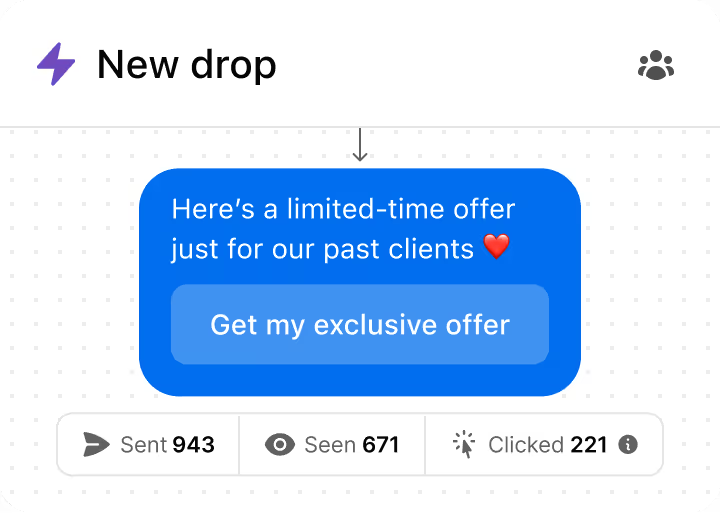
Send a message to everyone who ever commented, replied or bought. Segment it, schedule it, and watch who opens, clicks and answers.


















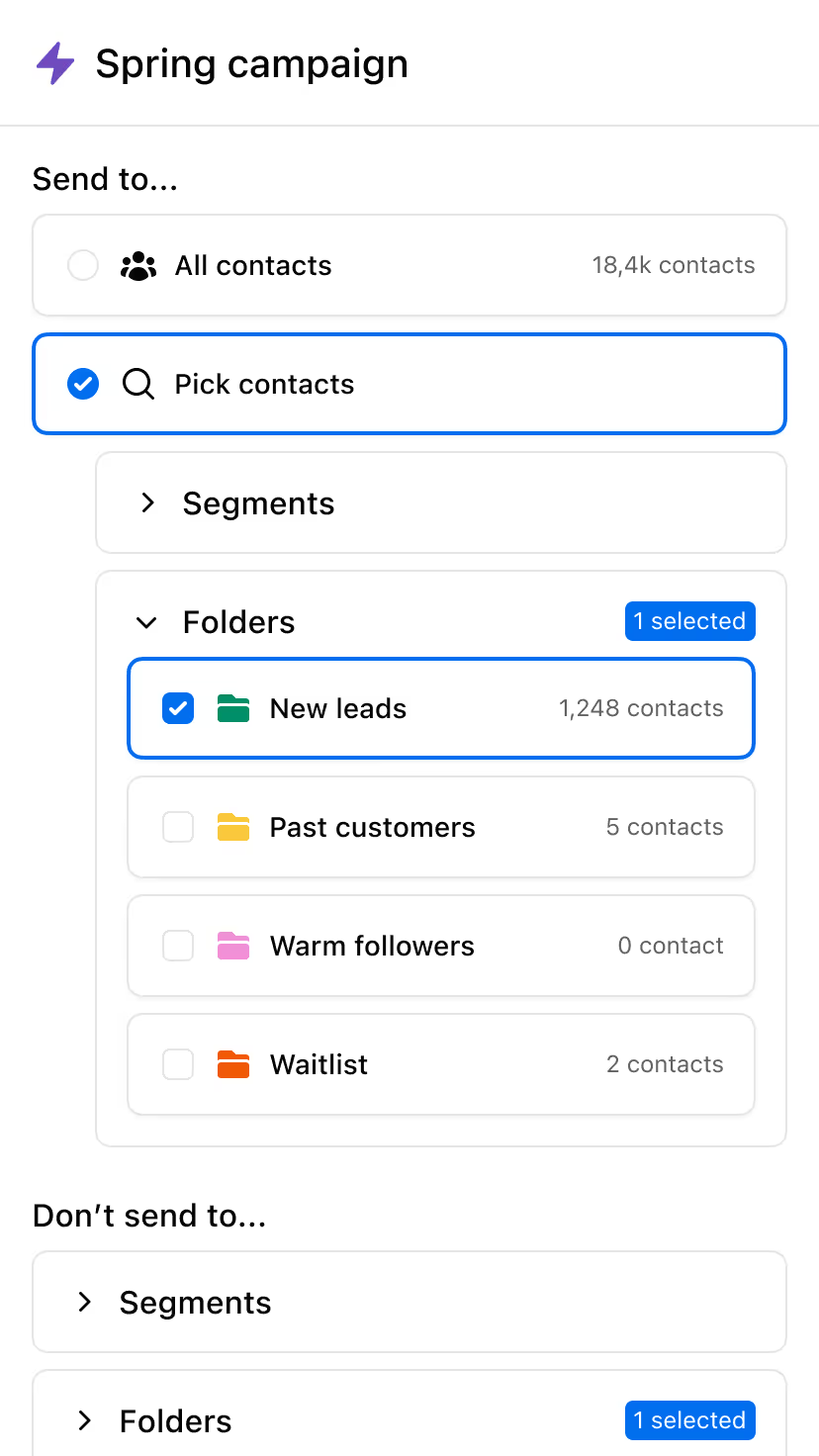
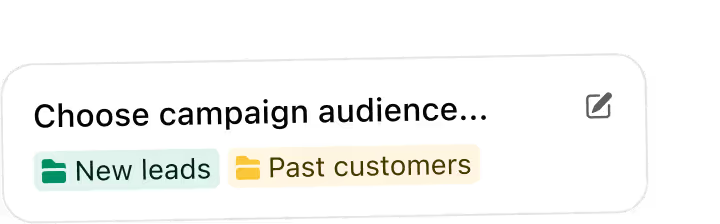
Choose the perfect audience for each DM Campaign: new leads from Comment-to-DM, past customers, waitlists, or warm followers.
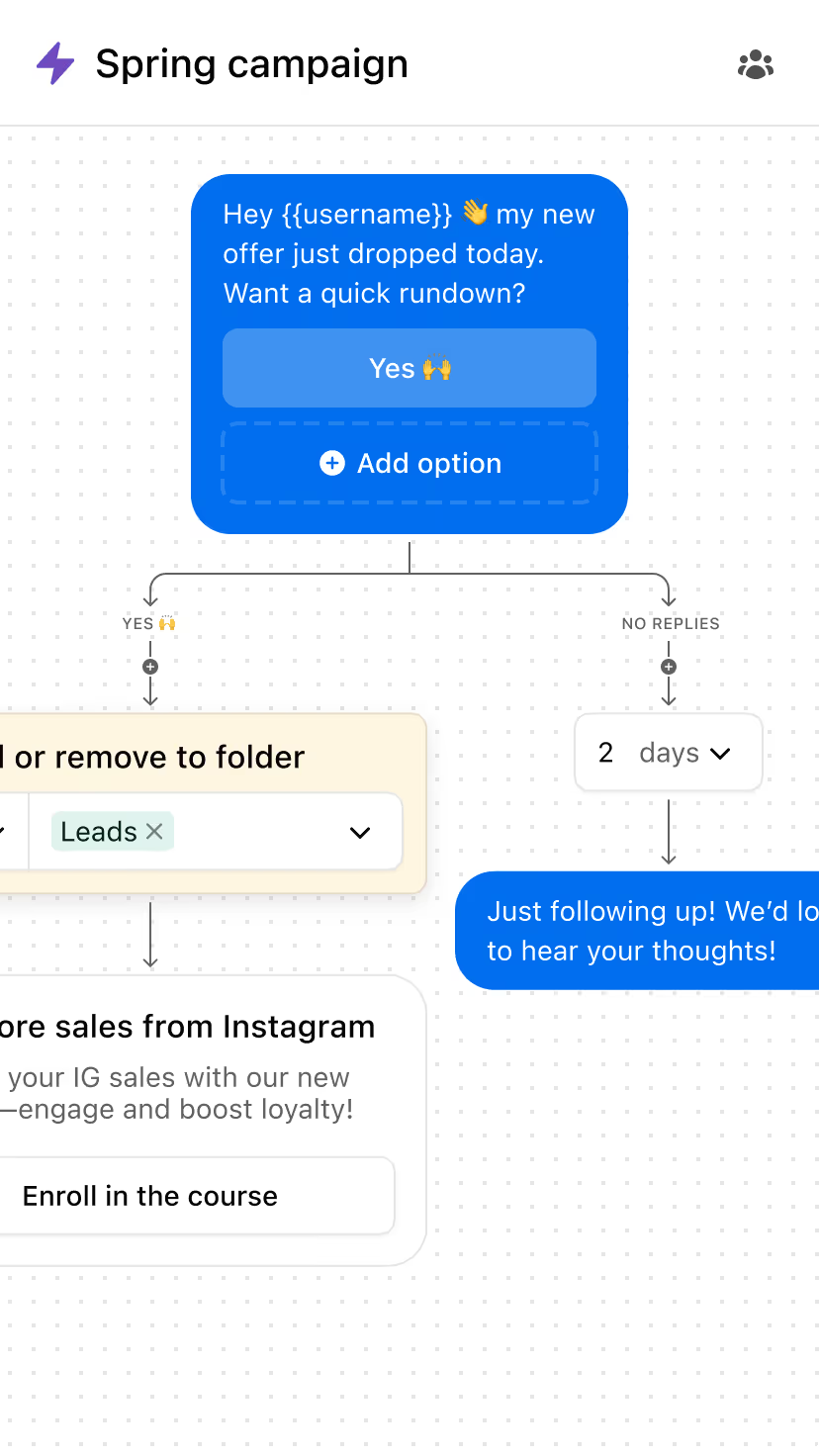
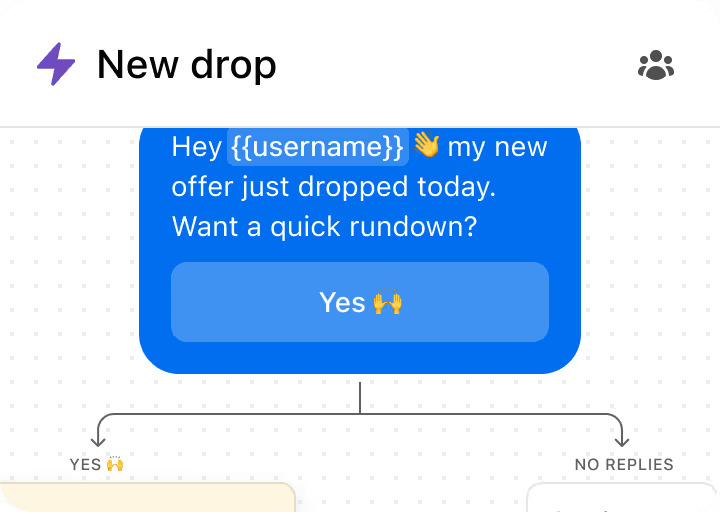
Send a single broadcast or build multi-step sequences with branches. Trigger campaigns and let Inrō handle every step automatically.
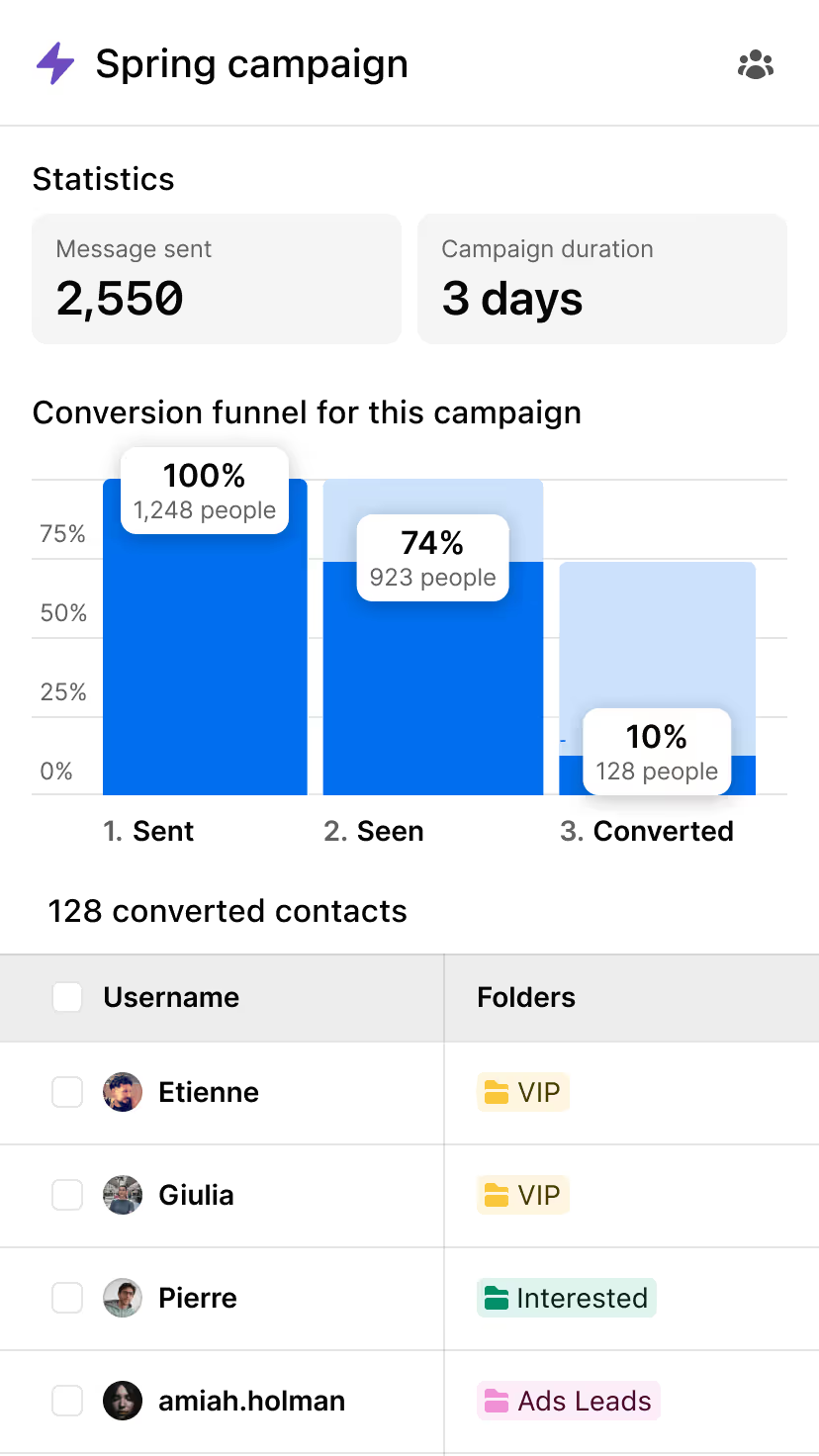
Automatically track and tag people based on what they do: opened, clicked, replied, or bought.
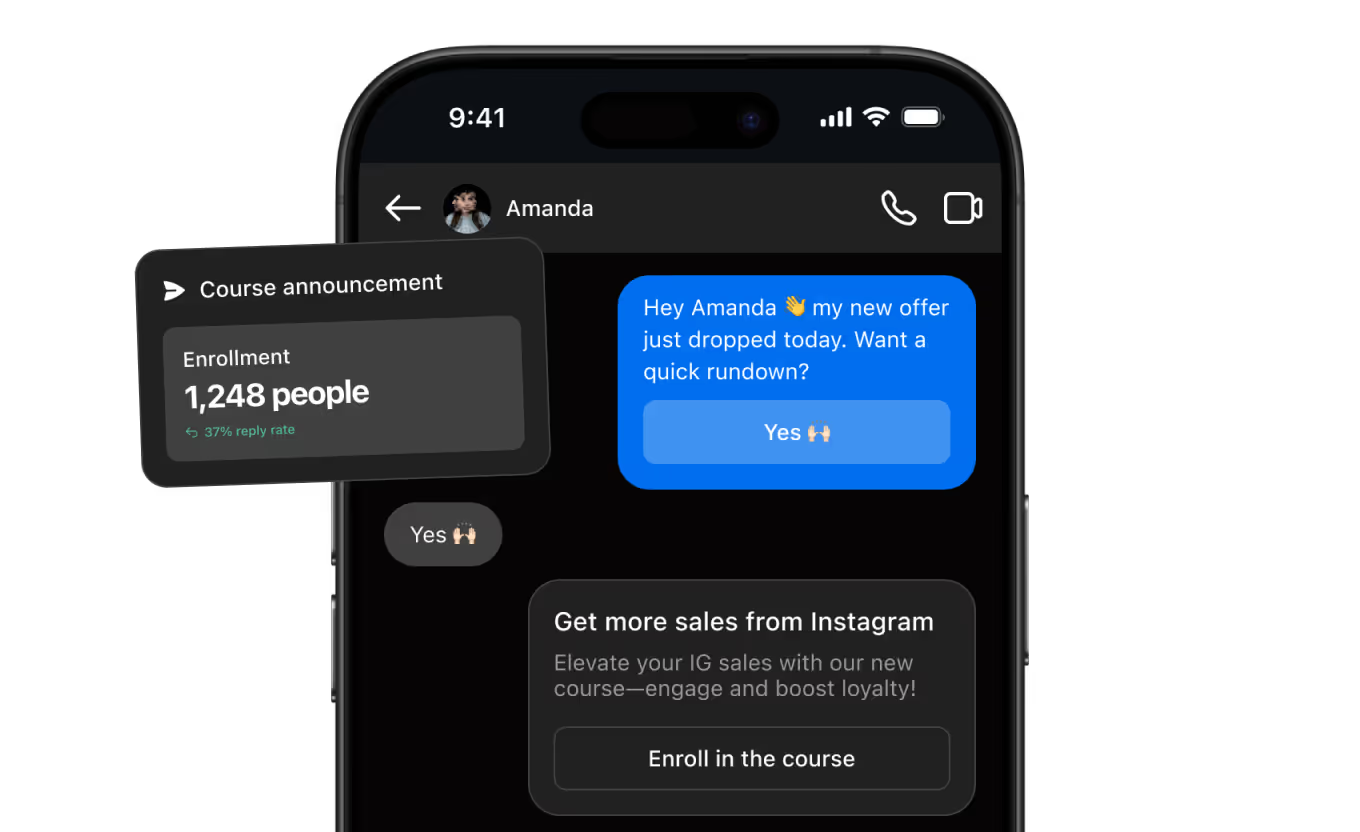
Each of these is a sequence, not a single message. That's the part that makes them work.
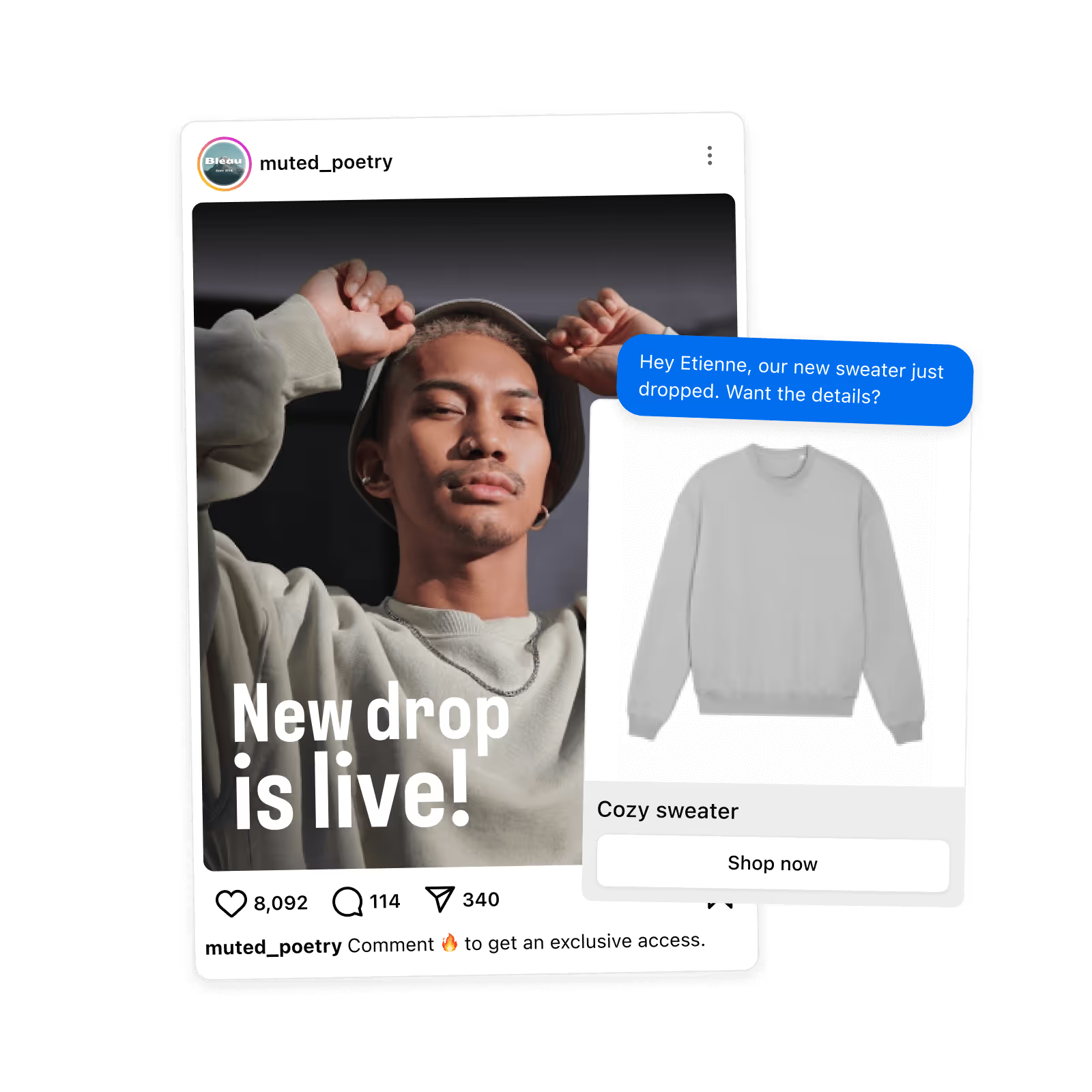
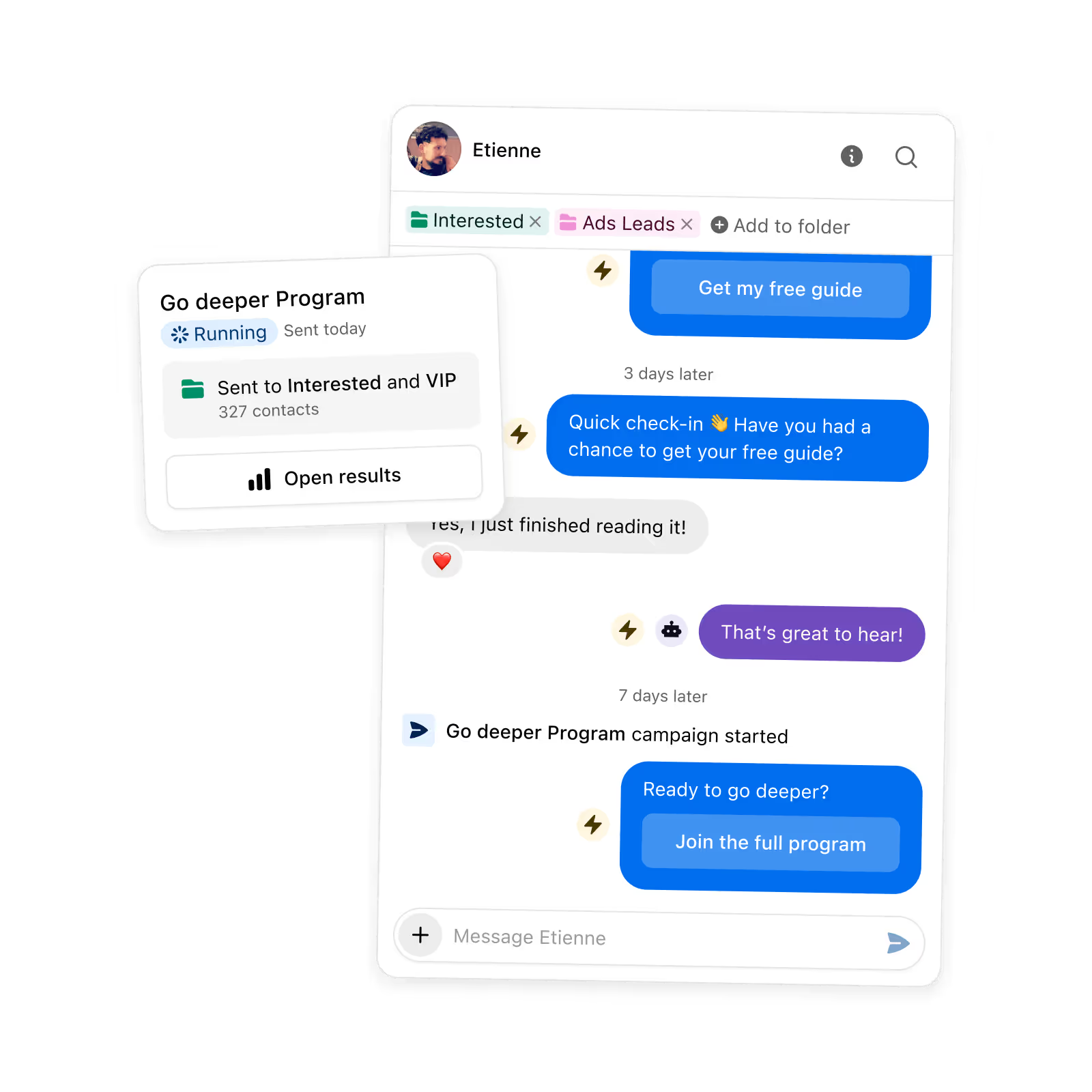
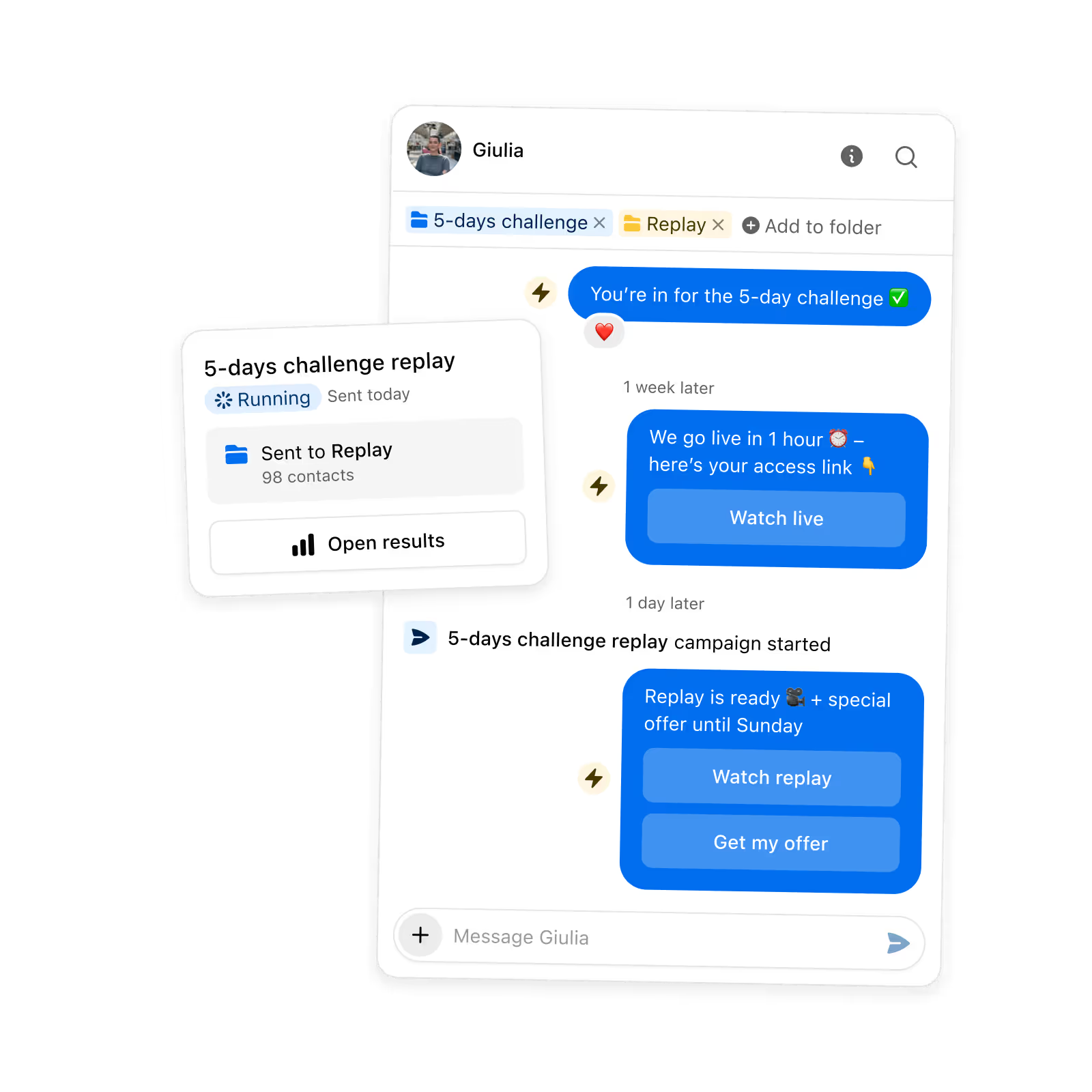
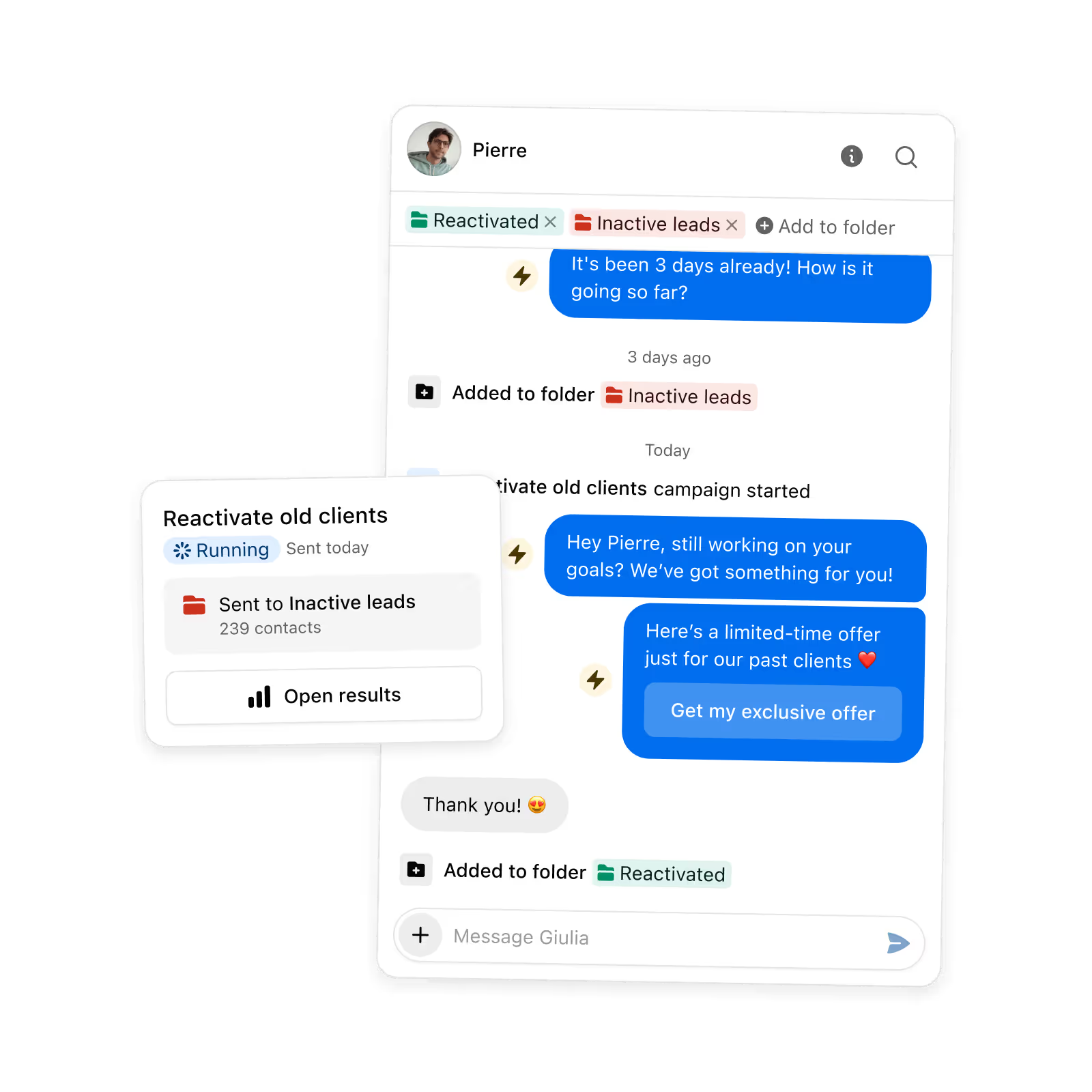
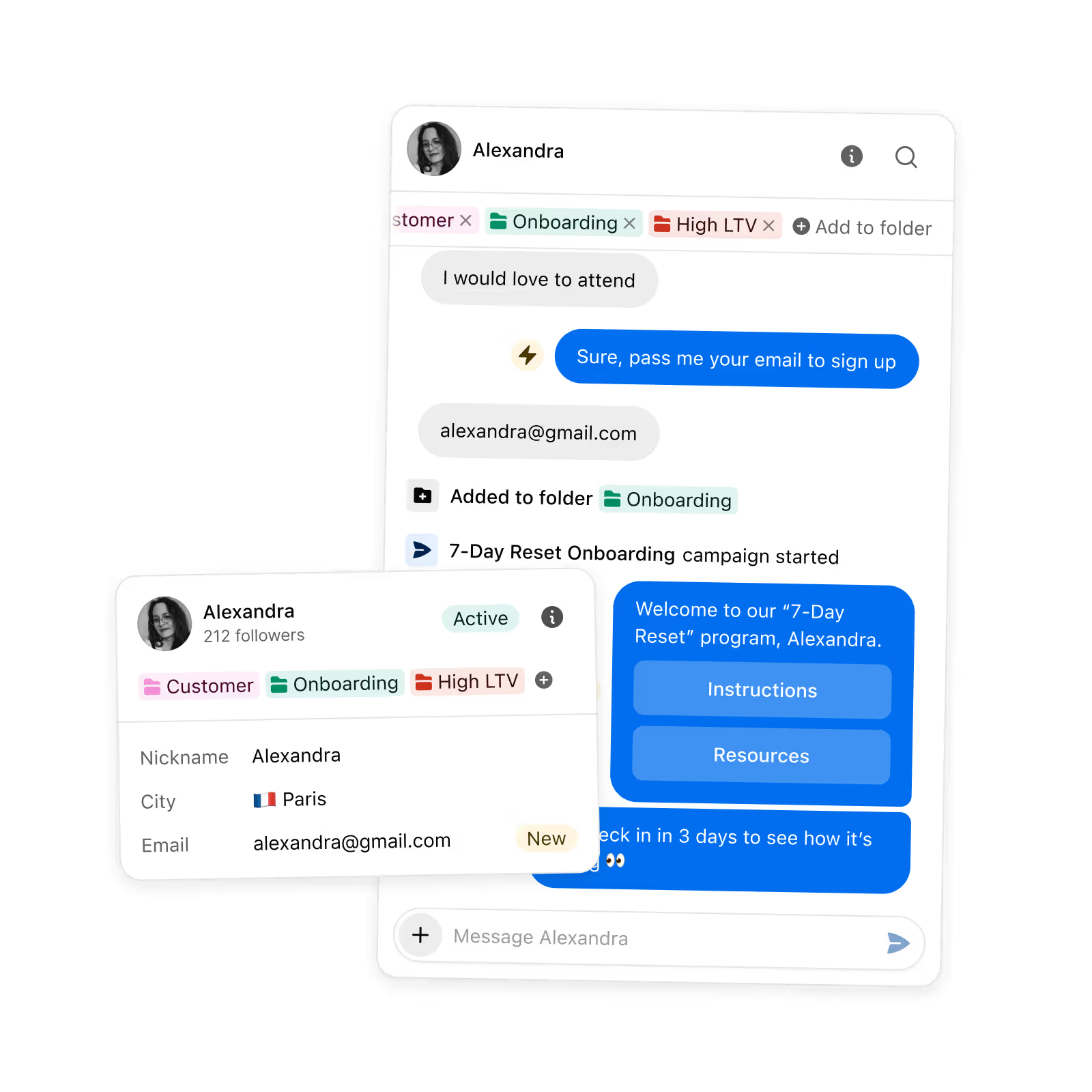
Everything a campaign needs, including the parts that stop it annoying people.
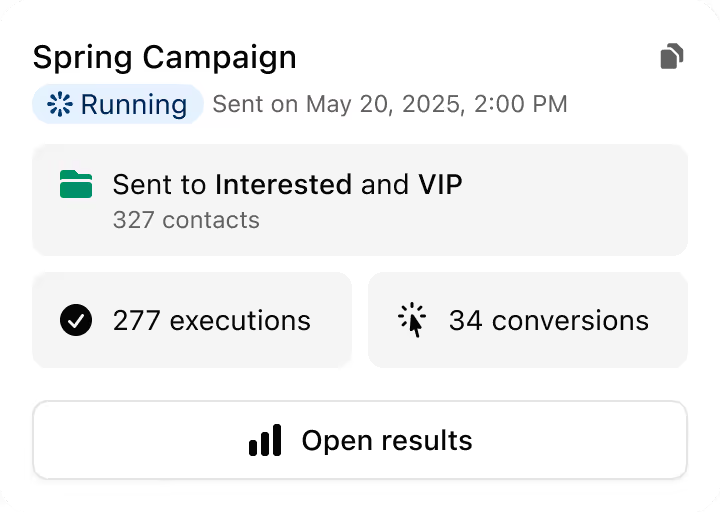
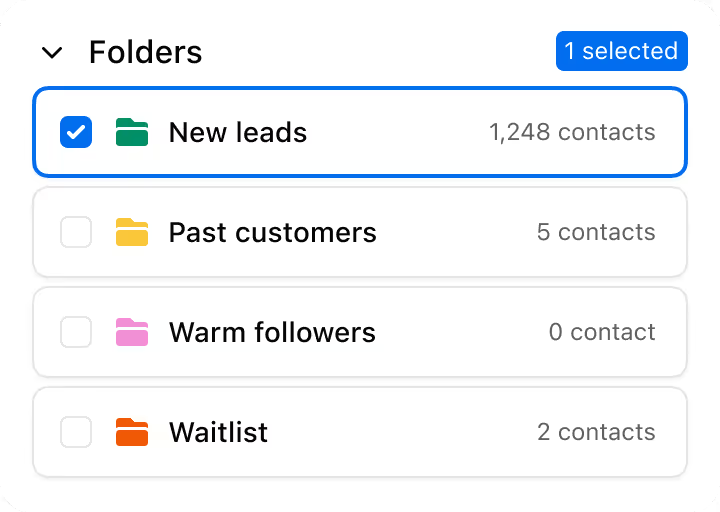
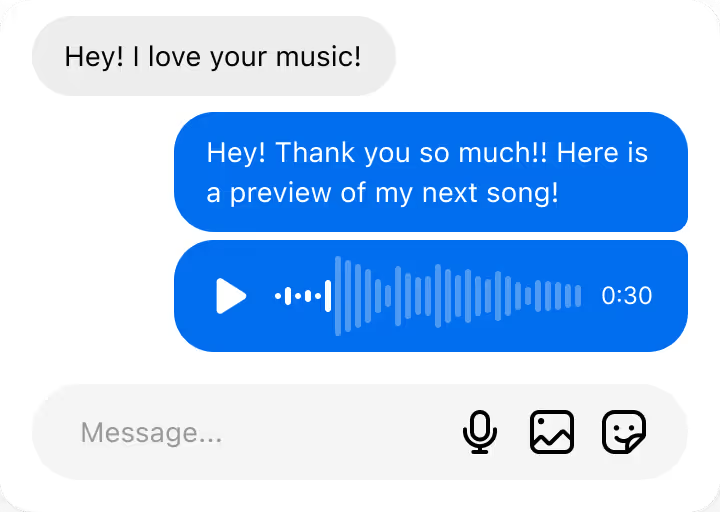
.png)
Four screens, and it's out.

Different lists, same problem. The announcement never reaches the people who would have acted on it.





Not from a campaign itself. A campaign sends once, now or at a time you schedule. For something on a repeating schedule, use the recurring trigger on an automation. It fires daily, weekly or monthly against an audience you define with the same contact filters.
The campaign stops and its status changes to limit reached, rather than failing quietly. Once the limit clears you can resend to just the contacts who were capped, without starting the whole campaign again.
No. A contact can only ever have one execution per campaign. The contact list also locks at send time, so anyone who starts matching your filter halfway through is not swept into a send already in progress.
You can set the campaign to stop for that contact the moment they message or reply, and optionally hand them to an automation instead. So a real conversation never gets interrupted by the next scheduled message in the sequence.
Three a month. You can send them immediately on the free plan, but scheduling a campaign for a later date needs Pro. Pro also removes the monthly limit.
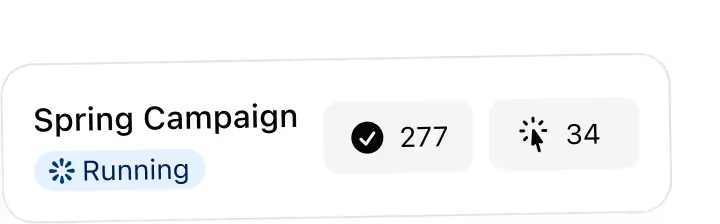
The median Inrō DM campaign is opened by 67% of the people it is sent to, and the top quarter of campaigns reach 82% (Inrō production data). The best-performing campaigns go higher: 90% of recipients opened WeInk's campaign. Replies and clicks depend on your offer and your audience, so compare each campaign with your own earlier ones on the Campaigns page.
ManyChat broadcasts on Instagram are limited by Meta's 24-hour messaging window, meaning you can only message users who have engaged with you in the last 24 hours. Inrō DM campaigns work within Meta's official API but include audience segmentation, multi-step sequences with branching, and conversion-block features (product cards, payment links, booking buttons) that ManyChat doesn't offer for Instagram. In practice, this means Inrō can run actual product launches, multi-day nurture sequences, and re-engagement campaigns — not just one-off broadcasts.
Comment-to-DM automation sends a DM immediately when someone takes a specific action (commenting a keyword, replying to a Story, or tapping a DM button). It is triggered in real time, one contact at a time. A DM campaign is a proactive send to a pre-built segment of existing contacts, used for launches, re-engagement, promotions, or nurture sequences. Both work together: automation captures contacts, campaigns re-engage them later.
Yes — Inrō DM campaigns operate through Meta's official API with natural send pacing and audience segmentation. Campaigns are sent only to contacts who have previously interacted with your content, which makes messages relevant rather than cold. Unofficial bulk DM tools that bypass the API carry real account risk; Inrō eliminates that risk entirely.
To send a DM campaign on Instagram you need a Business or Creator account connected to a Meta-approved tool. In Inrō: build your contact segment by filtering for engagement type, recency, or tags; write your message with personalisation fields like first name or custom attributes; set your send schedule; and launch. Inrō throttles send speed automatically to stay within Instagram's safe limits.
An Instagram DM campaign is a targeted message sent to a selected group of contacts through Instagram Direct. Unlike a broadcast to all followers, a DM campaign uses segmentation (filtering contacts by past behaviour, engagement history, or tags) to send the right message to the right people at the right time. Inrō's DM campaigns are built on Meta's official API, making them fully compliant with Instagram's terms of service.
Yes. You can filter by tags, last actions, campaigns they’ve seen, and more—so each campaign only goes to the right people.
You can target any segment from your Smart Inbox & CRM, within Instagram’s messaging and rate-limit policies. Inrō automatically handles pacing to keep things safe.
Pick a segment, write the sequence, send it. The free plan covers three campaigns a month, no card.


