What you get to work with
Including the controls that keep your account out of trouble.

Someone comments, they get a DM in seconds. The link, the freebie, the answer. And the comment stays up, which is what the algorithm is watching.

Trusted by 10,000+ creators & SMBs
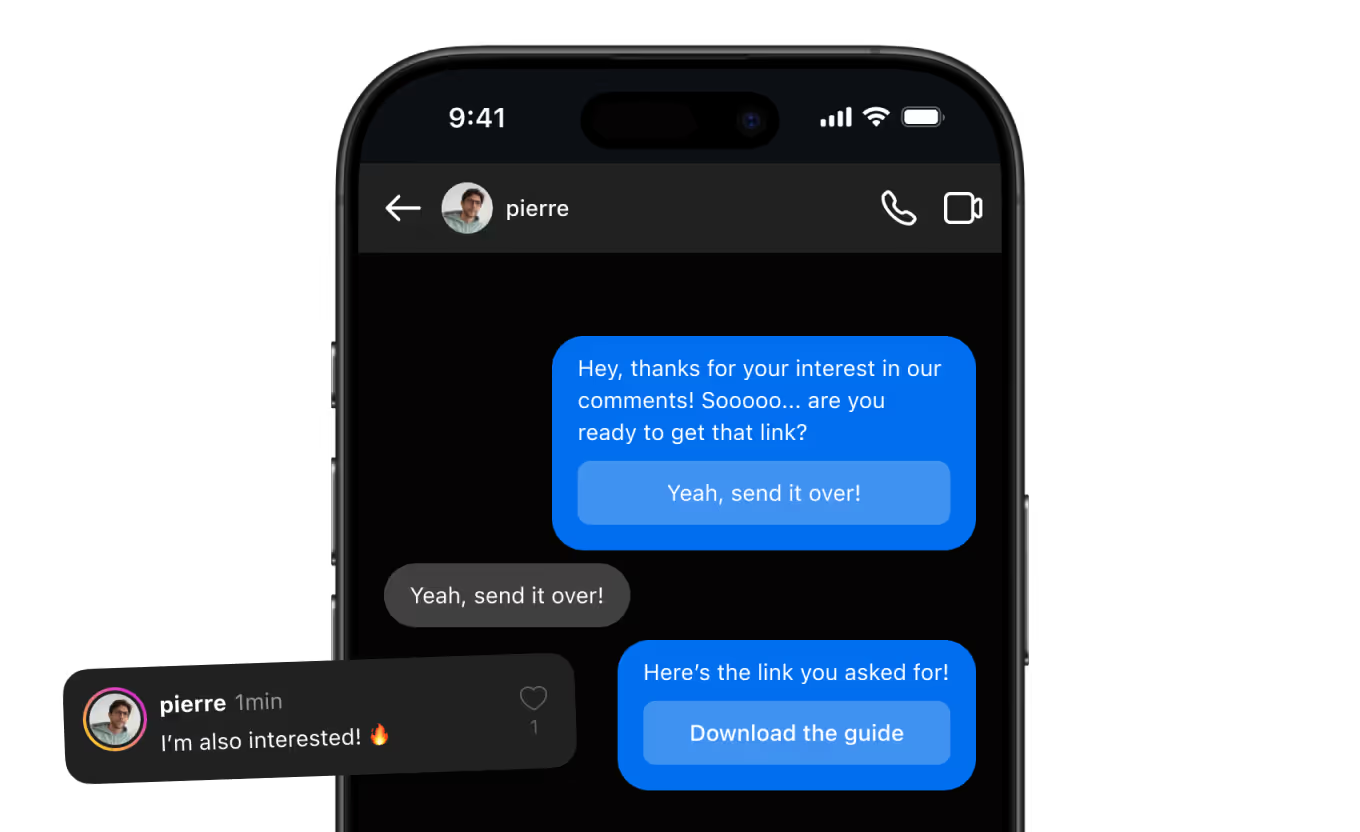

















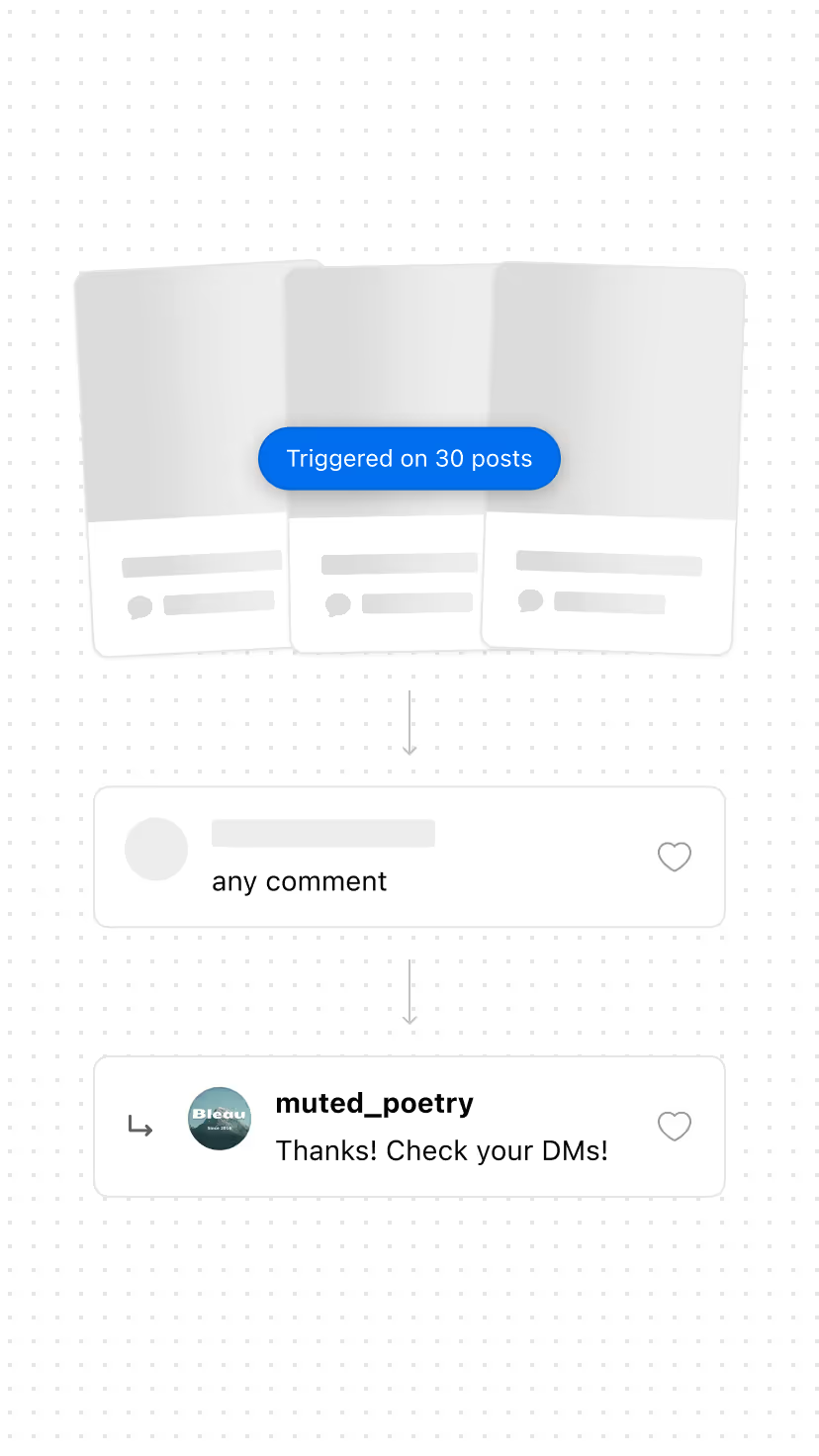
Public engagement is what the algorithm reads. The reply happens in the DM, so the post keeps working while the conversation starts.

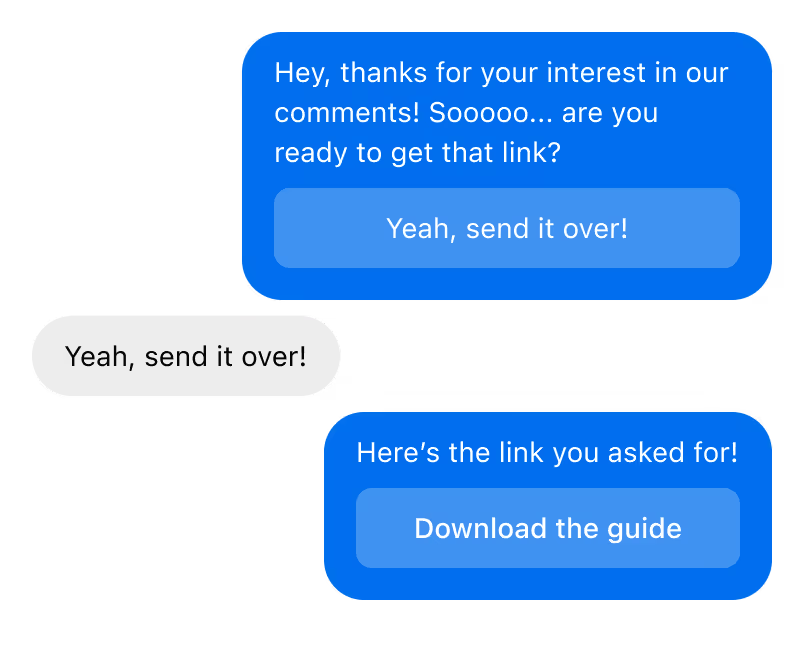
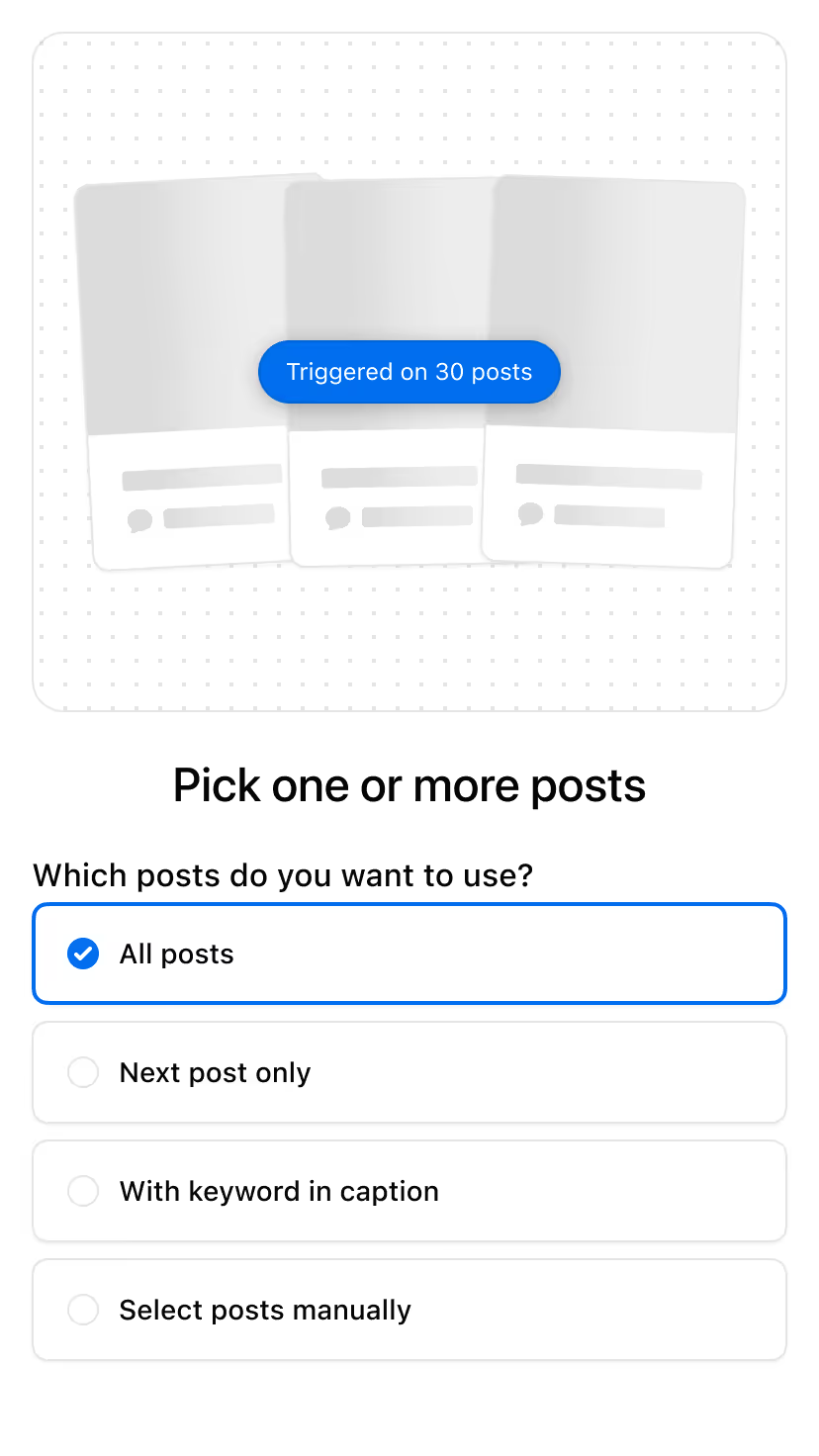
Turn it on once per post and it runs forever. Every post you've ever made keeps delivering its link and capturing the lead.
Ask a qualifying question, collect an email, file them in a folder. One comment can start the whole sequence.
Pick one, copy the setup, change the keyword.
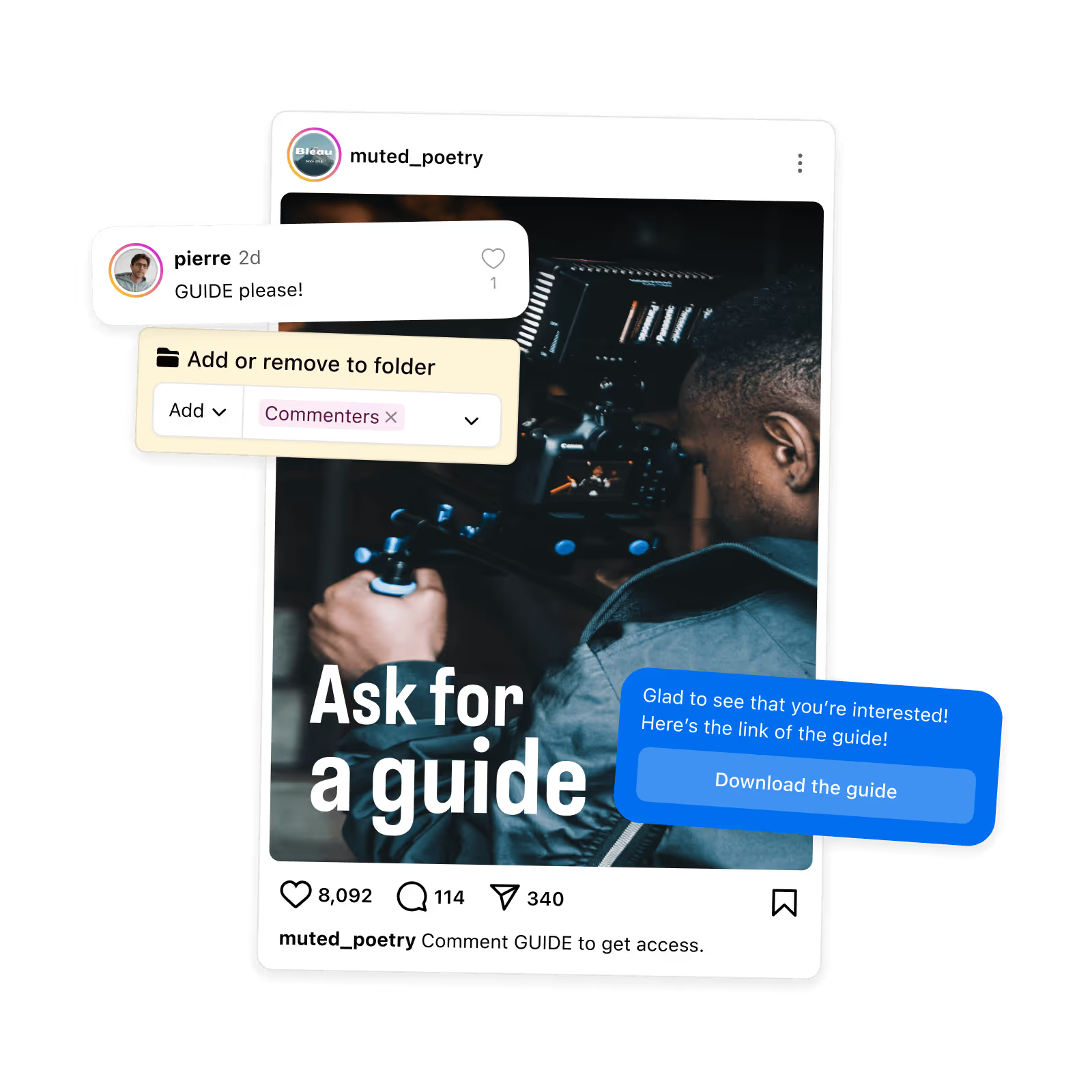
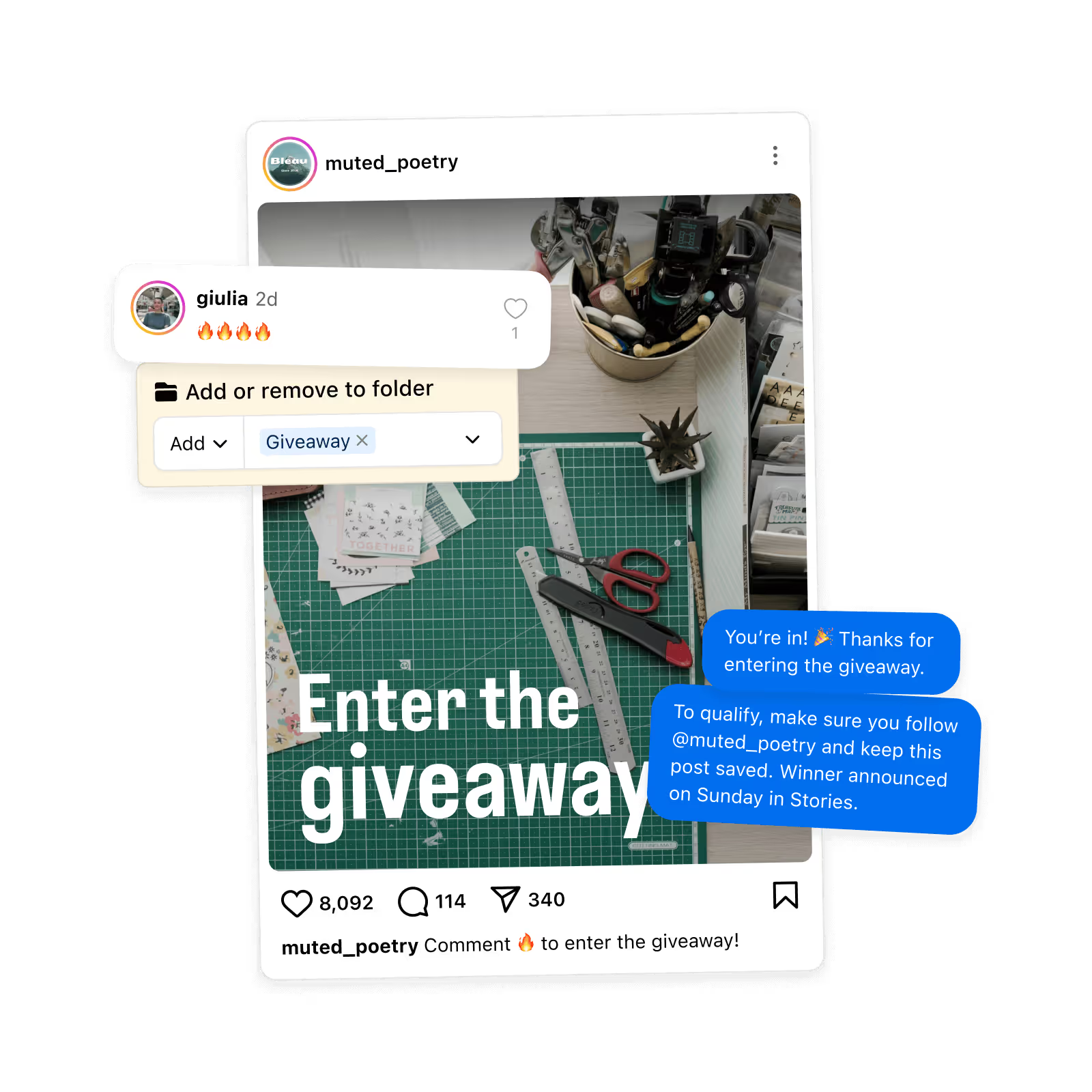
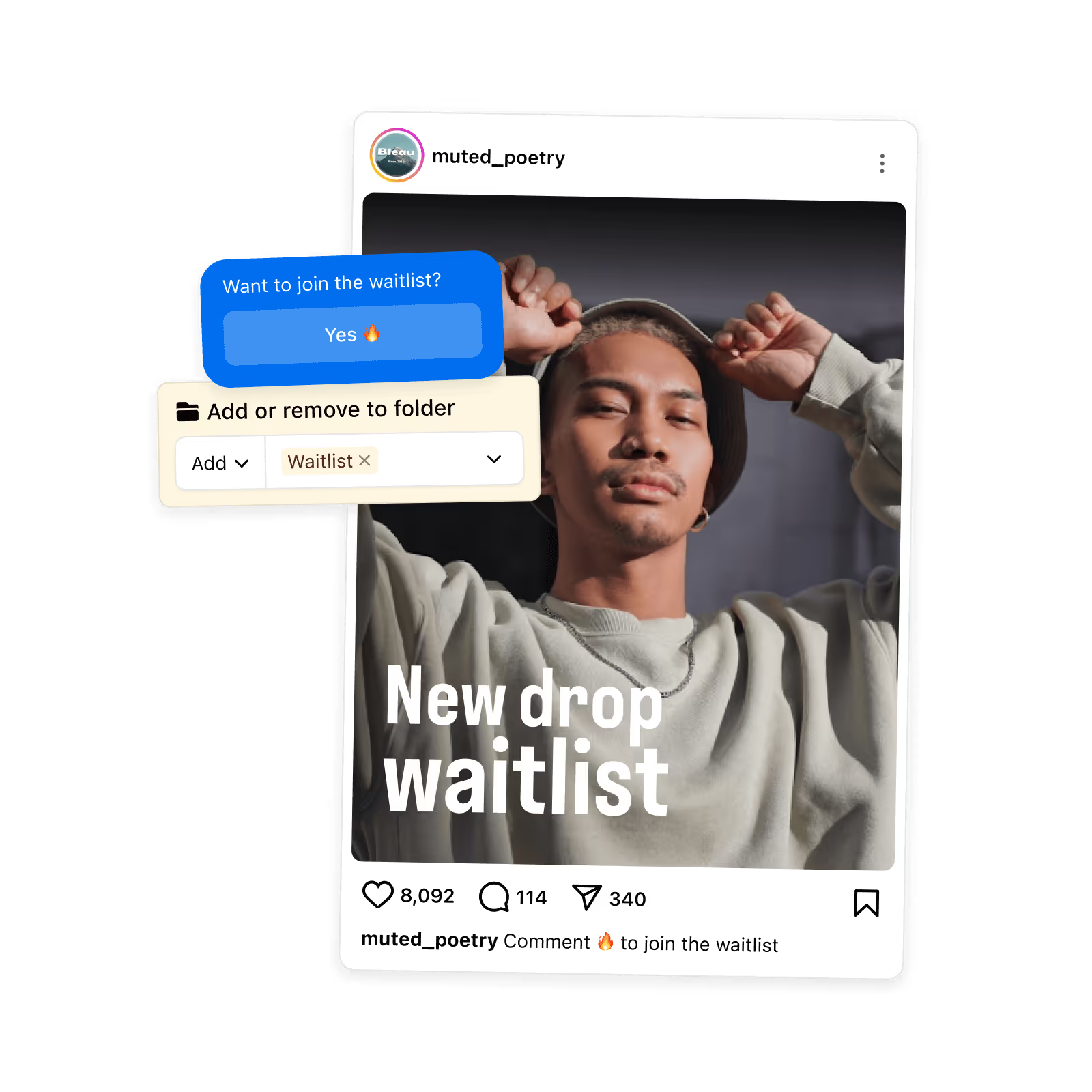
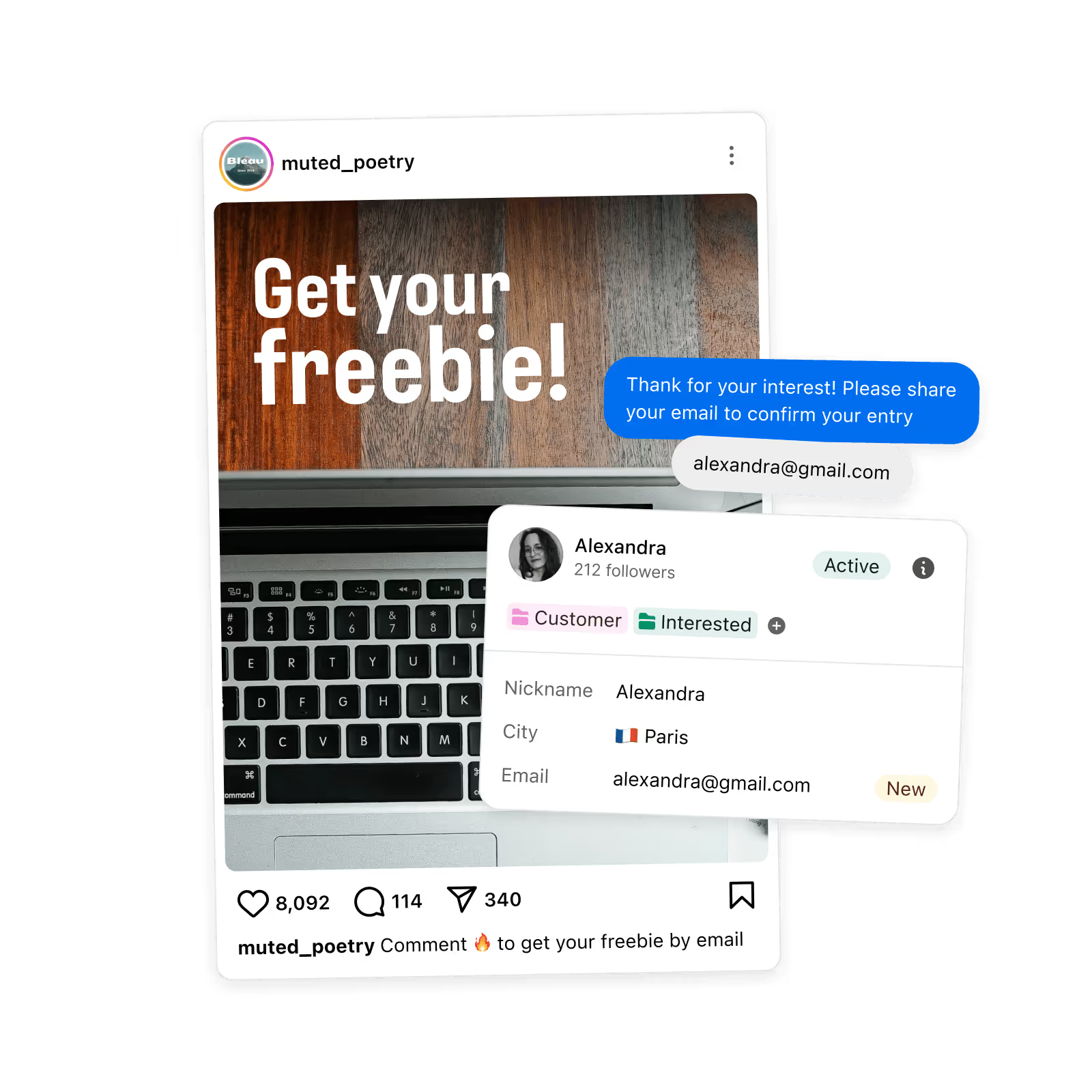
Including the controls that keep your account out of trouble.
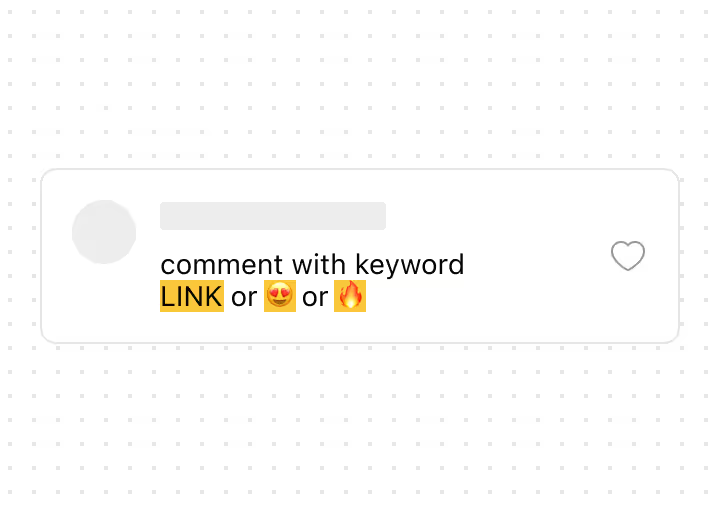

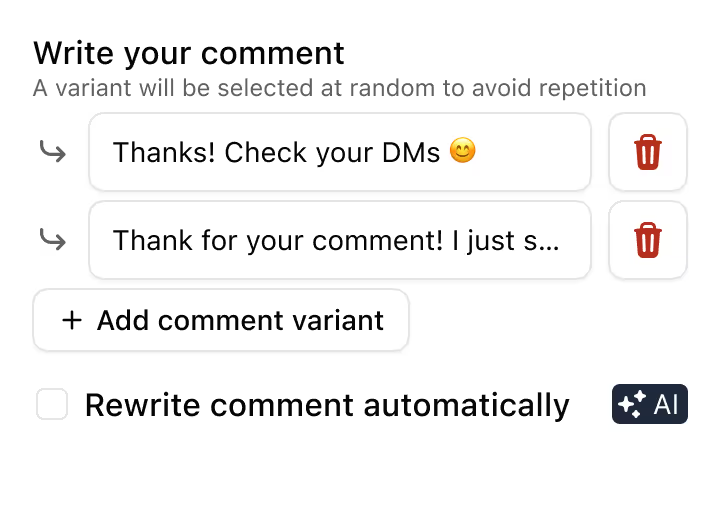
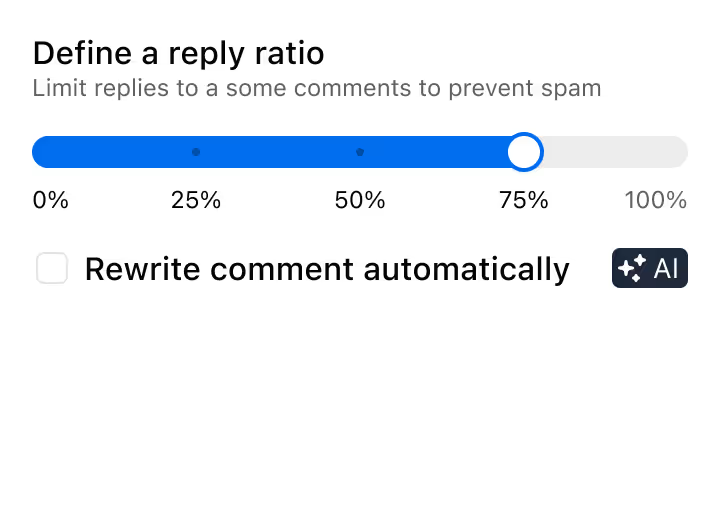
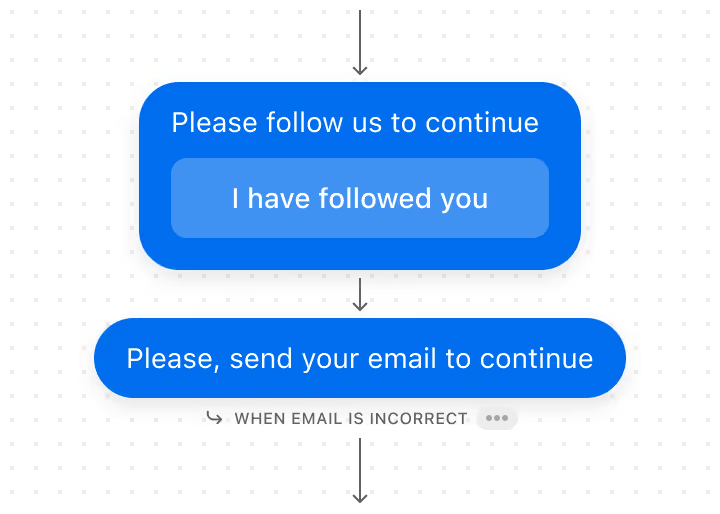
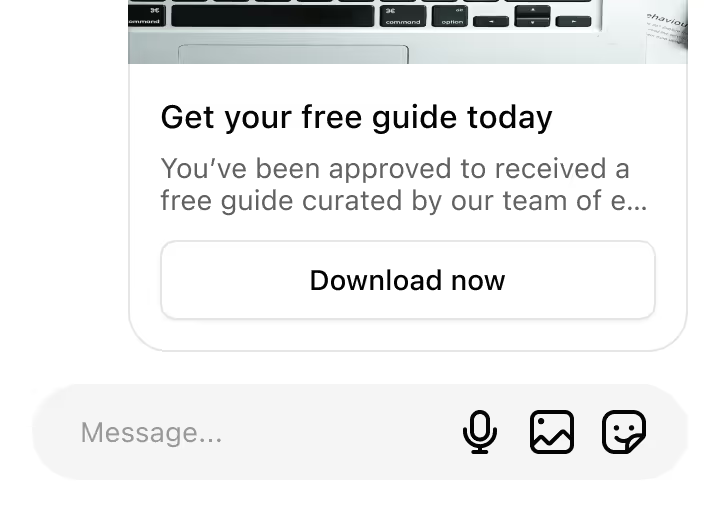
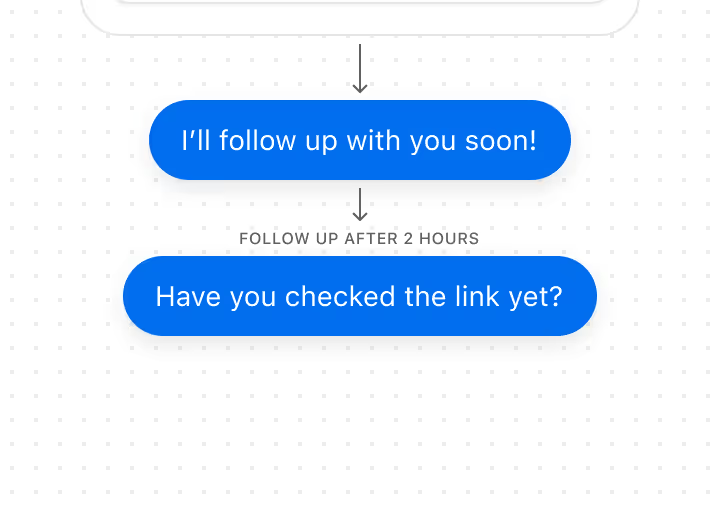
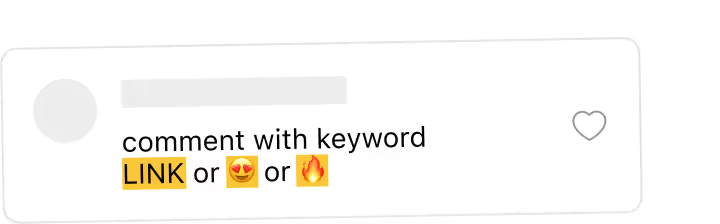
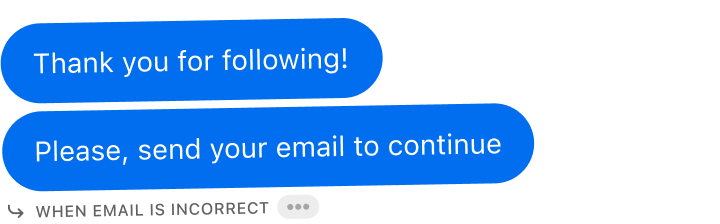
Four screens. You can do it on the post you published this morning.













Yes. You can choose exactly where the automation applies: a single post/Reel, multiple selected posts, or “next post only,” depending on how you want to run each automation.
Yes. Comment-to-DM automation requires a Professional (Business or Creator) Instagram account connected through Meta’s official permissions.
Yes. You can automatically post a short public reply (e.g., “Sent ✅”) while also sending the DM with the link or next step.
Yes. You can ask for an email (or other info) in the DM, save it to the contact profile, and route or sync it to your tools.
ManyChat was built primarily for Facebook and adapted for Instagram. Inrō is built exclusively for Instagram from the start, which means comment triggers, Reels support, Story reply automation, and AI intent detection all work natively rather than as workarounds.
Yes. Inrō operates through Meta's official Messaging API, which means your account is fully compliant with Instagram's terms of service. Inrō sends one DM per user per post by default, uses natural message and comments pacing, and is certified as a Meta Tech Provider. Accounts using unofficial tools that bypass the API risk suspension, Inrō eliminates that risk entirely.
When someone comments a specific keyword, emoji, or phrase on your Instagram post or Reel, Inrō automatically triggers a Direct Message to them within seconds. The DM can include a link, a question, a lead magnet, or a full conversation flow that qualifies the lead. The commenter gets an instant response without you doing anything manually, and you capture them as a contact in Inrō's CRM.
Inrō captures the contact in its native CRM the moment the DM is triggered, including the username, the post they commented on, the keyword they used, and any data they share inside the DM (like email or phone). You can then push those leads to your external CRM in real time via Inrō's integrations with 8,000+ other tools through Make, and native webhooks.
Yes. You can configure multiple keywords (and emoji triggers) on a single post, with each one sending a different DM. For example: "PRICE" sends your pricing page, "BOOK" sends a Calendly link, "INFO" sends a lead magnet. You can also set fallback responses for users who comment but don't use any of your trigger keywords.
Yes. Inrō triggers from comments on feed posts, Reels, carousels, and Live videos. For Stories, Inrō captures Story replies and mentions as separate triggers — both can launch the same kind of automated DM flow. This makes Inrō one of the few platforms covering all Instagram-native comment and engagement surfaces from a single tool.
Yes. Instagram allows links inside DMs sent by Meta-approved tools like Inrō, and they appear as clickable URLs (not just text). You can include links to landing pages, Calendly bookings, Shopify products, lead magnets, or any external URL.
Instagram DMs sent through comment-to-DM automation see roughly a 90% open rate and 60% reply rate based on Inrō customer data (2024–2025) — significantly higher than email because the recipient already engaged with your content and expects a reply.
The key criteria are: official Meta Tech Provider status (so your account isn't at risk), native Instagram triggers (comments, Stories, Reels, Lives, mentions — not just keywords), integration with your CRM stack, AI that can handle qualifying questions rather than only keyword matching, and a visual flow builder you can use without coding. Inrō meets all of these and is purpose-built for Instagram, while most alternatives — including ManyChat — were originally built for other platforms.
Pick the post, pick the word, write the DM. Free plan, no card, three automations to start with.

