Want the questions in your Instagram DMs answered even when you are busy, and your team told when a person has to step in? This template does both.

Kshitij Maheshwari


Copy the Instagram template: your AI agent answers DMs that ask a question, and your team gets an email when it cannot finish.
Set up your AI agent, copy this template, and every DM that asks a question goes to the agent. It answers from its knowledge base in one or two short messages. A chat it finishes goes into the folder "Front desk: resolved". A chat it cannot finish sends your team an email and goes into "Needs a human".
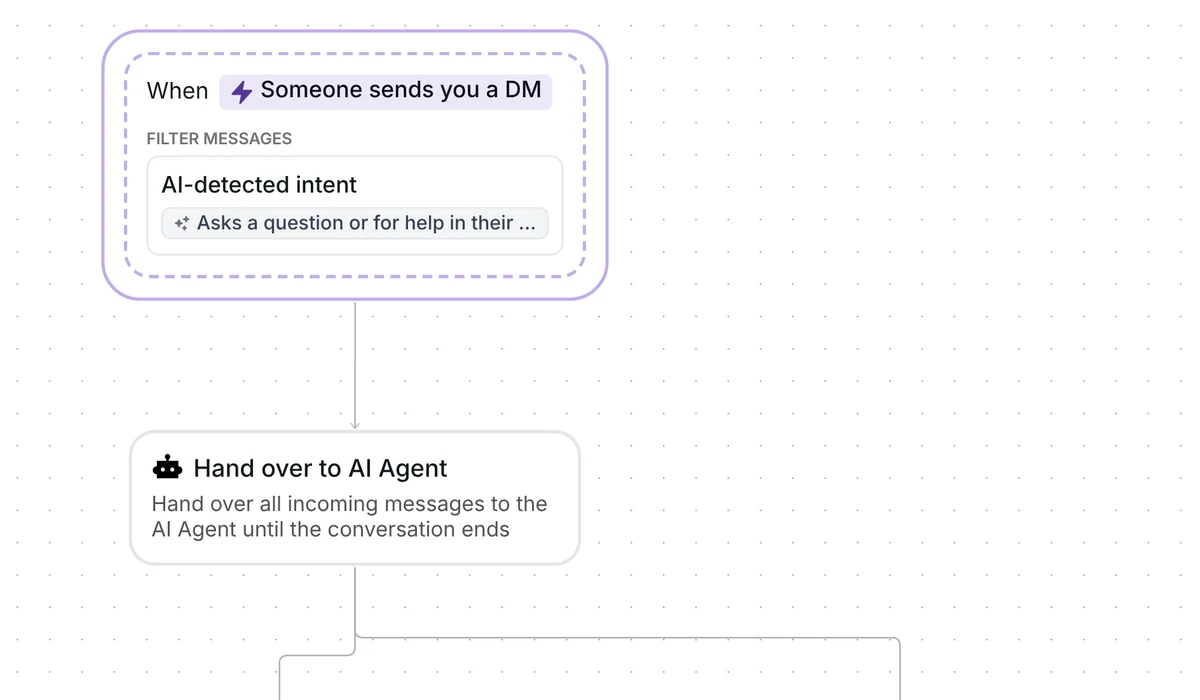
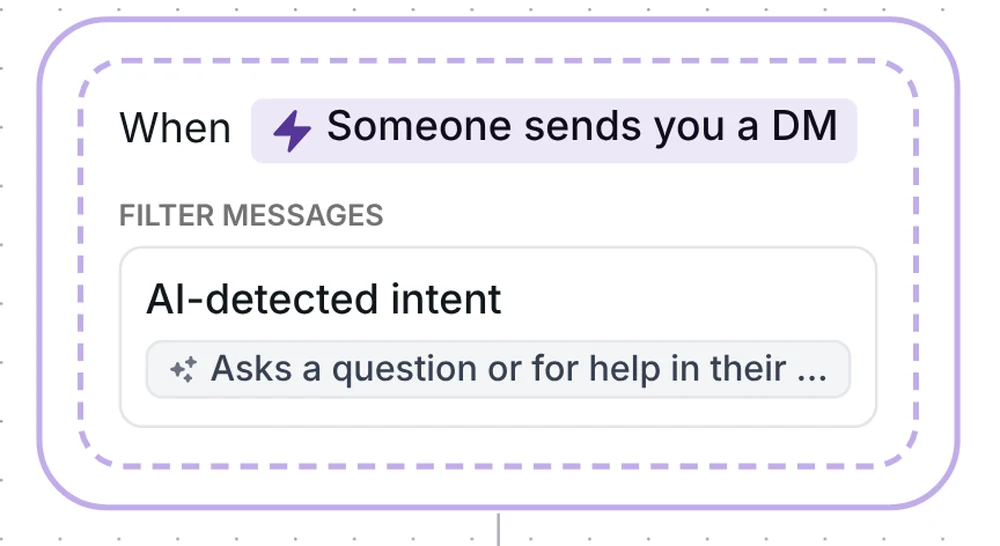
The trigger is "Someone sends you a DM". It reacts to any message in a conversation, including those after the first, and it does not look for a keyword. It uses an AI-detected intent: you describe the kind of message you want in plain words, and Inrō matches on what the message means.
The template describes it like this: "Asks a question or for help in their own words about products, services, prices, hours, bookings or orders. Not a button reply, a collab pitch, a compliment or spam."
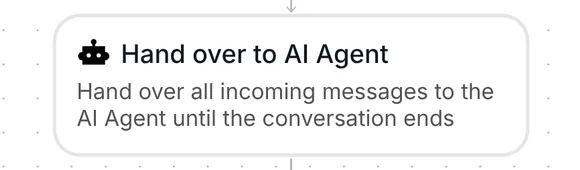
The next step, "Hand over to AI Agent", makes your agent answer. It replies to the person's latest message right away, then to each new message in that chat. The step carries a task: the finish line the agent works toward, in plain words. The template's task reads:
Goal: answer the person's question from the knowledge base in one or two short messages, with one question back at most. Done only when they have their answer or the link they need. If the answer is not in the knowledge base, or they ask for a person, say the team will reply here. That does not complete the task.
After each agent message, Inrō checks whether the task is done. If it is, the chat leaves down the "Task completed" branch. If the agent has no answer, it says the team will reply and the task stays open, so the chat leaves down the "Handover expired" branch instead, once the wait on that branch runs out. That wait starts again after every message the agent sends, and you can change it.
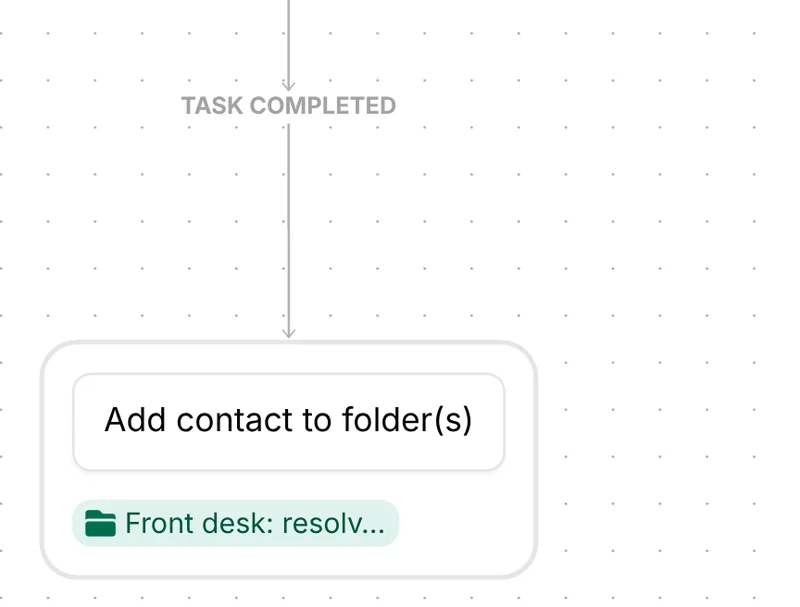
When the task is done, Inrō adds the contact to the folder "Front desk: resolved". That is the whole branch. Open the folder to see every chat the agent finished.
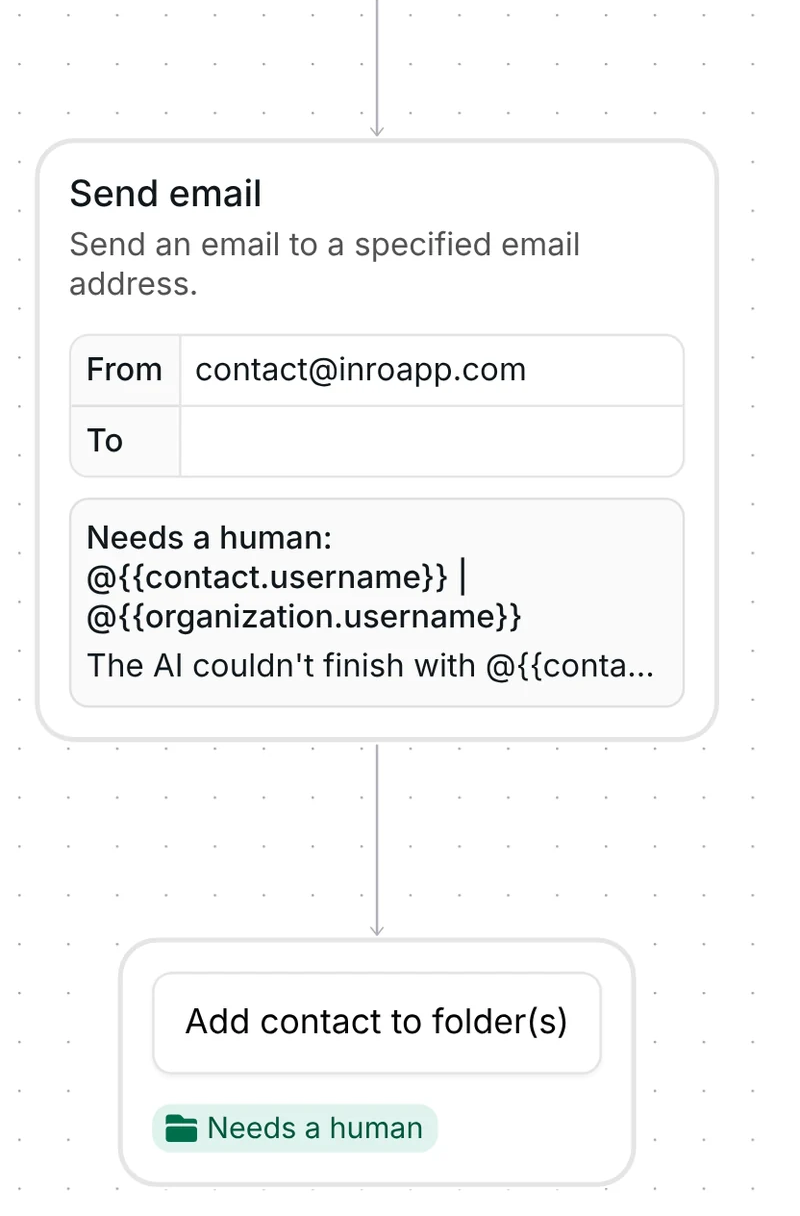
When the wait on the "Handover expired" branch runs out, Inrō sends an email to your team, then adds the contact to the folder "Needs a human". The subject starts with "Needs a human:" followed by the contact's username and yours. The text opens with "The AI couldn't finish with" and the contact's username. A person takes over there, in the Inrō inbox or in Instagram.
The template arrives switched off. It starts at most once per person per day.
Check seven things before you go live:
Yes. This template hands each DM that asks a question to your AI agent, which answers from the knowledge base you gave it, in one or two short messages. Chats it cannot finish go to your team. To see an agent that goes further, read how an AI agent handles sales in your Instagram DMs.
Its task tells it to say the team will reply and not to mark the task done. After the wait on the "Handover expired" branch, Inrō emails your team and adds the contact to "Needs a human", where a person takes over.
At most once per person per day. That limit is a setting of the scenario.
Yes. Reply in the Inrō inbox or in Instagram whenever you like.
Not sure how it work?
Read posts about templates on our blog.
Become a creator
Submit your template to the Inrō template gallery and get featured – all in just a few clicks.

It clones straight into your account. Change the message to sound like you, then switch it on.