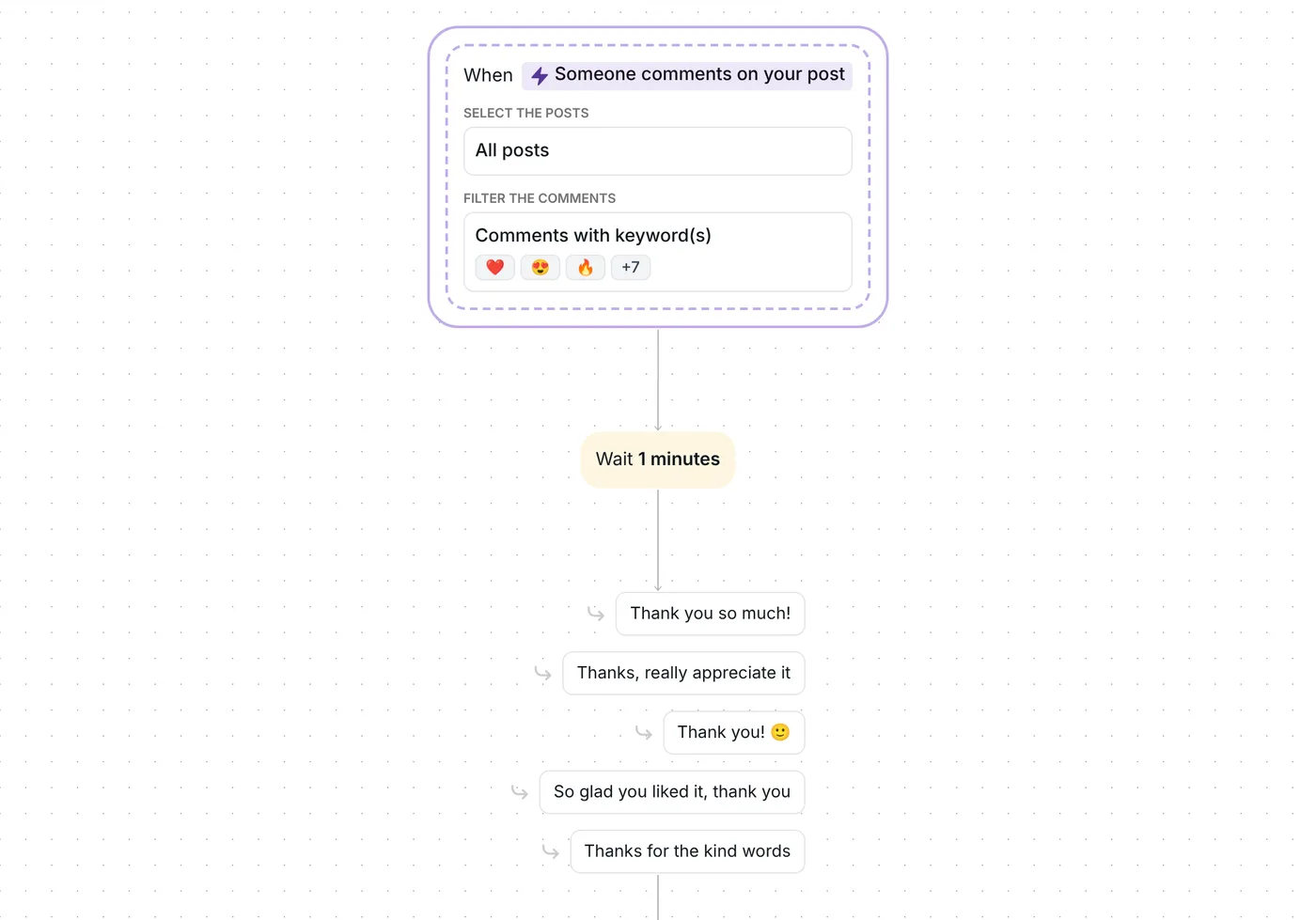
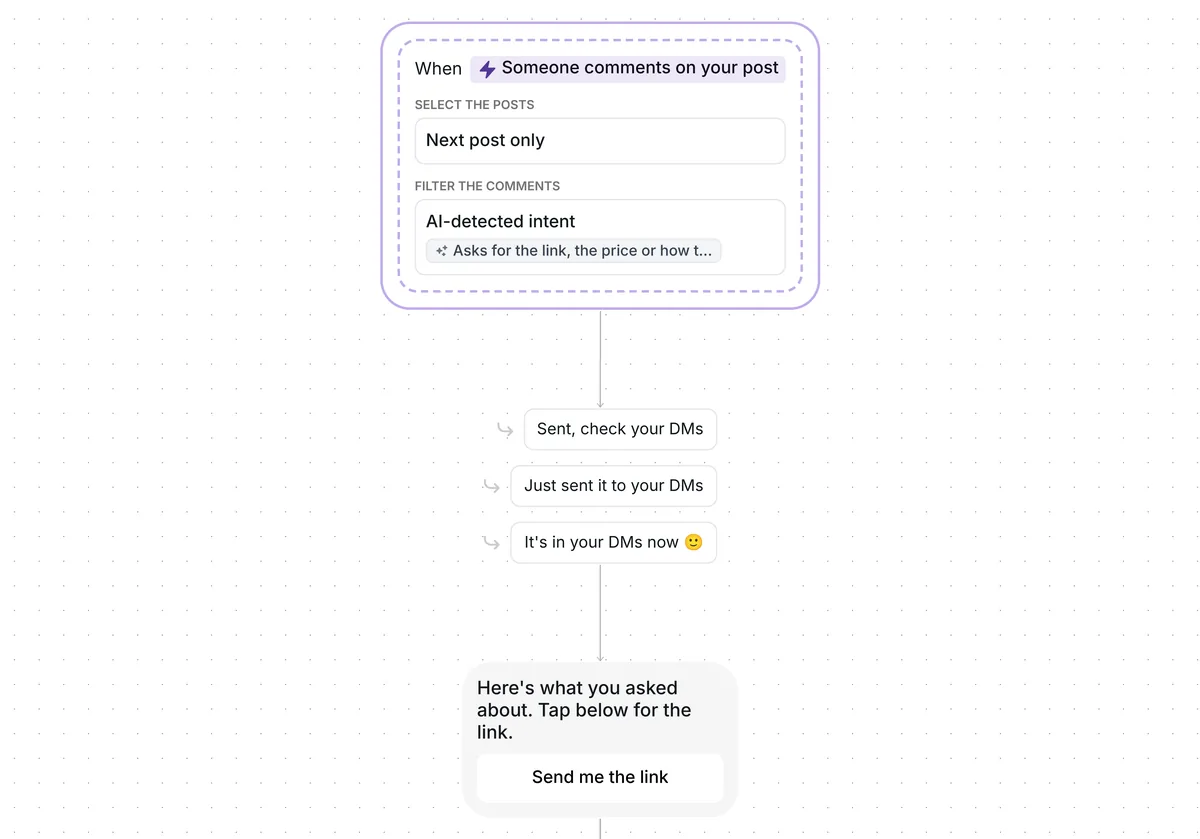
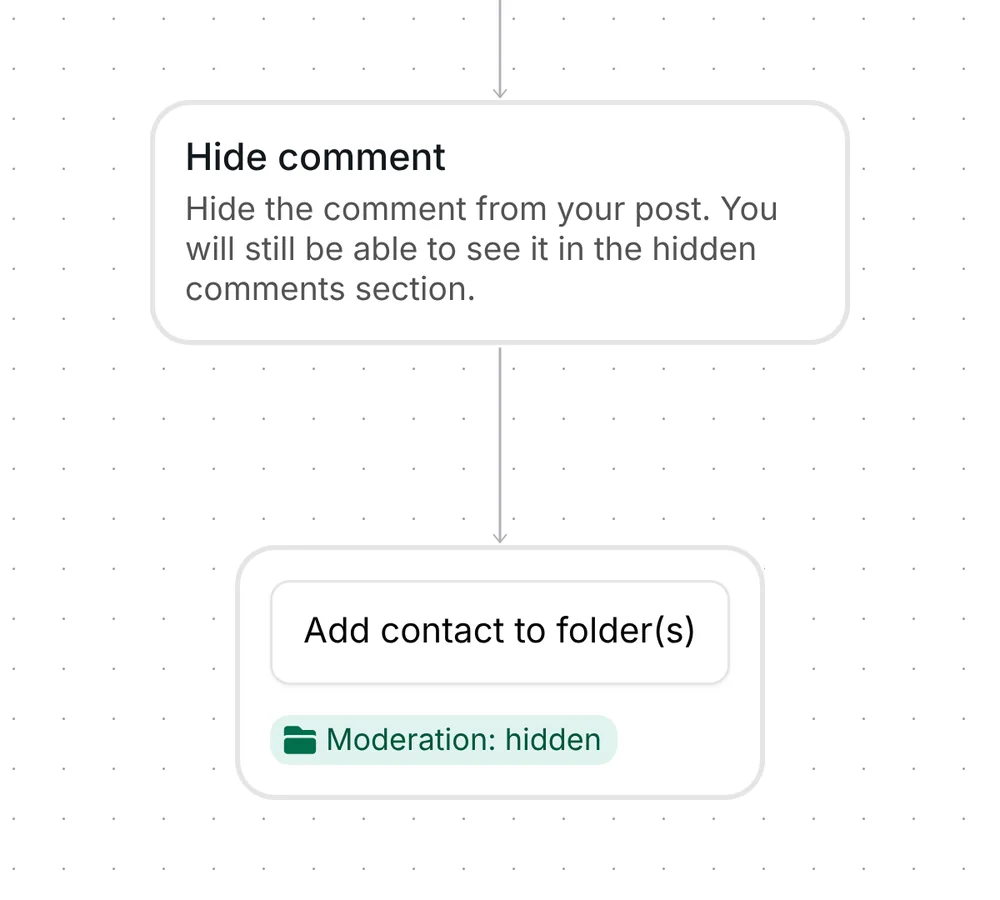
Want the real questions and kind words under your next post answered in your own voice, without writing each reply? This template writes a short public reply with AI and likes each of those comments.

Kshitij Maheshwari


Questions, praise and feedback under your next Instagram post get a short AI reply in your voice and a like. Copy the template.
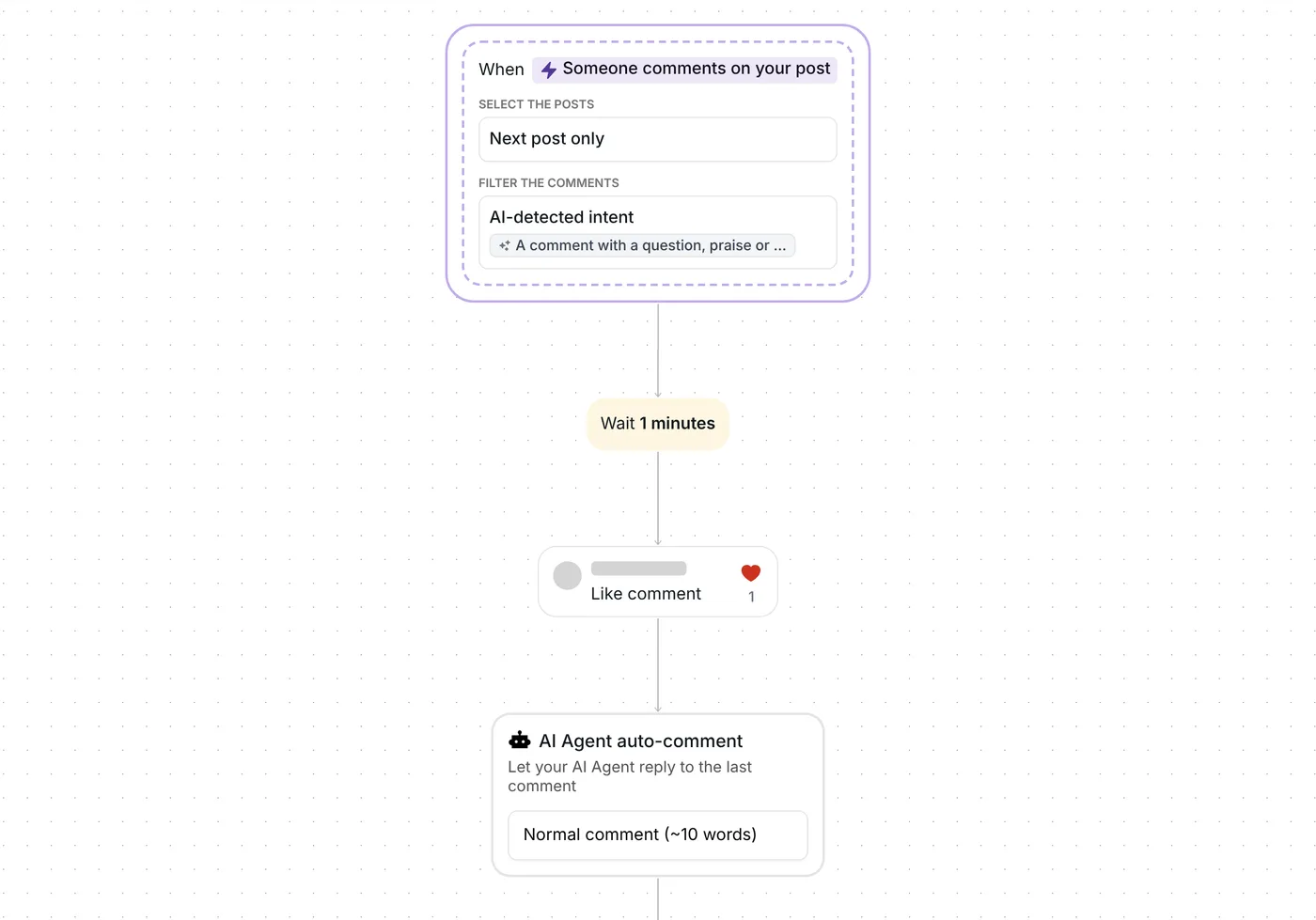
Someone leaves a question, a kind word or some feedback under your next post. A minute later, Inrō likes the comment and your AI Agent posts a short public reply under it, in the commenter's language. Then the person goes into the folder "Comments: answered". There is no DM: everything happens under your post.
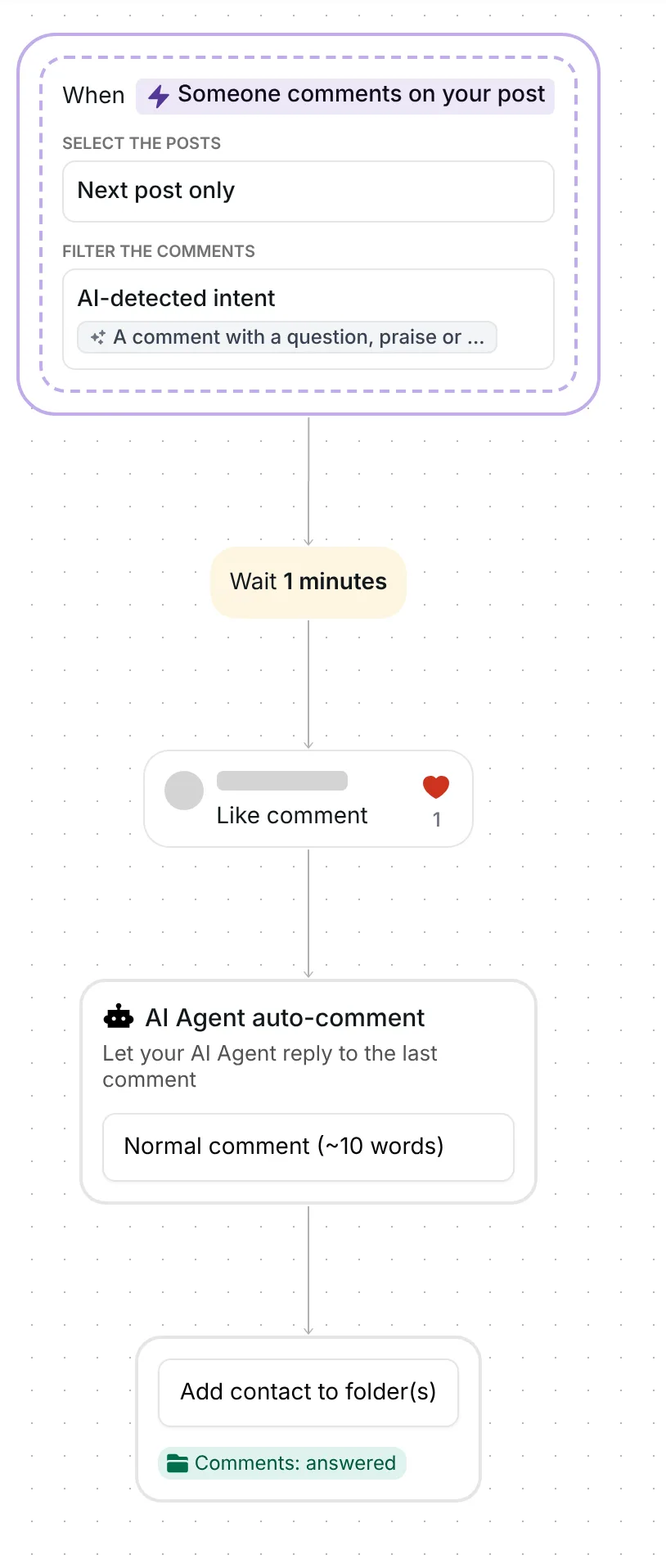
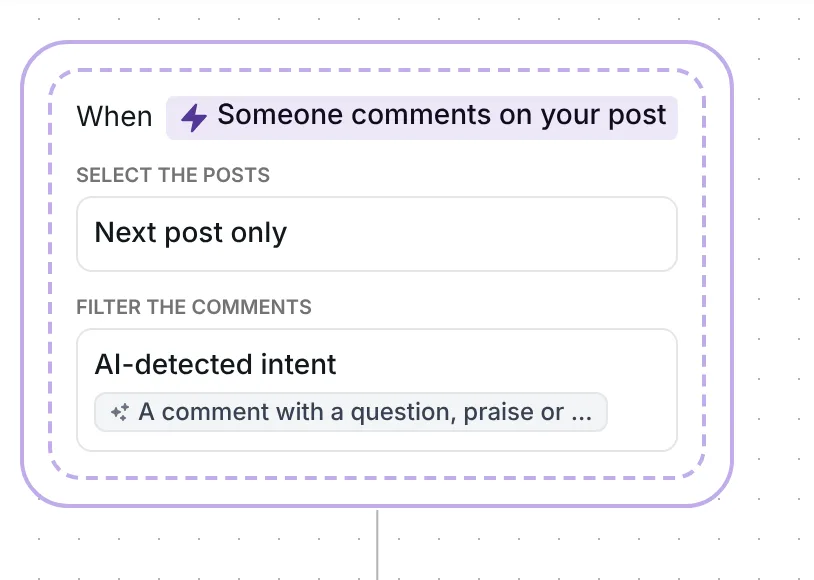
There is no keyword. AI reads each comment and checks it against an intent you can edit, which reads: "A comment with a question, praise or feedback about the post or the account, in their own words. Not a request for a price or link, only tags or emoji, spam, a complaint or hate."
So the AI is told to leave alone price and link requests, comments with only tags or emoji, spam, complaints and hate. Only top-level comments count, not replies inside a thread, and your own comments never start the flow, so the AI never answers itself.
It watches one post: the first one you publish after the date in its trigger. That date is set when you copy the template, so check it before your post goes up (see below).
Inrō waits 1 minute, then likes the comment. The like always comes before the reply.
The "AI Agent auto-comment" step, "Let your AI Agent reply to the last comment", posts the reply in public under the comment. It is set to "Normal comment (~10 words)", so each reply is about 10 words long.
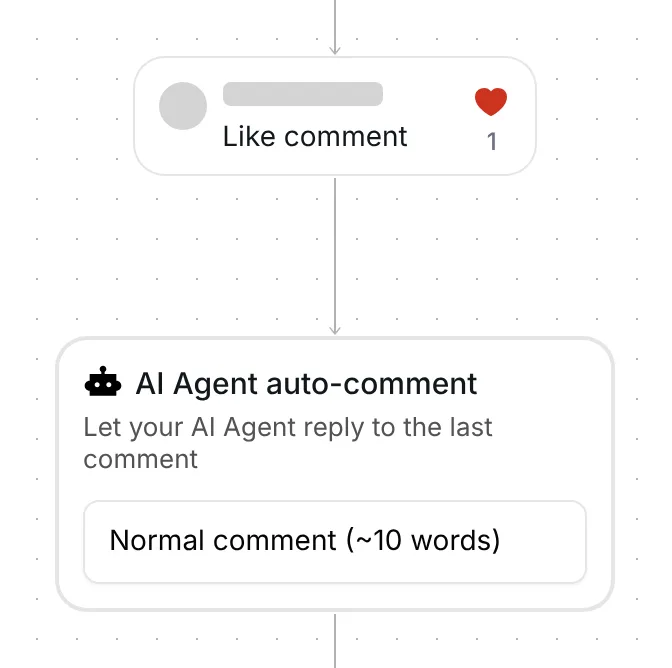
The step has no text box of its own. The reply is written from your AI Agent's settings: its role and behaviour, your account description and audience, your style rules and message examples, and the knowledge you added. It also reads the caption of your post, so the reply fits what the post is about. The AI answers in the language the person wrote in, and it is told never to post a link it was not given.
Last, Inrō adds the person to the folder "Comments: answered". It holds everyone the flow picked up, so you can see who talks to you under your posts.
The flow sends no DM. Each person gets one run a day from it, however many times they comment.
The trigger comes set up: comments on your next post that AI reads as a question, praise or feedback, top-level comments only, and the flow runs once a day per person.
Check five things before you go live:
You can also rename the folder and change the 1-minute wait or the once-a-day limit.
The AI reply runs on the Pro plan, the Pro trial included. On the Free plan the like and the folder still run.
Yes. This template answers questions, praise and feedback under your next post with a short public reply written by your AI Agent, and likes each of those comments. The AI is told to leave price and link requests, spam and hate alone.
Yes. It replies in the language of the comment, so a question in Spanish gets an answer in Spanish.
No. Everything happens in public under your post: a like, a reply, and the person goes into a folder. To answer by DM, use a comment-to-DM template instead.
Yes, in two places. The AI check on each comment uses credits only when it finds a match, and the reply uses credits when it is written. AI Agent features are included on the Pro plan.
Not sure how it work?
Read posts about templates on our blog.
Become a creator
Submit your template to the Inrō template gallery and get featured – all in just a few clicks.

It clones straight into your account. Change the message to sound like you, then switch it on.