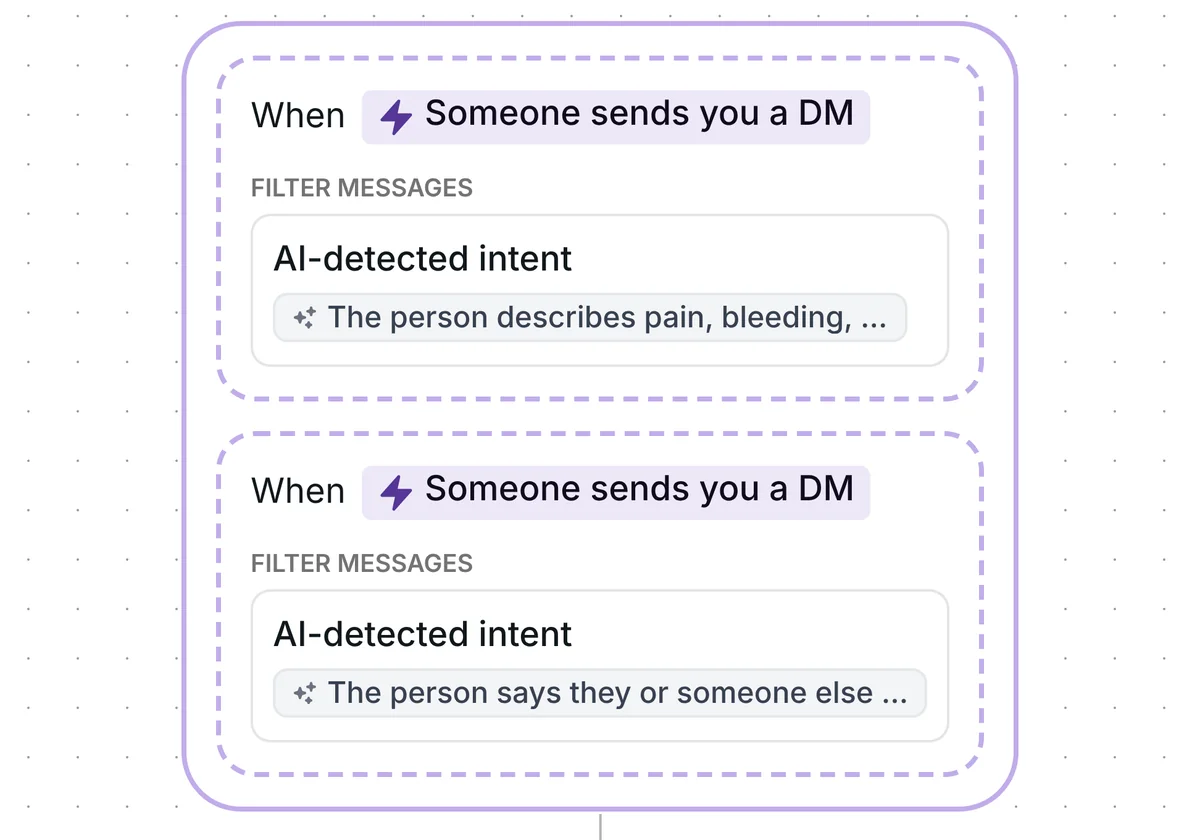
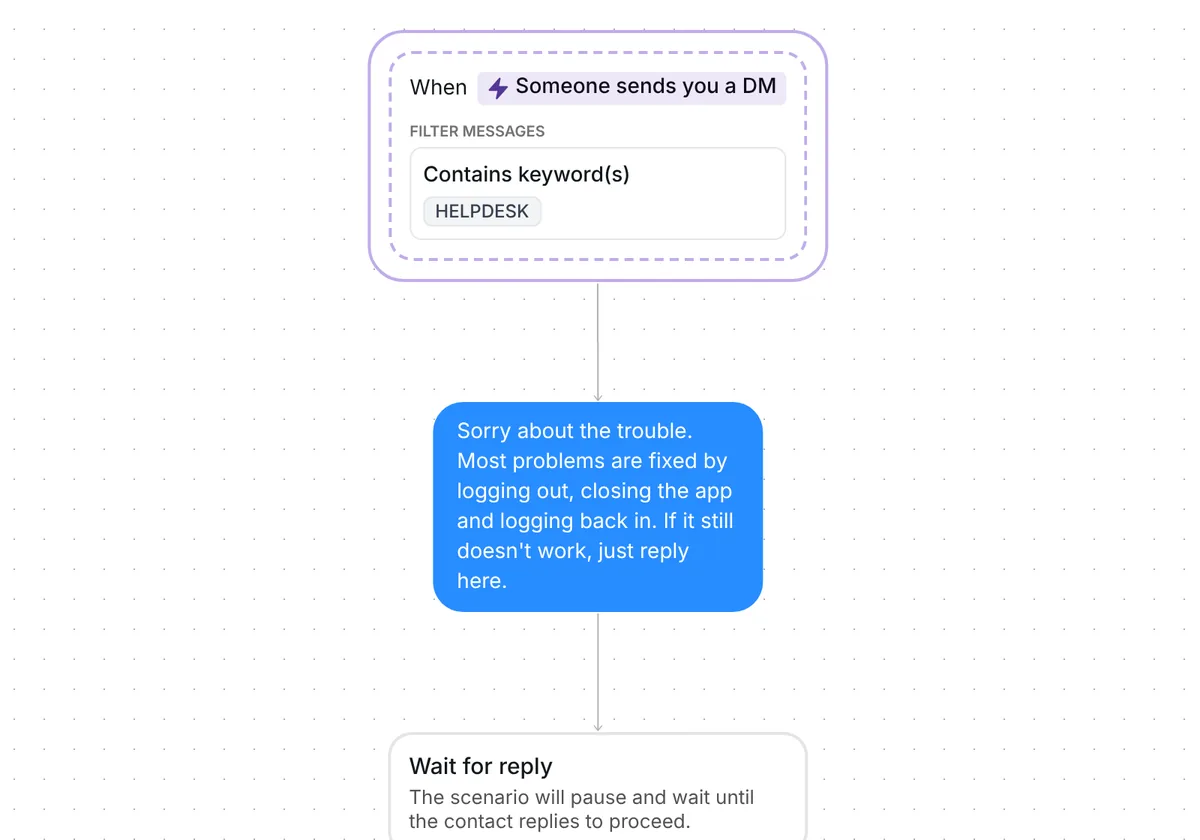
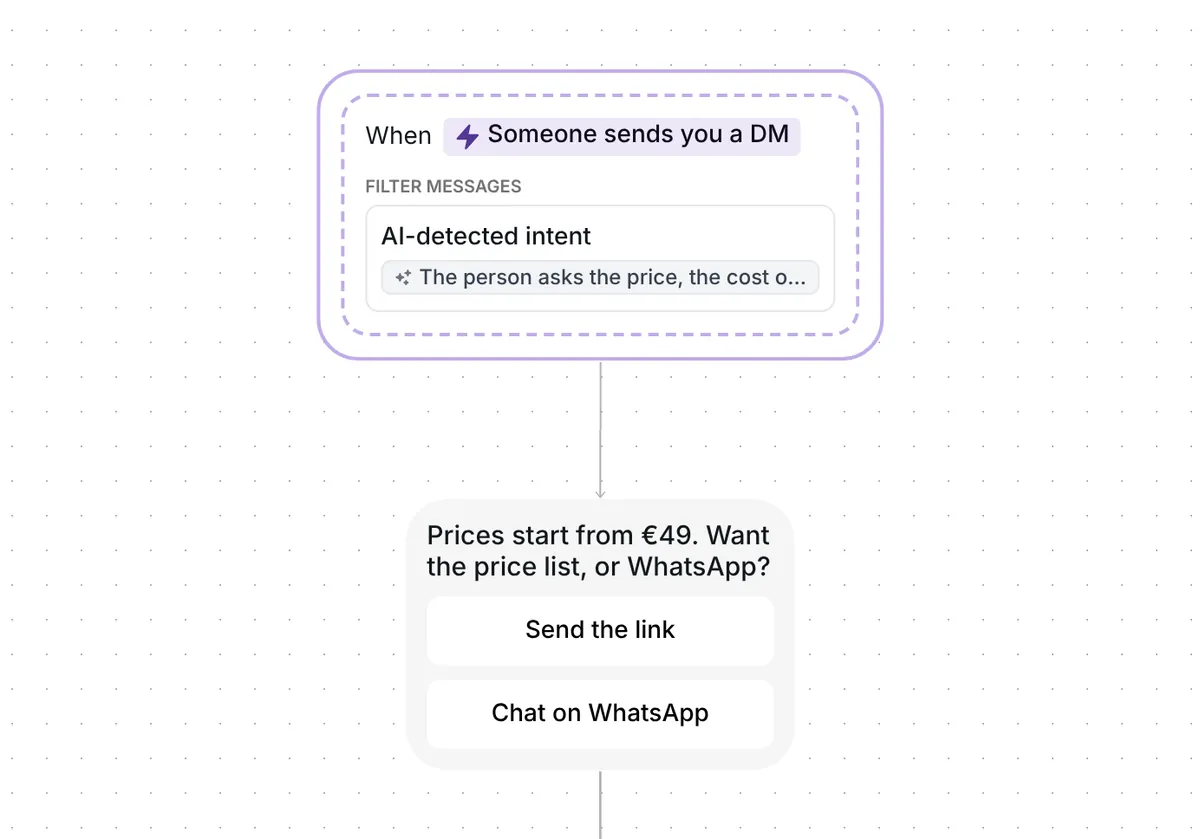
Want to see every support request in your Instagram DMs in one list? This template sorts each DM that AI recognises as asking for help into a folder, and sends nothing to the person.

Kshitij Maheshwari


Copy an Instagram template that sorts DMs asking for help into one folder with AI, so you answer from a single list. Nothing is sent to the person.
Copy this template to sort every DM that AI recognises as asking for help into one folder, with nothing sent to the person. AI recognises a support request from a sentence you can rewrite, and the contact lands in "Support: asked", so you open one list instead of scrolling your whole inbox.
This template ships one sorting rule: support requests go to one folder. One rule keeps the flow easy to read and easy to copy. Later in this page you see how to add a second rule by copying the template again.
The trigger listens to your DMs. It checks every message in a conversation, including later ones, so a customer who writes to you three weeks after buying is sorted too.
Inrō waits 5 seconds after a person's last message before it checks them.
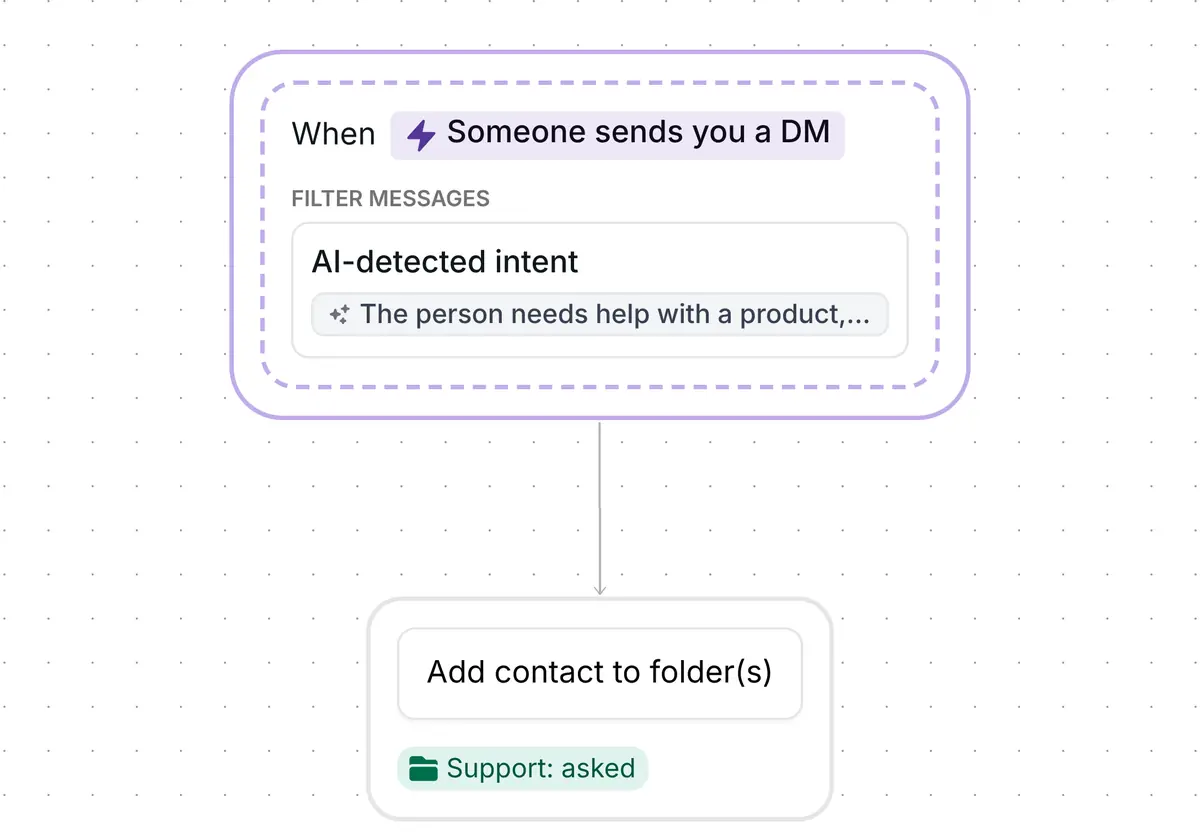
The trigger does not look for a keyword. It uses AI-detected intent: you describe in plain words the kind of message you want to catch, and AI decides whether a new DM fits. The sentence that ships with the template reads:
"The person needs help with a product, app or account they already use that does not work. Not a short button reply such as Yes or Not yet. Not an order, a booking or a question before buying."
The first sentence says what to catch. The two "Not" sentences say what to leave out: short button replies, orders, bookings and questions from people who have not bought yet. Those messages are not filed as support requests.
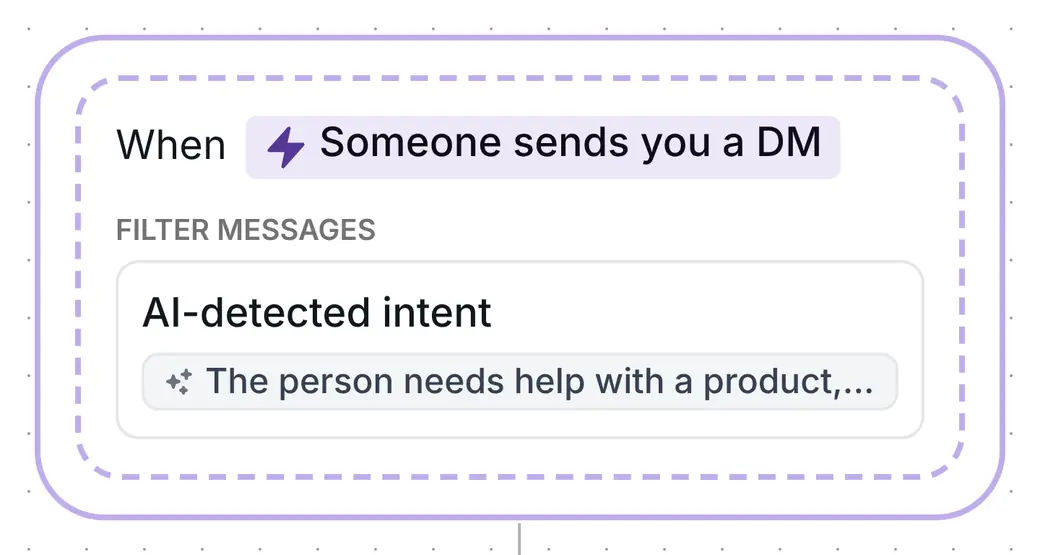
The only step adds the contact to the folder "Support: asked". That is all the template does. No message, button or email goes to the person, so the sorting is invisible to them.
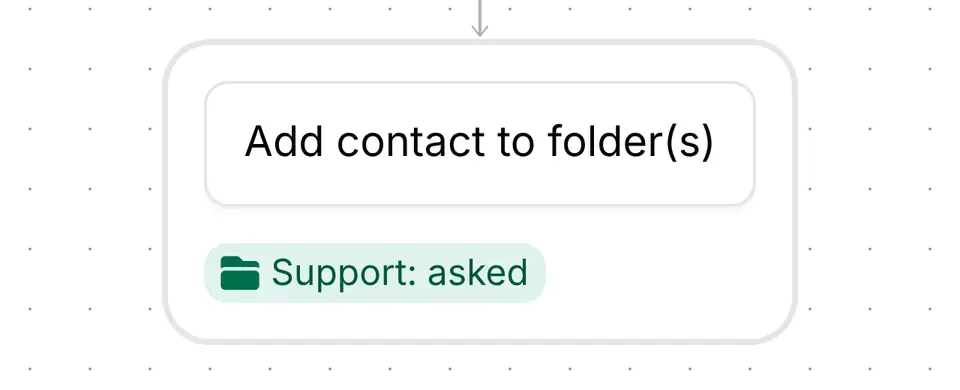
Filter your Inrō inbox by "Support: asked" and every conversation filed there shows in one view. A contact can sit in several folders at once, so being in this one does not remove them from the others. A person who is already in the folder stays in it when they write again.
Every matching message is checked.
The copy arrives turned off, and no field is left empty: there is no link, email address or message text to fill in. Four checks are enough.
This template does it by meaning. Each DM that AI recognises as a request for help is filed in the folder "Support: asked", with no reply sent. For the full setup of your inbox, folders and filters, read the Instagram inbox management guide.
No. The template only adds the contact to a folder. What happens next is your choice: you answer from the folder, or you build a follow-up automation that starts when someone enters it.
One rule files into one folder. To sort more kinds of message, copy the template again for each rule, with its own sentence and its own folder. A contact can be in several folders, so a message that fits two rules is filed in both.
Yes. Rewrite the sentence under AI-detected intent in plain words, for example to catch price questions, and point the step at another folder.
Not sure how it work?
Read posts about templates on our blog.
Become a creator
Submit your template to the Inrō template gallery and get featured – all in just a few clicks.

It clones straight into your account. Change the message to sound like you, then switch it on.