Want the questions in your story replies answered without typing each answer yourself? This template has your AI Agent answer each question people send in a story reply, and keeps a list of everyone who asked.

Kshitij Maheshwari


Someone replies to your story with a question and your AI Agent answers in about 25 words, then files them in a folder. Copy the Instagram template.
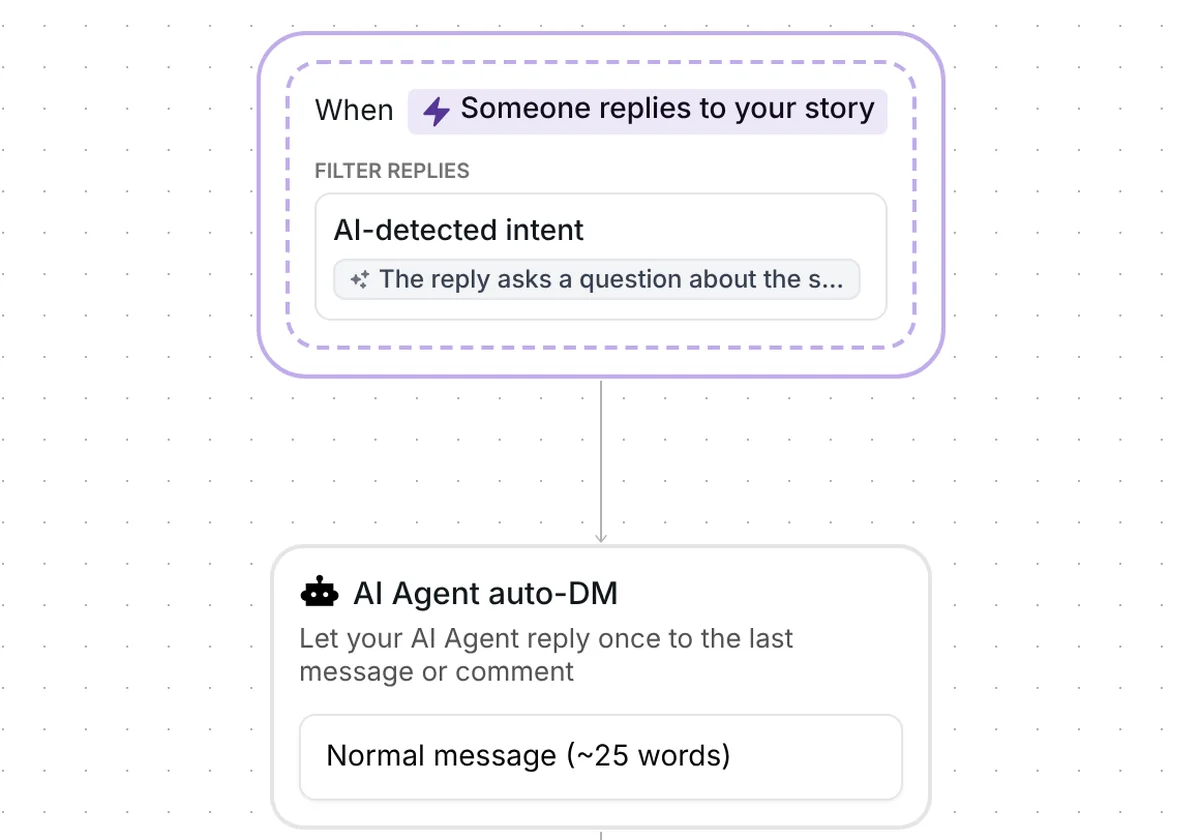
Someone replies to your story with a question, like what a product costs or when you open, and your AI Agent answers in about 25 words. After the answer, the contact goes into the folder "Answers: asked", ready for your own follow-up. Copy the template, set up your agent and turn it on.
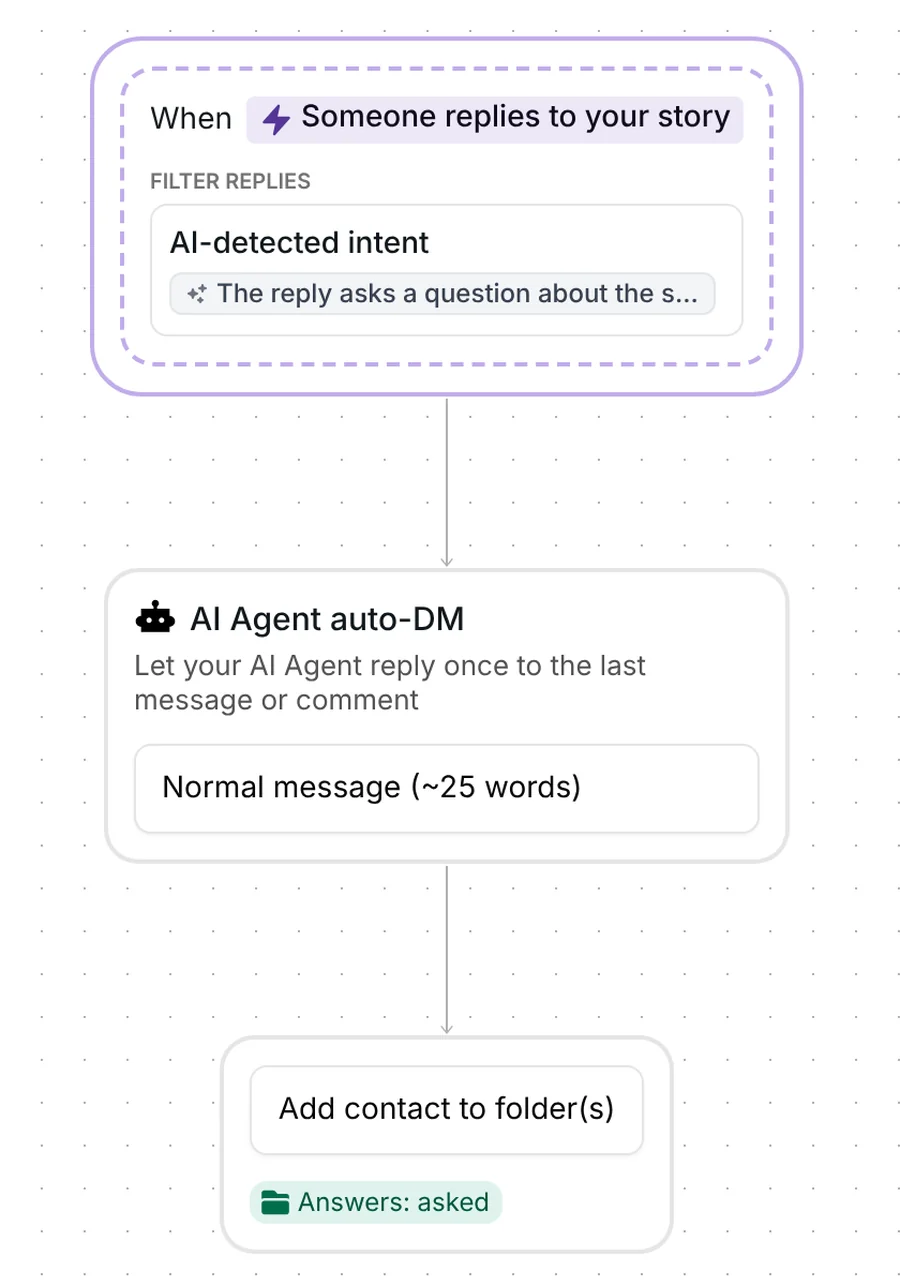
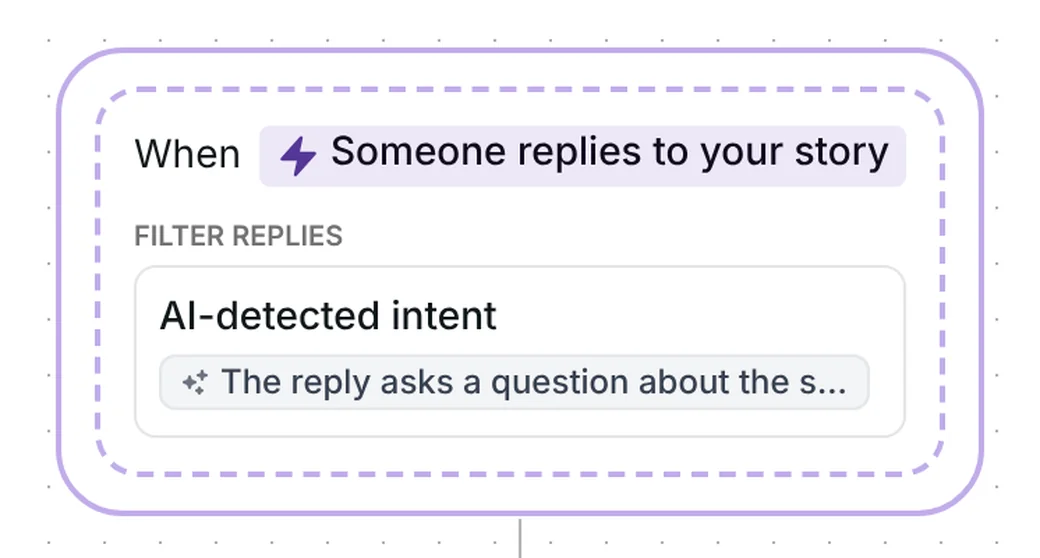
The template starts when someone replies to one of your stories. It works on any story you post while it is on, and a story reply reaches you as a DM. The story reply trigger is set to "AI-detected intent", so the flow starts only for replies that match this wording:
"The reply asks a question about the story, a product, a service, prices, opening hours or how to buy or book, in their own words. Not an emoji, a compliment alone, a complaint or a single keyword."
That is the one thing to know before you rely on the name. As built, the template answers the story replies that ask a question, not literally every reply. An emoji, a compliment on its own, a complaint or a single keyword does not start it, and neither does a reply with no words in it, like a sticker or a photo. To answer those as well, you widen the trigger (the setup section shows where).
Whether a given sentence counts as a question is decided by intent detection, so writing your own questions into the wording makes the match more precise.
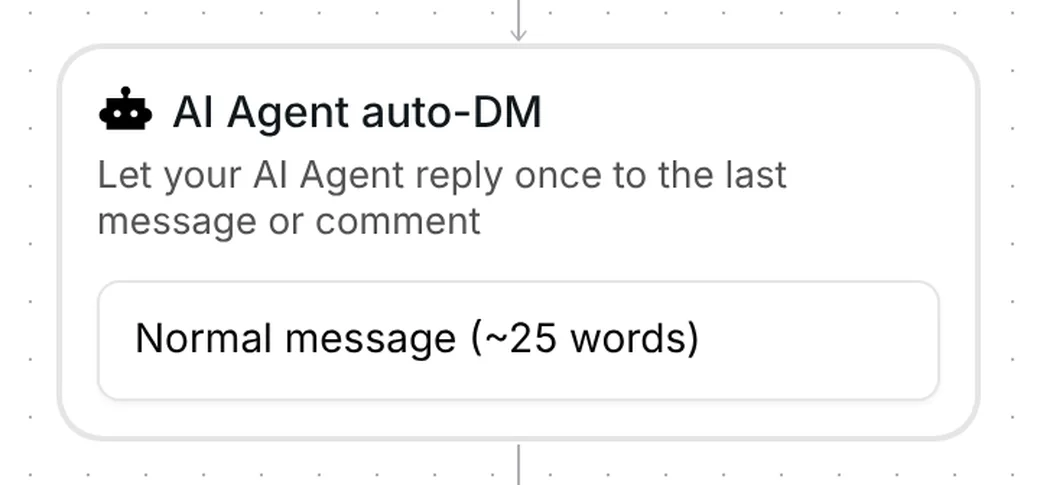
The one message step is called "AI Agent auto-DM", described in the builder as "Let your AI Agent reply once to the last message or comment". The template has no fixed text. The answer is written by your own AI Agent, in the tone of voice and from the knowledge you gave it, so you set the agent up before you turn the template on.
The step is set to "Normal message (~25 words)", so each answer stays short. The other choices are about 10, 50 or 100 words.
The last step adds the contact to the folder "Answers: asked". Filter your Inrō inbox and CRM by that folder and you see the people the template matched, each next to their conversation. Use it as your list for the questions that need you in person.
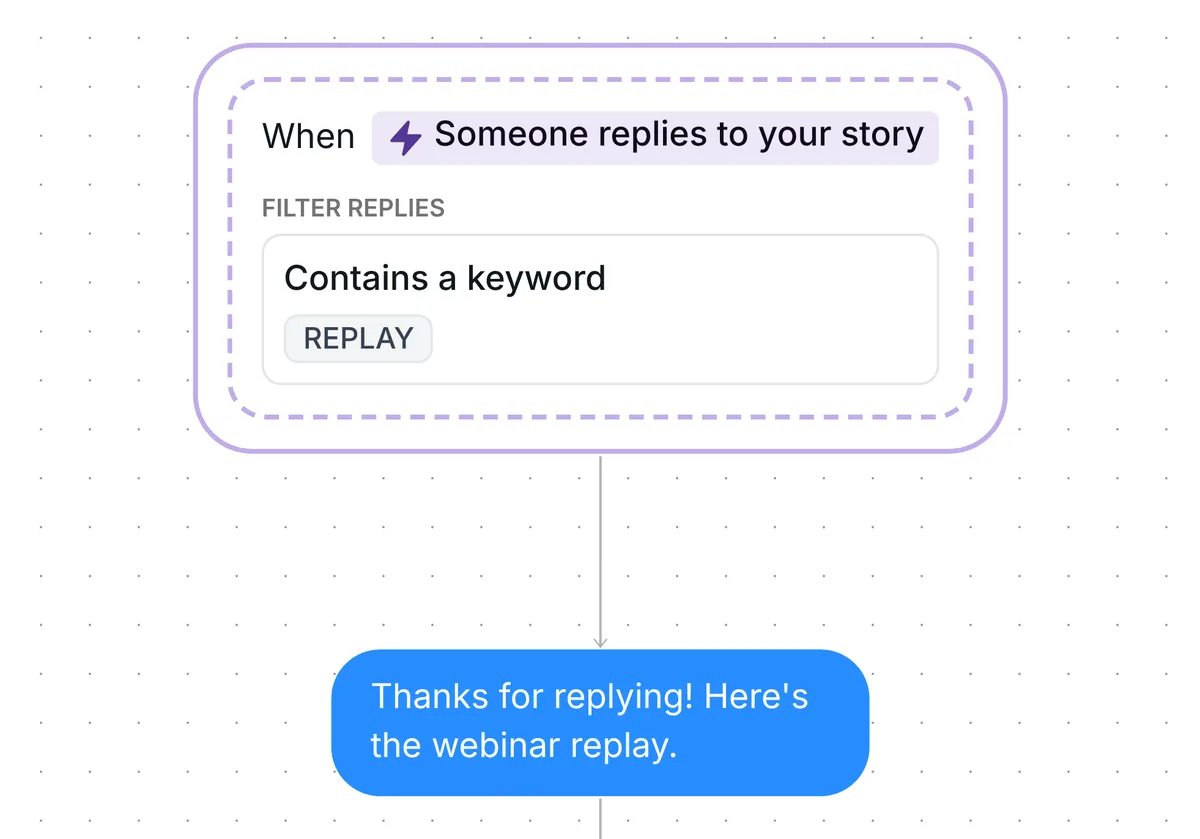
The template has no keyword, no link card and no reminder. If you want a link to go out when someone types a word on your story, that is a different flow: turn story replies into link clicks.
The trigger comes set up: someone replies to your story, on any story, and the reply has to match the AI-detected intent. The template arrives turned off.
Check five things before you go live:
Then switch the automation on.
Copy this template and turn it on. When someone replies to your story with a question, your AI Agent answers in about 25 words and the contact goes into the folder "Answers: asked".
As built, it answers the replies that ask a question. An emoji, a compliment on its own, a complaint or a single keyword does not start it. To change that, open "Which replies" in the trigger and choose "Any reply".
Yes. It works on any story by default. You can narrow it to stories with a keyword, stories with a URL or stories showing something.
Your own AI Agent, in the tone of voice and from the knowledge you gave it. The template has no fixed text, so set the agent up before you turn it on.
Not sure how it work?
Read posts about templates on our blog.
Become a creator
Submit your template to the Inrō template gallery and get featured – all in just a few clicks.

It clones straight into your account. Change the message to sound like you, then switch it on.