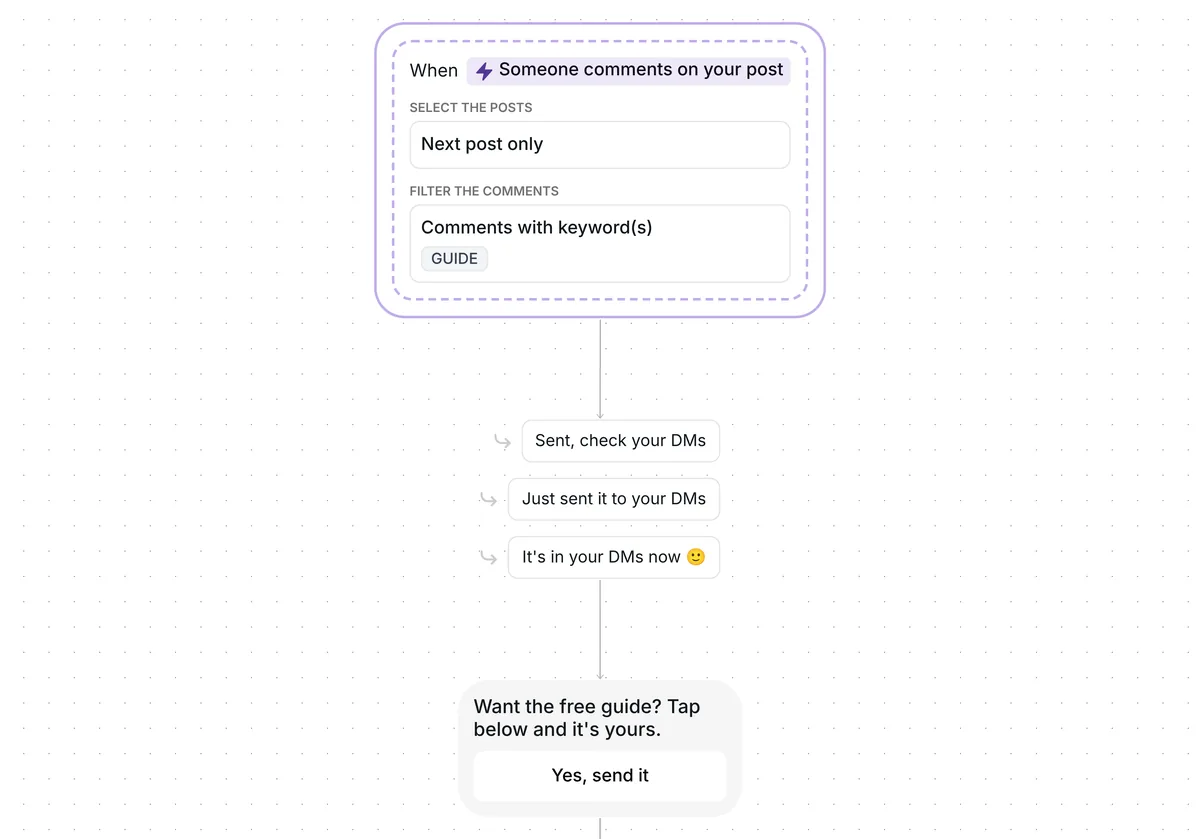
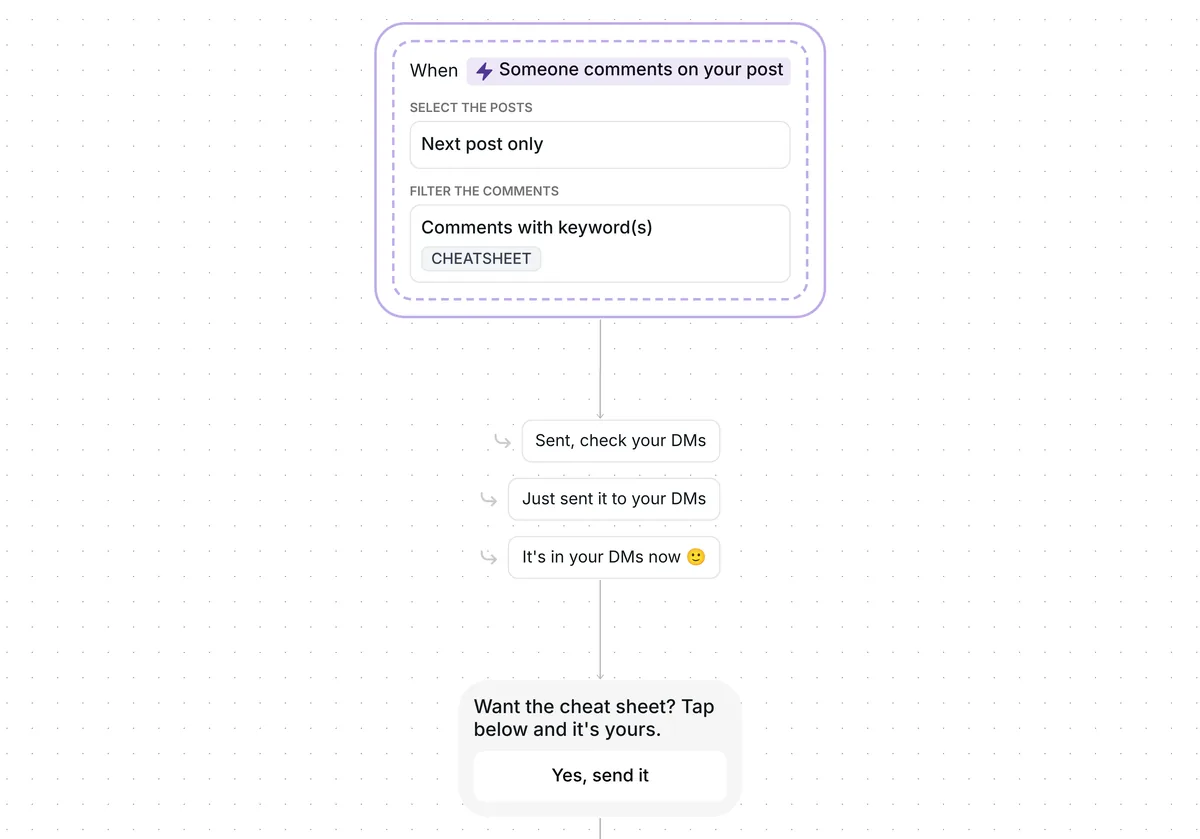
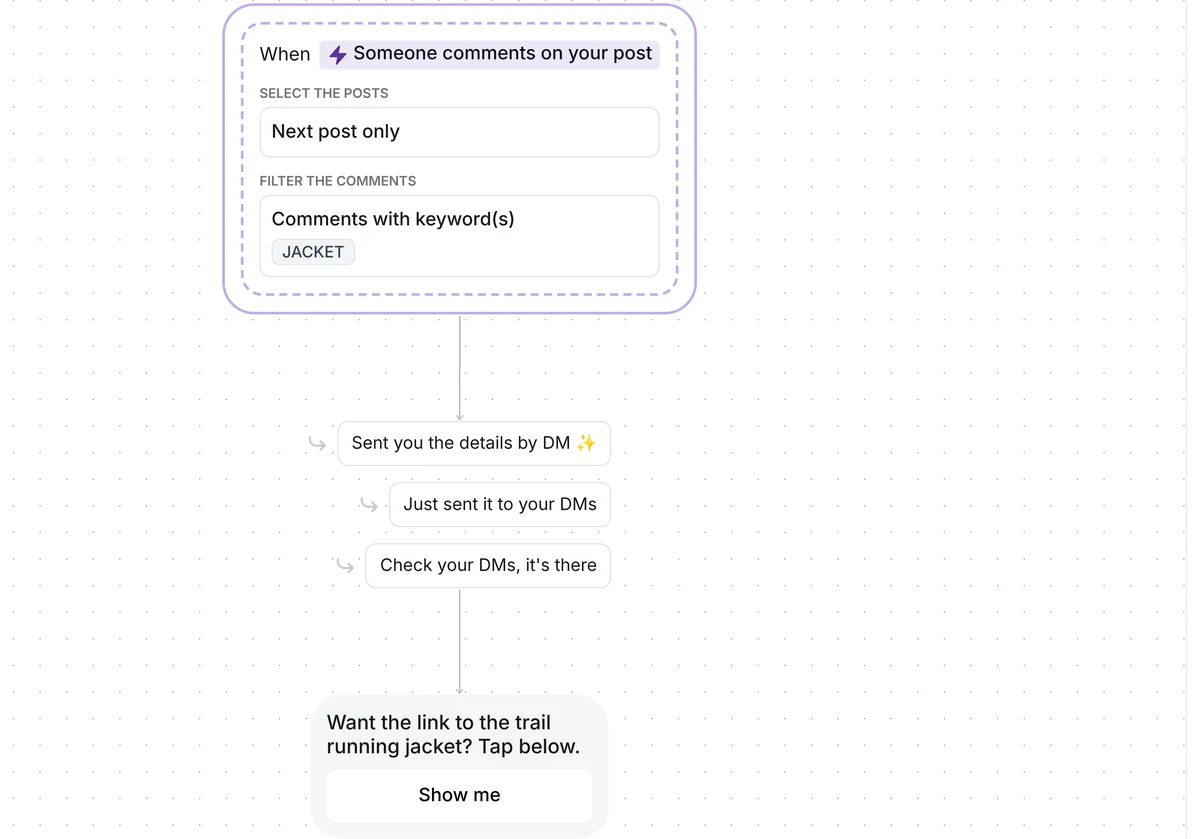
Want your followers to get your affiliate links without you answering every comment? This template sends your list of links to everyone who comments a keyword, and reminds the people who have not opened it yet.

Kshitij Maheshwari


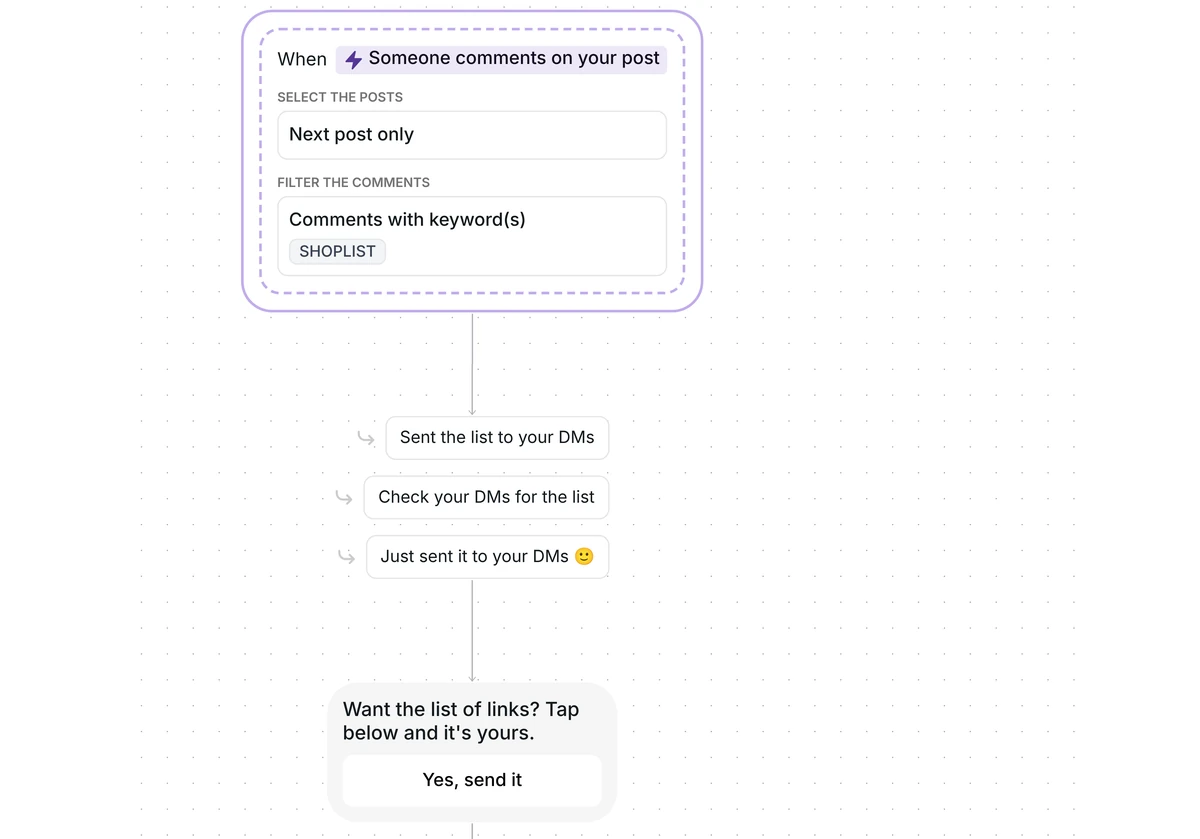
Someone comments SHOPLIST and gets your list of affiliate links by DM, plus one reminder 2 hours later if they have not opened it. Copy the template.
Ask people to comment SHOPLIST on your next post. Inrō answers under the comment, sends a DM with one button, then your list of affiliate links on a card that says "I may earn from purchases". Everyone who opens the list goes into a folder, and anyone who has not opened it after 2 hours gets one reminder.
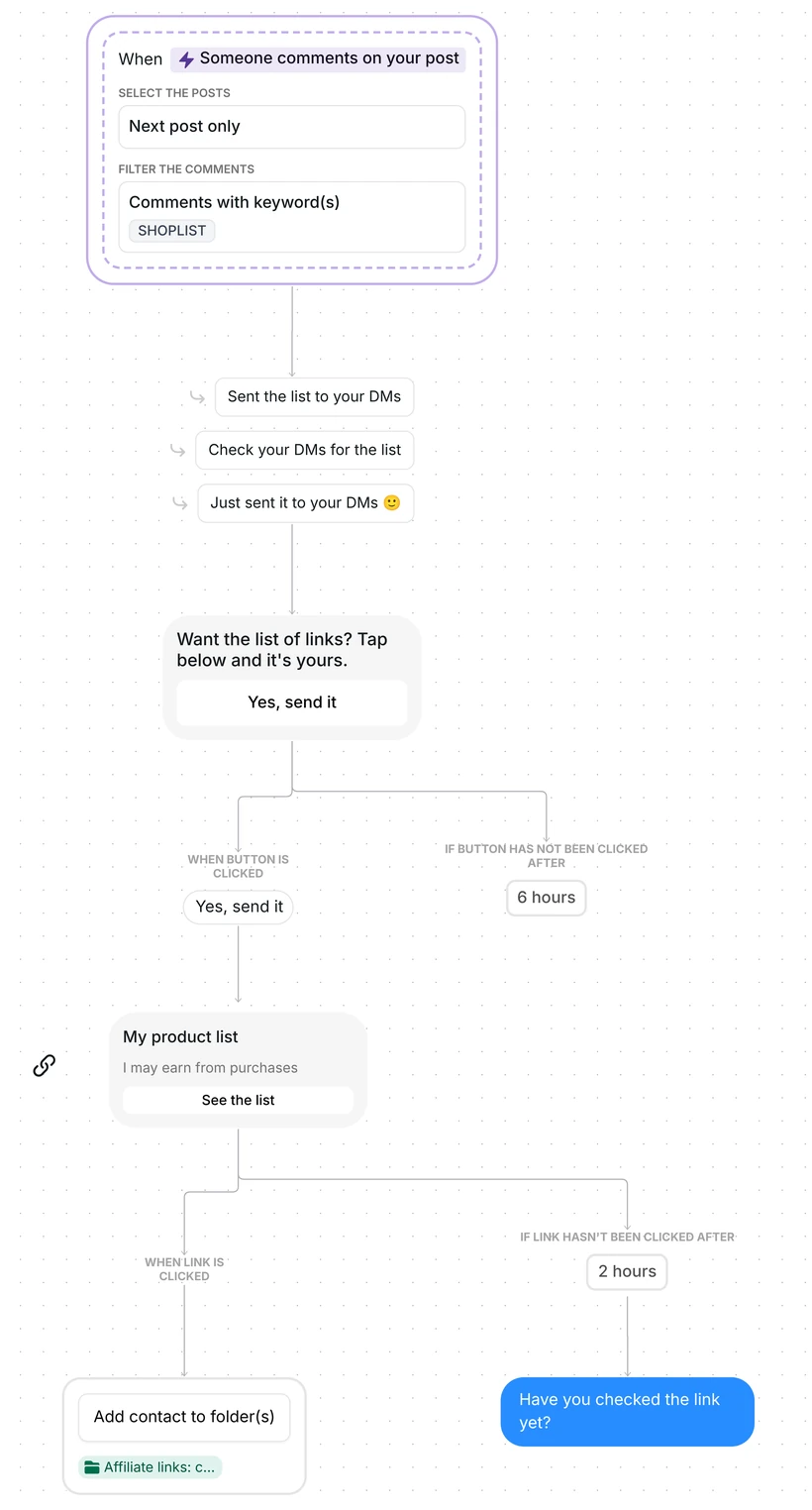
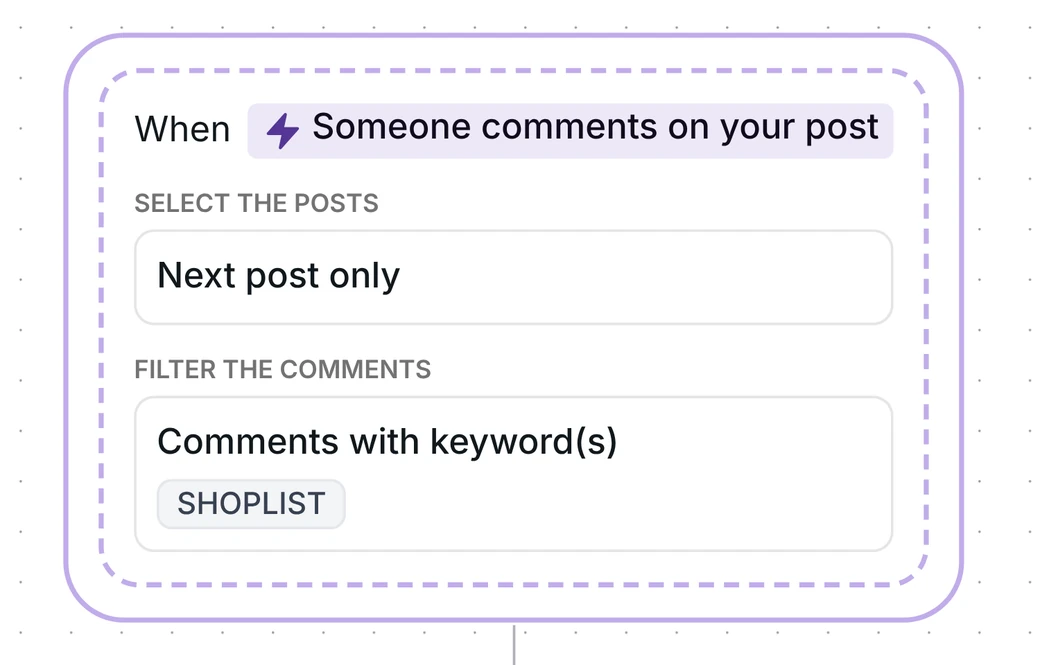
This is a comment to DM flow. The trigger listens to comments on the first post you publish after its date. It reacts to top-level comments only, not to replies under other comments, and your own comments never start it.
The keyword can sit inside a longer comment, in capitals or not: "shoplist please" starts the flow, and so does "shoplists". Two words, "shop list", do not. Add that spelling as a second keyword if your audience types it.
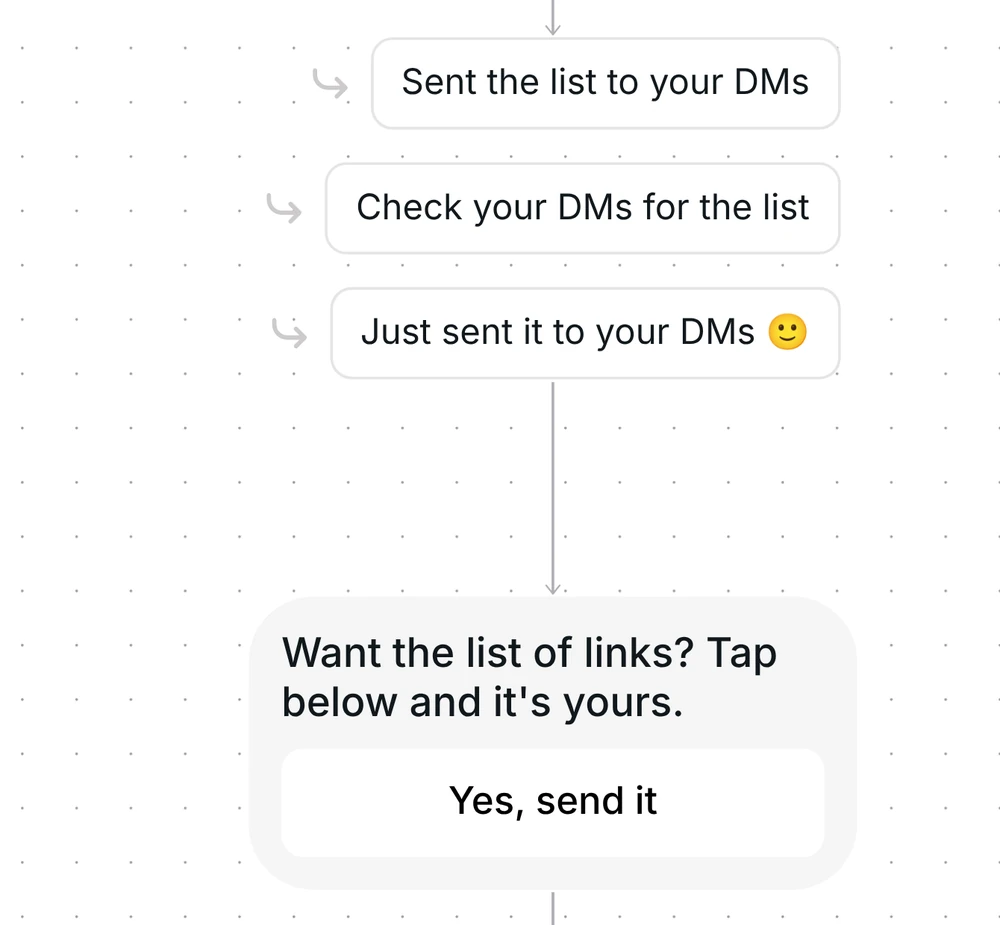
Inrō first answers under the comment with one of three replies, picked at random: "Sent the list to your DMs", "Check your DMs for the list" or "Just sent it to your DMs", each with a smiling emoji. The reply goes up once the DM has gone out.
The DM is one short message, 49 characters: "Want the list of links? Tap below and it's yours." It has one button, "Yes, send it". Instagram lets a business send one private message to a person who commented, and the conversation continues once the person responds. The tap is that response, so your list can follow in the next message. If nobody taps within 6 hours, the flow stops there and nothing else is sent.
After the tap, the next message is a link card titled "My product list". Under the title sits the line "I may earn from purchases", and the button reads "See the list". The card holds one address, so it points to one page that lists your links, not to one link per product. The address in the template is an example that you replace.
Everyone who opens the list is added to the folder "Affiliate links: clicked", even if they open it after the reminder. Filter your Inrō inbox and CRM by that folder and you see who opened your list, each next to their conversation.
Inrō records who opened the list, not who bought. Sales and commissions show in your affiliate network's own dashboard.
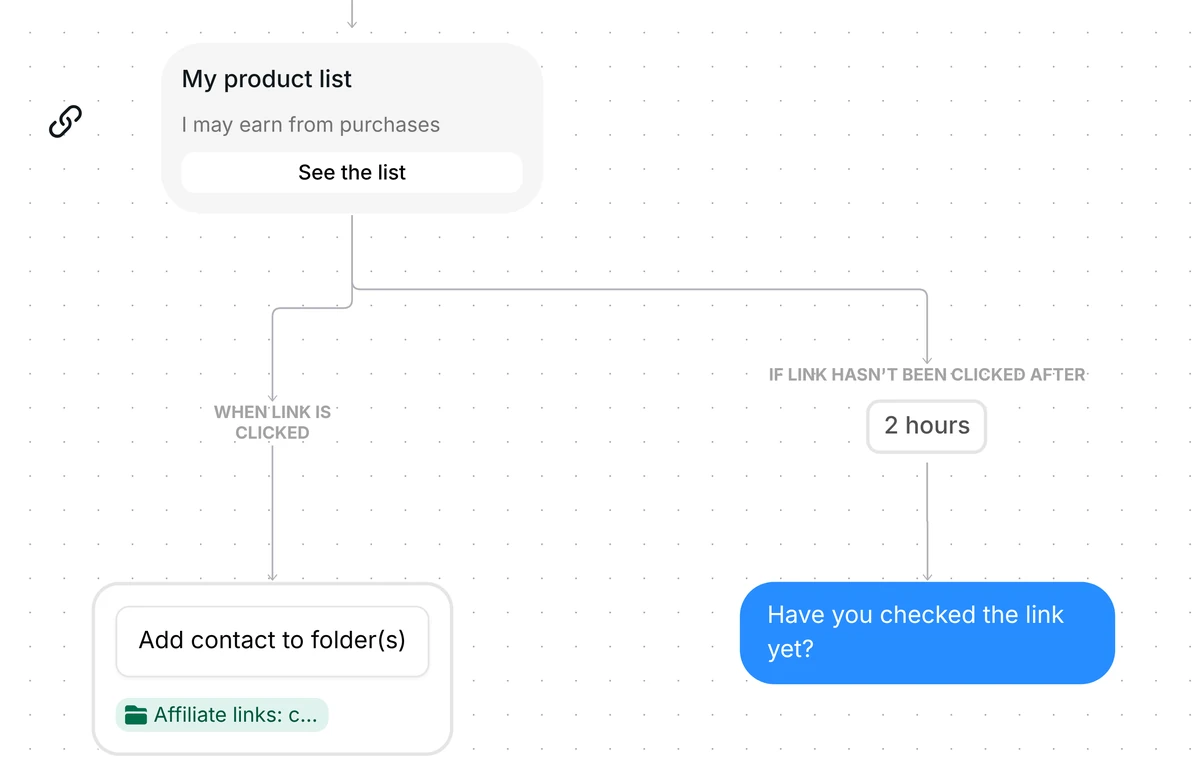
Someone who has not opened the list 2 hours after it arrived gets one message: "Have you checked the link yet?" Someone who opened it in time gets nothing more. The 2 hours is only the wait before the reminder, and the link keeps working after it.
The trigger comes set up: comments that contain SHOPLIST, on your next post, top-level comments only. The flow runs once per person, and the copy arrives turned off, so nothing goes out until you switch it on.
Check six things before you go live:
Then turn the scenario on.
Ask people to comment a keyword on your next post. This template replies under the comment, sends your list of links by DM and reminds anyone who has not opened it. For where to place affiliate links, see the guide on Instagram affiliate links.
Yes. Copy the template once per post, with its own keyword and its own link. Press Reset date in each copy before its post.
The flow runs once per person. A second comment from the same person gets no second answer.
It is how long Inrō waits before sending the reminder. Nothing expires: your list stays open for anyone who taps it later, and that person is still filed under "Affiliate links: clicked".
Not sure how it work?
Read posts about templates on our blog.
Become a creator
Submit your template to the Inrō template gallery and get featured – all in just a few clicks.

It clones straight into your account. Change the message to sound like you, then switch it on.