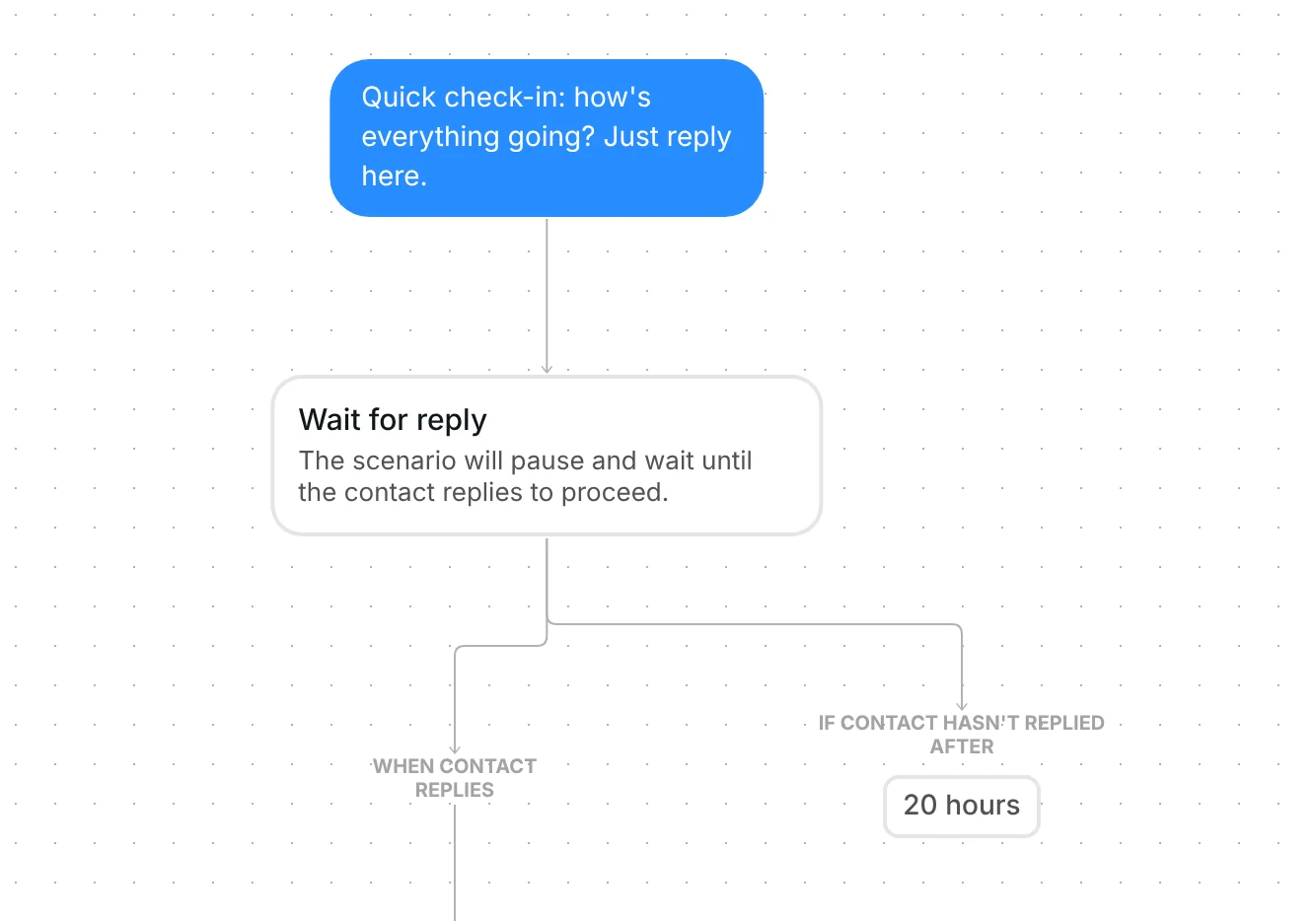
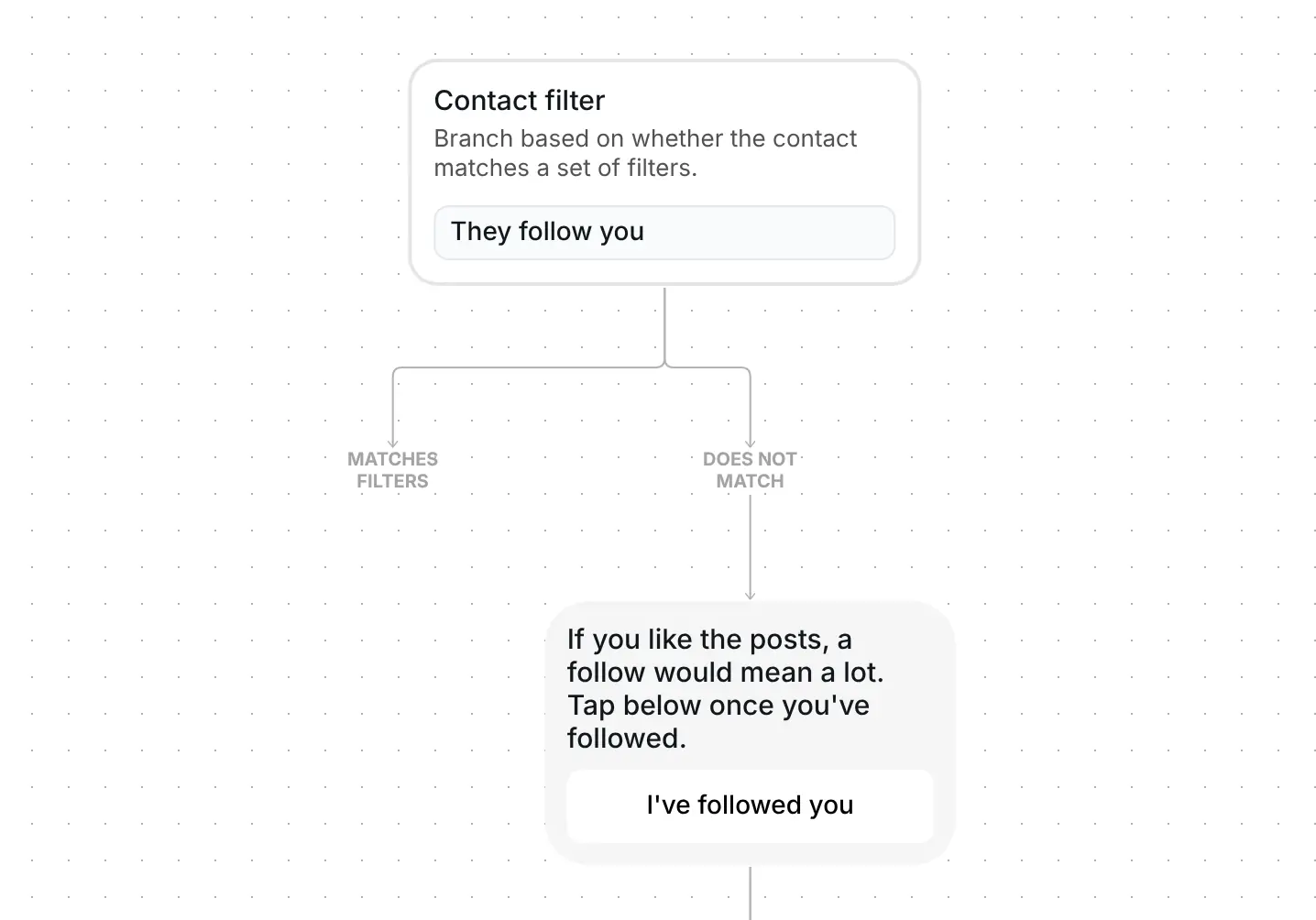
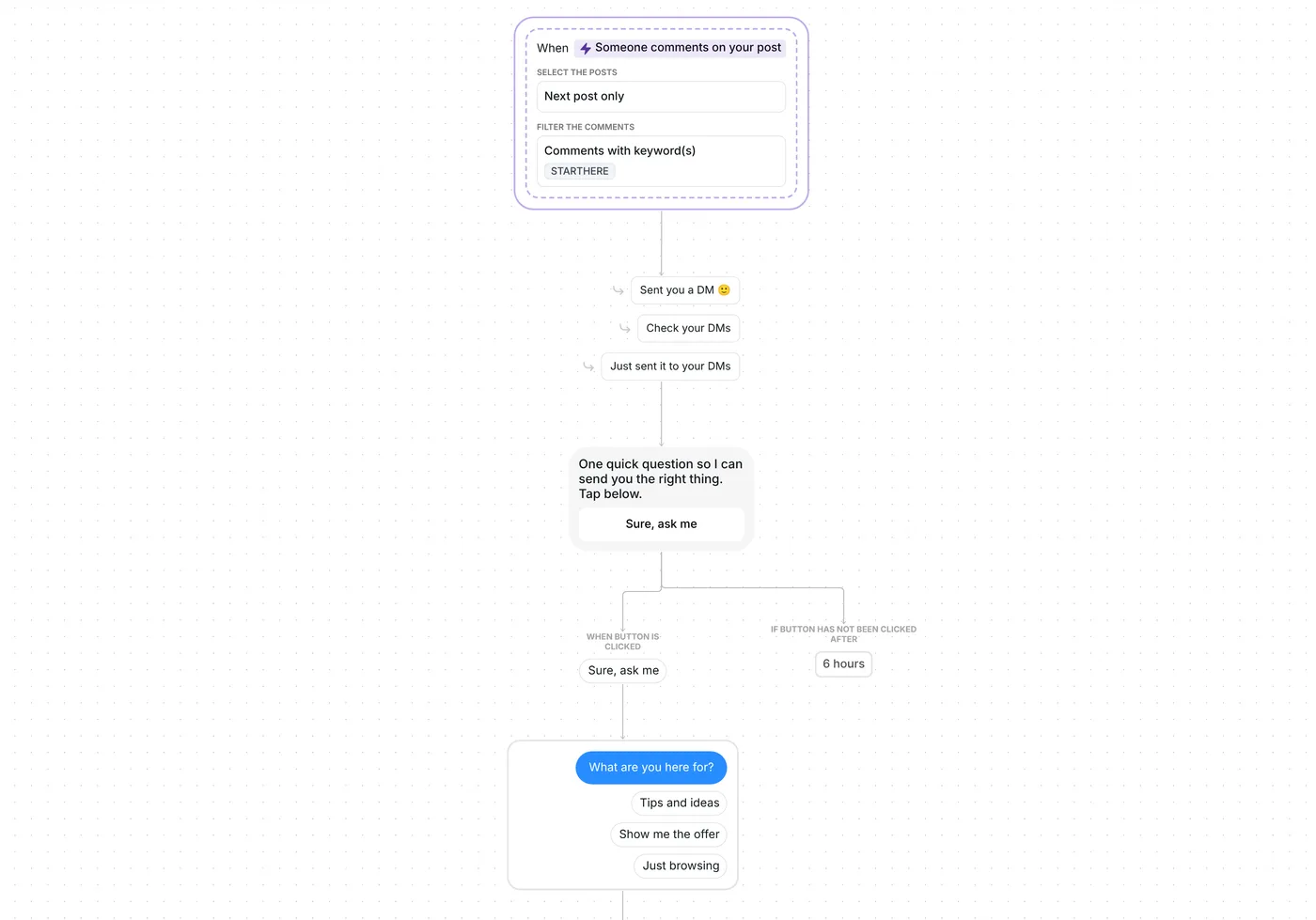
Want quick feedback from your followers or customers without sending them to another tool? This DM campaign sends a two-question survey, thanks everyone who finishes it and reminds the rest once.

Kshitij Maheshwari


Send a two-question survey by Instagram DM, thank everyone who finishes it and remind the rest after 2 hours. Copy the campaign template.
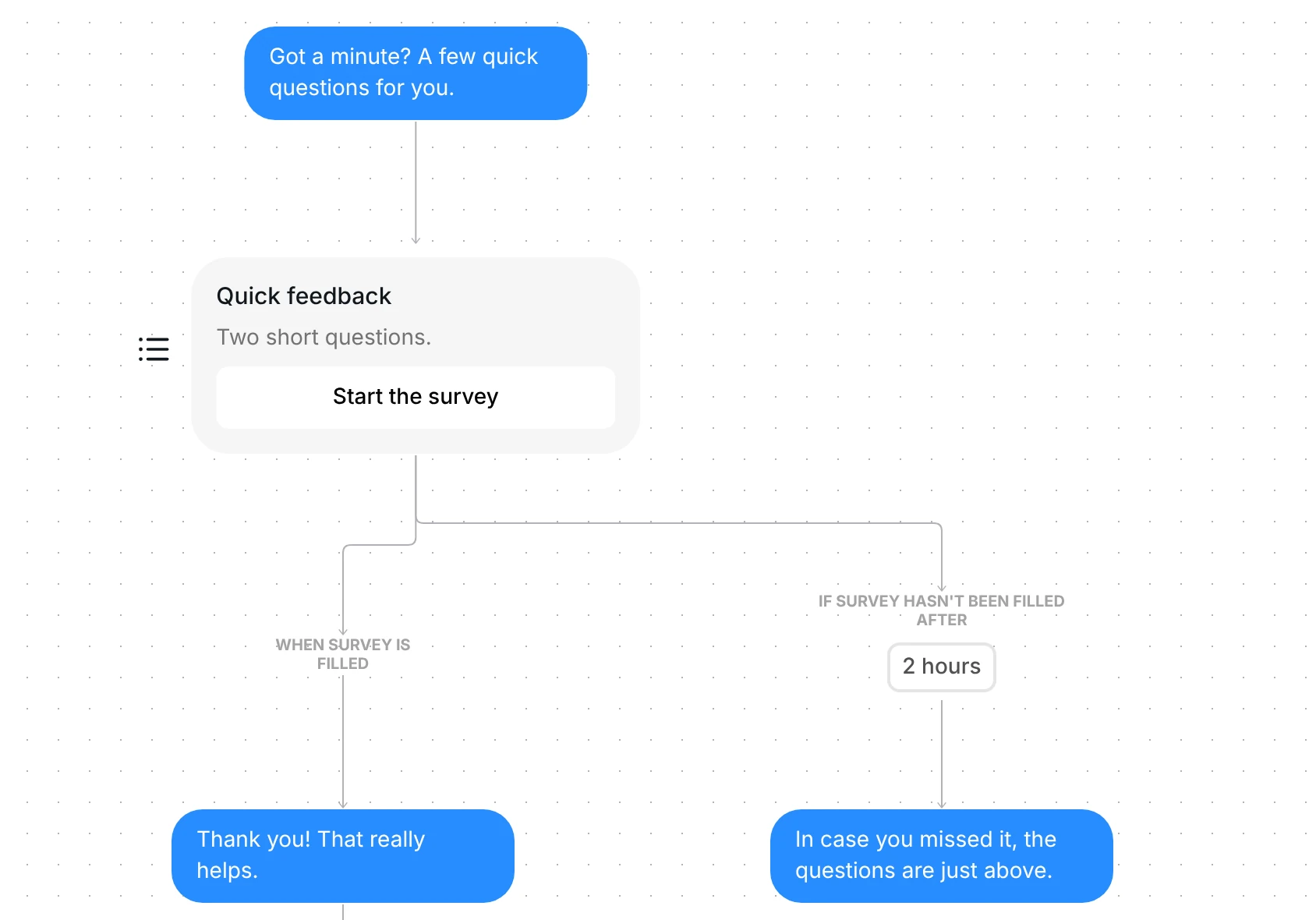
You pick who gets it and send or schedule your DM campaign. Each person gets "Got a minute? A few quick questions for you." and a card with a "Start the survey" button that opens two questions. People who finish get a thank-you and land in a folder. People who have not finished after 2 hours get one reminder.
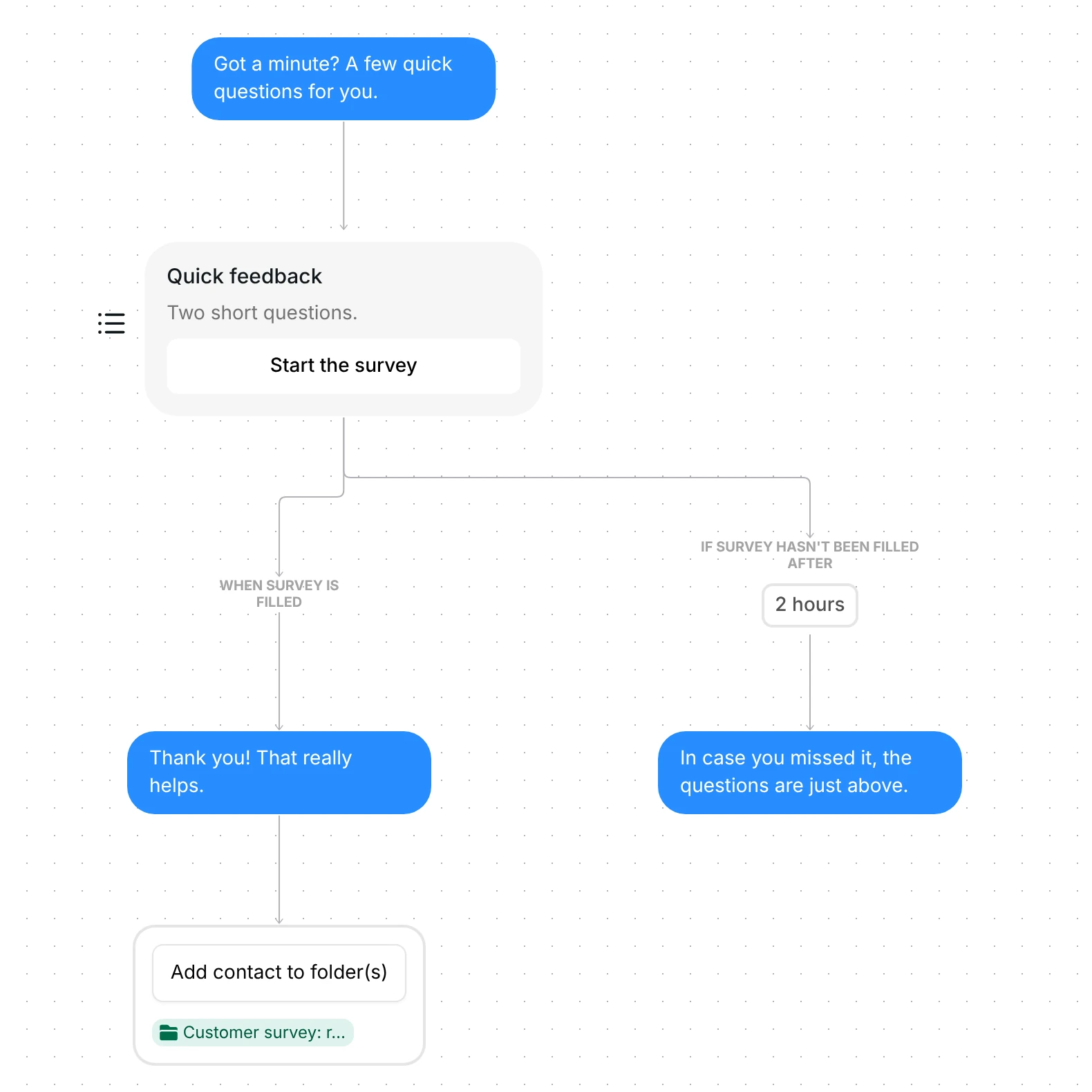
The first DM is "Got a minute? A few quick questions for you." It is 44 characters, and nothing waits between it and the survey card, so the card arrives straight after it.
The card is titled "Quick feedback", with the subtitle "Two short questions." and one button, "Start the survey". The button opens the survey as a form in Instagram's in-app browser. The form asks "What did you like most?" and "What should we make next?". Both are plain text and neither is required.
The survey waits 2 hours for the answers. A new Send a survey step waits 3 days by default, so this template shortens it.
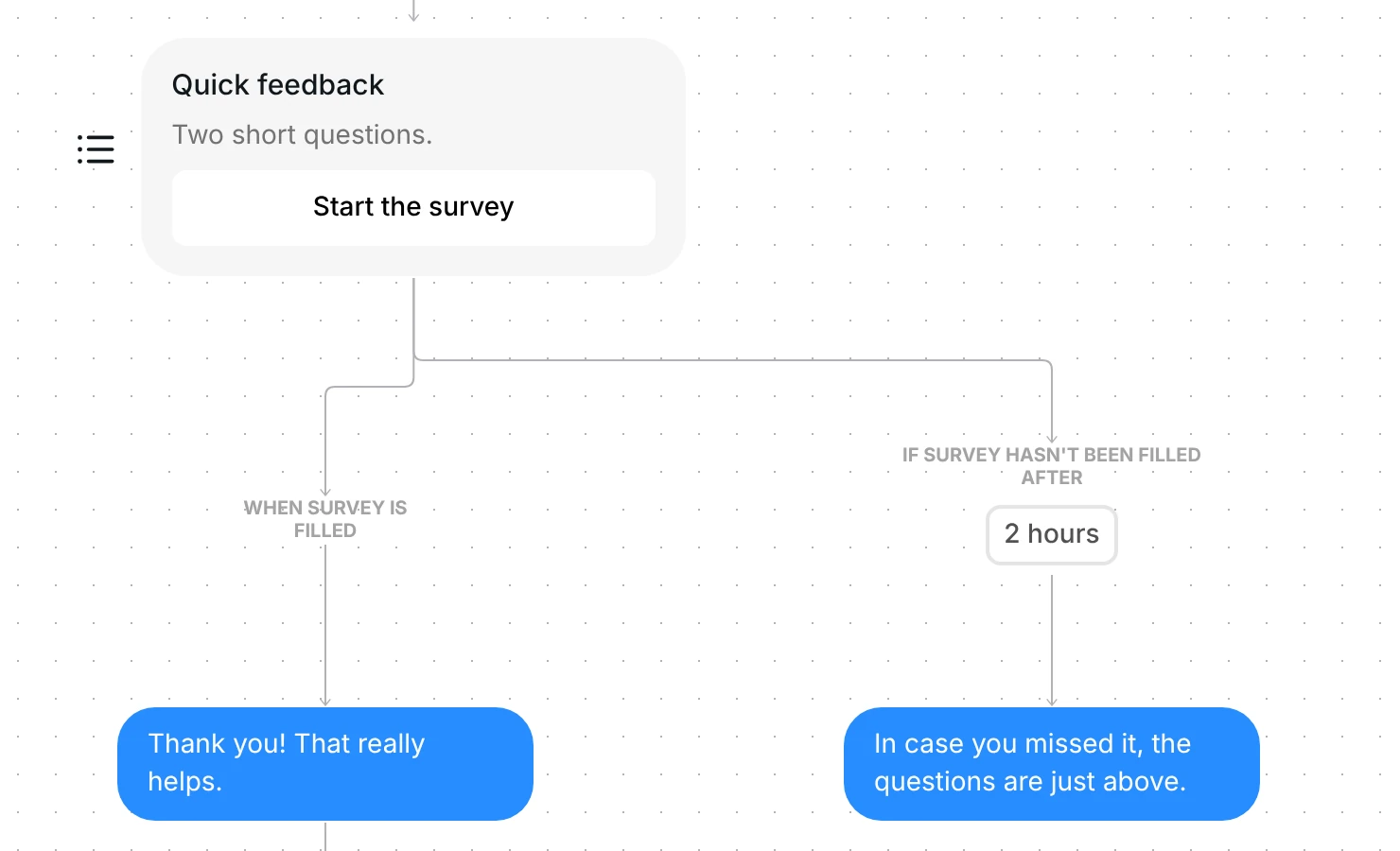
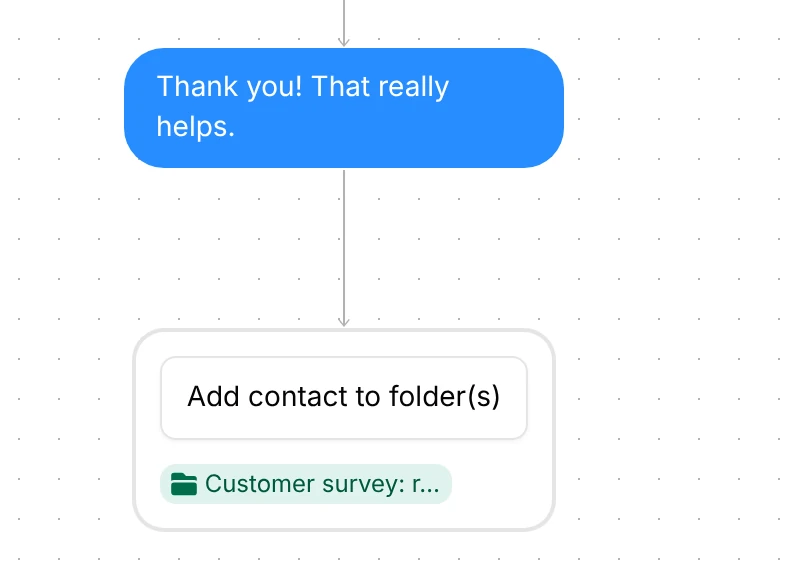
Everyone who finishes the form gets "Thank you! That really helps." and goes into the folder "Customer survey: replied". That folder is your list of people who answered, ready for a follow-up.
If the form is still unfilled after 2 hours, the person gets "In case you missed it, the questions are just above." The flow ends there. The card stays above in the conversation, so the reminder points at something they can tap.
A contact has one run of a campaign, so nobody gets the survey twice. For how campaigns work in general, read the Instagram DM campaigns guide.
The campaign comes as a draft with no audience, so choose who gets it first. Then check seven things:
Open the survey from Automation, then Surveys. That is where the answers are collected, one person at a time, and you can export them.
Not in this template. Each answer stays in the survey's results. To save one on the profile, set "Save reply to contact property" on that question in the Form tab.
After 2 hours they get one reminder, "In case you missed it, the questions are just above.", and the flow ends. In the CRM, the survey filter set to received but not completed lists them.
Yes. Edit them in the survey's Form tab, and choose from nine answer types. The card's title, subtitle and button label are in the Message tab.
Not sure how it work?
Read posts about templates on our blog.
Become a creator
Submit your template to the Inrō template gallery and get featured – all in just a few clicks.

It clones straight into your account. Change the message to sound like you, then switch it on.