Want to reconnect with recent contacts without typing the same message to each one? This campaign sends a short personal check-in and shows you who replies, so you can pick up the conversation yourself.

Kshitij Maheshwari


Send one personal check-in DM to the contacts you choose, then heart each reply and file it in a folder. Copy the Instagram campaign template.
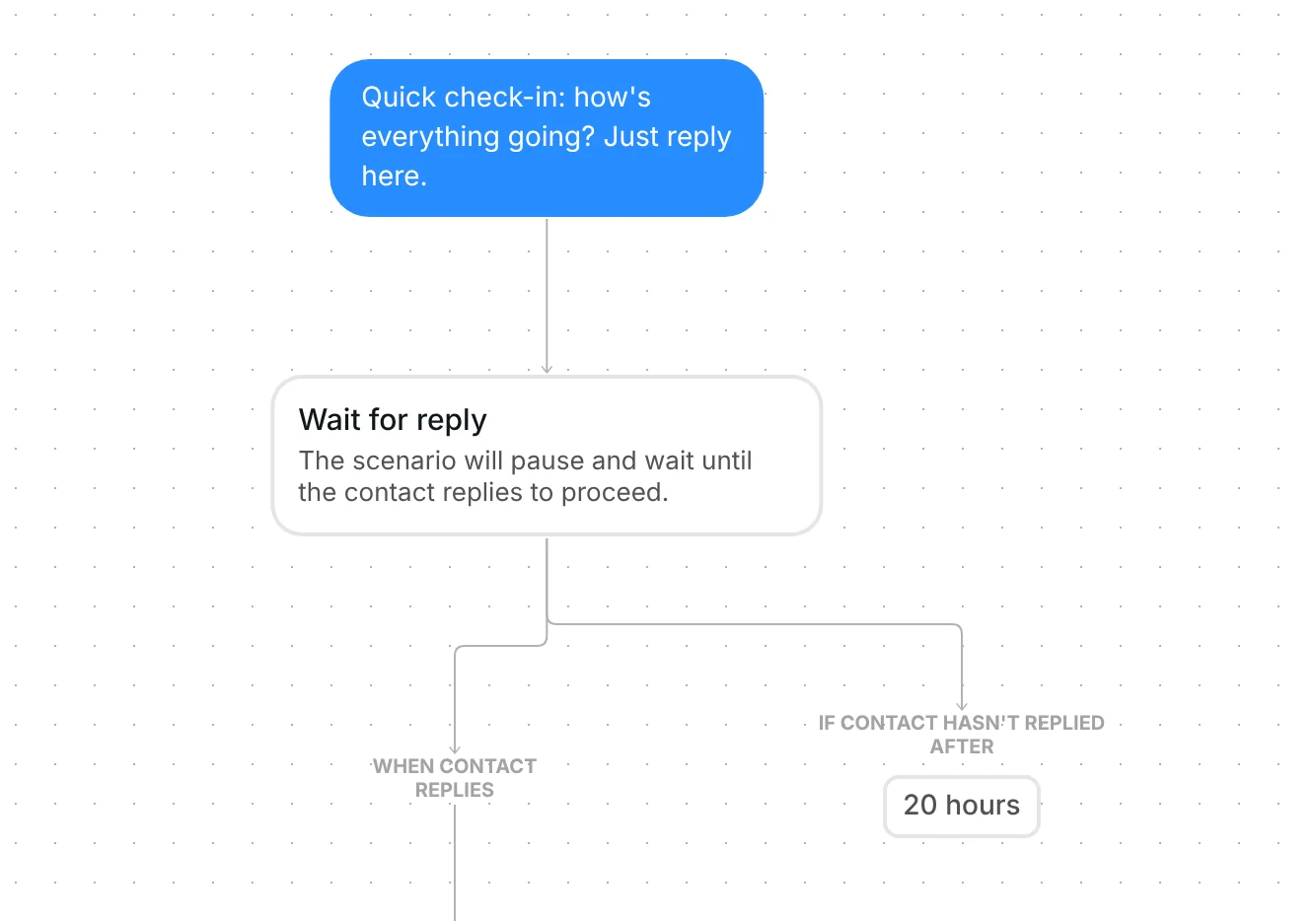
Choose the contacts you want to hear from, and Inrō sends each one the same short check-in: "Quick check-in: how's everything going? Just reply here." A reply goes into the folder "Check-in: replied". You answer replies yourself, so the conversation starts personal. It runs as a DM campaign: one send to the audience you pick.
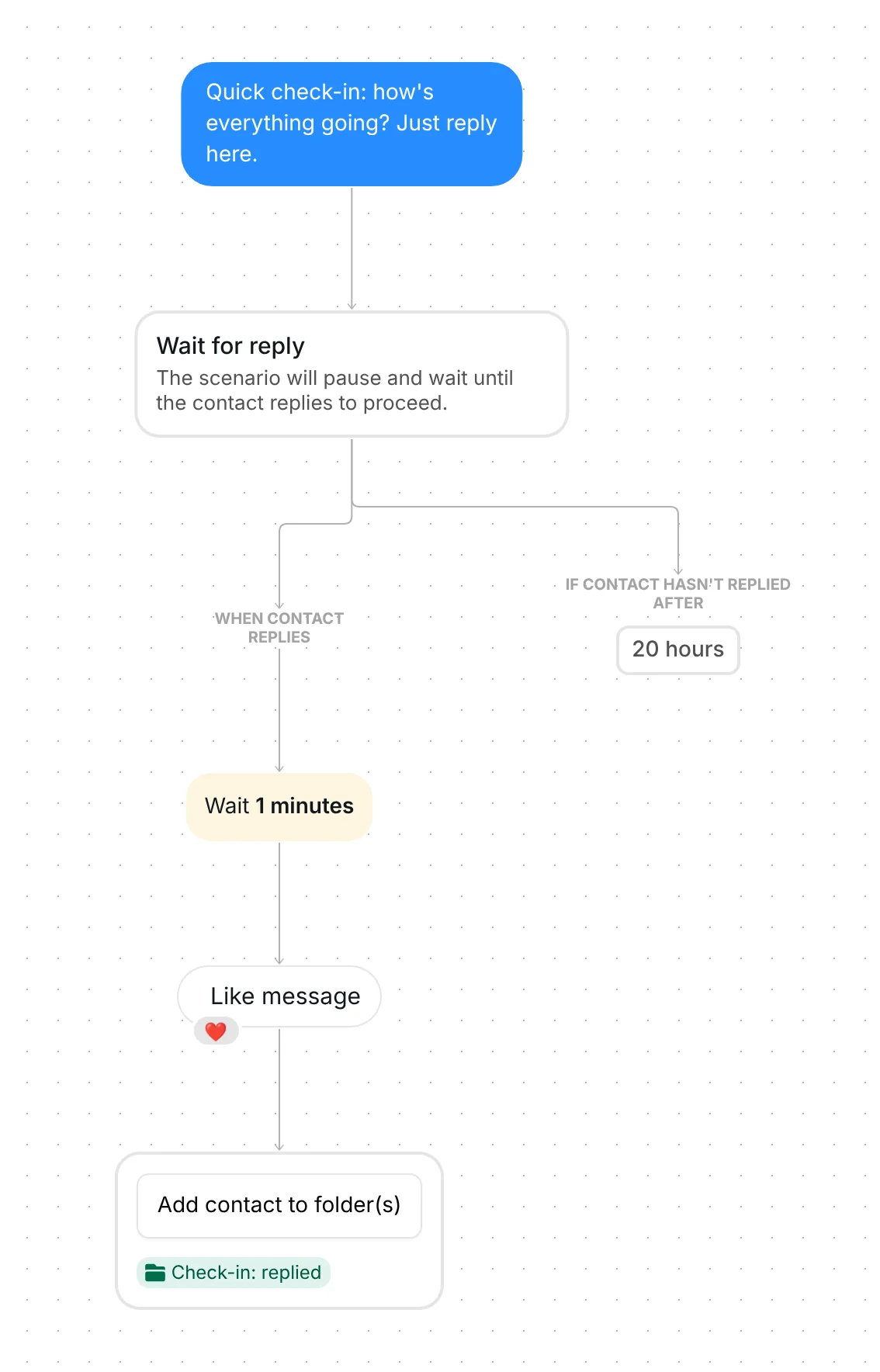
The campaign sends one message: "Quick check-in: how's everything going? Just reply here." It has no link, no button and no offer. It asks for a reply and nothing else, which suits people you met recently: a contact after a networking chat, a collaborator after your outreach, a warm lead you have not talked to for a while. It is a check-in, not a pitch.
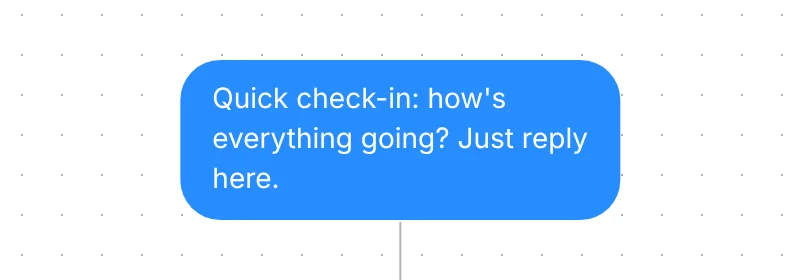
Right after the message, the campaign pauses on a Wait for reply step. Two branches leave it: "When contact replies" and "If contact hasn't replied after 20 hours". Only a reply moves a contact on.
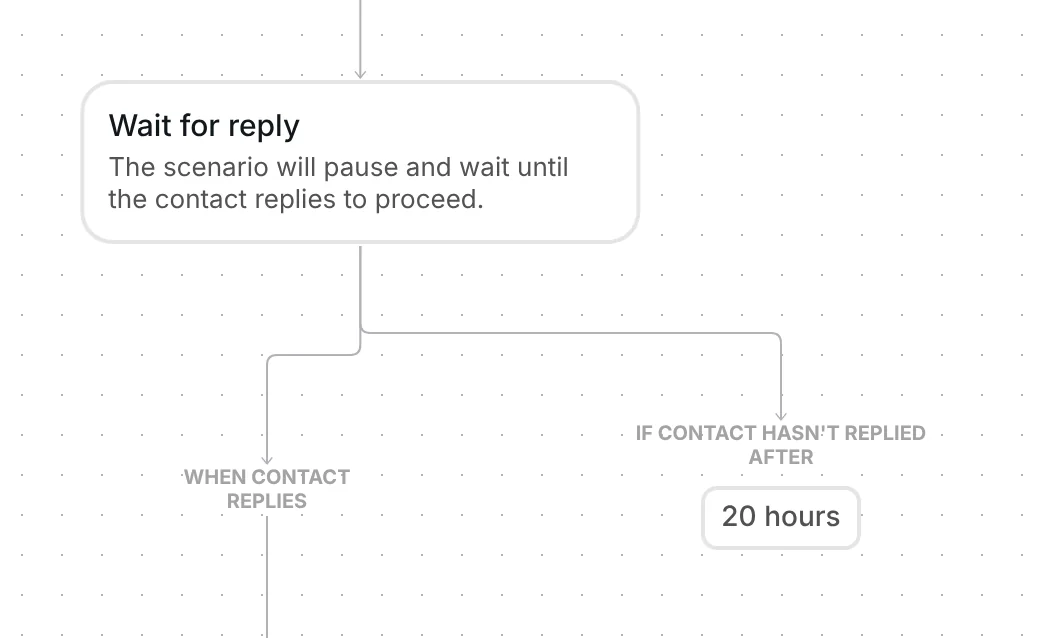
One minute after the reply, the Like step puts a heart on it when the message can be reacted to. Then it adds the contact to the folder "Check-in: replied". That folder is your list of people to talk to next. Nothing else is sent, so the next message in the conversation is yours.
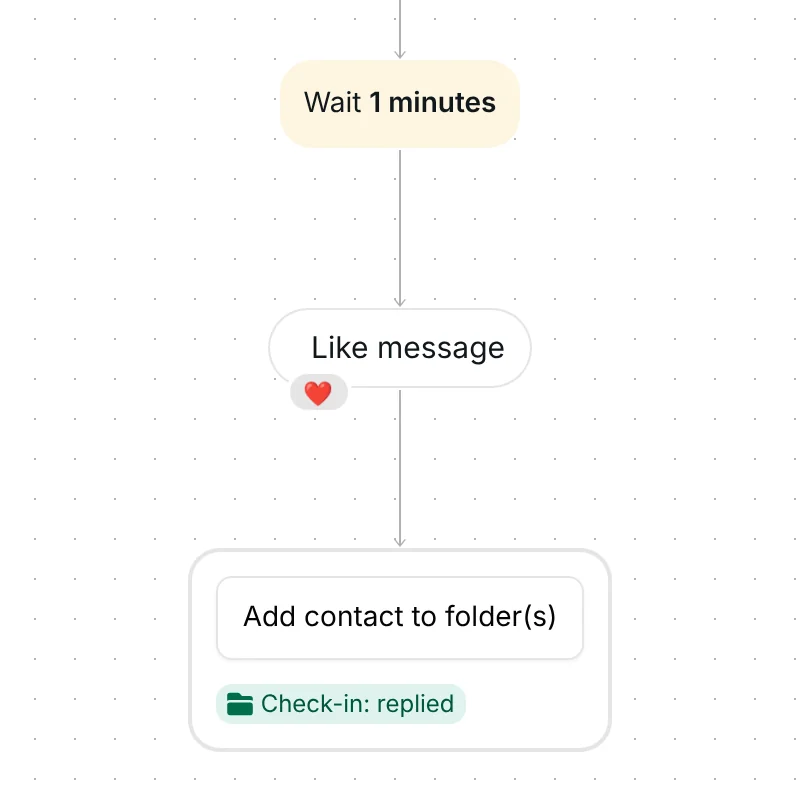
If 20 hours pass without a reply, the campaign ends for that contact and sends nothing more. There is no reminder.
Each contact gets one message from a campaign. The same campaign cannot send it to the same person twice, so a long list never produces a second check-in from the same send.
Choose your audience first. The template comes with none, and a campaign with no audience rule goes to every active contact in your account (people who have not opted out and are not marked as spam). Your Instagram account must be connected to Inrō. The campaign needs nothing else.
Check six things before you send:
Only the audience you choose, and only contacts with an active status: people who opted out or were marked as spam are skipped. The template ships with no audience, so pick one before you send.
One minute later the Like step hearts their reply when the message can be reacted to, and they go into the folder "Check-in: replied". Nothing else is sent, so you answer yourself.
After 20 hours the campaign ends for them. It sends no reminder.
Not from the same campaign. The option "Exclude contacts who received a campaign in the last 72 hours" also skips people who got any campaign in that time.
Yes. Replace the text with your own words before you send. The campaign has no link or button to set up, so the message is the only thing you write.
Not sure how it work?
Read posts about templates on our blog.
Become a creator
Submit your template to the Inrō template gallery and get featured – all in just a few clicks.

It clones straight into your account. Change the message to sound like you, then switch it on.