What should an Instagram media kit actually say?
An Instagram media kit is a one-page document that tells a brand who you reach, what you make and how to book you. Every figure on it is one you typed. The version worth sending carries only numbers you can back up. Two of them a brand can already check without asking: your follower count, and the likes and comments on any public post.
The rest sits behind your login. Reach, saves and audience age or location come from Instagram Insights, which only you can open, so they belong in a kit as a screenshot rather than a typed claim. Work out your engagement rate on the engagement rate calculator first, then type the result here.
How to build your kit
- Fill what you can prove. Type the figures you could show a brand in a screenshot and leave every other field empty.
- Check the blanks. Any number you leave empty drops its line: the kit never prints a figure you invented.
- Print or save it. Your browser's print dialogue writes the PDF, so there is no account, no watermark and no export fee.
What this gives you that a template download does not
- No gate of any kind. No email, no account, no design tool, no purchase. None of the ten pages below can say the same.
- Blank stays blank. Empty a stat and its line vanishes. A quiet month never becomes a zero on a document you send a brand.
- Every number labelled. Each field says whether a brand can check it from your public profile or whether you need a screenshot from Insights.
- The file is yours. Your browser writes the PDF, so nothing is uploaded, nothing is stored and no watermark lands on the page.
Ten media kit pages, and what each one costs you
We checked the ten most popular media kit template pages in August 2026 and recorded what each one hands over and what that costs.
Gated here means the thing the page advertises cannot be reached without an email, an account, an app or a payment. Three of the ten print sample rate figures a reader could copy, from $50 to $150,000 a post. None of the ten says which of the numbers it asks you to publish a brand could already check for itself.
Handling DMs by hand vs automating with Inrō
Manual DM management
Just answering as fast as you can
Warmest leads go cold before you reply
Miss everything while you're offline
No lead capture or CRM tagging
Engagement rarely turns into sales
Inrō automation
Instant replies + lead capture
Auto-reply to every comment in seconds
Works 24/7, never miss a follower
Every lead tagged in Smart Inbox & CRM
Turns engagement into booked revenue
Start free with Inrō
What to check before you send it
- Send only what you can screenshot. A brand asking for proof after reading your kit is normal, so have the Insights screens open before you reply.
- Leave the rate line alone at first. InfluenceFlow's guide, updated 21 July 2026, prints sample packages at $500, $1,200 and $3,000, none of them yours.
- Date every number. Write the month you pulled it, because a follower count with no date tells a brand nothing about today.
- Keep it to one page. The second page is where padding starts, and padding is what makes a brand ask to see the screens.
Three ways a media kit backfires
Numbers with no date
A follower count from March reads as current, and the brand checking your profile while it reads will notice the gap.
Rates you invented
A price copied from a template's sample card sets an expectation you then have to defend in the very first reply.
Stats you cannot show
Claiming a reach figure you cannot screenshot ends the conversation the moment a brand asks to see the Insights screen.
A media kit is a claim, not a record. Print only the figures you could show a brand in a screenshot, leave the rest blank, and save the file yourself rather than paying an account or an email address for a template.
Answer collab DMs instantly
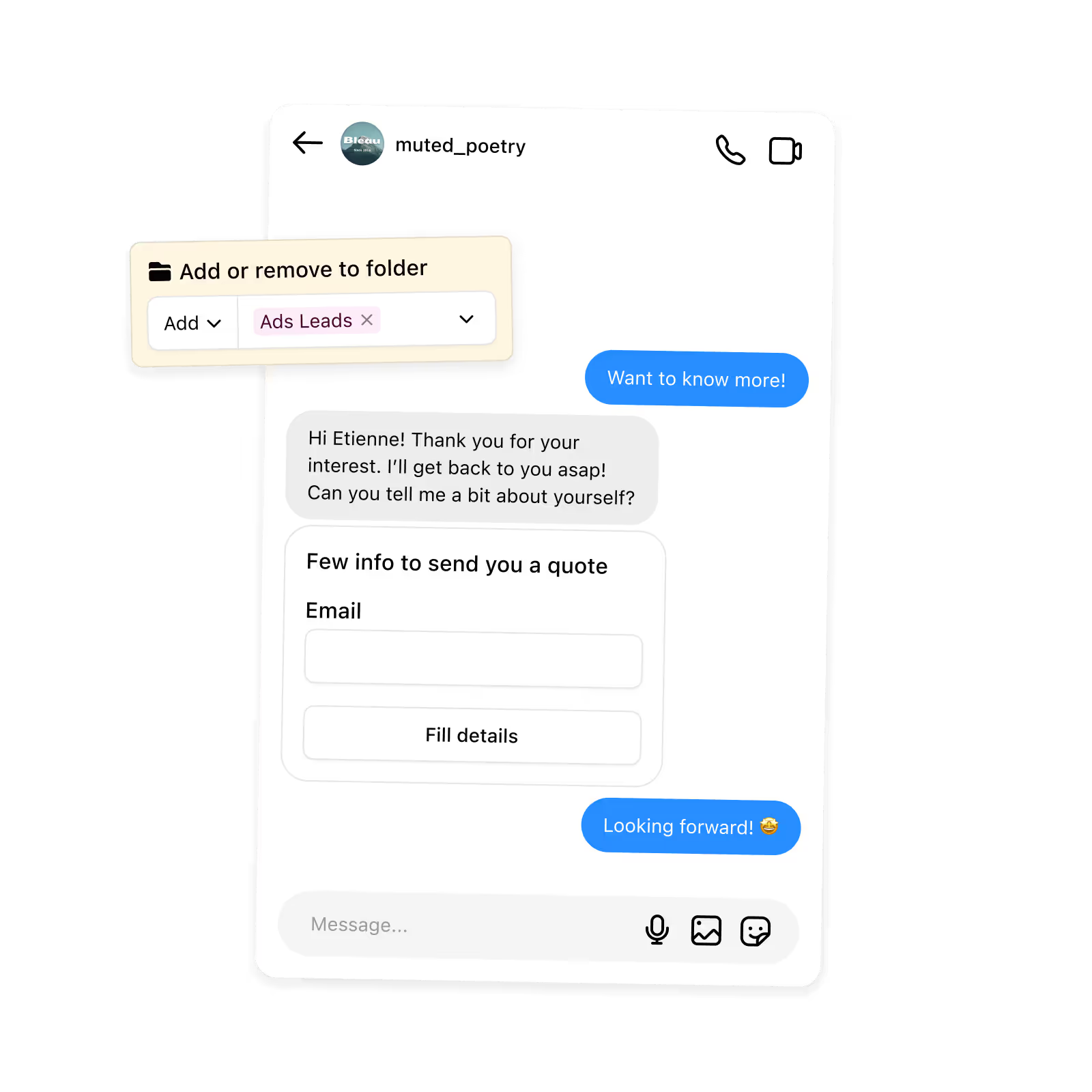
When a brand opens your DMs, Inrō replies on Meta's official API, asks your qualifying questions and tags the thread. The free plan covers 100 active contacts a month, 3 automations, 3 campaigns and 50 AI credits.
Start for free
Trusted by 10,000+ creators and brands
, including Walmart & Yoyomatch
Frequently asked questions
What is an Instagram media kit?
An Instagram media kit is a one-page document you send a brand so it can decide whether to work with you without opening a call. It usually carries your name and handle, what you make, a short set of numbers, the brands you have worked with, and how to reach you. Nothing about it is official. Instagram does not issue one, does not verify one, and has no format for one, so every figure on the page is a claim you are making about yourself. That is why the useful version is short and made only of things you could show someone on a screen.
What should I include in an Instagram media kit?
Include the four things a brand cannot get elsewhere: what you make and for whom, the numbers you can evidence, proof you have done paid work before, and one way to contact you. Everything else is padding. We checked the ten most popular media kit guides in August 2026; their combined section lists run to bio, stats, demographics, portfolio, case studies, testimonials, services, rates, growth charts and press mentions. A creator with 4,000 followers who fills all of that produces four pages of thin claims. One page of evidence beats it, and it is faster to update.
How do I save my media kit as a PDF?
Use your browser. Press the print button in the tool, and in the print dialogue choose Save as PDF as the destination rather than a printer. Chrome, Safari, Firefox and Edge all offer it on desktop, and iOS and Android both offer Print then share the result as a PDF. The page is styled for paper, so the form and the buttons drop away and only the kit is printed. Nothing is uploaded to make the file and no watermark is added: the PDF is written by the browser you already have, not by a service you signed up for.
Do I need Canva or a design account to make a media kit?
No. A media kit is a document, not a design job, and a brand skims it in under a minute. Of the ten template pages we checked in August 2026, five route you to Canva, Etsy, Beacons or Photoshop for the actual artefact, which means the free template costs you an account somewhere else. One of them sells its own two-page Canva template for $11. If you want a designed kit later, nothing here stops you: build the plain one now, send it, and redraw it in a design tool once you know which lines brands actually ask about.
Should I put my rates in my media kit?
Leave the line as rates on request until you've priced your own formats. Three of the ten template pages we checked print sample figures a reader can copy, spanning $50 to more than $150,000 a post, and none of those numbers knows anything about your account, your niche or your usage terms. A rate you borrowed becomes a rate you have to defend in the first reply. Work out your own on the Instagram money calculator, which shows the published rate data and its disagreements, then put a number in the kit once you would accept it.
What if I do not have many followers yet?
Leave the follower line out and lead with something else. The tool drops any field you leave empty, so a kit with no follower count is a normal output rather than a broken one. Small accounts win collabs on specificity: the exact audience you reach, the format you ship reliably, and one piece of work a brand can look at. If your engagement rate is strong, that is the number to lead with, since it is the one a brand can verify from your public posts. Work it out on the engagement rate calculator and quote the window you measured.
Which of my numbers can a brand check without asking me?
Two of them. Your follower count sits on your public profile, and the likes and comments on any public post can be counted by anyone, so an engagement rate built from those is checkable too. Reach, impressions, saves, profile visits, link taps and audience age or location are different: they come from Instagram Insights, which only the account holder can open. A brand has no way to confirm any of them unless you show the screen. That split is why every stat field in this tool is labelled either brand can check or screenshot it, and why the second kind is worth attaching evidence for.
How long should a media kit be, and how often should I update it?
One page, refreshed whenever the numbers on it stop being true. One page is a working constraint rather than a rule: it forces you to drop the lines you cannot evidence, and it is the length a brand reads in full. On updates, the honest test is the date. If you pulled your figures in March and it is August, either pull them again or write the month next to them so nobody is misled. Because this tool keeps nothing, updating means retyping the changed numbers and printing again, which takes about a minute.
Does this generator use AI, and does anything leave my browser?
No AI, and nothing leaves your browser. The tool is a fixed template: every line in the kit is assembled from the fields you filled, in a set order, so the same inputs always produce the same page. There is no model, no scoring and no hidden step. It also makes no network requests at all, so your name, your handle, your numbers and your contact address are never sent anywhere, never stored, and are gone when you close the tab. The PDF is written by your own browser's print dialogue, which is why there is no upload, no account and no watermark.
Kshitij runs the growth experiments and looks after client success from first trial to enterprise rollout at Inrō. The advice in these tools comes from funnels he has tested on real accounts, and from the support tickets that follow when a setup goes wrong.


.png)