Build your Instagram post ideas
What should you post on Instagram this week?
An Instagram content idea is only usable when it carries three things: a subject, the format you will post it in, and the job the post does for you. Lists give you the subject and stop there, which is why a hundred of them still leaves you at the blank screen.
This generator works from a published matrix instead: five content pillars, six angles each, and two of every Instagram format per pillar. Two of the five pillar names have dated published origins. Gary Vaynerchuk wrote Document, Don't create on 1 December 2016, and Rohit Bhargava defined the content curator on 30 September 2009. The other three are common marketing vocabulary with no inventor to cite, and we don't pretend otherwise.
How this generator works
- Describe the account. Type what you post about and who you post for, in your own words.
- Pick two or three pillars. Educate, document, curate, entertain or sell; each pillar carries six angles.
- Read the labels. Every idea shows its pillar, its format and its angle, so you can trace it.
Why a labelled idea beats a longer list
- Every idea names its job. The pillar tells you why the post exists. One glance shows whether your week is all teaching and no selling.
- Every idea names its format. Reel, carousel or single image is decided before you pick up the camera, which is the decision that stalls most posts.
- One instruction per idea. A single line on how to make it, so the idea doesn't need a second research session before you shoot.
- The rule is on the page. Five pillars, six angles, two of each format: you can rebuild any result by hand, or argue with it.
Every big list of content ideas, counted
In August 2026 we counted every idea on the seven most popular content-ideas lists. The counting rule is in the FAQ.
An idea counts as naming a format only when Reel, carousel, story or single image appears in its own entry, and as naming a job only when the entry says what the post is for.
Handling DMs by hand vs automating with Inrō
Manual DM management
Just answering as fast as you can
Warmest leads go cold before you reply
Miss everything while you're offline
No lead capture or CRM tagging
Engagement rarely turns into sales
Inrō automation
Instant replies + lead capture
Auto-reply to every comment in seconds
Works 24/7, never miss a follower
Every lead tagged in Smart Inbox & CRM
Turns engagement into booked revenue
Start free with Inrō
Four rules for a content week
- Document before you create. Gary Vaynerchuk's 2016 post argues the case: showing the work costs less than inventing a new format every week.
- Name the job before the topic. Pick the pillar first, then the subject, so a week of posts is not five teaching posts in a row.
- Keep the sell pillar in. Two selling posts inside a fifteen idea set is about one a week, so the plan never becomes a catalogue.
- Reuse one angle across pillars. The same before and after works as documentation and as proof; change the caption, not the shoot.
How a content plan falls apart
Collecting subjects, not posts
A subject with no format and no instruction is still homework, which is why long idea lists get saved and never used.
Picking every pillar at once
Five pillars in one week produces five unrelated posts, so the tool caps you at three and shows which three you chose.
Dropping the selling posts
Cutting the Sell pillar makes a pleasant feed that never asks for anything, and the asking is what turns a post into a conversation.
A content idea you can act on names three things: the job it does, the format it goes out in, and the first instruction for making it. A list of subjects is not a plan, however long the list is.
Turn a post into DMs
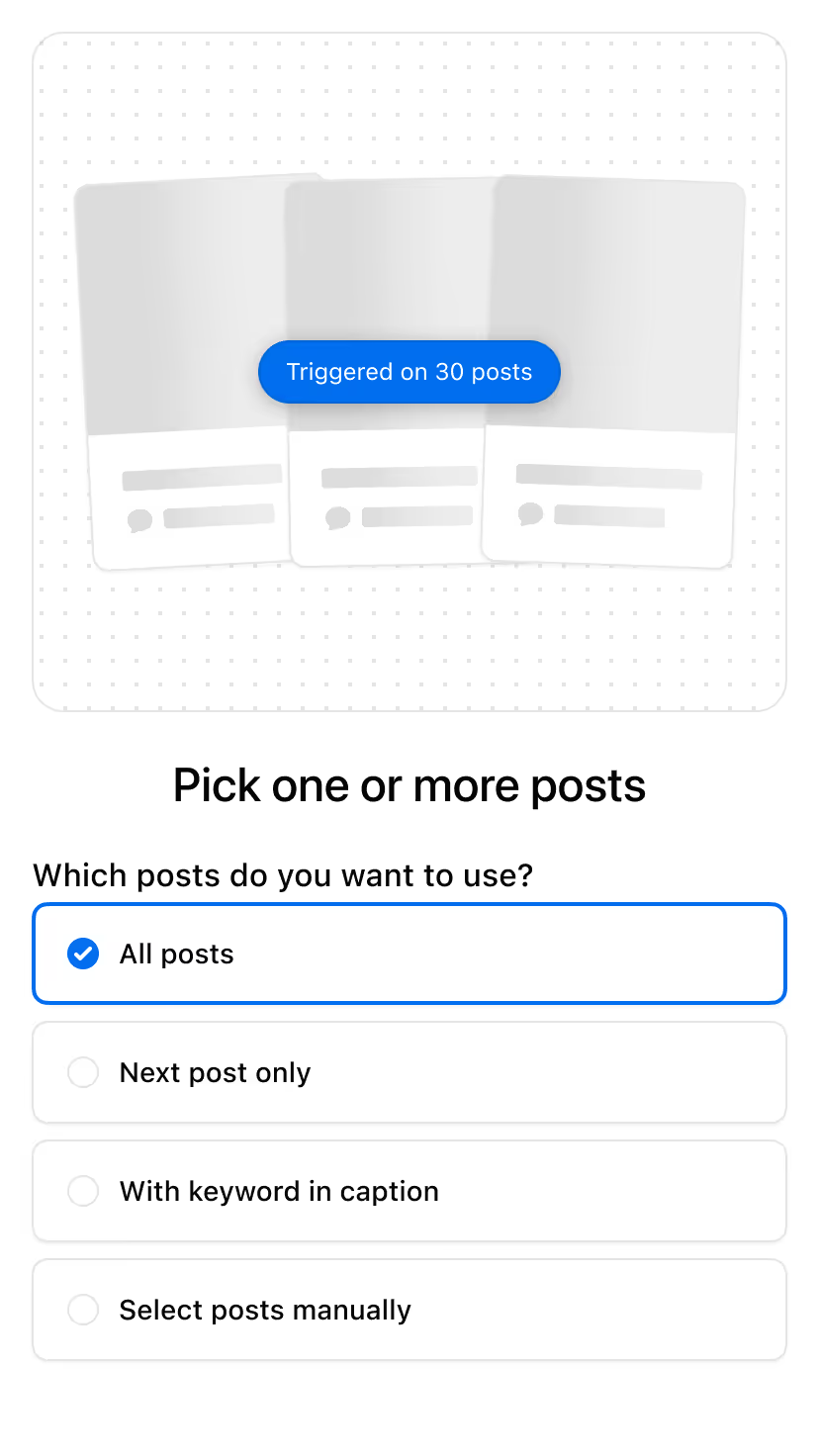
Attach a keyword to any post you plan here, and Inrō answers every comment with a DM on Meta's official API. The free plan covers 100 active contacts a month, 3 automations, 3 campaigns and 50 AI credits.
Start for free
Trusted by 10,000+ creators and brands
, including Walmart & Yoyomatch
Frequently asked questions
What should I post on Instagram?
Post something that does a job. Pick two or three content pillars first, which is the reason a post exists rather than its subject: educate, document, curate, entertain or sell. Then choose the format that suits it, and only then the topic. Working in that order is what stops a week turning into five teaching posts in a row. The generator on this page does exactly that: you type your subject and your audience, tick two or three pillars, and it returns twelve to fifteen ideas, each one labeled with the pillar, the Instagram format and the angle it came from, plus one line telling you how to make it.
How many ideas does this generate, and why not a hundred?
Twelve or fifteen. Two pillars return six ideas each, three pillars return five each, and the count is printed above the results so you can check it. The cap is deliberate. The seven most popular content-ideas lists run to 326 ideas between them, and 36 of those 326 say both which format to post and what job the post does. A longer list is easy to publish and hard to use, because every unlabelled idea still needs you to decide the format, the angle and the first step. Fifteen ideas you can shoot beat a hundred you have to finish writing yourself.
What is a content pillar, and where do these five come from?
A content pillar is the job a post does, held steady while the subject changes. This page uses five: educate, document, curate, entertain and sell. Two of the names have dated published origins, and the page cites them rather than presenting the whole set as research. Gary Vaynerchuk published Document, Don't create on 1 December 2016, arguing that showing your work beats inventing something new every time. Rohit Bhargava defined a content curator on 30 September 2009 as someone who "continually finds, groups, organizes and shares the best and most relevant content on a specific issue online". Educate, entertain and sell are ordinary marketing vocabulary with no datable origin, and this page does not invent one.
No. It is a fixed matrix of five pillars and six angles each, and the matrix is described on this page so you can rebuild any result by hand. Nothing is sent anywhere: no request leaves your browser, and the same inputs return the same fifteen ideas every time you load the page. That is the difference worth knowing about. An AI generator gives you a different list on every run, which feels generous until you want the one it produced yesterday. It also cannot tell you why an idea appeared. Here the answer is always the same three labels printed on the card: the pillar, the format and the angle.
Why does every idea name a format?
Because choosing the format is the decision that stalls the post. A subject like "talk about pricing" can be a thirty second Reel, a seven slide carousel or one image with a long caption, and those are three different afternoons of work. Deciding it up front means you can batch: shoot all the Reels together, build all the carousels together. The matrix also forces variety. Each pillar carries six angles, two for each of the three formats, so no result set is six carousels in a row. When you pick three pillars the generator takes five angles from each, and every set still contains all three formats.
How do I turn fifteen ideas into a posting plan?
Treat the pillar labels as your week. If you generate fifteen ideas across three pillars you have five of each, which maps cleanly onto a five week run of one post per pillar per week, or a three week run at one post a day. Shoot by format rather than by date: film the Reels in one session, build the carousels in another, and photograph the single images last. Keep the labels on the ideas while you schedule, because the label is what tells you at a glance that you have queued four teaching posts and nothing that asks for anything. Regenerate with a different pillar pair when the set runs out.
What about Stories, Reels hooks and captions?
This page covers feed posts only: Reels, carousels and single images. Stories work differently enough to deserve their own tool, because the useful part of a story is the sticker and where the response lands, not the angle. The opening line of a Reel is also its own craft; a hook has to work in two seconds and follows different rules from a post idea. Captions are a third job again. Inrō has separate tools for those, and this page deliberately does not duplicate them, which is why the ideas here stop at the concept, the format and one instruction rather than trying to write the whole post for you.
Where do the numbers in the comparison table come from?
We read the seven most popular content-ideas lists in August 2026 and counted every idea. An idea counts when the page enumerates it, as a numbered heading or a numbered item in its own list. It counts as naming a format only when Reel, carousel, story or single image appears inside that idea's own entry, and as naming a job only when the entry also states what the post is for. A heading above a block of ideas counts for none of them, because it does not tell you which of the hundred to make. Three more well-known lists sat out of the totals: other Inrō tool pages already cite those publishers, and no proof is used twice across this directory.
Is it free, and is anything stored?
Free, with no sign up and no email. The generator is a few kilobytes of markup and script that run inside this page, so what you type stays in your browser: it is never sent to a server, never saved, and disappears when you close the tab. There is no usage cap either, because there is nothing to meter. Compare that with the big free AI generators, which ask for a topic, call a model somewhere else, and publish their limits. Pipeback's free Instagram post ideas generator caps use at three runs a day, ten a week and twenty a month (August 2026). Nothing here counts your runs.
Kshitij runs the growth experiments and looks after client success from first trial to enterprise rollout at Inrō. The advice in these tools comes from funnels he has tested on real accounts, and from the support tickets that follow when a setup goes wrong.