Copy symbols for your Instagram bio
What is an aesthetic symbol, and where is it from?
An aesthetic symbol is a standalone Unicode character you paste into your bio as decoration, not a restyled version of a letter you typed. The stars, arrows, dividers and brackets here come from blocks that entered the Unicode Standard in June 1993, among them Dingbats, Miscellaneous Symbols, Box Drawing and Arrows. Age is the point: a character three decades old ships inside almost every device font, so it draws instead of turning into an empty box.
Two costs arrive with the decoration. Every symbol spends one of the 150 characters Instagram gives your bio. And screen readers work through decorative characters one at a time, because nothing collapses a run of repeated symbols the way a row of full stops gets collapsed.
How to add symbols to your Instagram bio
- Pick a set. Eleven sets sit below the builder, each labelled with the Unicode block and year its characters arrived.
- Tap to build. Each tap copies that symbol and adds it to your line, counted live against the 150 limit.
- Paste it in. Open Edit profile on Instagram, paste your line into the bio field and save.
What a decorative character really is
What this library does differently
- Characters that actually draw. Every symbol here predates the smartphone. Old and new devices both carry a glyph for it, instead of showing an empty box.
- A budget you can see. The counter runs against your 150 bio characters while you build, so you learn the cost before Instagram cuts your bio short.
- Provenance on every row. Each set names its Unicode block and year, which is how you judge whether a character is safe to paste.
- Decoration, not restyled words. To restyle letters you already typed, use the Instagram Fonts Generator; this page decorates around them.
Every set, its Unicode block and its spoken name
Every set is curated for render safety, and the last column shows how much of it a screen reader can name, per NVDA's English symbol dictionary (August 2026):
Across the whole library, 12 of the 109 characters carry a name in that dictionary, 27 more are named only in Unicode's CLDR annotation data, and the other 70 have no spoken name in either source.
Before you decorate a bio
- Write the bio first, decorate second. Ornament spends the same 150 characters your offer does; build the words, then decorate whatever room is left.
- Keep every run short. NVDA shortens only runs of full stops, so ten hearts can be read as ten separate names (NV Access symbol dictionary, August 2026).
- Put symbols at the ends of lines. A mark after the words lets a listener reach the end of your sentence before the decoration starts.
- Check the line on a second phone. Everything here dates to 1993, but font settings and screen widths still change how a divider lands.
Where bio symbols backfire
Building a full border
A frame of twenty characters spends a seventh of your bio on lines that carry no meaning to anyone listening.
Copying symbols from anywhere
Sets pulled from newer Unicode blocks land as empty boxes on older phones, and your own device never shows you that.
Decorating the words that matter
Symbols wrapped around your offer or your link instruction make a screen reader work through ornament before it reaches the point.
Decorative characters are free to paste and never free to use. Each one costs a character of your 150 and a beat of somebody's screen reader, so take a few from a 1993 block, put them at the edges of your lines, and leave the middle for words.
Turn bio visits into DMs
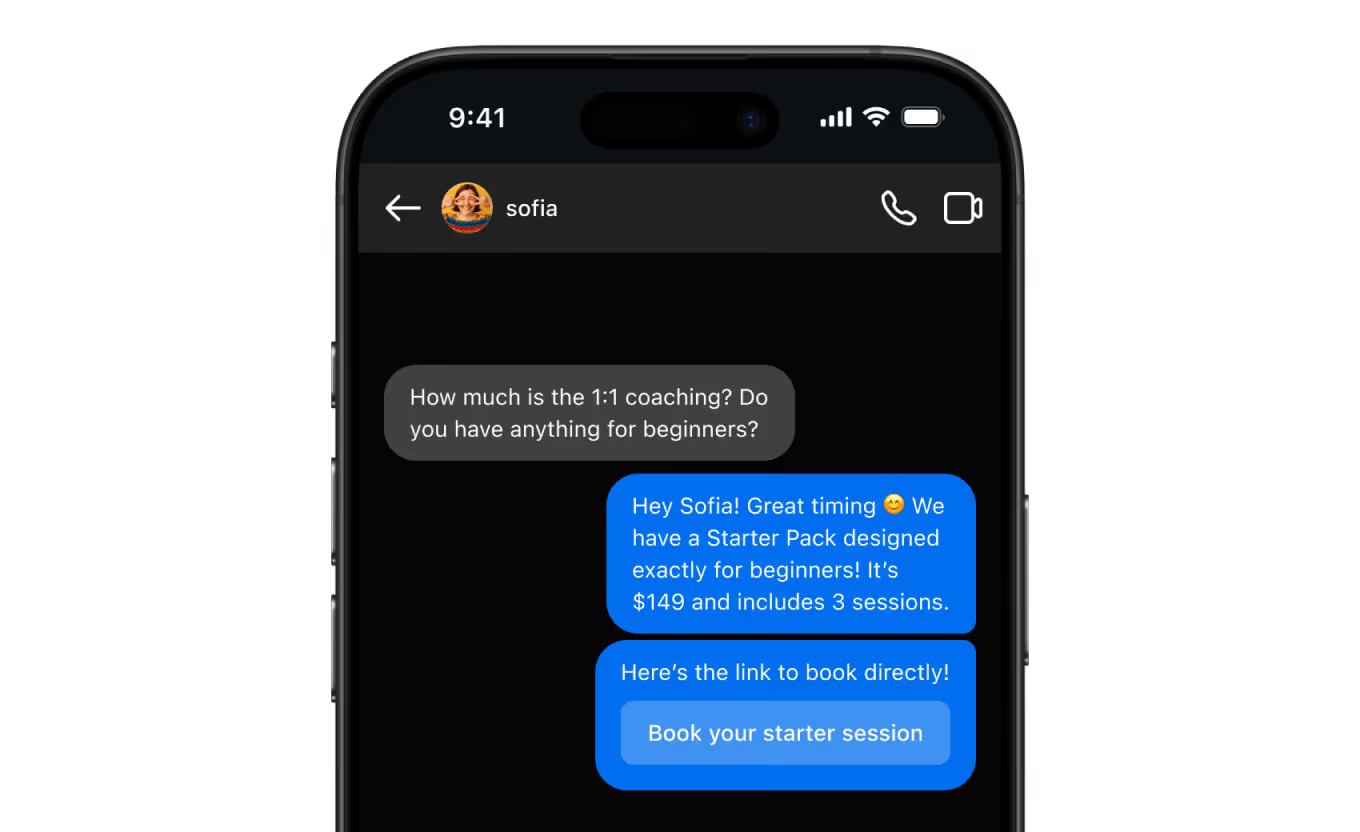
Decoration gets the profile noticed; Inrō answers the comments and DMs that follow, on Meta's official API. The free plan covers 100 active contacts a month and 3 automations.
Start for free
Trusted by 10,000+ creators and brands
, including Walmart & Yoyomatch
Frequently asked questions
How do I add symbols to my Instagram bio?
Tap the symbols you want in the tool above. Each tap copies that symbol and adds it to the line at the top, so you can build a divider or a pair of bookends before you leave the page. When the line looks right, press Copy line, open Instagram, go to your profile and tap Edit profile, then paste into the bio field and save. Nothing installs, and no keyboard changes. You are pasting ordinary text that happens to use decorative characters, which is why it survives the trip from a browser into an app with no formatting controls.
Will these symbols show up on everyone's phone?
These ones almost certainly will, and that is the reason for the curation. A character appears only if the viewing device ships a font containing a glyph for it, and coverage follows age: the longer a character has been in the standard, the more type designers have drawn it. Of the 109 characters here, 105 were published in June 1993 and four in March 2002, so they have had decades to spread. That is what the block and year on every row is for. The risk sits with newer decorative characters other libraries mix in, which land as an empty box on an older phone while rendering perfectly on the newer one you tested with.
What do screen readers do with a row of symbols?
Ten stars in a row get announced ten times, when they get announced at all. Screen readers control how much punctuation they speak with a verbosity setting; NVDA calls it Punctuation and Symbol Level and ships it set to Some, the second of four levels. What has a name at that level comes from a dictionary file. Reading NVDA's English symbol dictionary on 2 August 2026, exactly one rule shortens a repeated run, and it matches four or more full stops, spoken as the phrase multiple dots. Nothing shortens a run of stars, hearts or drawn lines. Twelve of the 109 characters here appear in that dictionary, 27 more are named only in Unicode's CLDR annotation data, and 70 have no published spoken name at all. One surprise: the dot operator is announced as the word times.
How much of my 150 bio characters does a symbol cost?
One character each, plus any spaces between them. That sounds obvious, and for this library it is guaranteed rather than assumed: every character here sits in the part of Unicode addressed by a single unit, so a text field cannot charge you two for one symbol. Newer decorative characters and most emoji sit outside that range and are stored as two units, which is why a bio can run out of room sooner than the visible characters suggest. The counter under the builder does the arithmetic live and turns red once your line passes 150. The default divider is a useful benchmark: fourteen characters spent on two stars and a rule.
Are these emoji, and does the difference matter?
Almost none of them are, and the difference is why they draw as line art rather than coloured pictures. Unicode marks certain characters with an Emoji property, and a subset of those with an emoji presentation default, which is what makes a phone paint a colour image. None of the characters here carries that presentation default, per Unicode's emoji data file. Seven do carry the plain Emoji property, three in the hearts set and four in the weather set, so some apps draw those in colour, and both rows say so. Nothing here needs the invisible variation selector other libraries paste in to force a text look.
Can I put a symbol divider on its own line in my bio?
Usually yes, with one habit that saves trouble. Instagram bios accept line breaks entered in the app's Edit profile screen, and each break spends a character of your 150. The reported catch, consistent across guides and community threads but never documented by Instagram, is that empty lines and trailing spaces get collapsed when the profile refreshes. A divider made of symbols behaves better precisely because it is not empty: the line carries visible characters, so there is nothing to strip. If a break does vanish, retype the bio in the app rather than pasting it whole.
Should I use symbols or a fonts generator?
They solve different problems, so the question is what you want changed. A fonts generator rewrites the letters of your own words into lookalike characters, so the word itself is transformed and stops matching its plain spelling. This page leaves your words alone and gives you separate characters to place around them, as bookends, dividers or bullets. Decoration is the safer habit, because your sentences stay in ordinary letters that search, autofill and assistive software all understand. The costs differ too: styled words add no length, while every decorative character spends one of your 150.
Why does this library have only eleven sets?
Because the sets left out fail one of two tests. The first is age: anything published after 2002 was excluded, which rules out the small stars, sparkle emoji and pictographs filling the bigger libraries, since those are the characters most likely to show as an empty box on an older phone. The second is composition. Ornaments built from combining marks, the ones that stack accents above and below a letter, break lines unpredictably and behave worst of all for assistive software, so none are here. What remains is 109 characters from nine Unicode blocks, every one checkable by name and codepoint in the Unicode Character Database.
Is this symbol library free and private?
Yes to both. The library and the line builder run in your browser: the characters are already in the page, your line is assembled on your device, and nothing you build is sent anywhere or stored. There is no login, no watermark, no export limit and no advertising, which is the main thing separating this from the symbol sites carrying ad slots and app install prompts. It is built by Inrō, an Instagram DM automation platform, as a free tool that has to stand up on its own. If you never look at the product, every symbol still copies exactly the same way.
Kshitij runs the growth experiments and looks after client success from first trial to enterprise rollout at Inrō. The advice in these tools comes from funnels he has tested on real accounts, and from the support tickets that follow when a setup goes wrong.


.png)