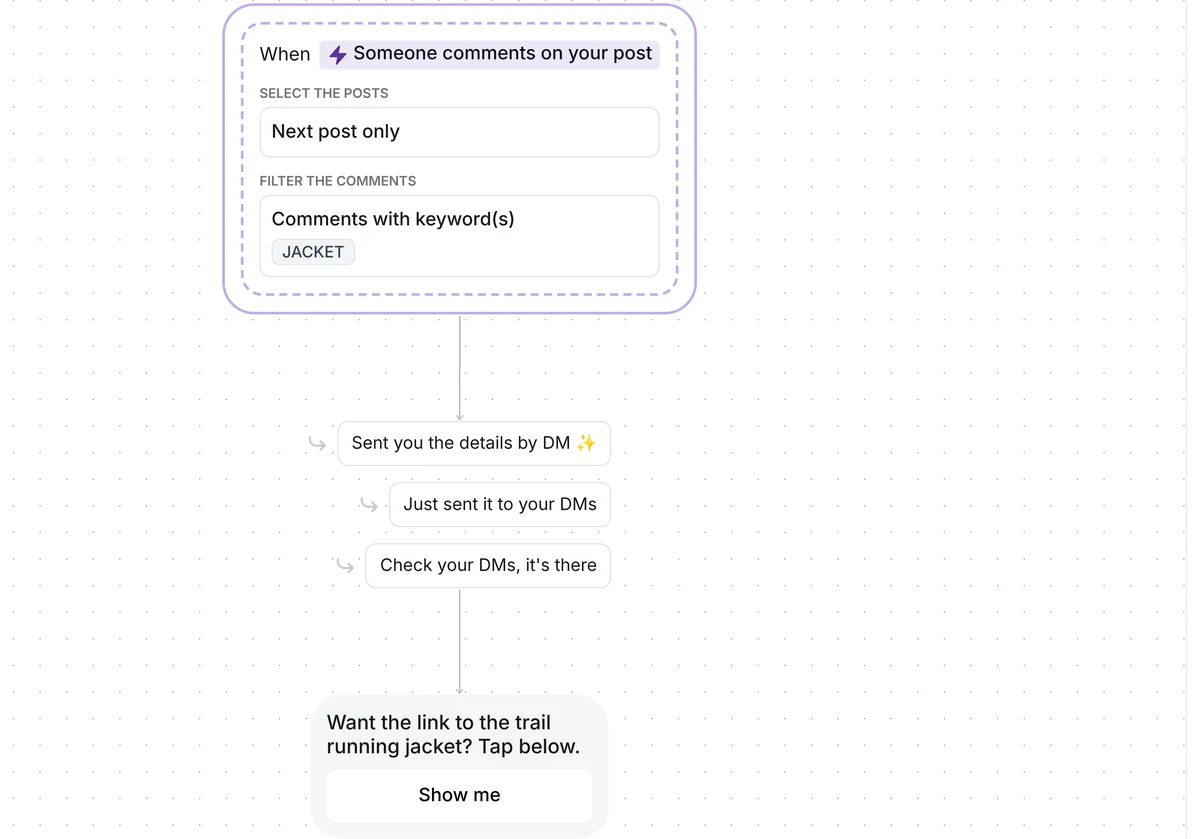
Want story replies to bring shoppers to your store without typing your code into every DM? This template sends your discount code and a shop link, then reminds anyone who has not tapped.

Kshitij Maheshwari


Someone replies DISCOUNT to your story and gets your code and shop link by DM. No tap in 2 hours? One reminder. Copy the Instagram template.
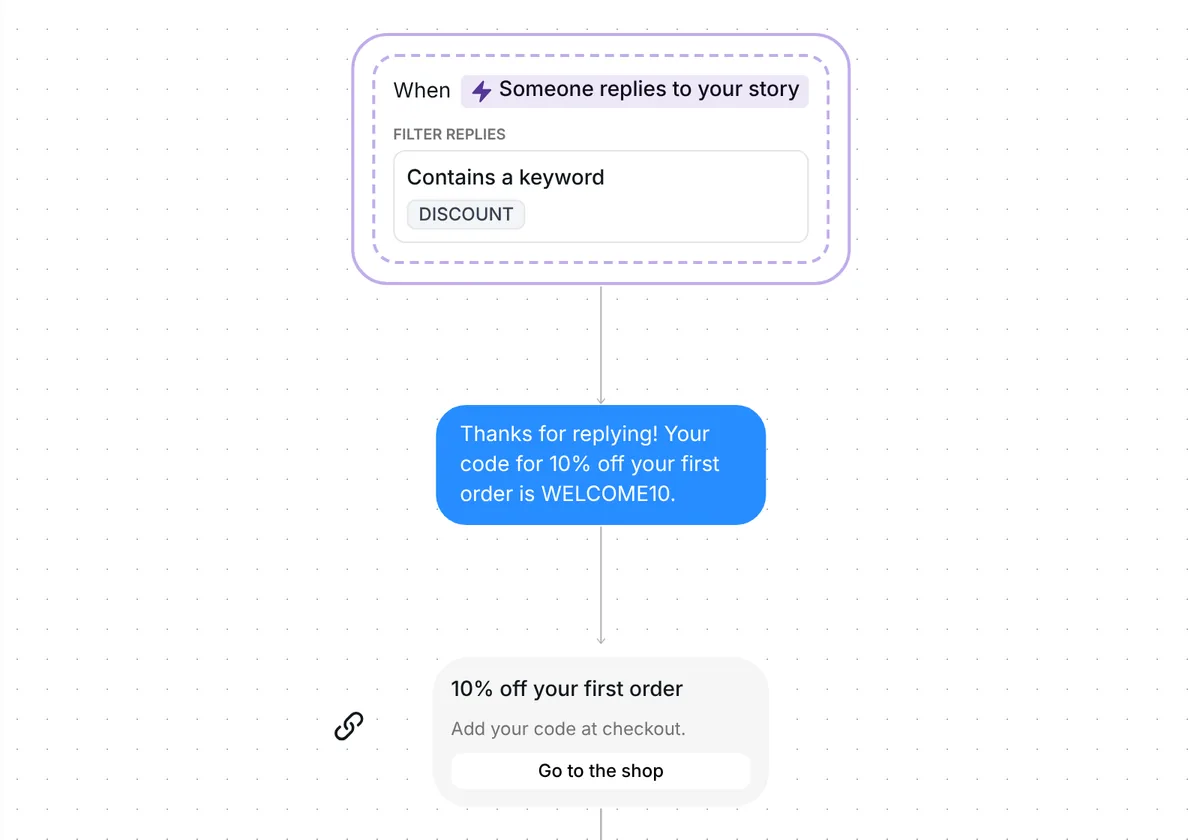
Someone replies DISCOUNT to your story and gets your code by DM, followed by a card that opens your shop. Everyone who taps the card goes into the folder "Story discount: clicked", and anyone who has not tapped after 2 hours gets one reminder. You copy the template and swap in your own code.

A story reply lands in your Inrō inbox as a direct message, so the flow can answer it straight away. The trigger is set to any story, so it listens to every story you post while the template is on, and the keyword decides what starts it.
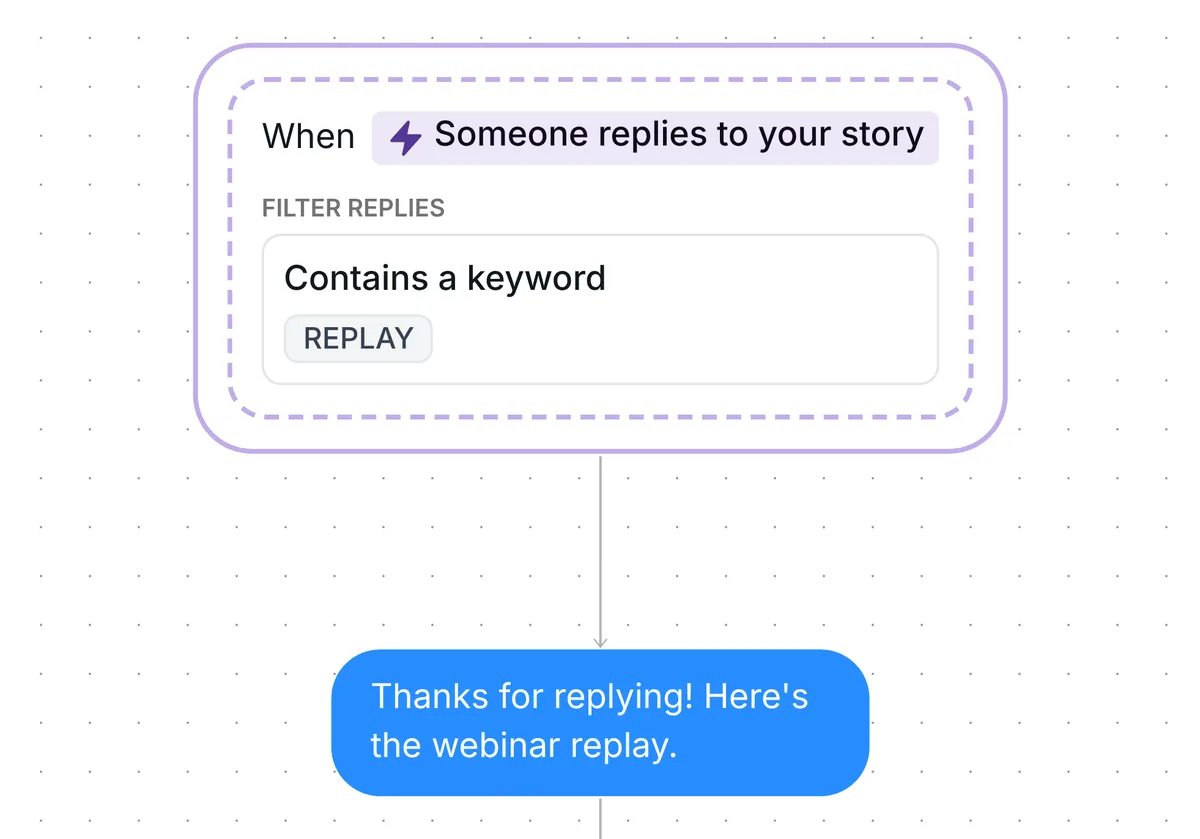
The keyword can sit inside a longer reply, in capitals or not: "discount please" starts the flow. A reply with no text, only a sticker or a photo, does not. For a closer look at what you can do with replies, see Instagram story reply automation.
Inrō replies with "Thanks for replying! Your code for 10% off your first order is WELCOME10." That is 73 characters. Across the 798,041 conversations in our DM Benchmark, first messages under 120 characters converted at 39%, against 22% for longer ones.
WELCOME10 is an example. You create your own code in your store and put it here.
The next message is a link card titled "10% off your first order", with the line "Add your code at checkout." and the button "Go to the shop". The code is in the message only; the card reminds people to add it at checkout. Inrō does not apply the code for them: they type it in at checkout, in your store.
Everyone who taps "Go to the shop" is added to the folder "Story discount: clicked", even if the tap comes after the reminder. Filter your Inrō inbox and CRM by that folder and you see everyone who opened your shop page, next to their conversation.

Inrō records the tap on the link, not the order. The folder lists who opened your shop page, and your store tells you who bought.
Someone who has not tapped the card 2 hours later gets one message: "The link is right above whenever you're ready." Someone who tapped in time gets nothing more.
The 2 hours is only the wait before the reminder. The link keeps working after it, and so does the code, until you end it in your store.
The trigger comes set up: someone replies to any of your stories with a reply that contains DISCOUNT. Each person goes through the flow once.

Check six things before you go live:
Then turn the scenario on.
Yes. This template sends your code in a DM when someone replies to your story with the keyword, then follows with a card that opens your shop and reminds them to add the code at checkout. You create the code in your store, and the shopper types it in at checkout.
Out of the box it answers replies to any story, and only a reply with your keyword starts it. To tie it to particular stories, set the trigger to stories with a keyword written on them or stories with a URL.
No. The template runs once for each person, so a second DISCOUNT reply from the same person does nothing. For your next offer, change the keyword and the code in a copy of the template.
No. The link card opens any shop page, and the code works wherever you create it.
Not sure how it work?
Read posts about templates on our blog.
Become a creator
Submit your template to the Inrō template gallery and get featured – all in just a few clicks.

It clones straight into your account. Change the message to sound like you, then switch it on.