Want your contacts to hear you, not read you? This template sends your own voice note to the audience you choose and shows you who answers.

Kshitij Maheshwari


Record or upload one voice note, choose your audience, and send it as a DM with a reply wait and a folder for replies. Copy the Instagram campaign template.
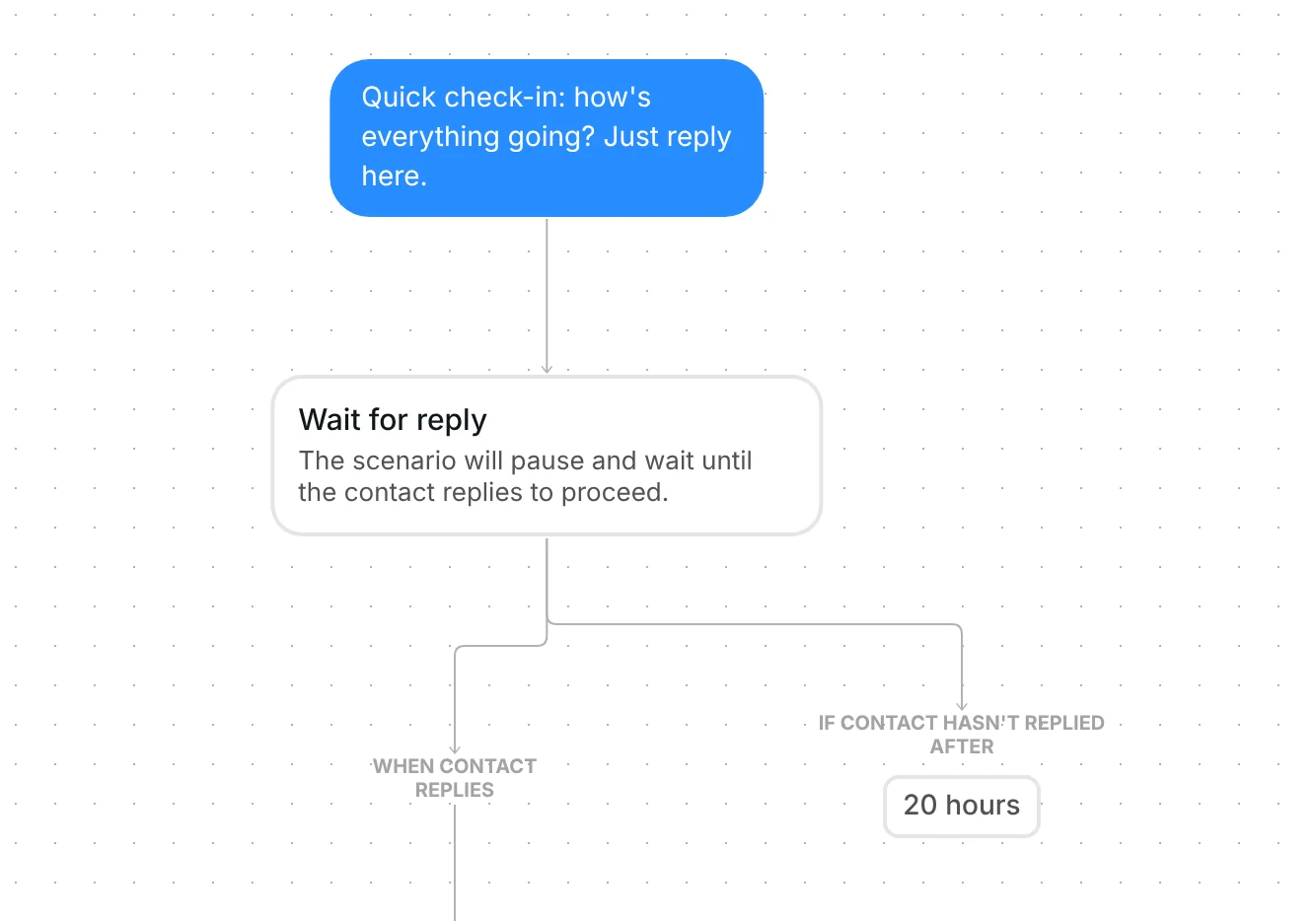
Record or upload one voice note, choose who gets it, and send. Each contact gets "I recorded a quick voice note for you. Have a listen." and then your audio. Inrō waits up to 20 hours for a reply, likes their reply and files the contact in a folder. The audience and the audio file are yours to add.
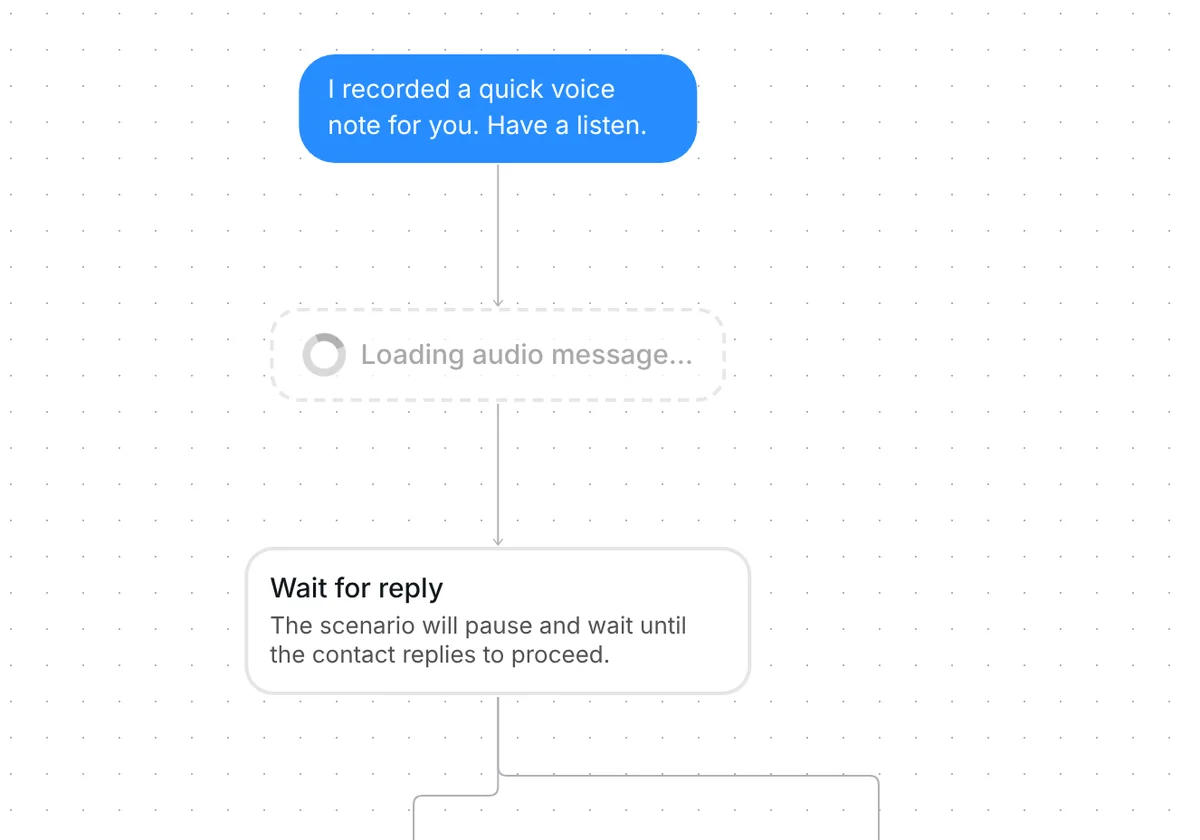
The first message is: "I recorded a quick voice note for you. Have a listen." Keep "voice note" in it, so the contact knows what comes next. The line speaks as you, so it fits when you really did record the note yourself.
The second step, "Send audio message", holds your recording. In the template it is empty, and Inrō shows the warning "No file selected" until you add one. In the screenshot, an empty step reads "Loading audio message…".
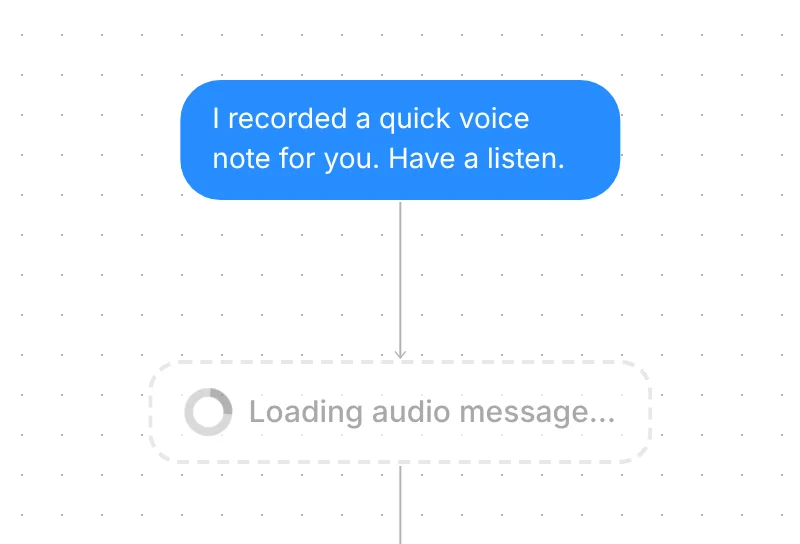
You upload a file ("Upload audio file") or record in your browser ("or record your audio message"). Meta lists aac, m4a, wav and mp4 as audio formats for Instagram DMs, up to 25MB (Meta for Developers, checked 23 October 2026). Inrō accepts MP3, M4A, AAC and WebM files up to 25 MB, the same size limit, and converts anything that is not already MP4 audio.
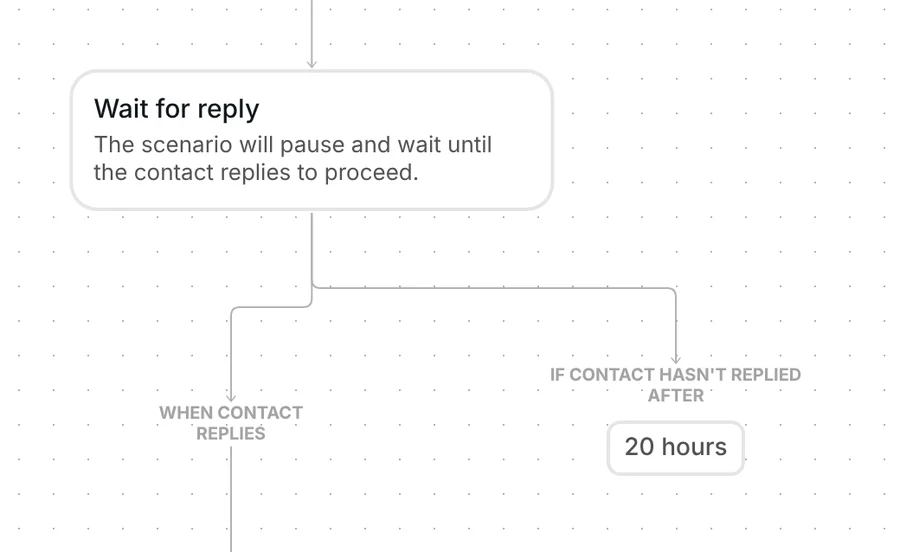
After the voice note, the campaign waits for the contact to answer, for up to 20 hours. Any reply counts: a word, an emoji or a question. If nobody replies, nothing more is sent to that person.
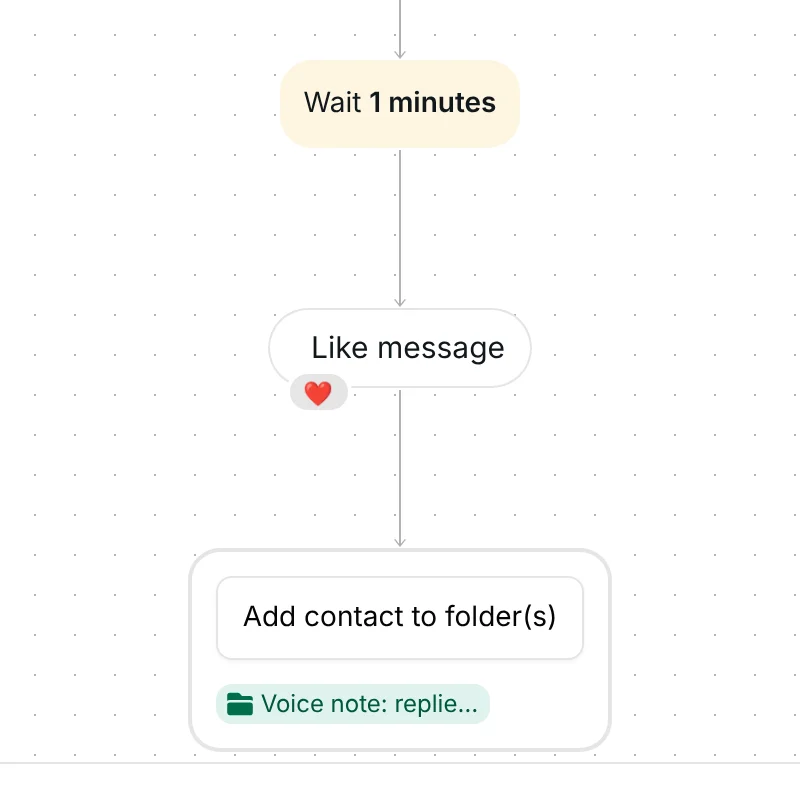
One minute after a reply, Inrō likes their message with a heart. It then adds them to the folder "Voice note: replied". The conversation itself stays in your Inrō inbox and CRM, so you can answer them there.
After the send, the voice step shows how many were Sent and how many were Seen. Seen comes from the DM read receipt Instagram sends when the contact opens the message.
This is a DM campaign, so nothing goes out until you send it. Check six things first:
For how DM campaigns pick contacts and send in batches, see the product page.
Meta lists aac, m4a, wav and mp4 as audio formats for Instagram DMs, up to 25MB (Meta for Developers, checked 23 October 2026). Inrō accepts MP3, M4A, AAC and WebM files up to 25 MB and converts them to MP4 audio. The voice note campaign entry has the definition.
No. You record in your browser or upload a file in the "Send audio message" step in Inrō.
One minute later their message gets a heart, and they go into the folder "Voice note: replied". You answer in your inbox.
After 20 hours, nothing more is sent to that person. Add your own follow-up on the not-replied branch if you want one.
Not sure how it work?
Read posts about templates on our blog.
Become a creator
Submit your template to the Inrō template gallery and get featured – all in just a few clicks.

It clones straight into your account. Change the message to sound like you, then switch it on.