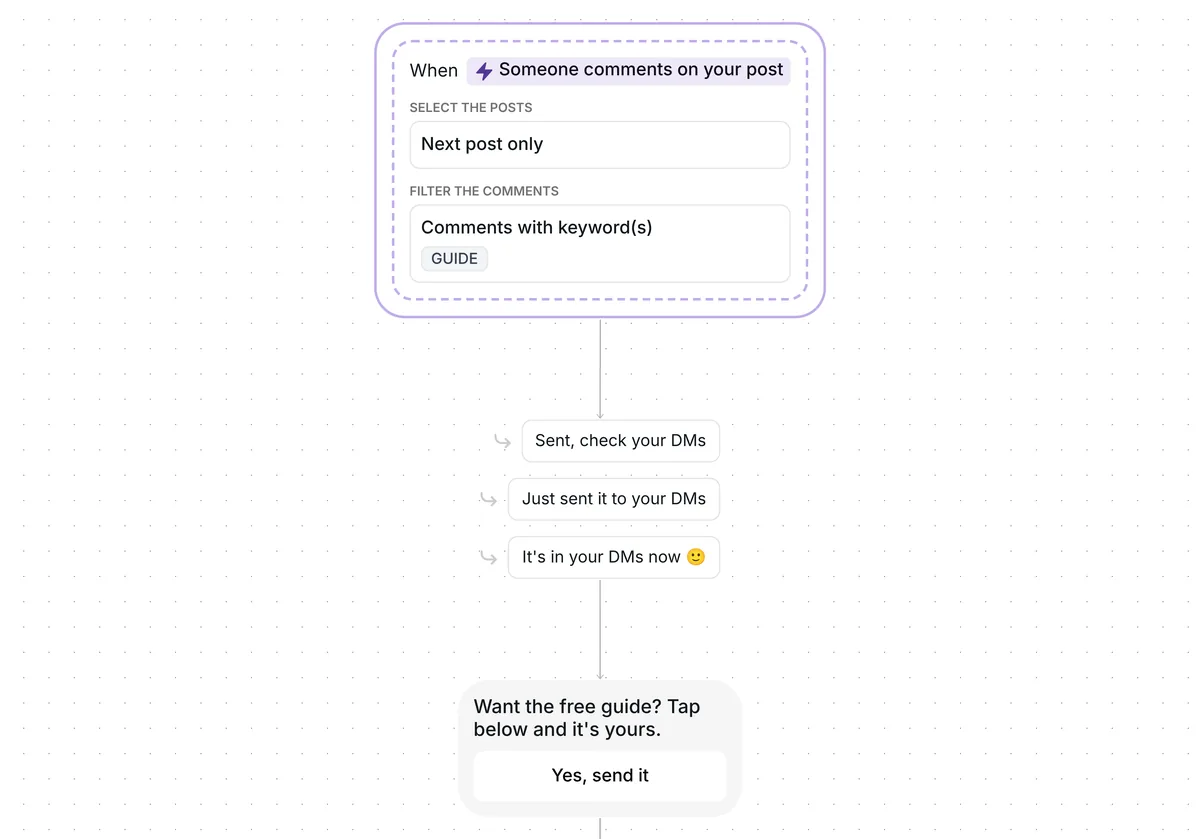
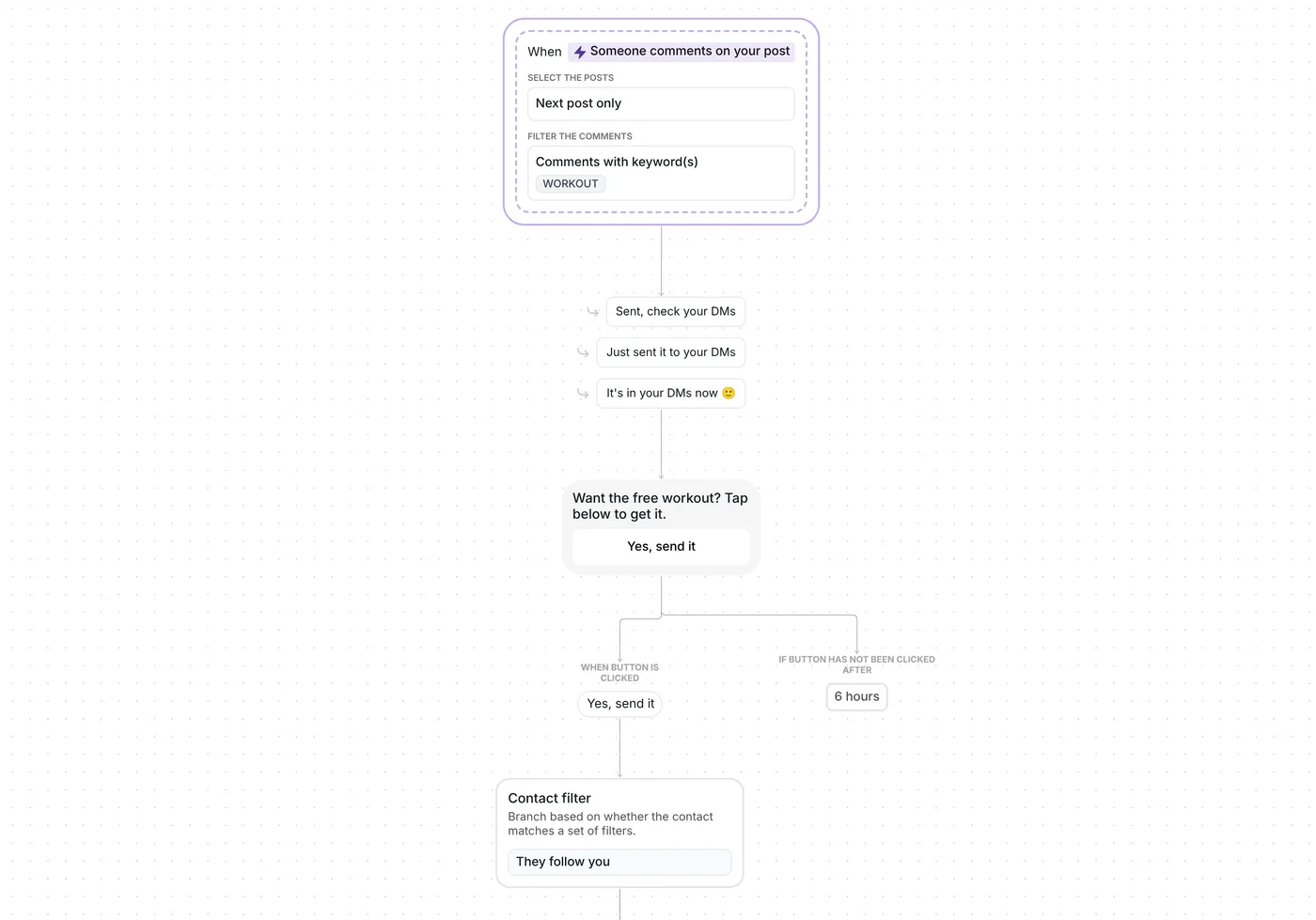
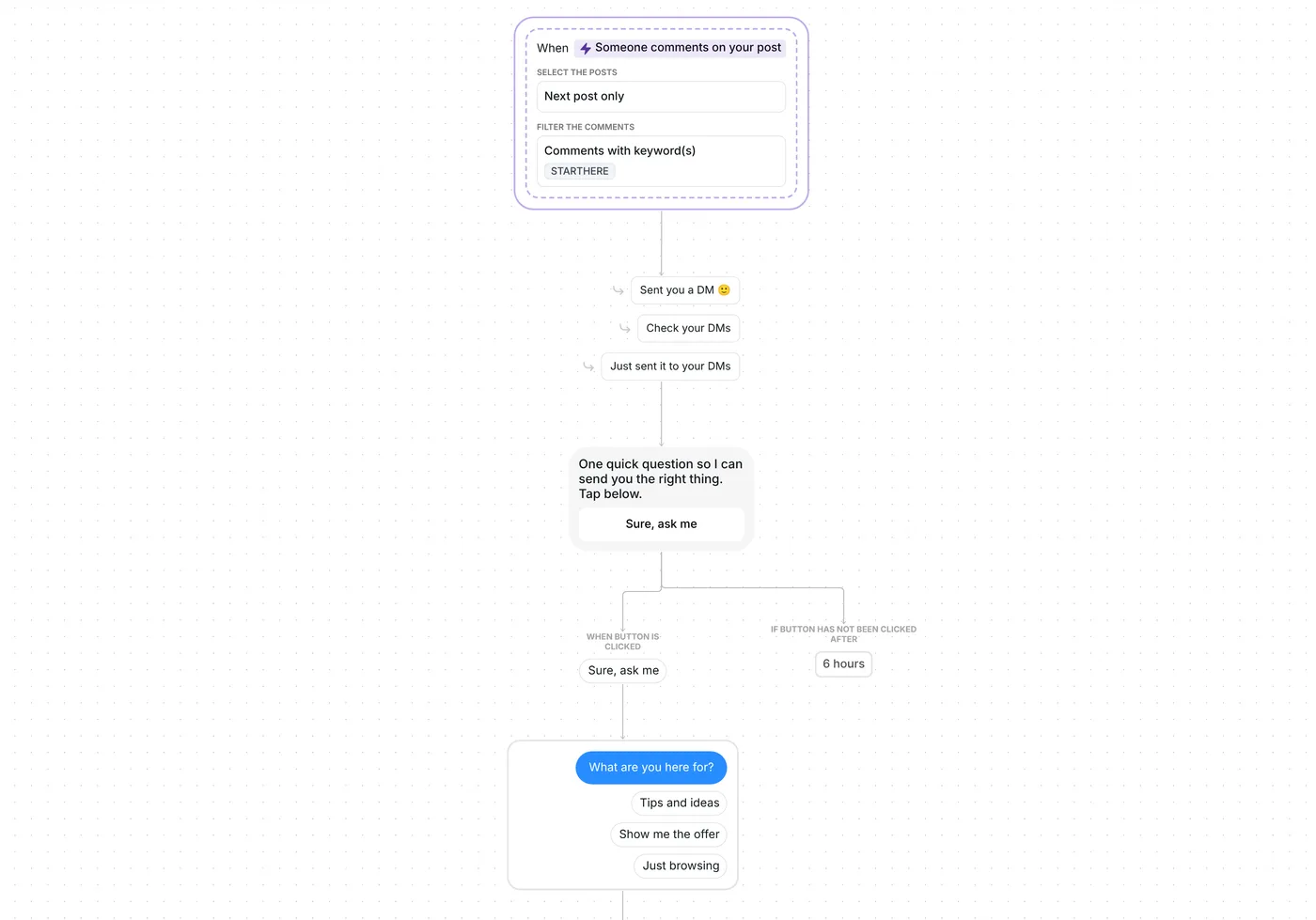
Fill your Discord server, WhatsApp group or Skool community with the people who ask for the invite in your comments.

Kshitij Maheshwari


Send your Discord, WhatsApp group or Skool invite to everyone who comments JOINNOW on your next post, and see who opened it. Copy the template.
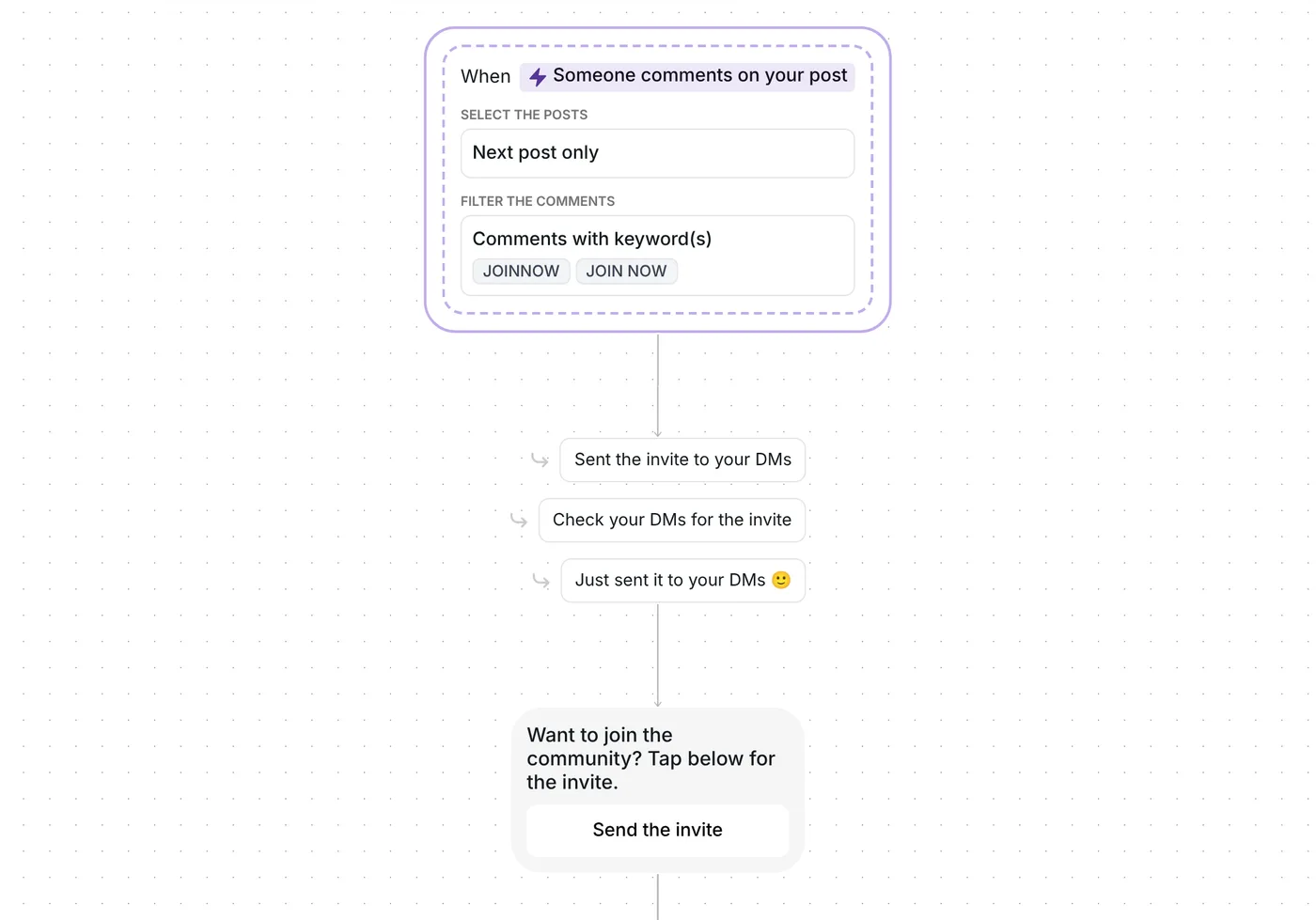
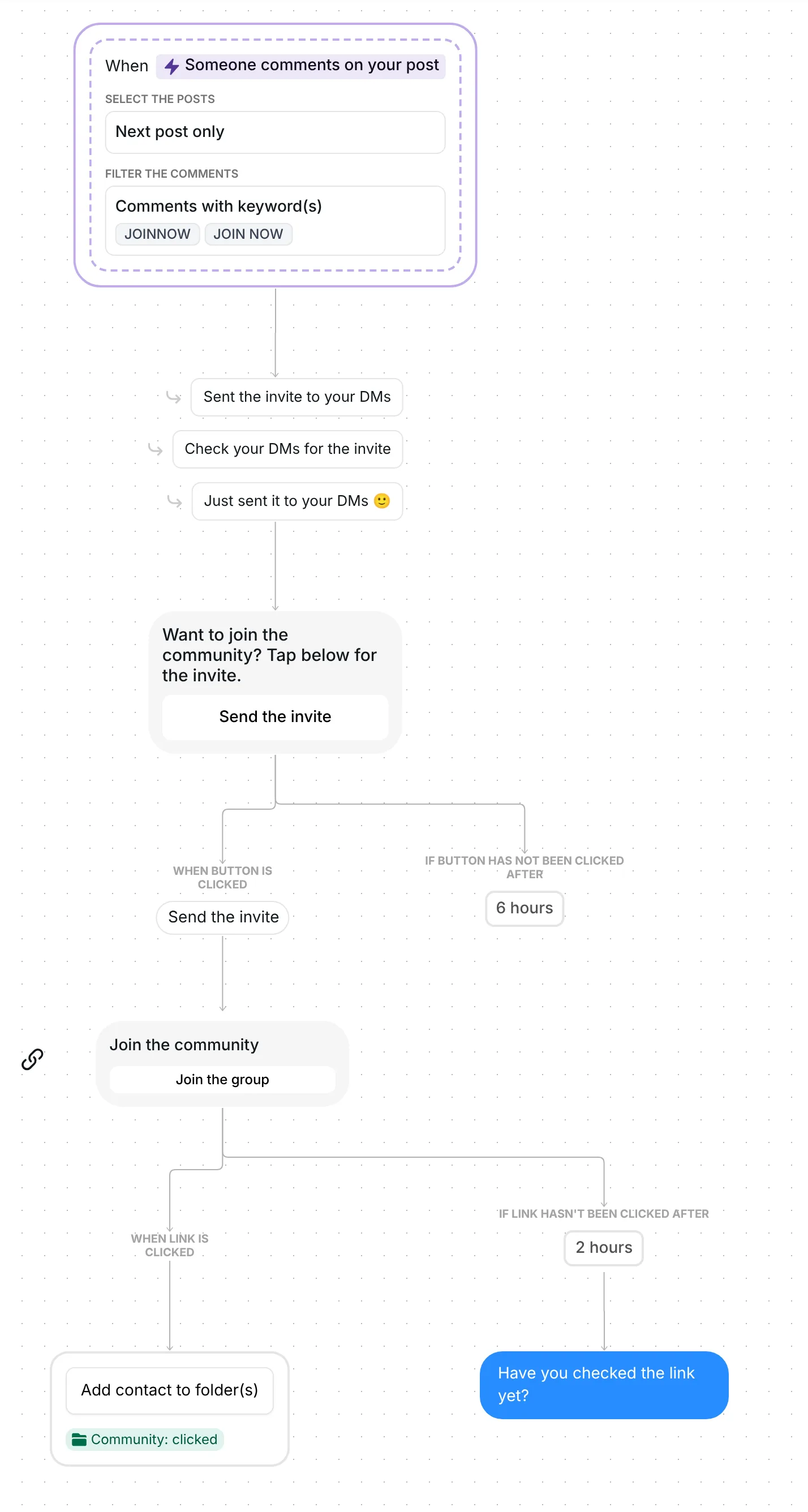
Put JOINNOW in your caption. Whoever comments it on your next post gets a DM with one tap to make, "Send the invite", and then the invite to your Discord server, WhatsApp group, Telegram or Skool community. People who have not opened it 2 hours later get one reminder; people who open it are saved in a folder.
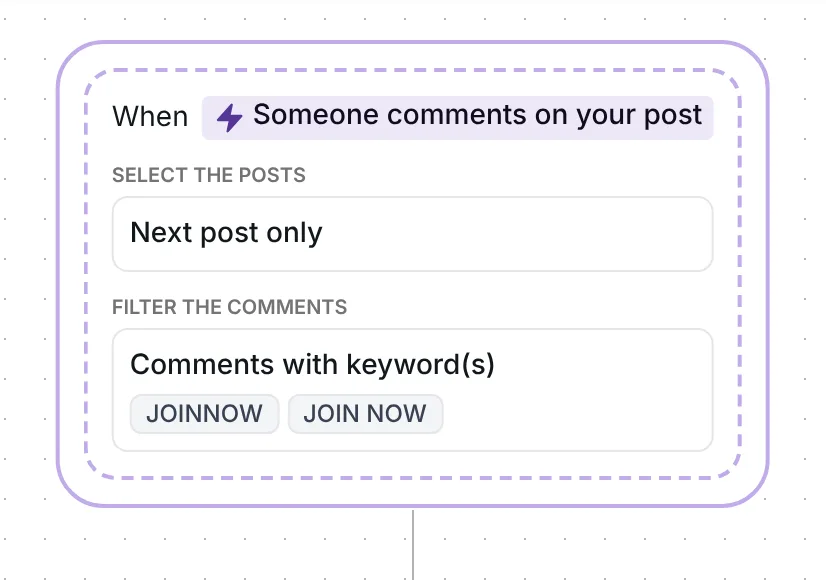
Two keywords cover people who type it as one word and people who add the space. Capitals do not matter and words match whole: "Join now" and "I want to join now" count, "join" alone does not. Replies under other comments are ignored.
Inrō answers in public with one of three replies, chosen at random: "Sent the invite to your DMs", "Check your DMs for the invite" or "Just sent it to your DMs 🙂". The reply appears only after the first DM has gone out. Flows that answered in public as well as in DMs converted at 46%, against 29% for a DM alone, in Inrō's DM Benchmark.
The DM goes out through Inrō's comment to DM feature, so the invite reaches every commenter with no link in your bio. "Next post only" means the first post you publish after the date stored in the trigger; reset it before your JOINNOW post (check 1 below).
The first DM reads "Want to join the community? Tap below for the invite." with a single button, "Send the invite". It is 53 characters long: first messages under 120 characters converted at 39%, against 22% for longer ones, in the same benchmark.
The invite waits for that tap because Instagram allows a business one private reply per comment, and the conversation carries on once the person answers (Meta for Developers, checked 22 October 2026). The tap is their answer. The button waits 6 hours for it.
The second DM is a link card titled "Join the community" with the button "Join the group". It opens whatever invite you paste: a Discord server, a WhatsApp group, a Telegram invite, a Skool or Circle community, a Facebook group.
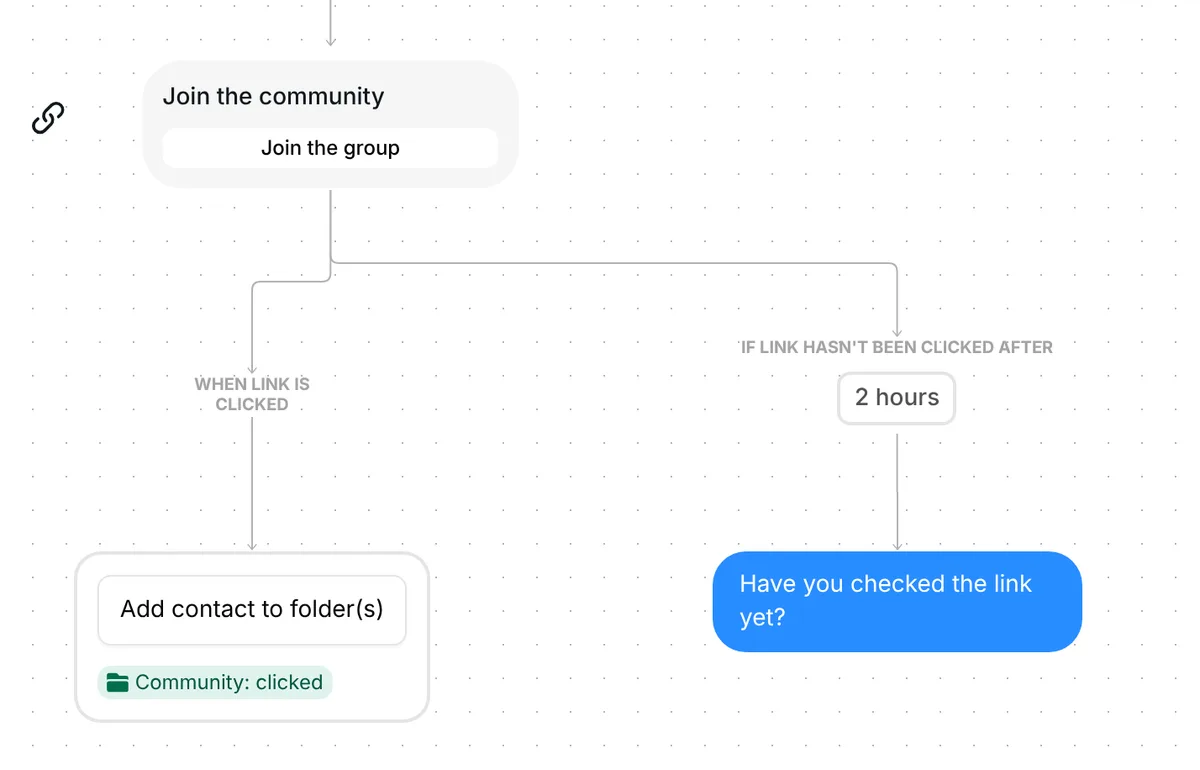
If the invite is still unopened 2 hours later, Inrō sends "Have you checked the link yet?" once. Anyone who already opened it never sees that message. The card keeps working after the 2 hours, and a later tap still counts.
Every tap on "Join the group" adds the person to the folder "Community: clicked". It lists the people who opened your invite; joining itself happens on your platform. Each person gets the invite once, even if they comment JOINNOW again.
Out of the box, the trigger listens for JOINNOW and JOIN NOW on the next post you publish, skips replies under other comments, and gives each person the invite once.
Six checks before your JOINNOW post goes up:
You can also change the card's title and button, and both waits: 6 hours for the tap, 2 hours before the reminder.
More flows for the people who run communities: Instagram automation for coaches and Instagram DM automation for creators.
Paste the group's invite link into the "Join the community" card of this template, then ask people to comment JOINNOW. Each person who comments gets the link in a DM, so it does not have to sit in your bio.
Yes. The card opens any web address, so a Discord invite, a Telegram link, a Skool or Circle community and a Facebook group all work.
No. Inrō sends your invite in a DM and records who opens it. Joining happens on your platform.
They get the invite once. The template runs once per person, so a later comment from the same account brings nothing new.
Not sure how it work?
Read posts about templates on our blog.
Become a creator
Submit your template to the Inrō template gallery and get featured – all in just a few clicks.

It clones straight into your account. Change the message to sound like you, then switch it on.