Want to thank the people who leave kind comments on your posts without typing the same reply again and again? This template thanks them for you and keeps a list of your fans.

Kshitij Maheshwari


A heart or a "love this" under any of your posts gets a thank-you reply and a like, and the fan joins your list. Copy the template.
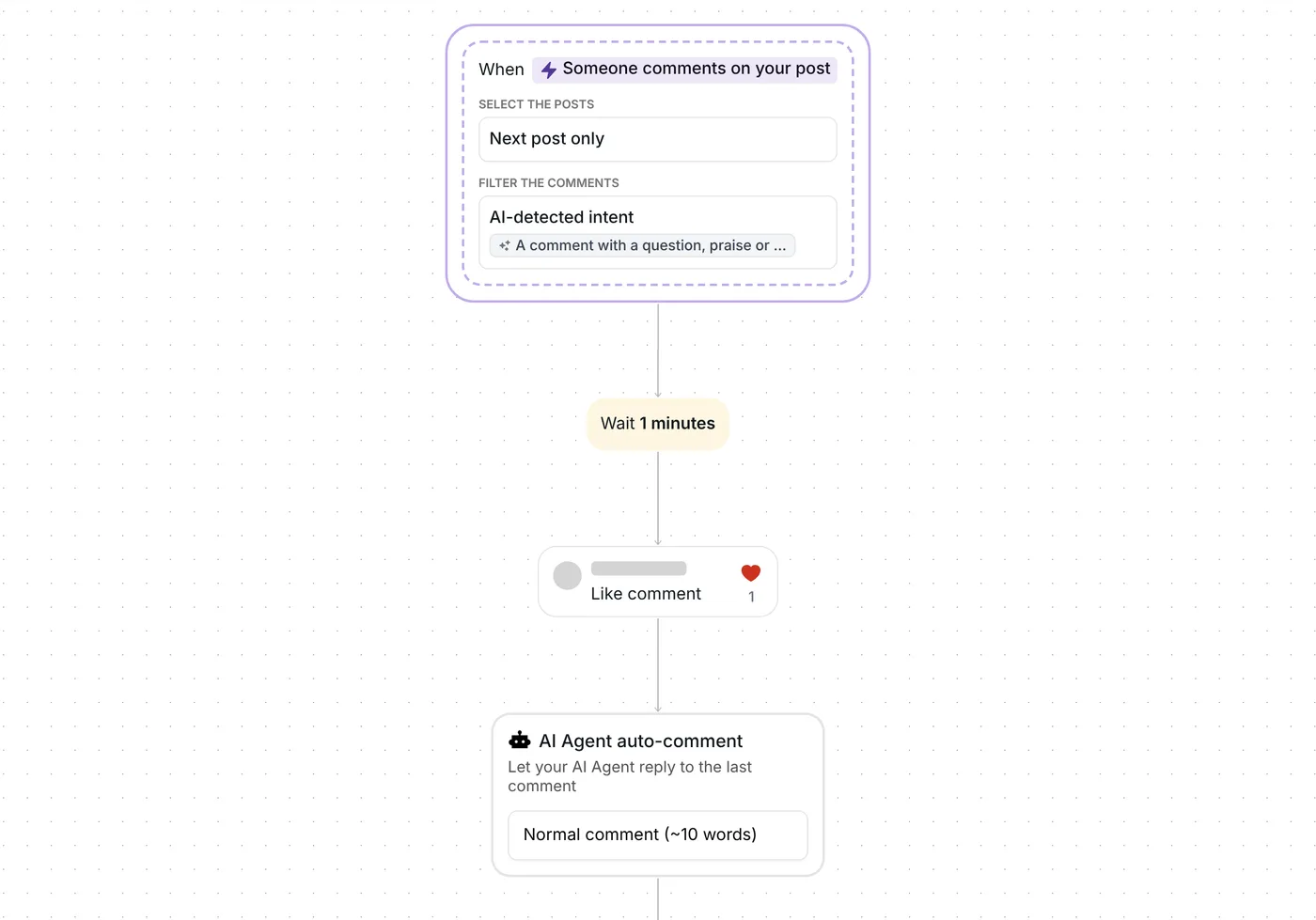
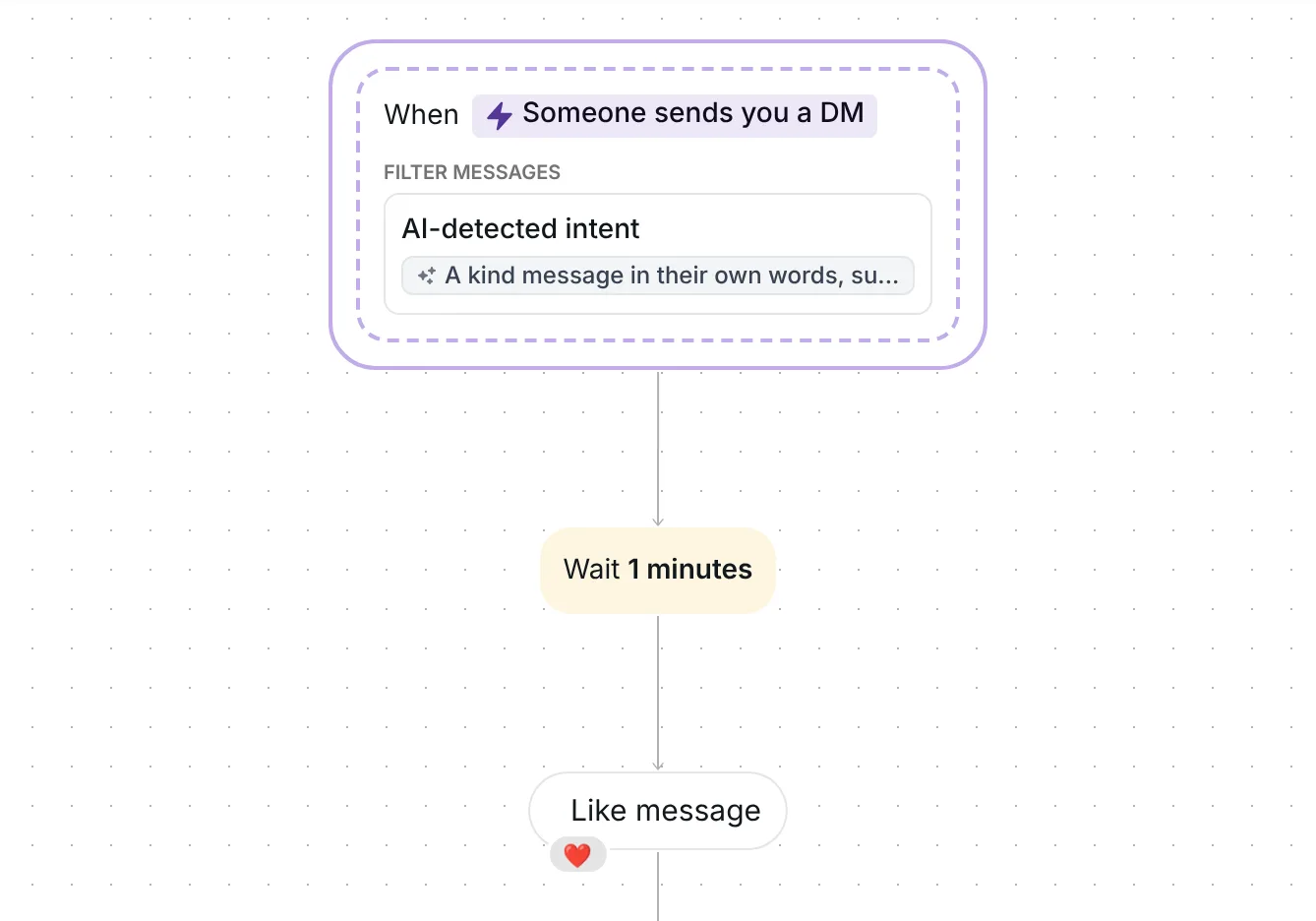
Someone leaves a heart, a fire emoji or "love this" under one of your posts. A minute later, Inrō answers under their comment with a short thank-you and likes the comment. The person then joins your folder "Thanks: praised us", your list of fans. Each fan is thanked at most once a week.
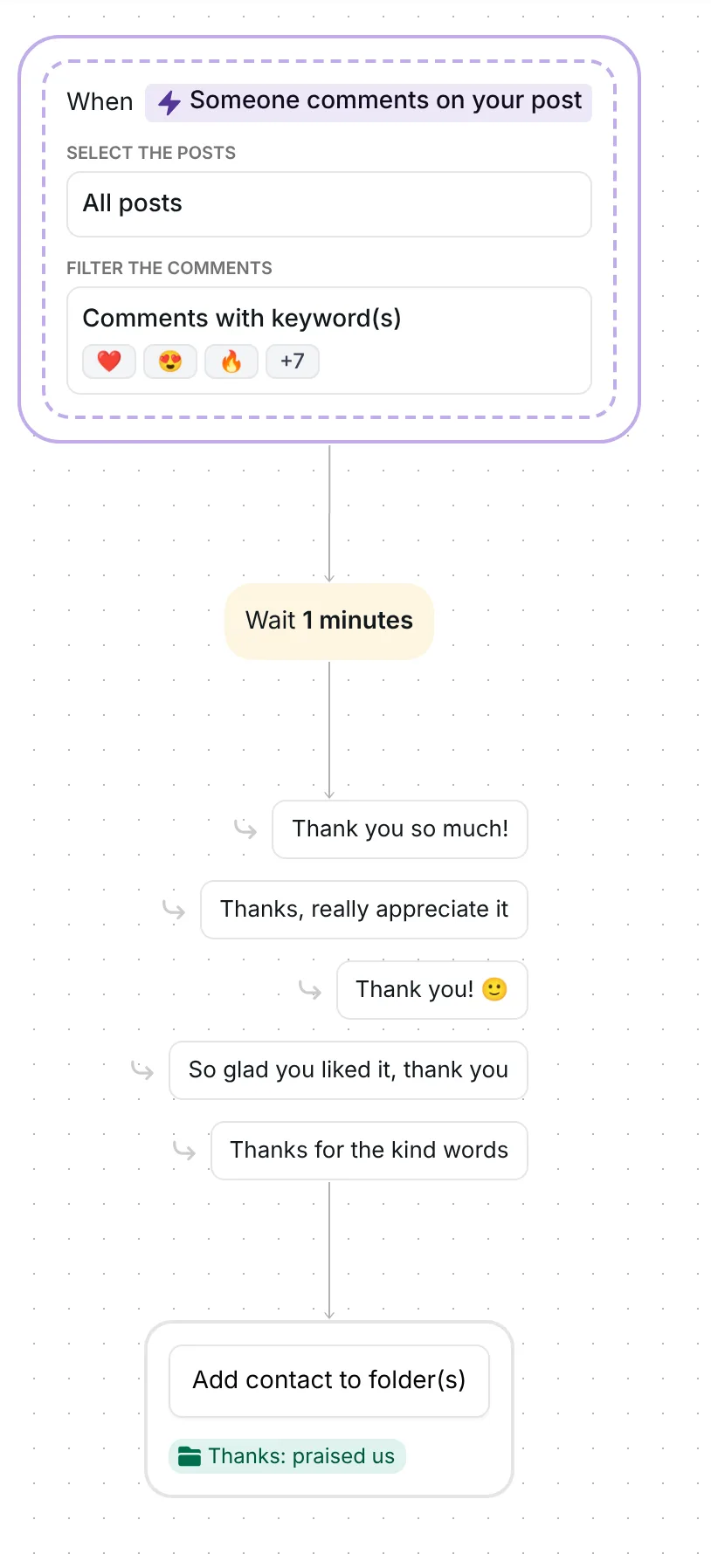
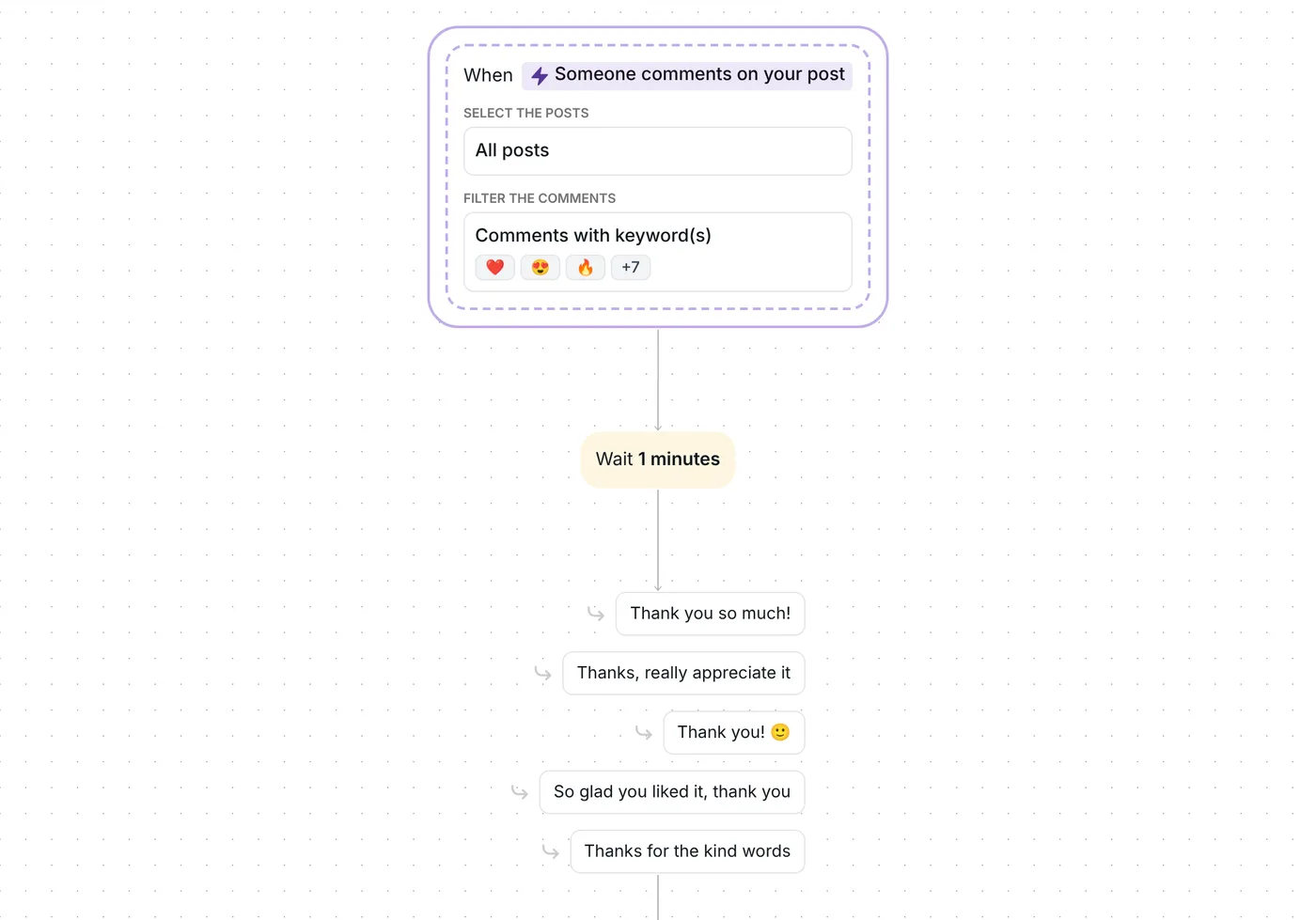
The flow watches all your posts, including the ones you publish later, so there is no date to set. It reacts to comments that contain one of ten keywords: five emojis, ❤️ 😍 🔥 👏 🙌, and five short compliments, "love this", "love it", "amazing", "beautiful" and "so good". One keyword is enough.
An emoji counts anywhere in the comment, alone or among words, and repeated: "❤️❤️❤️" and "So proud 🔥" both match. A clapping or raised-hands emoji matches in any skin tone. Words match as whole words, in capitals or not, with accents ignored: "Love this!", "I LOVE IT" and "beautifull" all match, "lovely" does not.
Only top-level comments start the flow, not replies inside a thread. Your own comments never do.
The flow waits 1 minute after the comment, then answers.
Inrō replies publicly under the comment with one of five thank-you replies, picked at random so the same words do not repeat down the thread:

It also likes the comment. The replies are the ones written in the step, so the template uses no AI and no AI credits.
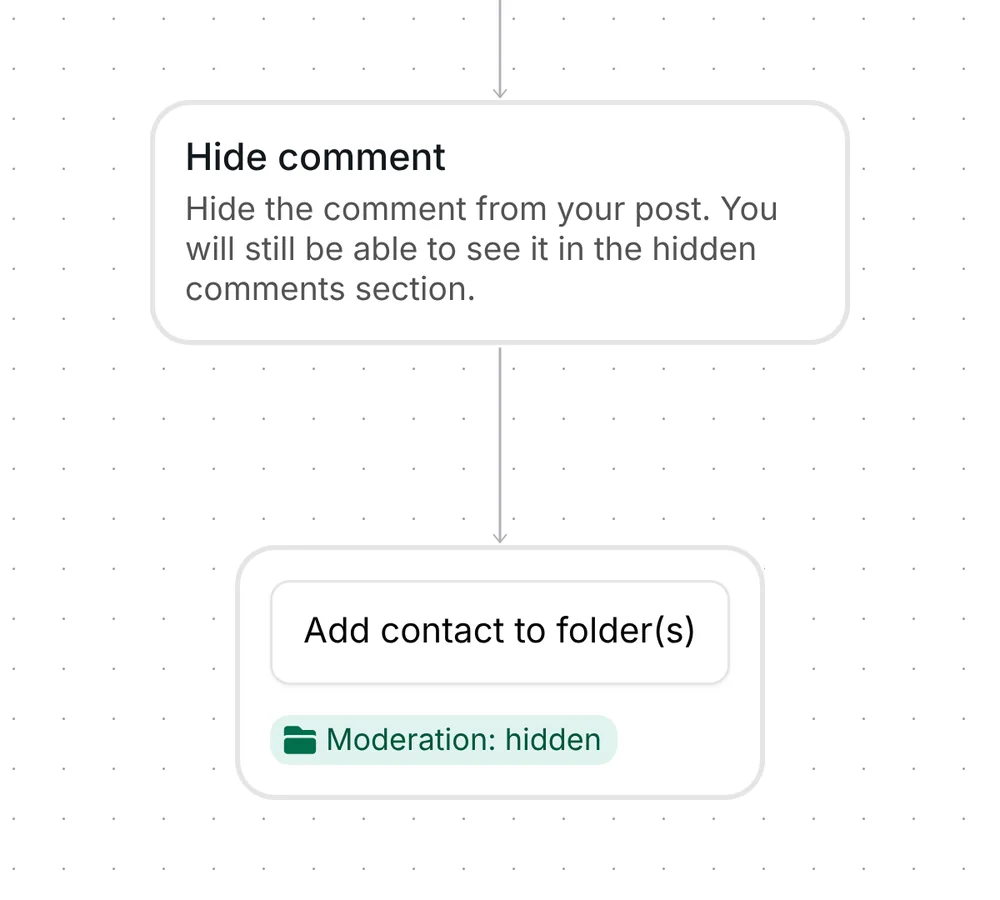
Inrō adds the person to the folder "Thanks: praised us". When you copy the template, Inrō creates that folder in your account, or reuses one with the same name. The "Show love to kind messages" template adds people to the same folder, so if you run both, kind comments and kind messages fill one list of fans.
Each fan is thanked once a week at most. A second matching comment from the same person within the week gets no reply and no like, so nobody gets thanked twice in a row.
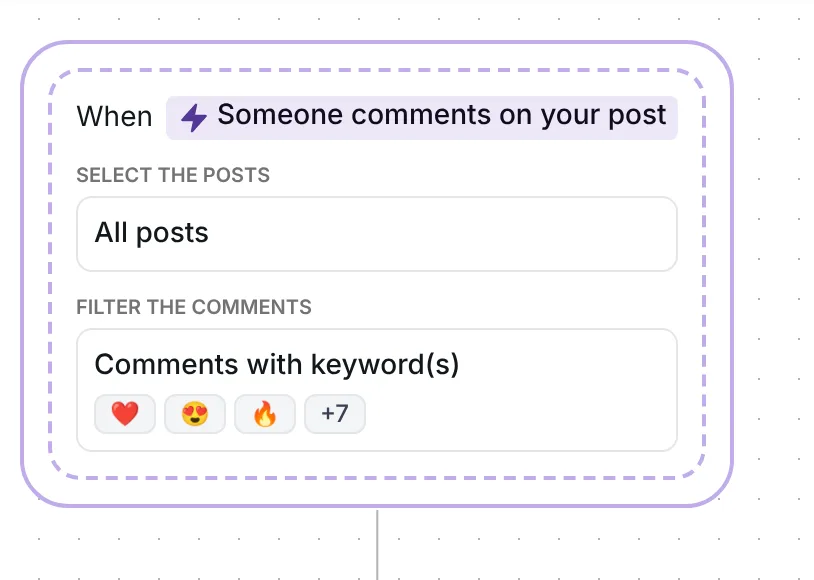
The trigger comes set up: comments that contain one of the ten keywords, on all your posts, top-level comments only. Nothing needs filling in: no link, no email address and no date to reset.
Check five things before you go live:
Keep it short and answer under the comment. This template does it for you: it posts one of five replies, such as "Thank you so much!" or "Thanks for the kind words", and likes the comment.
Yes. It watches all your posts, including the ones you publish later, and answers top-level comments that contain one of its keywords, once a week per fan.
No. The thank-you is public, in the comment thread, together with a like. The person is added to your folder "Thanks: praised us" and gets no message. To send people a DM when they comment, use Inrō's comment to DM feature instead.
By default, yes: any comment that contains a keyword matches, whatever it says around it. A heart counts anywhere, and "not so good" matches "so good". Turn on "Exclude hateful and negative comments" in the trigger so unhappy comments are left alone.
Not sure how it work?
Read posts about templates on our blog.
Become a creator
Submit your template to the Inrō template gallery and get featured – all in just a few clicks.

It clones straight into your account. Change the message to sound like you, then switch it on.