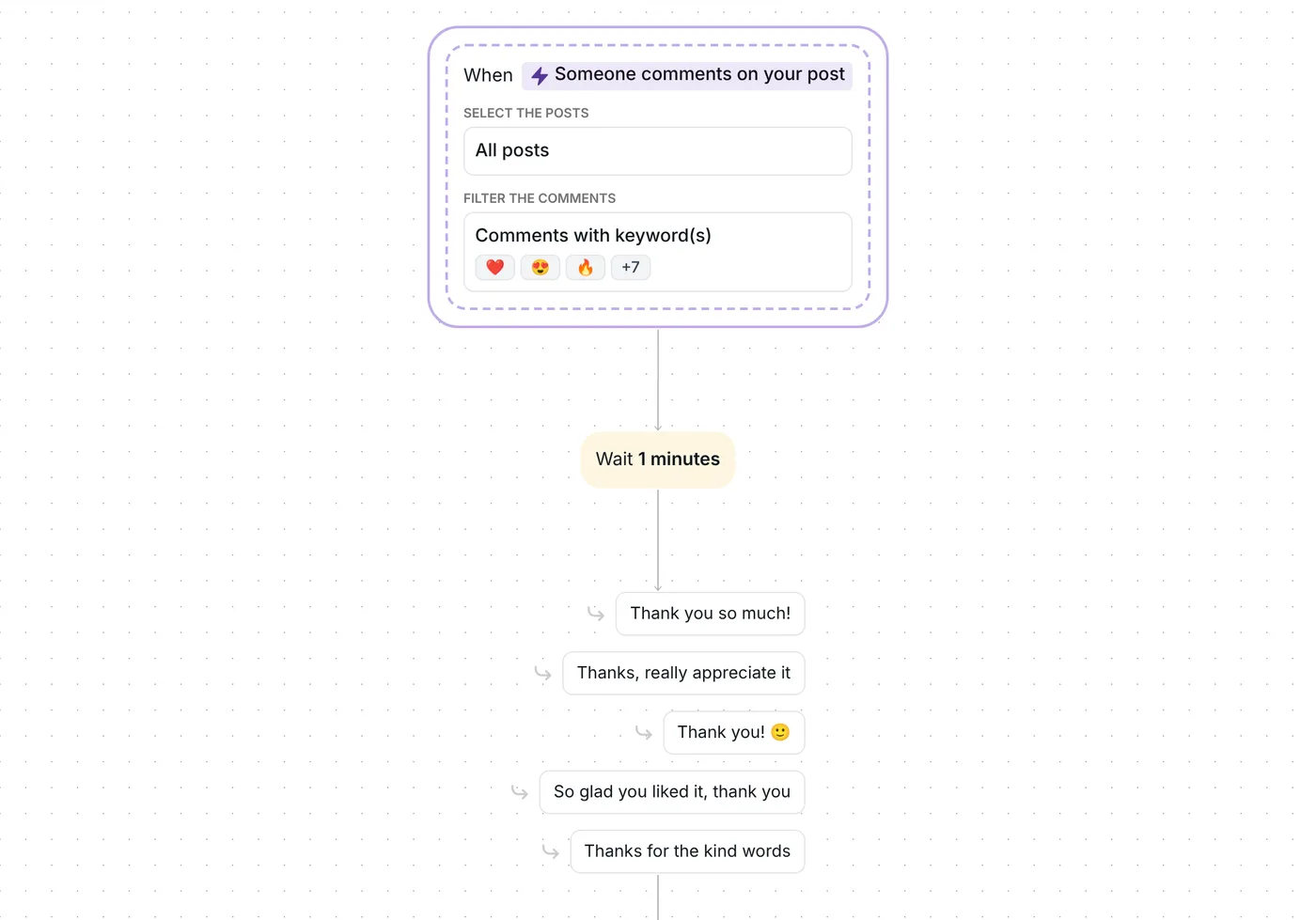
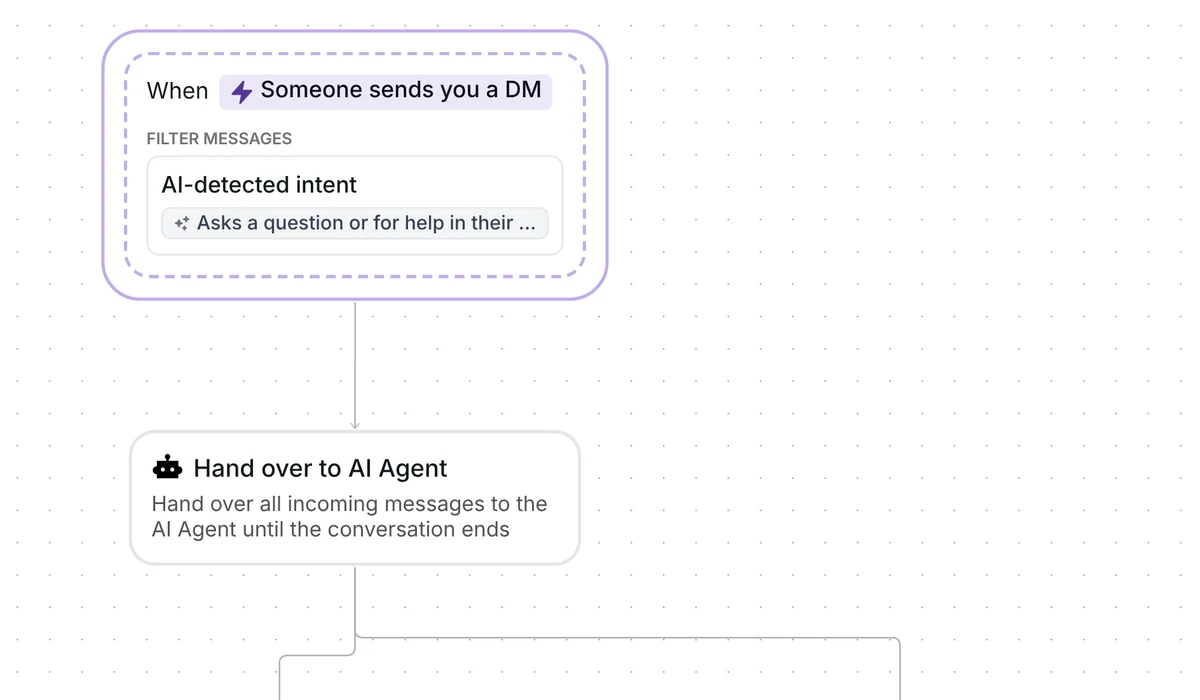
Want every kind DM to get a heart back without opening your messages one by one? This template likes the thanks, compliments and support people send you, and keeps a list of everyone who sent them.

Kshitij Maheshwari


Put a heart on every thank-you, compliment and message of support people send you on Instagram, and keep a list of who sent them. Copy the template.
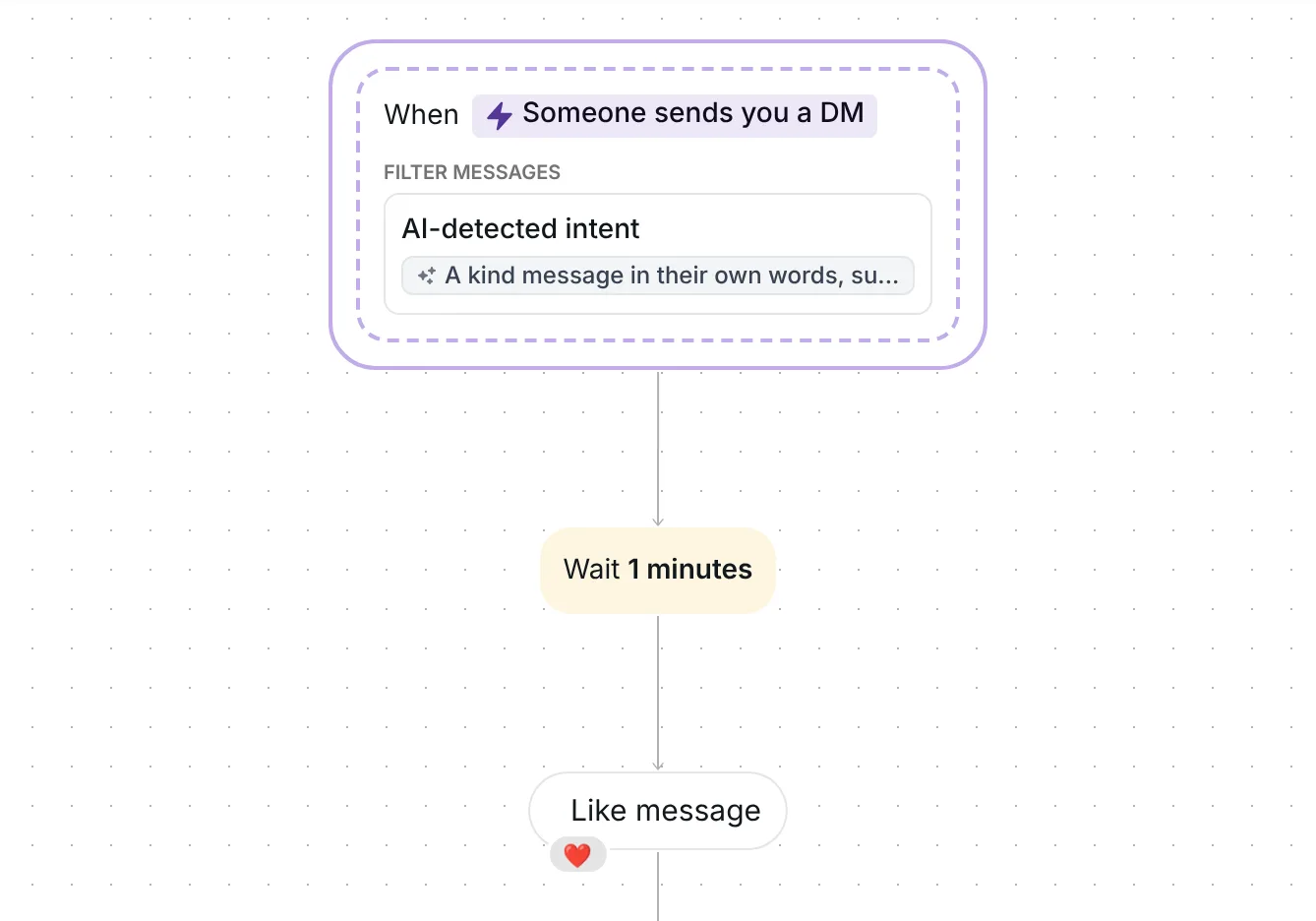
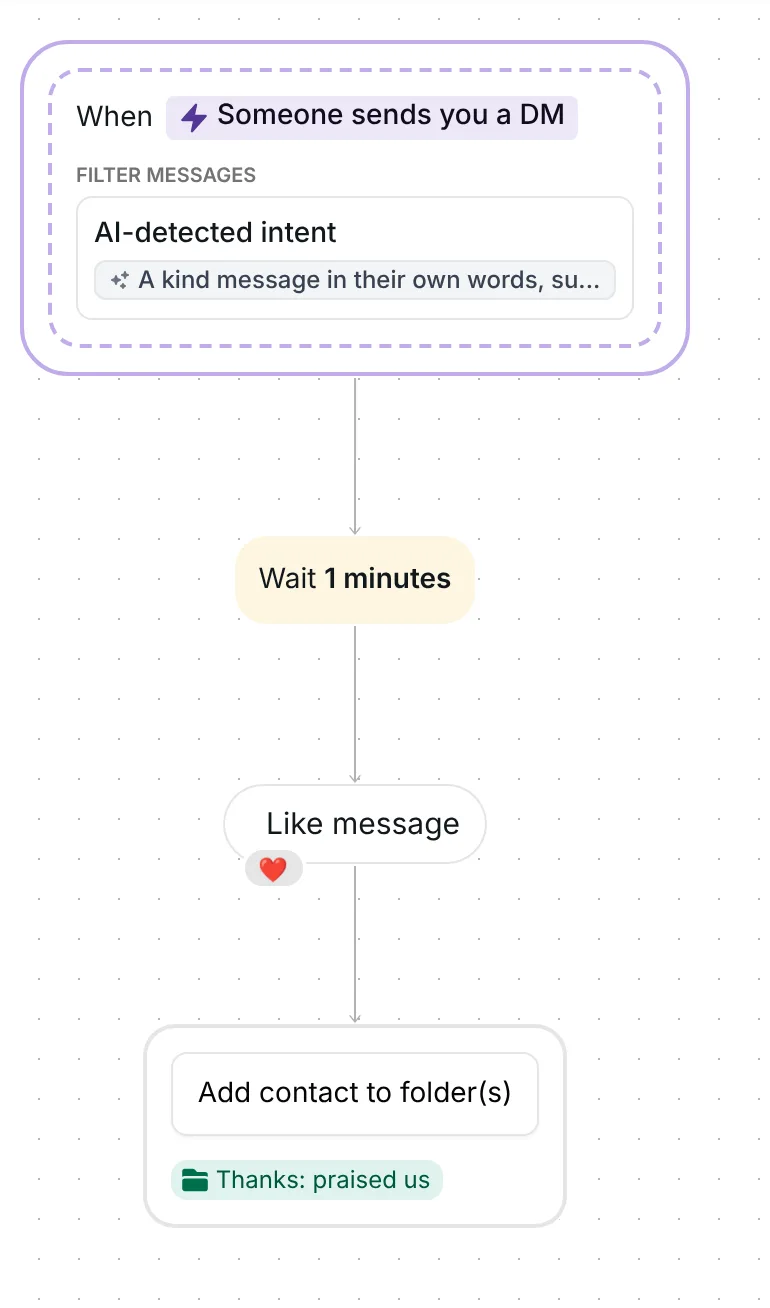
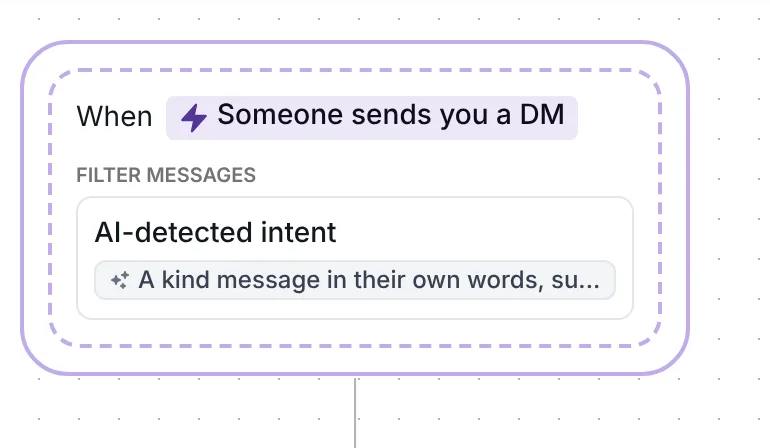
When someone sends you a DM, AI checks whether it is a kind message: thanks, a compliment or support. If it is, the flow waits 1 minute and puts a heart on it. The person then goes into the folder "Thanks: praised us". The flow sends no message and runs at most once a day per person.
The flow listens to every message in a conversation, not just the first. It filters them with an AI-detected intent, a description written in plain words that the AI compares each message against. The one in the template reads: "A kind message in their own words, such as thanks, a compliment or support, with no question or request. Not a button reply, a question, an order or a complaint."
That last sentence tells the AI to leave out questions, orders, complaints and taps on buttons from your other automations, so your sales and support flows keep those messages. A message with no text does not start it.
When someone sends several messages in a row, Inrō waits 5 seconds after the last one and reads them together (Inrō message grouping, checked 22 October 2026), so three quick "thank you" messages count as one.
The flow waits 1 minute before it does anything.
The "Like message" step puts a heart reaction on their message, the last one in the group that started the flow. It goes through Instagram's official messaging API.
Inrō adds them to the folder "Thanks: praised us" in your Inrō inbox and CRM. The folder becomes your list of everyone who wrote to say something kind, ready for a campaign or another automation later.
That is the whole flow. It never writes back, so your AI agent can still answer the same DM if you use one. It runs at most once a day for each person, so someone who writes to you three times in one day gets one heart, on their first kind message.
The trigger comes set up: every DM, filtered by an AI-detected intent for kind messages, and the flow runs at most once a day for each person. There is no link, keyword or message text to fill in.
Check three things before you go live:
Leave the 1 minute pause as it is, or change the wait in the time delay step.
Yes. This template puts a heart on the kind DMs people send you, through Instagram's official messaging API. It only reacts to conversations they started, and it does not like posts.
No. It likes the message and adds the person to a folder, nothing else. To answer questions automatically, run it next to "Answer every DM with AI, team as backup".
Yes, only when a message matches the description. A message the AI turns down costs nothing.
Yes. The template sends no message, so your AI agent can still answer the same DM. The agent also has its own option to like a message when it replies.
Not sure how it work?
Read posts about templates on our blog.
Become a creator
Submit your template to the Inrō template gallery and get featured – all in just a few clicks.

It clones straight into your account. Change the message to sound like you, then switch it on.