Want hateful comments gone from your Instagram posts without reading every one yourself? This template hides them on all your posts, including future ones, and you can still see everything it hid.

Kshitij Maheshwari


Copy an Inrō template that hides hateful comments on all your Instagram posts. It only hides them: nothing is deleted and no one is blocked.
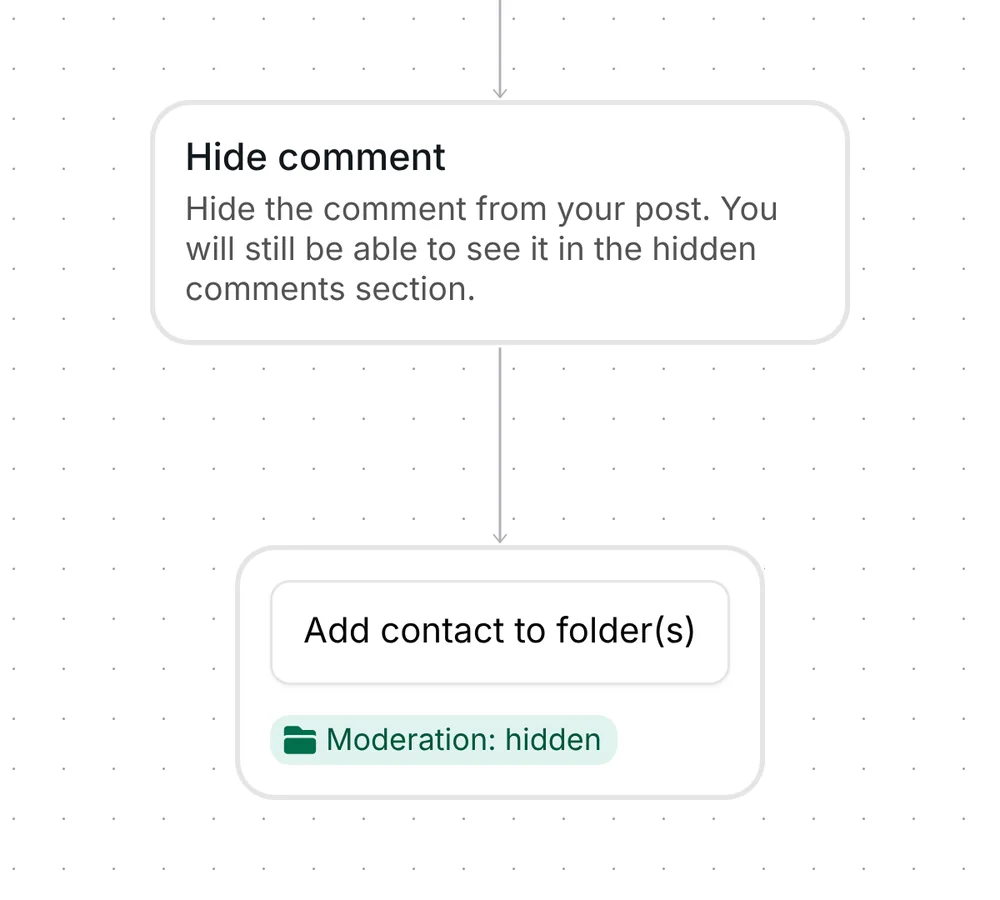
Copy the template, pick a folder and turn it on. Inrō's AI checks each comment on your posts against the filter "All hateful and spam comments". The Hide comment step hides a flagged one from your post, and you can still read it in the post's hidden comments section. A second step adds the commenter to a folder.
The template watches all your posts, including the ones you publish later, so there is no trigger date to reset. It covers comments on feed posts and reels.
There is nothing to type. The AI reads each comment, so you do not build a keyword list or keep one up to date. A comment you write on your own post never starts the flow.
The first step is Hide comment. Inrō uses Instagram's hide, which lets an app hide a comment on the account's own posts (Meta for Developers, checked 23 October 2026). The comment disappears from public view on your post, and you can still read it in the post's hidden comments section.
The flow has no message and no wait. Nothing is sent to the commenter.
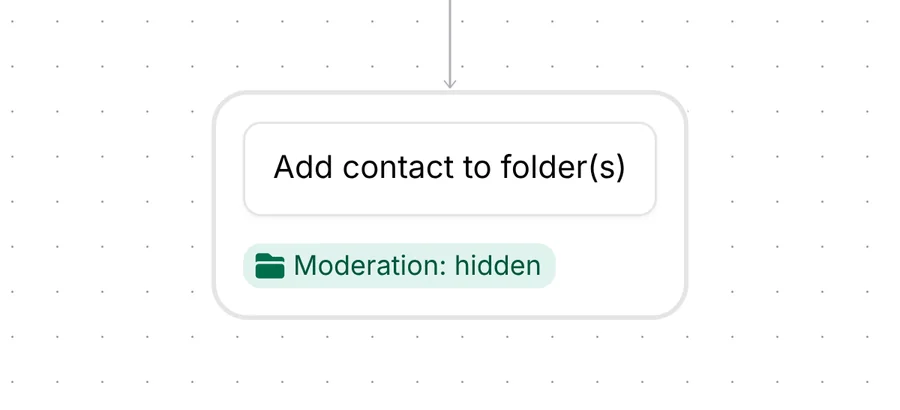
The second step is Add contact to folder(s). The step is set to add the commenter to one folder, "Moderation: hidden". A folder groups contacts in your Inrō inbox and CRM. It holds the person, not the comment.
The template has no limit per person: the filter runs on every comment, even when the same person writes several.
The template arrives in your Inrō account turned off. There is no keyword, message or link to replace. Check three things, then turn it on:
Because the template watches all posts, you set it up once. New posts are covered too.
No. The template hides a comment and adds the commenter to a folder. It never deletes a comment and never blocks or restricts a person. Instagram treats hiding and deleting as two separate actions (Meta for Developers, checked 23 October 2026), and this template only uses the first.
They are hidden from public view on your post, and you can still read them in the post's hidden comments section. A second step, Add contact to folder(s), is set to add the commenter to the folder you pick. Check on a test that the folder fills.
No. The AI decides which comments match the filter "All hateful and spam comments", so there is nothing to type and nothing to update. The AI is good but not perfect, so check the hidden comments every few weeks.
No. A comment you write on your own post is never hidden, and it never starts the flow.
No. The template covers comments on your feed posts and reels. Comments made during a Live use a separate trigger.
Not sure how it work?
Read posts about templates on our blog.
Become a creator
Submit your template to the Inrō template gallery and get featured – all in just a few clicks.

It clones straight into your account. Change the message to sound like you, then switch it on.