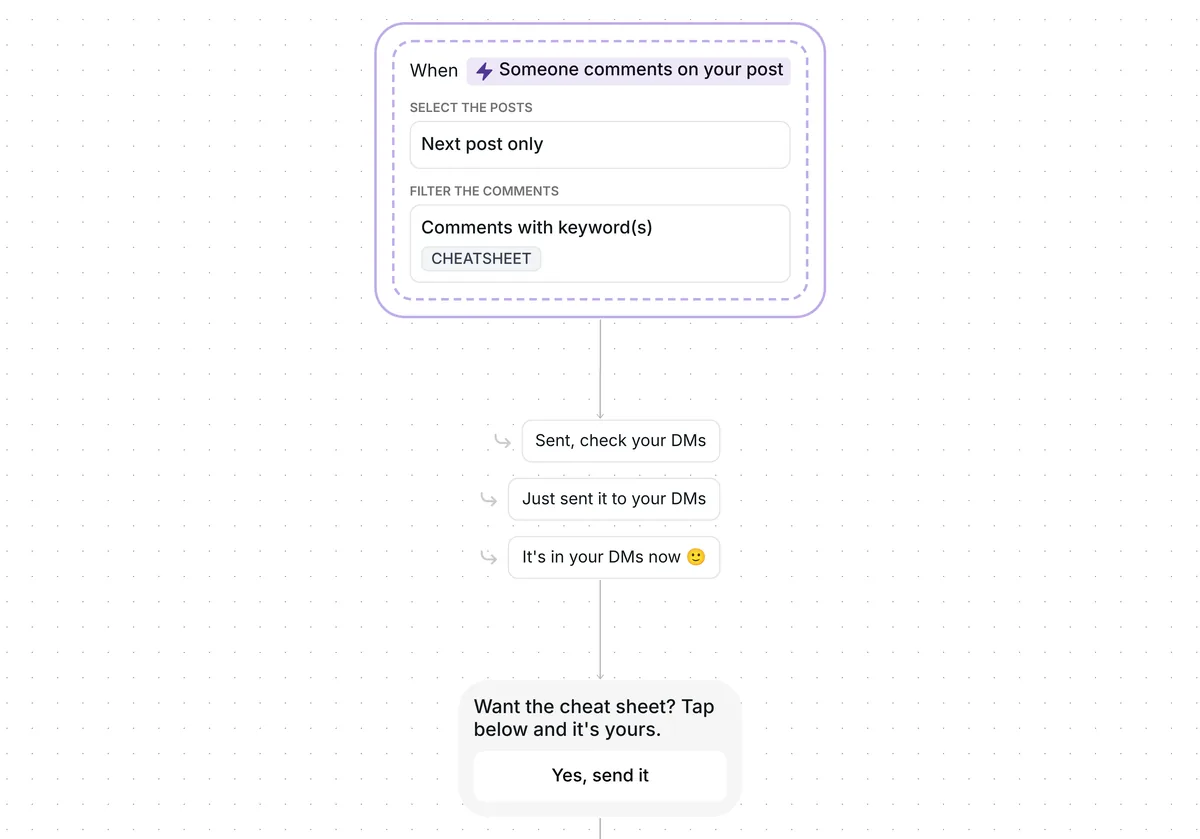
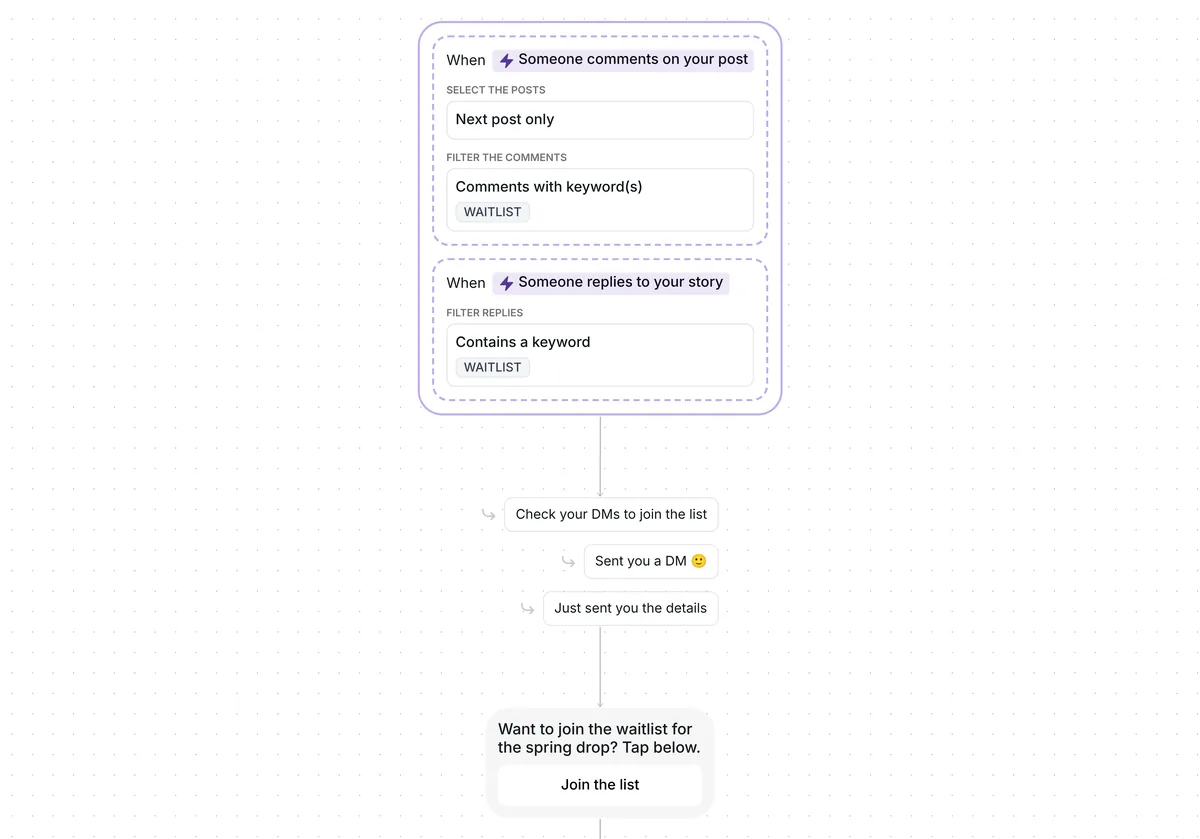
Want a phone list you can text, built from the people who already comment on your posts? This template asks each one for their number in your DMs, and everyone still gets the reward you promised.

Kshitij Maheshwari


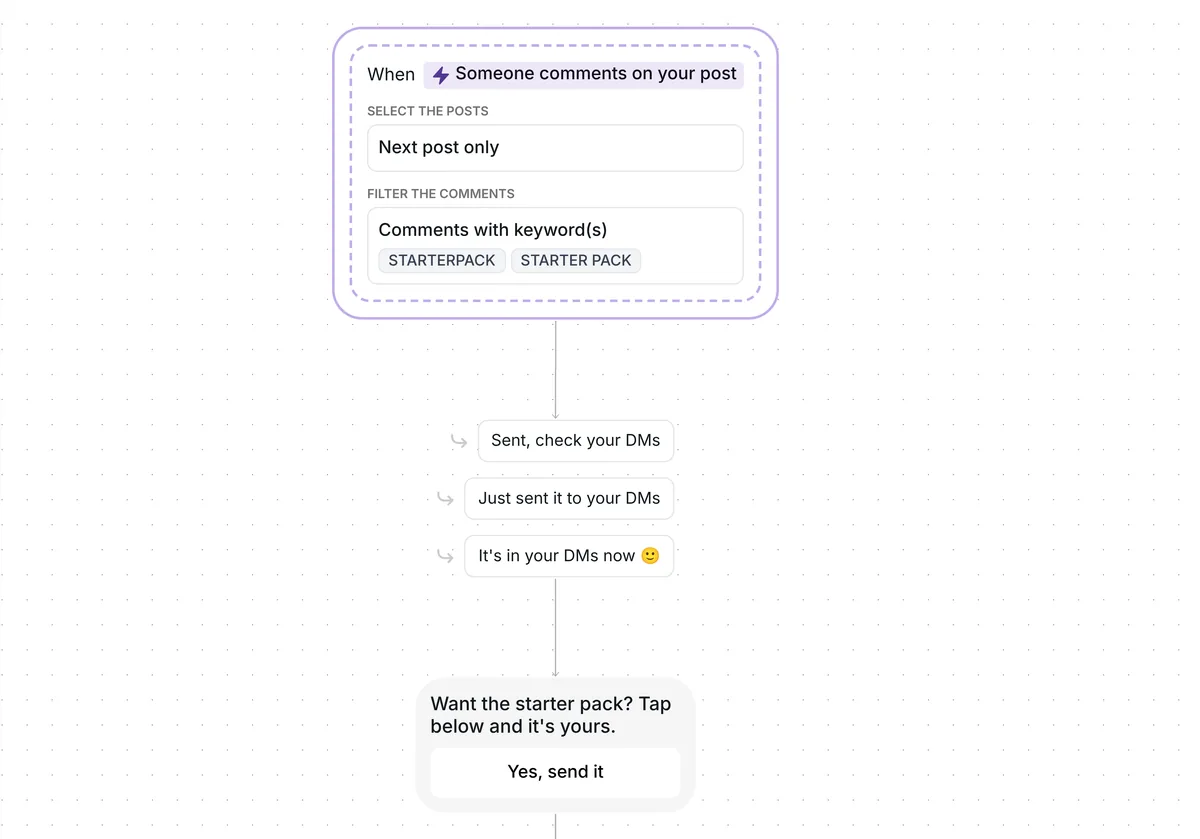
Someone comments STARTERPACK, taps one button and sends their phone number in your DMs. It lands on their contact, ready to export. Copy the template.
This template collects phone numbers from STARTERPACK comments on your next post. The commenter first gets a one-button DM; one tap and they are asked for their phone number, which Inrō saves on the Phone field of their contact. The starter pack link comes next, and it arrives whether they share a number or not.
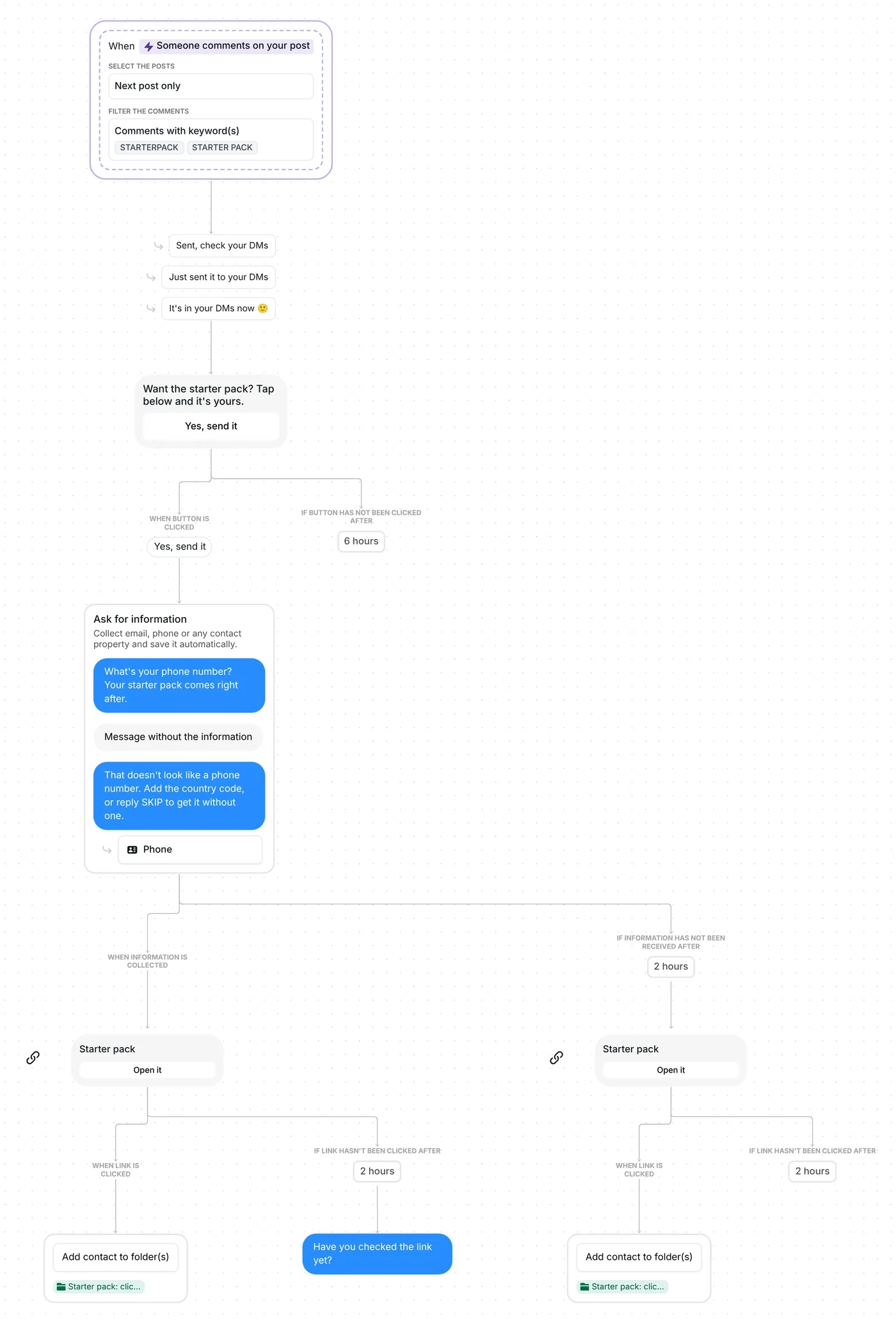
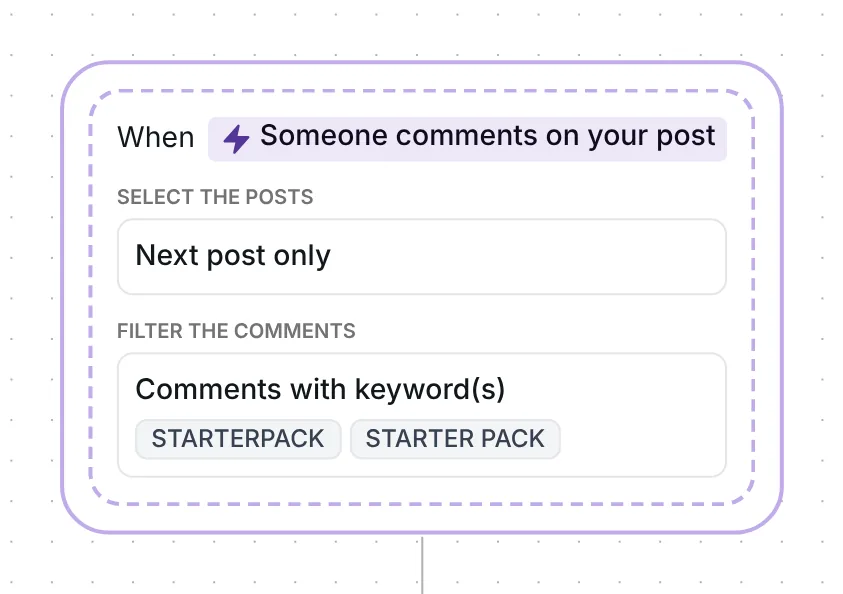
Both spellings start the flow, STARTERPACK and STARTER PACK. Inrō matches the keyword as a whole word in any case, and a plural counts too, so "Starter pack" and "starter packs please" work. Only top-level comments count, not replies to other comments, and each person gets the flow once.
On the post itself, Inrō answers each STARTERPACK comment with one line chosen at random from "Sent, check your DMs", "Just sent it to your DMs" and "It's in your DMs now 🙂", and it lets the DM go out before posting it. The DM goes through Inrō's comment to DM feature, on the next post you publish (the date check is the first item in the setup list below).
"Want the starter pack? Tap below and it's yours." is the opener, and "Yes, send it" is its only button.
The tap comes first on purpose. A comment gives you one private message to the person, and you can only write again after they answer it (Meta for Developers, checked 22 October 2026). The tap is their answer and their opt-in, and the phone question comes in behind it.
Under 120 characters, a first message converted at 39%; above that, at 22%. This opener is 48 characters, and the split itself was measured over the 798,041 conversations in Inrō's DM Benchmark, not on this flow.
A person who leaves the button alone for 6 hours exits the flow without being asked anything.
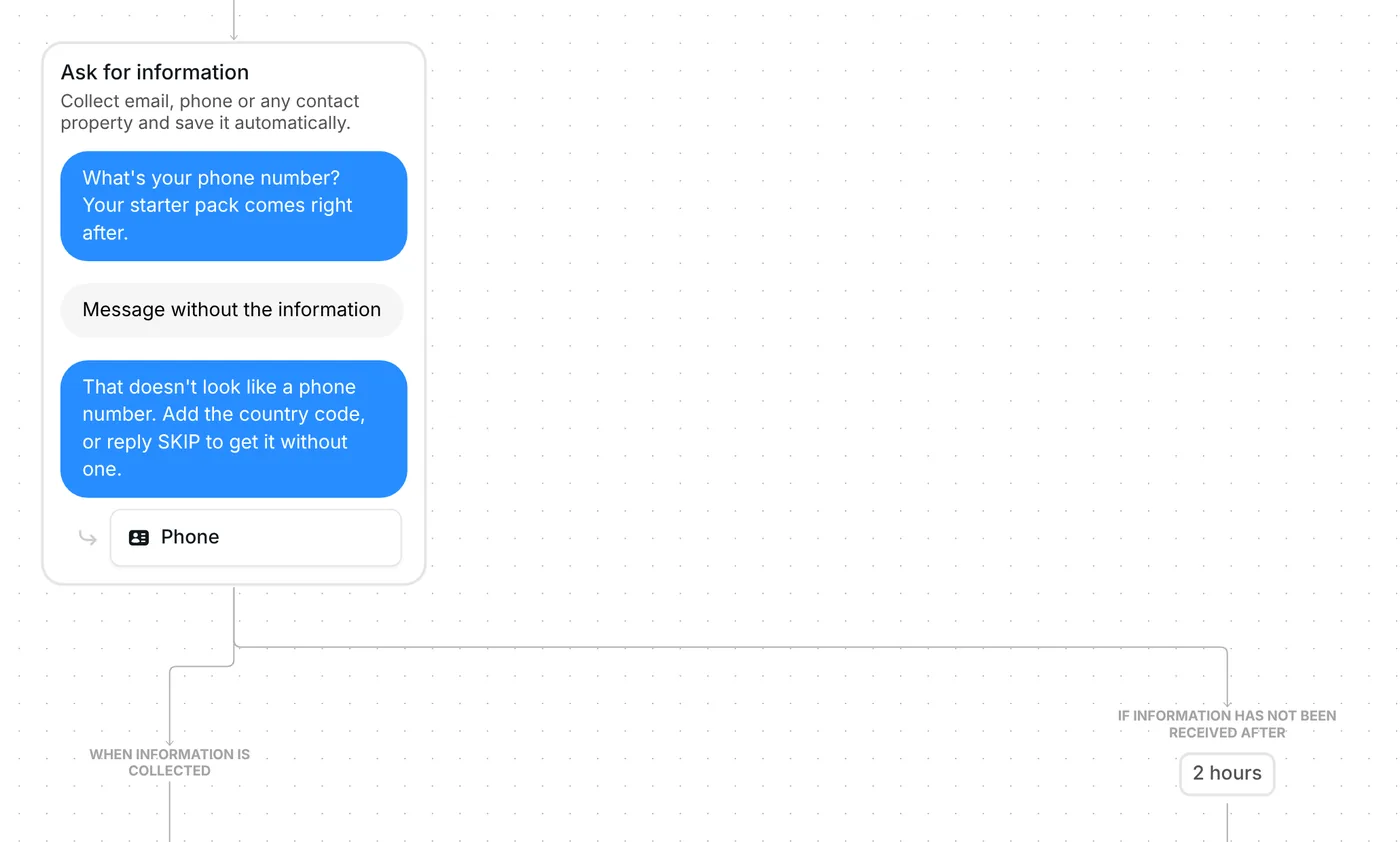
After the tap, an "Ask for information" step sends: "What's your phone number? Your starter pack comes right after." That step type exists to ask for one detail and file the answer on the contact. Here it fills the Phone field.
Inrō picks the number out of the reply, so an answer like "sure, it's +44 7700 900123" counts. When AI detection reads the reply, it uses AI credits only if it finds a number.
A reply with no number in it gets a second message: "That doesn't look like a phone number. Add the country code, or reply SKIP to get it without one."
The step's "Maximum retries" setting is 2, which in practice means one re-ask. SKIP is not a command. Any second reply without a number moves the flow on, and the person still gets the starter pack. Someone who answers SKIP to the first question sees the re-ask first.
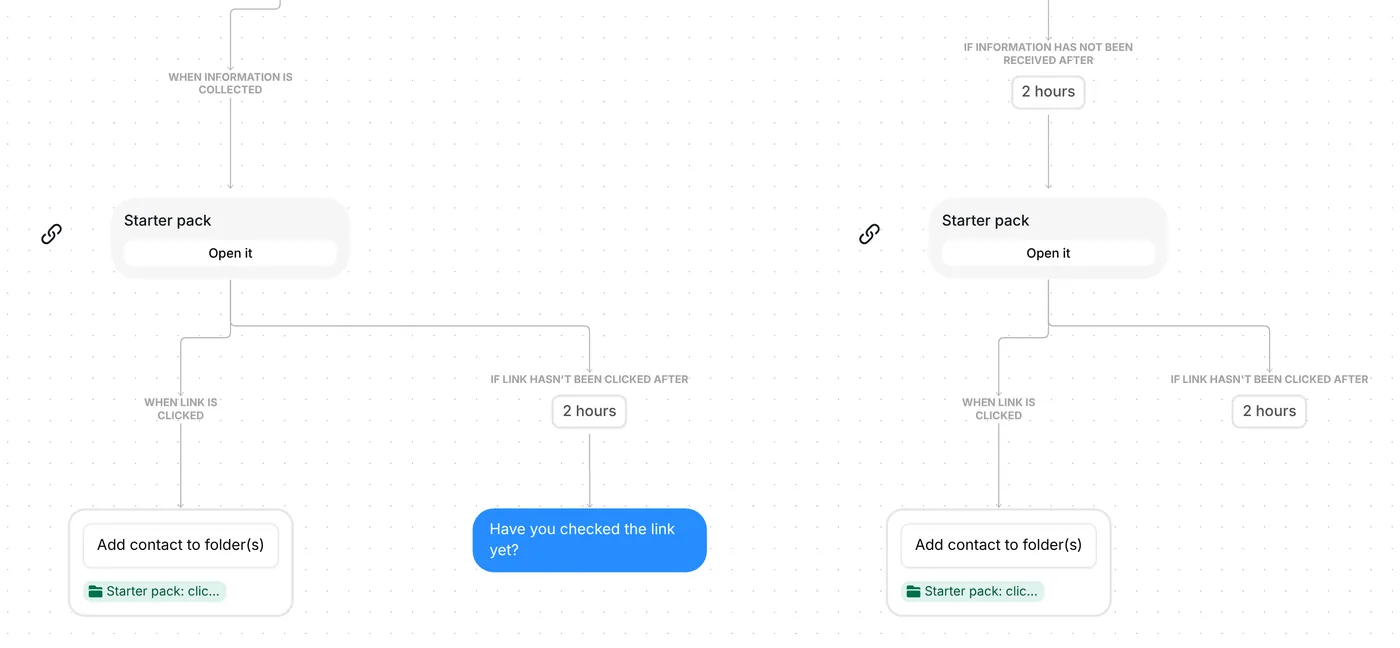
The reward travels as a link card: "Starter pack" on top, "Open it" on the button. The flow holds two of these cards, one per path:
Whichever card they tap, the person ends up in "Starter pack: clicked". The 2 hours before the nudge is a wait, not an expiry date: the link keeps working after it.
STARTERPACK and STARTER PACK are both set as keywords, for top-level comments on your next post, and nobody gets the flow twice.
Run through this list before the STARTERPACK post is live:
The folder name is yours to change, and so are the three waits: 6 hours on the button, 2 hours on the phone question, 2 hours before the nudge.
They still get the starter pack. A reply of SKIP, or any second reply without a number, moves the flow on, and so does silence: 2 hours after the question, the link goes out anyway. No number is saved for them.
Each number lands on the person's Phone field in Inrō's inbox and CRM. Filter your contacts by phone number, then export them as a spreadsheet: the export has a "Phone number" column you can load into the tool you text from. On the Pro plan, the Make integration can also send contacts to other tools.
Put a keyword in your post, run this template on it, then export the contacts who shared a number to the tool you send texts from. Say in the question what you will text them, so people know what they agree to.
Yes. Open the contact in Inrō and edit its details by hand, so the number sits on the same Phone field as the ones the flow collects.
Not sure how it work?
Read posts about templates on our blog.
Become a creator
Submit your template to the Inrō template gallery and get featured – all in just a few clicks.

It clones straight into your account. Change the message to sound like you, then switch it on.