This blog section shares insights and updates on the latest tools and advancements in Marketing and Social Media.
Learn how to set up Instagram to get paid. Discover the tools, settings, and DM strategies creators use to turn engagement into sales and bookings.
Learn how to turn Instagram comments into sales using comment-to-DM strategies. Discover why comments signal intent and how to monetize them at scale.
Discover 10 proven Instagram automation hacks for the 2026 holiday season—using AI-powered DMs, comment automation, gift finders, and smart handover with Inrō.
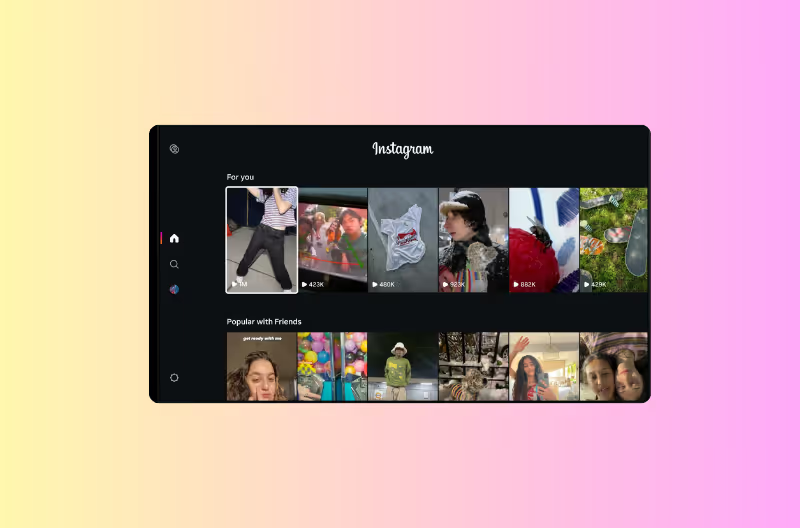
Instagram for TV lets you watch Reels on your TV using Amazon Fire TV devices in the U.S. Learn how to set it up, how channels work, and why this matters for creators who want to turn big-screen views into followers, DMs, and sales.
Instagram’s EOY (End of Year) 2026 drop adds a New Year typeface, hidden Easter eggs in Notes & Story comments, an Edits seasonal pack, Add Yours stickers and AI Restyle presets.
Instagram is testing “unlockable” or locked Reels that stay blurred until you enter a secret code from a hint. Learn how secret-code Reels work, how creators can use them for exclusive content, and what this new Instagram feature means for engagement.
Instagram Reels run 3 seconds to 3 minutes recorded in-app, up to 15 minutes uploaded, and 20 minutes for select accounts. See the best Reel length for each goal.
Auto-scroll on Instagram Reels lets you watch hands-free. How to enable it, turn it off, and what to do if you can't find it in your app.
Story replies are private and only the creator sees them. Story comments are public. See exactly who can see each, how they differ, and how to control both.
Clickable links in Instagram Reels: Meta Verified tiers, link sticker eligibility, paid promotion method, and the free comment-to-DM alternative. Updated for 2026 with current pricing.
Starting December 13, 2024, Instagram removed the ability to follow hashtags. Posts from followed tags no longer appear in feeds, and you can’t follow new hashtags. Here’s what changed, why it happened, and how creators and brands should adapt.
Learn what Instagram AI is, how to chat with Meta AI, and how to create your own custom AI characters with Meta AI Studio. Use Instagram AIs safely and combine them with DM automation.
Instagram’s new Stories update adds an “Add to Story” button so you can reshare any public Story—even without a tag. Learn how it works, privacy controls, and how brands can turn Story reshares into DMs and sales.
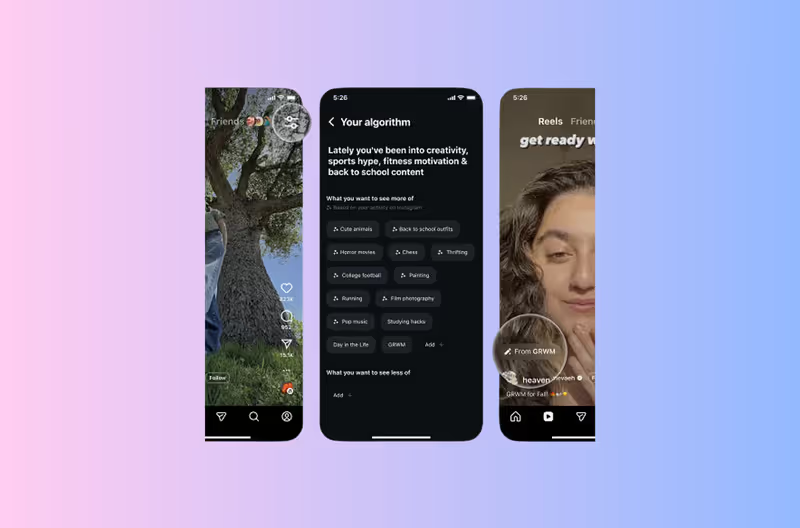
Learn how to control what Instagram shows you in Reels — add and remove topics, train the algorithm faster, and use Instagram's 'Your Algorithm' settings to shape your feed. Step-by-step guide.
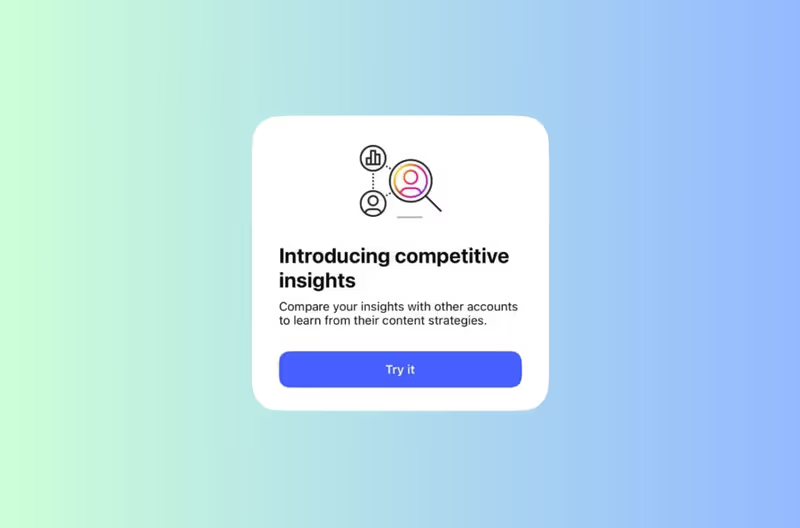
Learn how to use Instagram’s new Competitor Insights to benchmark your performance, analyze engagement, and uncover growth opportunities for your brand.

.avif)
.avif)
.avif)
.avif)
.avif)
.avif)
.avif)
.avif)
.avif)
.avif)
.avif)
.avif)