
Your automations can now ask questions and act on the answers. They can collect information, split into different paths based on who someone is, and hand off to an AI agent mid-flow without losing the thread. Here is everything that shipped this month.
.avif)
Automate Comments and DMs in 5 Minutes
Someone comments on your IG post. They get a DM instantly. You do nothing.

Trusted by 10K+ creators and SMBs


TL;DR
Spend less time patching together workarounds for "yes/no" questions in DMs.
Build flows that actually respond to what people say.
Ask a Question lets your automation send a message, wait for the contact's reply, and then route the conversation differently based on what they said.
Until now, branching in automations depended on buttons. Contacts had to tap a pre-set option. Ask a Question removes that constraint entirely. You send a freeform question, the contact replies in their own words, and Inrō's AI reads that reply and decides which branch to follow.
What this looks like in practice: A fitness coach runs a lead qualifying flow. The automation asks "What's your main goal right now, losing weight or building strength?" The contact types back a short answer. If the reply signals weight loss, they go down one path and receive content about the coach's body recomposition program. If it signals strength or muscle gain, they go down another. No buttons. No friction. The contact just answered naturally, and the flow adapted.
Up until 6 branch paths are available per question. The AI handles the routing based on semantic meaning, not exact keyword matching, so "I want to get leaner" and "drop some fat" both trigger the same branch correctly.
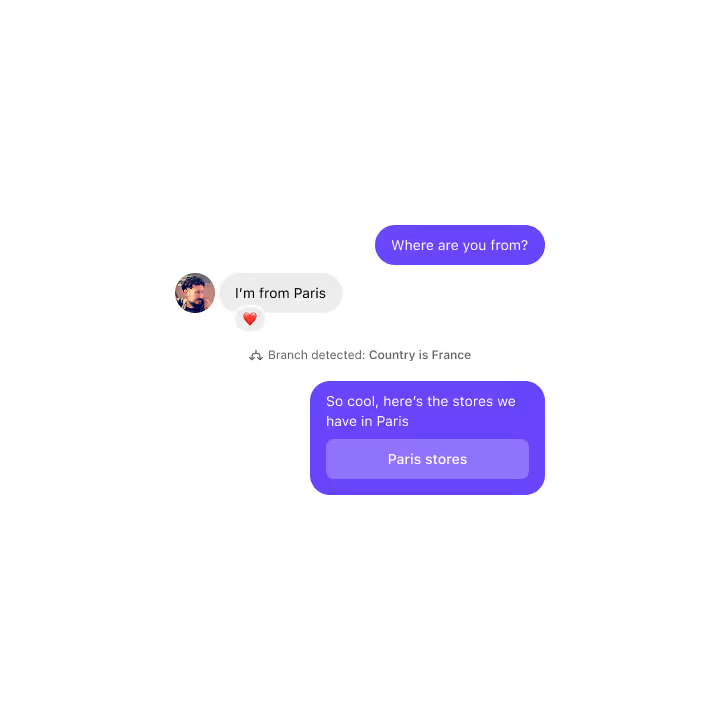
Collect Information asks for a specific piece of data, extracts it from the reply, and saves it directly to the contact's profile in Inrō's CRM.
This turns a DM conversation into an intake form, without the form. You define what you are looking for (a name, a date, an order number, an email address), and the AI detects and stores just that piece of information, ignoring everything else in the reply.
What this looks like in practice: An e-commerce brand wants to follow up personalised shipping inquiries without asking customers to leave Instagram. The automation asks "What's your order number?" The customer replies with something like "I think it's #48291, placed last Tuesday." Inrō extracts 48291 and saves it to the contact record. The next message in the flow can reference it. No manual tagging, no copy-pasting between tools.
Collected data is available immediately in the contact's profile and can be used to personalise subsequent messages in the same flow.
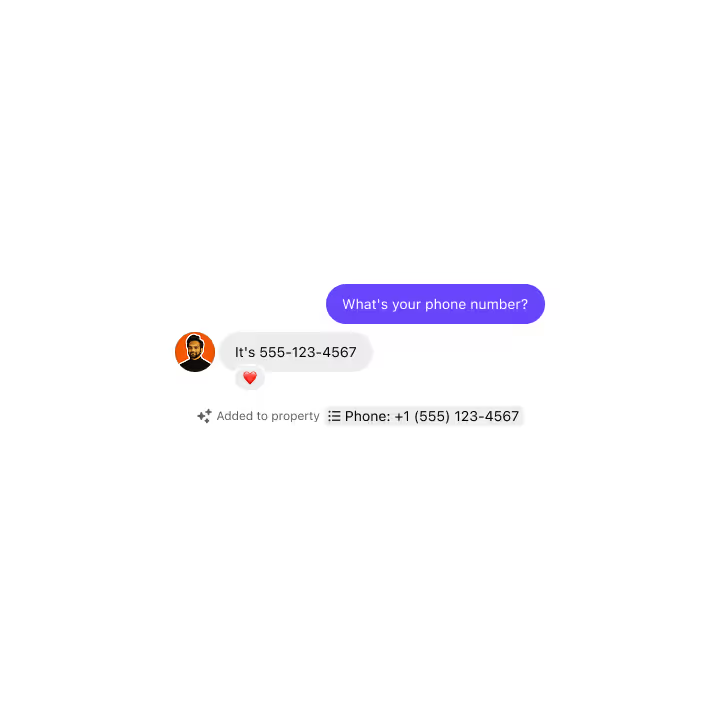
Condition Branches splits your automation into separate paths based on contact data, tags, or previous answers collected earlier in the flow.
This is not the same as the branching inside Ask a Question. Condition Branches is a standalone node you can place anywhere in a flow to route contacts based on what Inrō already knows about them, such as whether they have a specific tag, whether they previously said yes to something, or whether a custom field is filled or empty.
What this looks like in practice: An agency manages Instagram for a software company running a webinar funnel. Some contacts are already paying customers, tagged as such in Inrō. Others are cold leads. The Condition Branch checks the tag. Existing customers get a shorter flow with a direct calendar link. Cold leads get a longer nurture sequence first. Same entry point, two completely different experiences, no manual list-splitting required.

Agent Message inserts a single AI-written reply at any point in your automation, using the conversation history as context, then hands back control to the next step in the flow.
Think of it as a one-shot AI move. The AI reads everything said so far, writes a relevant response, sends it, and then the automation continues as normal. You are not handing the whole conversation to the AI, just asking it to handle one moment intelligently.
What this looks like in practice: A coach sets up a DM flow where the first message is an Agent Message with a simple instruction: "Welcome this person warmly, introduce the program, and ask what their main goal is." Every contact gets a slightly different opening message, written in context, rather than the same copied line. The flow then uses Ask a Question to wait for their reply. Once they answer, a second Agent Message reads what they said and responds to it directly and contextually, before the automation continues to the next step. The whole conversation feels human from the first word.
You set the objective for the Agent Message, and the AI stays within that scope when composing its reply.
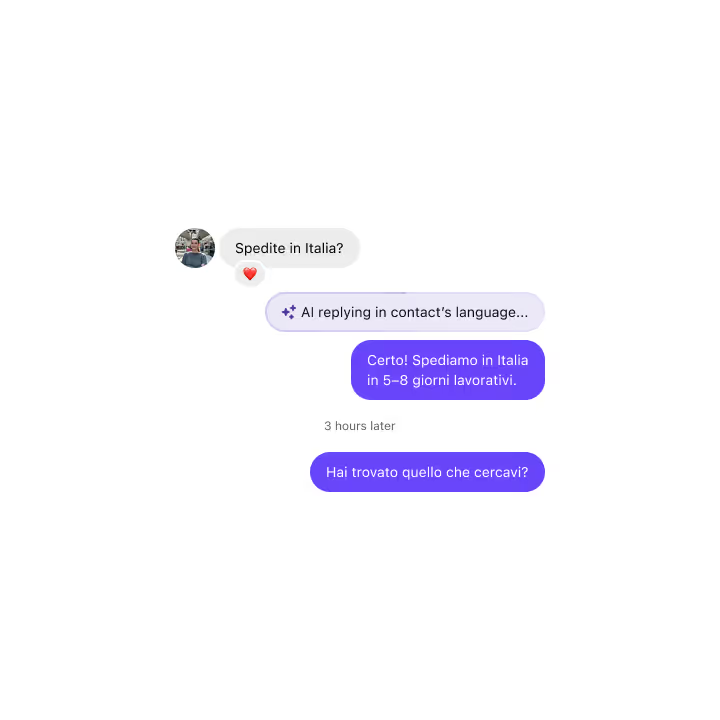
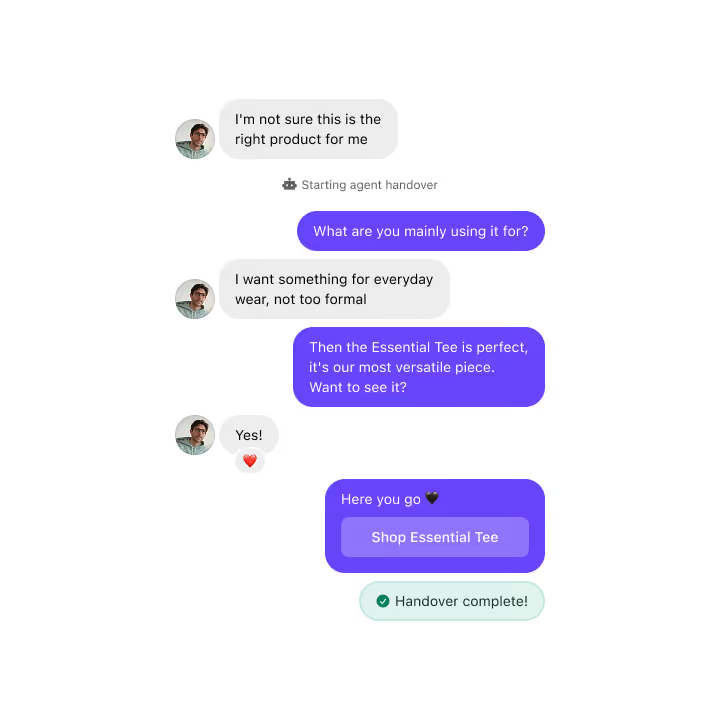
Full Agent Handover passes the entire conversation to your Inrō AI agent with a defined objective, lets it handle the back-and-forth until that objective is met, then returns control to the automation.
This is the difference between asking the AI to say one thing (Agent Message) and asking it to complete a task (Full Agent Handover). You define what "done" looks like, such as "qualify this lead" or "answer product questions", and the AI handles as many exchanges as needed to get there. When the objective is complete, your automation picks up where it left off.
What this looks like in practice: An online coach uses a DM campaign to fill discovery call slots. The automation opens with an introduction and then hands off to Full Agent Handover with the objective: "qualify the contact and offer a booking link if they are a good fit." The AI asks follow-up questions, handles objections, and shares the booking link when the moment is right. Once the contact books or disengages, the automation resumes and tags the contact accordingly.
Full Agent Handover works with whatever objective and knowledge base you have configured in your Inrō AI agent settings.
Add your first Ask a Question or Agent Handover step in under five minutes.


Join automations strategies and Instagram Insights weekly
By entering your email address above and clicking Subcribe, you consent to receive marketing communications (such as newsletters, blog posts, event invitations and new product updates), and targeted advertising from Inrō from time to time. You can unsubscribe from our marketing emails at anytime by clinking on the "Unsubscribe" link at the bottom of our emails. For more information about how we process personal information and what right you have on this respect, please see our Privacy Policy.
Attract more leads, target them with DM marketing, and automate your interactions on Instagram!
.avif)
.avif)
.avif)