Connect Inrō to Make to sync qualified leads into your CRM, trigger DM campaigns, and alert your team the moment a hot lead replies. No code needed.








Works with the tools you already use


Set up your first Instagram automation in 5 minutes.











No. You connect Inrō to Make visually and start from a ready-made template. Building your own scenario is drag and drop, with no scripts or developer setup.
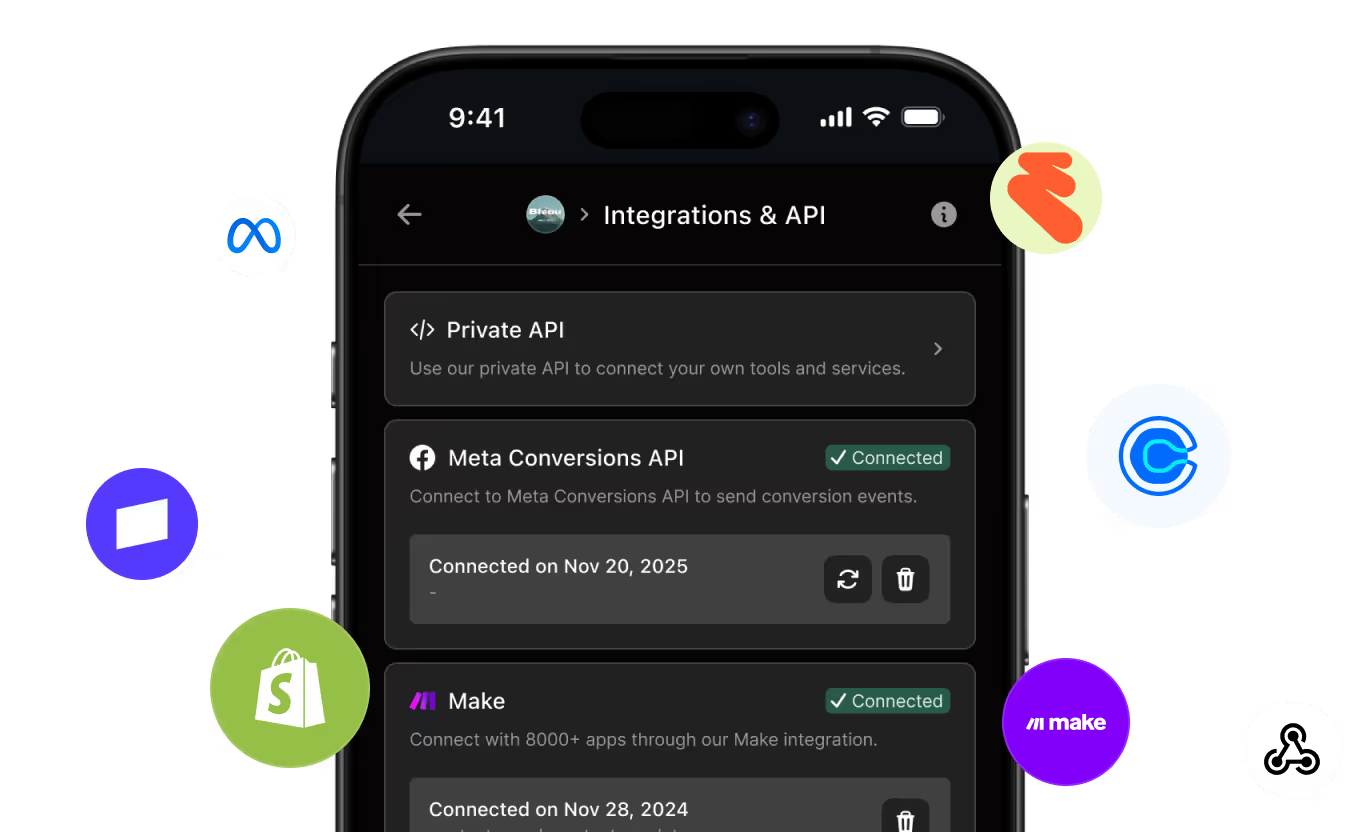
Add the Inrō app inside Make and paste your Inrō API key to authorize the connection. From there you can drop any Inrō module into a scenario. Setup takes a few minutes.
Most templates are live in 15 to 30 minutes. You connect your accounts, map a few fields to match your data, run one test, and turn it on.
Yes. The Watch Created/Updated Contacts trigger fires the moment a contact is created or updated in Inrō, so your leads reach your other tools right away instead of on a delayed batch.
Any of the 8,000+ apps on Make, including Google Sheets, Notion, Airtable, Shopify, HubSpot, Klaviyo, Slack, Calendly, and OpenAI. If an app is on Make, you can connect it to your Instagram DM data.
Common workflows include syncing new DM leads to a CRM or spreadsheet, tagging and scoring contacts, triggering a DM campaign from a new order or form reply, booking calls once a lead qualifies, and alerting your sales team in Slack when a high-intent lead replies.
An Inrō scenario is a DM automation flow that runs inside Instagram. A Make scenario is the automation you build in Make to connect Inrō with your other apps. A Make scenario can trigger an Inrō scenario, so the two work together.
The Inrō app on Make is free to use. You need an Inrō account and a Make plan that fits how many operations your workflows run each month.
Yes. Inrō is a verified app on Make, built and maintained by the Inrō team, so you are connecting through an integration that Make has reviewed and the vendor supports.
Inrō runs on Instagram's official Messaging API and follows Meta's platform rules. Your automations reply to people who message you and respect Instagram's messaging window, which keeps your account in good standing.
Yes. You can run the same scenarios across every client's Inrō account and route each client's leads into their own tools, which makes it easy to standardize your service and report results back.
Your Instagram lead data moves directly between Inrō and the apps you choose through Make's authorized connections. You decide which apps have access, and you can disconnect any of them at any time.
Inrō's help center walks through connecting Make, and the Inrō team supports the integration directly with the Managed Account. Find more info at: inro.social/managed-account-plan
Capture, qualify, and route every Instagram DM into your CRM — automatically.